MacGPT for macOS
Description
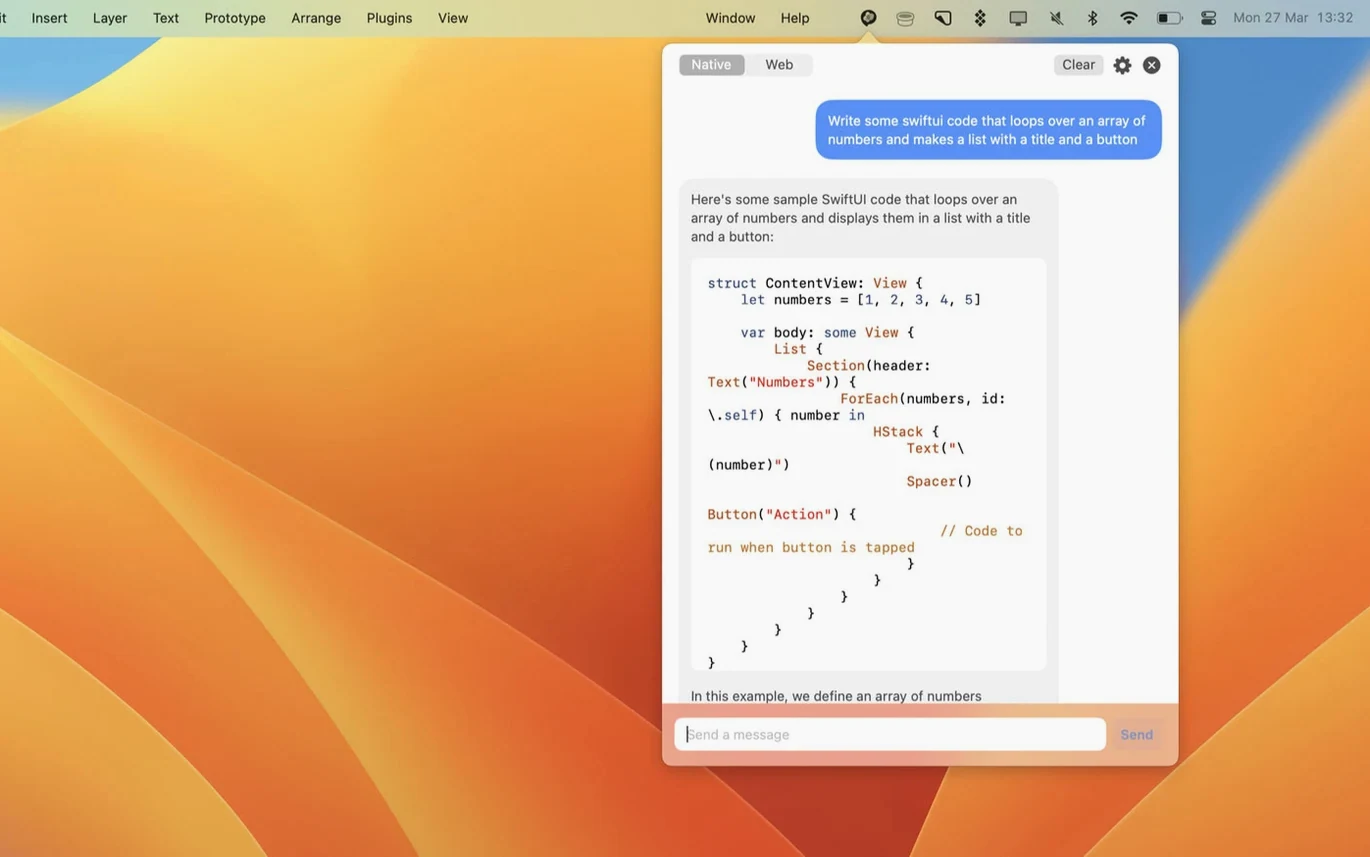
If you've ever kept a pinned Chrome tab for ChatGPT, MacGPT is the native alternative. It lives in your menu bar and opens with a single click — no browser needed.
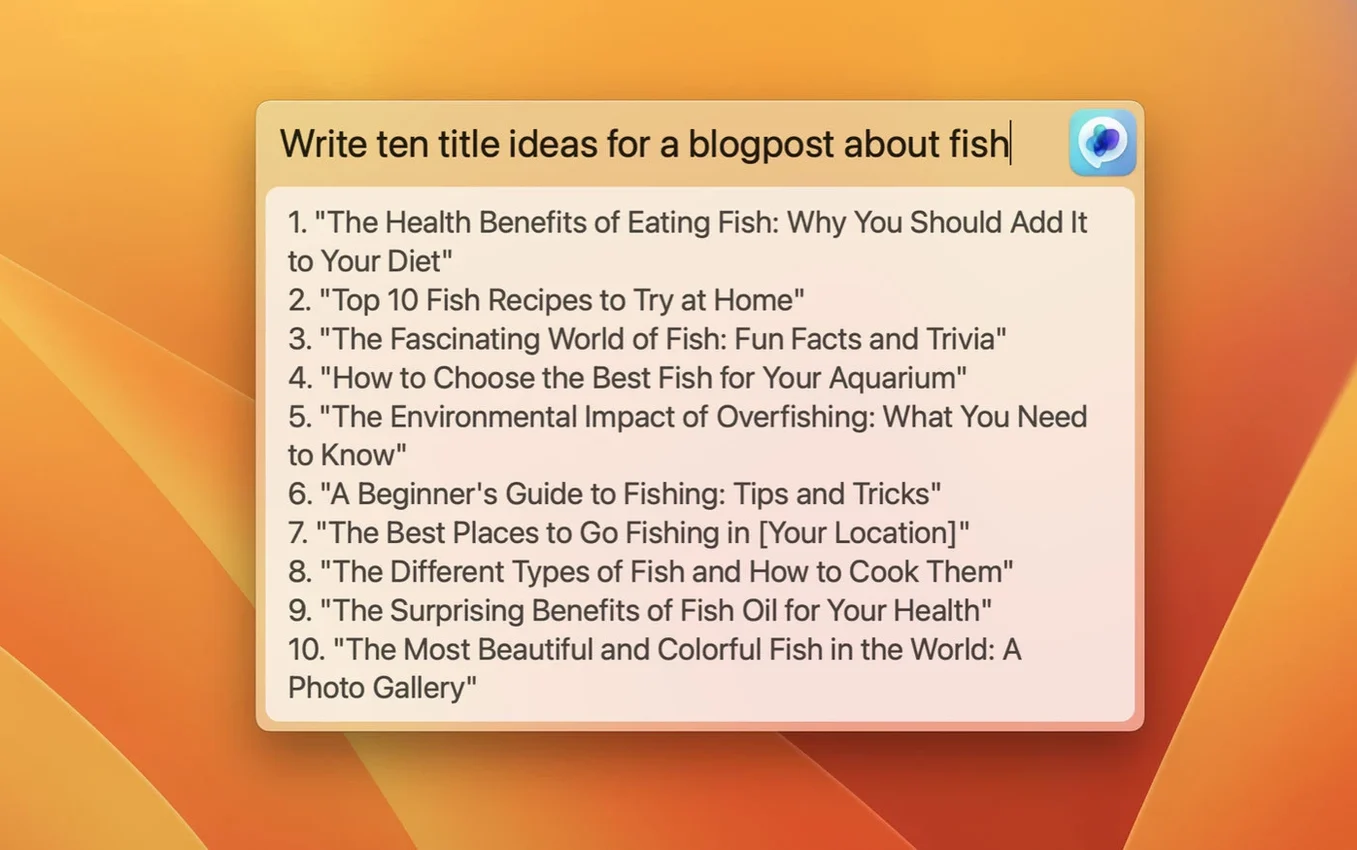
What is the Global feature?
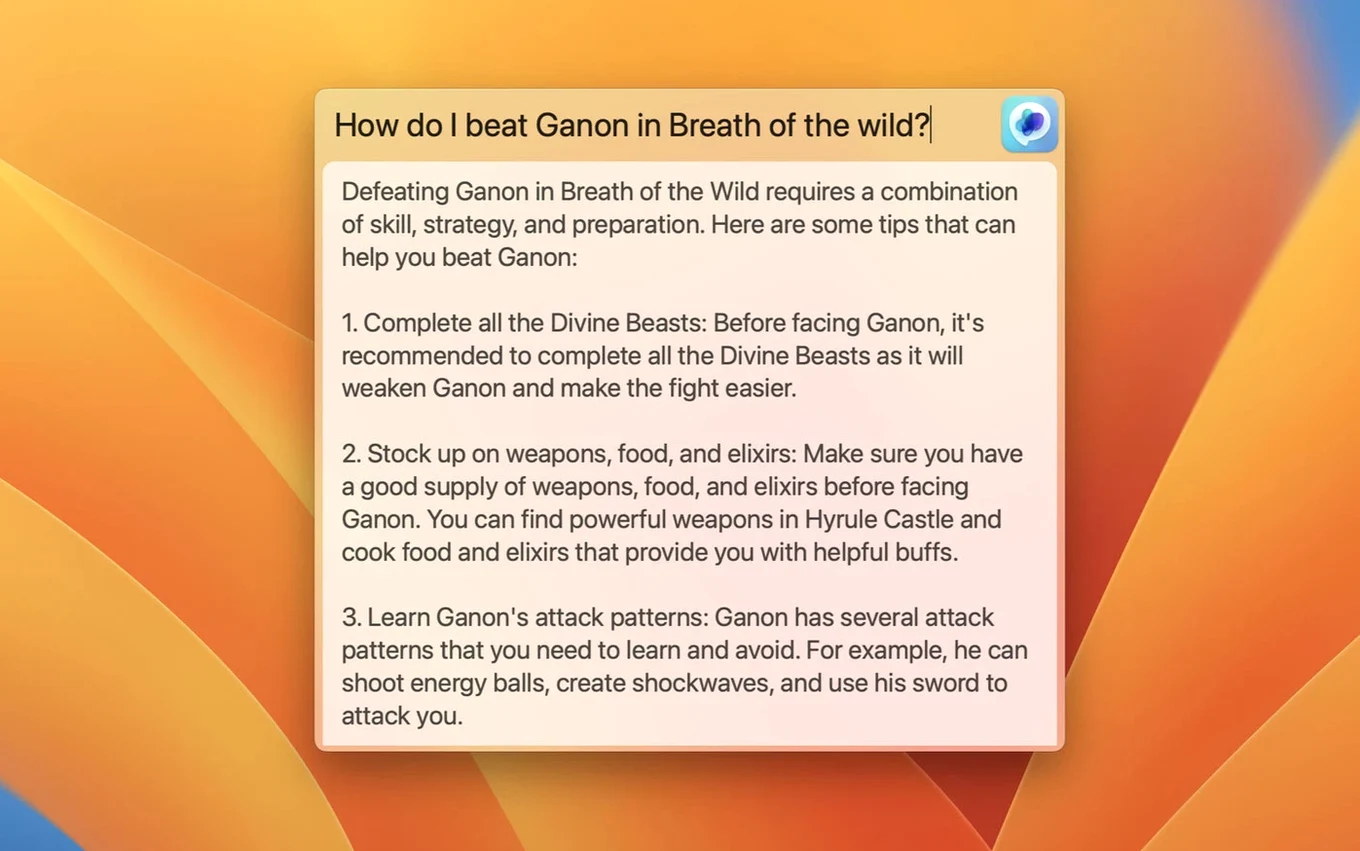
It's a centred text field that pops up from anywhere on your Mac. Hit the shortcut, type your prompt, and you're talking to ChatGPT without switching windows.
Website or API — which should I use?
Sign in with your OpenAI account credentials for the web version. Plug in an API key if you want faster, direct access. The app will show a clear error if the key isn't set up right, which saves the usual guesswork.
How I'd use it for a real task
Say you need a shell script to batch-rename photos. Click the menu bar icon, type the request in Global, and paste the result into Terminal. The whole thing takes under a minute.
What macOS versions does it need?
You can still use the web version after installing
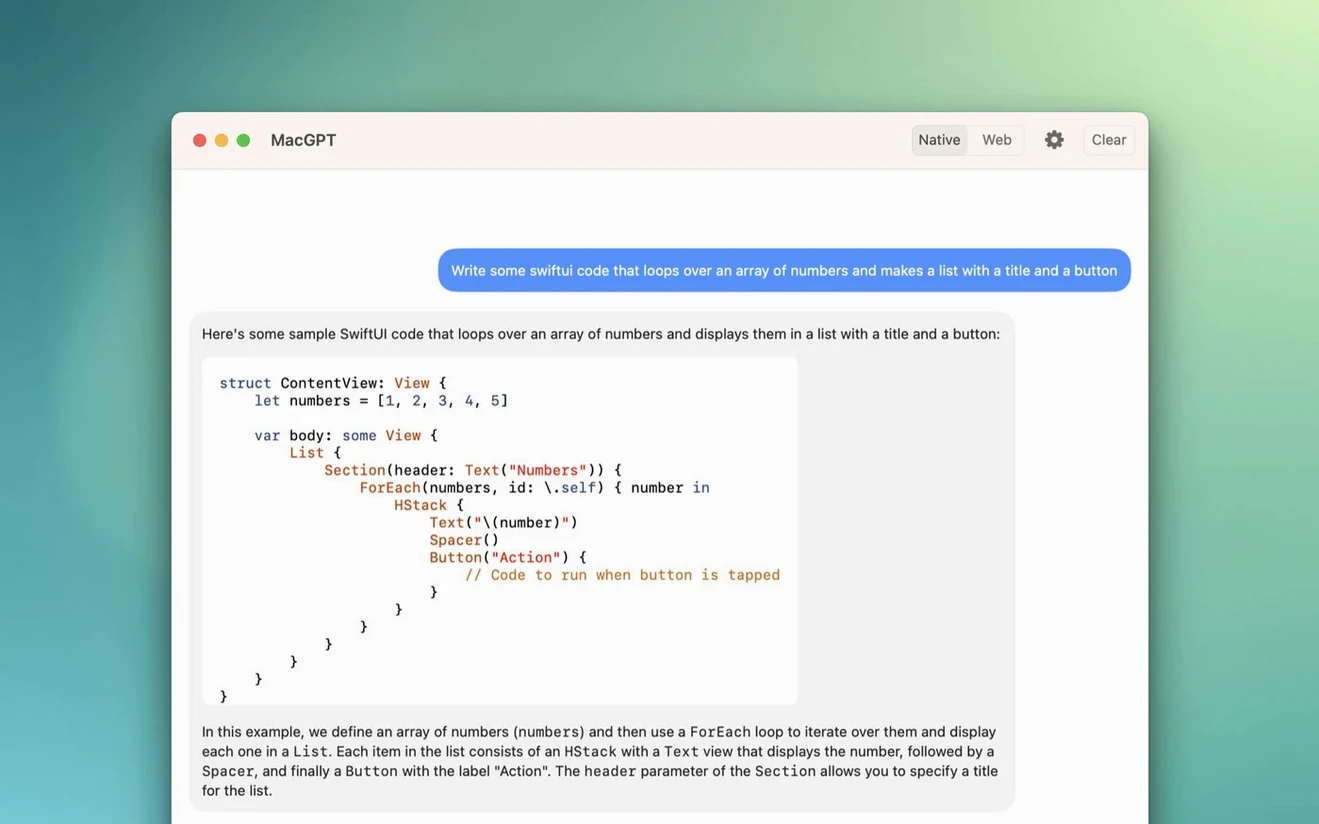
Does it replace the ChatGPT website? Not exactly. MacGPT can load the web interface inside its own window, but the point is quicker access. You can still use chat.openai.com in Safari if you prefer. The app just means you don't have to.
Do I need a separate ChatGPT subscription? You need either an OpenAI account or an API key. The app itself doesn't handle billing. If you usually use the free web version, sign in the same way here.
Will it slow down my Mac? It's a small native menu bar app, not an Electron wrapper. When you're not using it, it sits quietly. The API mode uses a little network traffic per request, nothing more.
Can I use it on an older MacBook? Only if it runs Monterey or newer. If your machine is stuck on Big Sur or earlier, this one won't install.
It saves you from pasting into a browser tab all day
People who write a lot of short prompts during the day. Support staff drafting replies, developers asking for quick code snippets, students summarising notes. Anyone who currently copies text into a browser tab and waits for the page to load will notice the difference immediately.
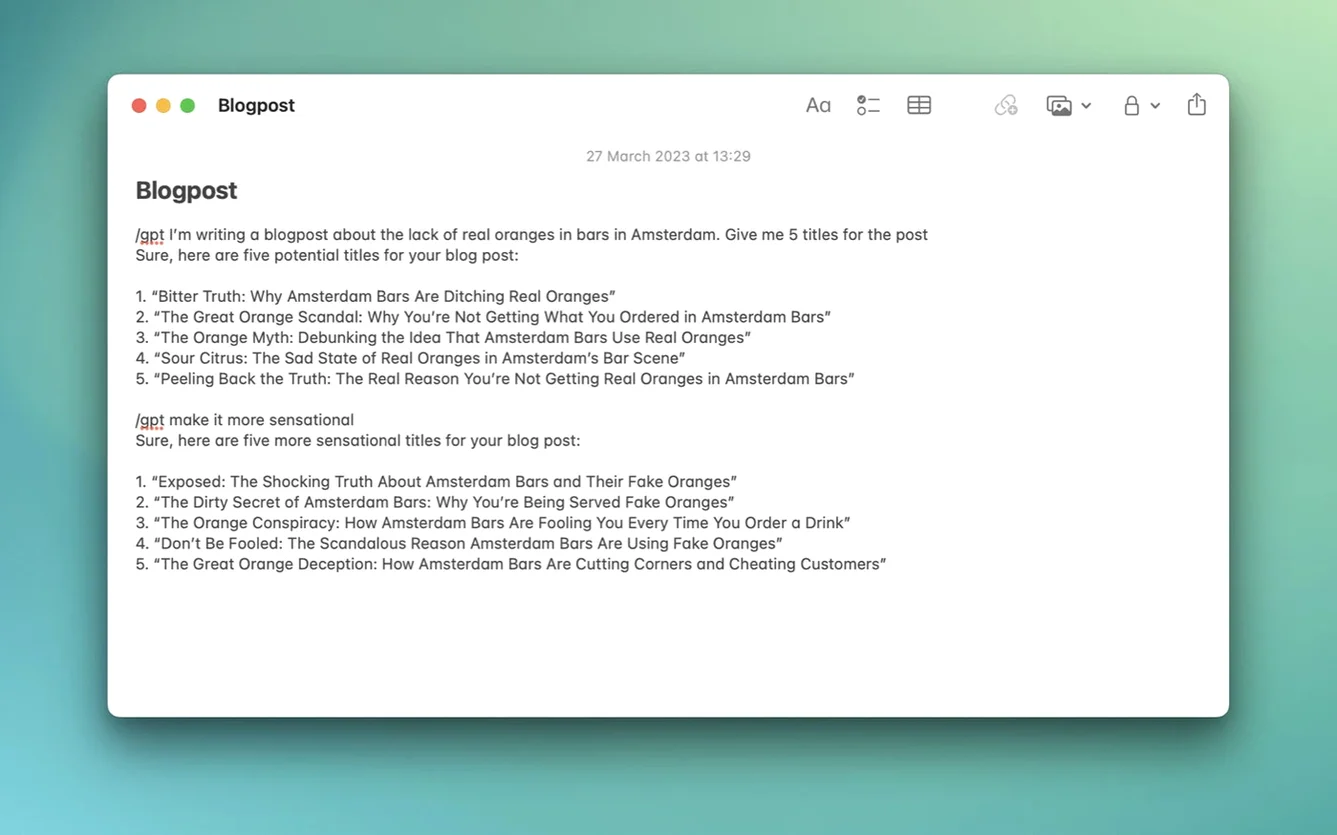
API users benefit too. If you already have a key, the Inline feature turns ChatGPT into something closer to a system service — select text in any app, trigger the shortcut, and the response lands where you're typing. That's the kind of integration the web version can't offer.
API errors tell you the fix before you reinstall
The most common one is ignoring the API error message. If you choose API mode and paste the key without the right permissions, nothing works. The error text tells you what's wrong — read it before reinstalling the app or hunting for a macgpt crack. If you do grab one, just make sure your keychain permissions are in order so it can actually talk to the server.
Another mistake is expecting the Global field to do everything. It's for prompts, not long conversations. For back-and-forth discussion, open the full window instead. And if you're new to macgpt, start with web mode. API mode has fewer guardrails and can burn through your usage faster if you're not careful.
Finally, some people assign a keyboard shortcut that clashes with Spotlight or Alfred, then blame the app when nothing pops up. Check your shortcut in settings before assuming the download is broken. A clean, unassigned combination like Option+Space works well for most people.
Monterey and Ventura only. The app uses newer APIs, so anything older isn't supported.
What’s new
Adds support for gpt-4o.
Requirements
- macOS 12 Monterey or later
- Apple Silicon or Intel Mac
- OpenAI account credentials or an API key
FAQ
Does MacGPT support gpt-4o?
Yes, version 3.21 added support for gpt-4o.
Comments 0
Sign in or create an account to leave a comment.
No comments yet…
If you’ve installed it, say how it went. Mention your Mac and macOS version — it helps the next person more than you’d think.