Logic Pro for macOS
Description
Tap a preset in Amp Designer and you already have a miked-up stack that sounds better than your first practice amp. Logic Pro can feel like walking into a fully wired studio before you've had a coffee, so the trick is to poke the bits that give you something back right away. Here is where to start.
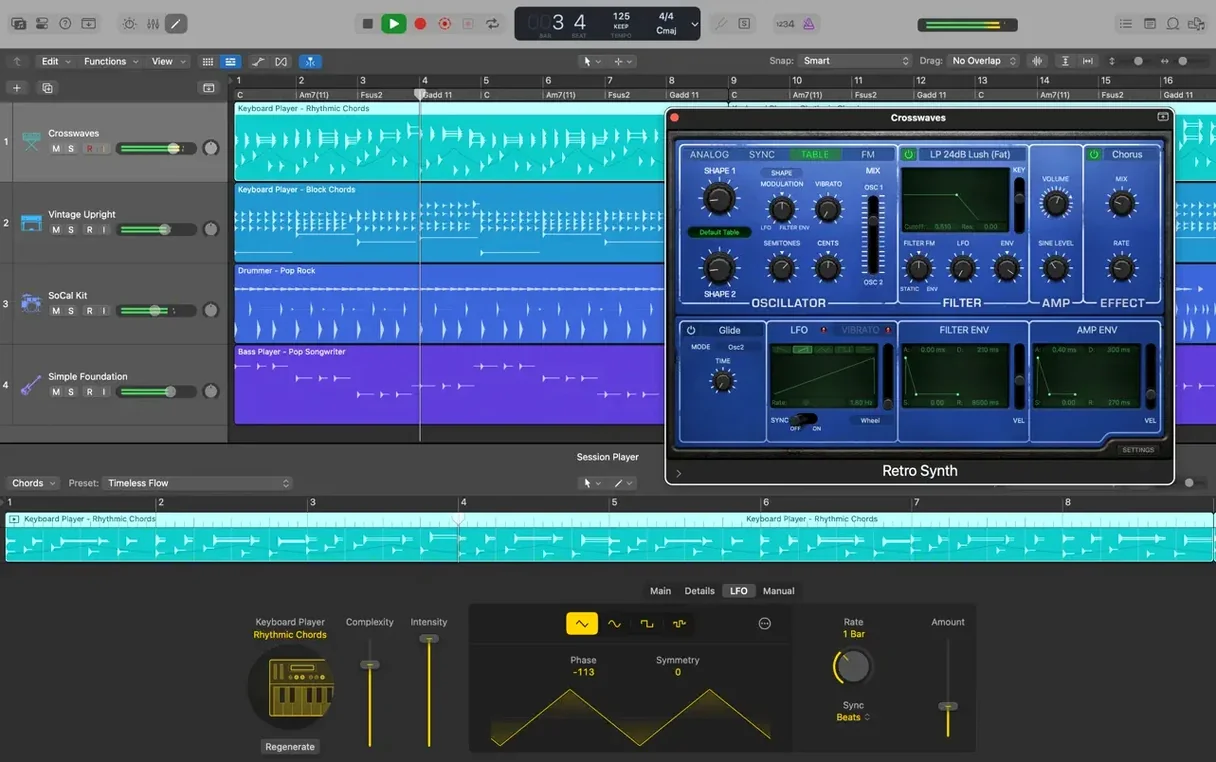
- Pick a Drummer track. Add a new track, choose Drummer, pick a style. It plays a full kit part that follows your song structure. Drag a region to alter the pattern on the fly.
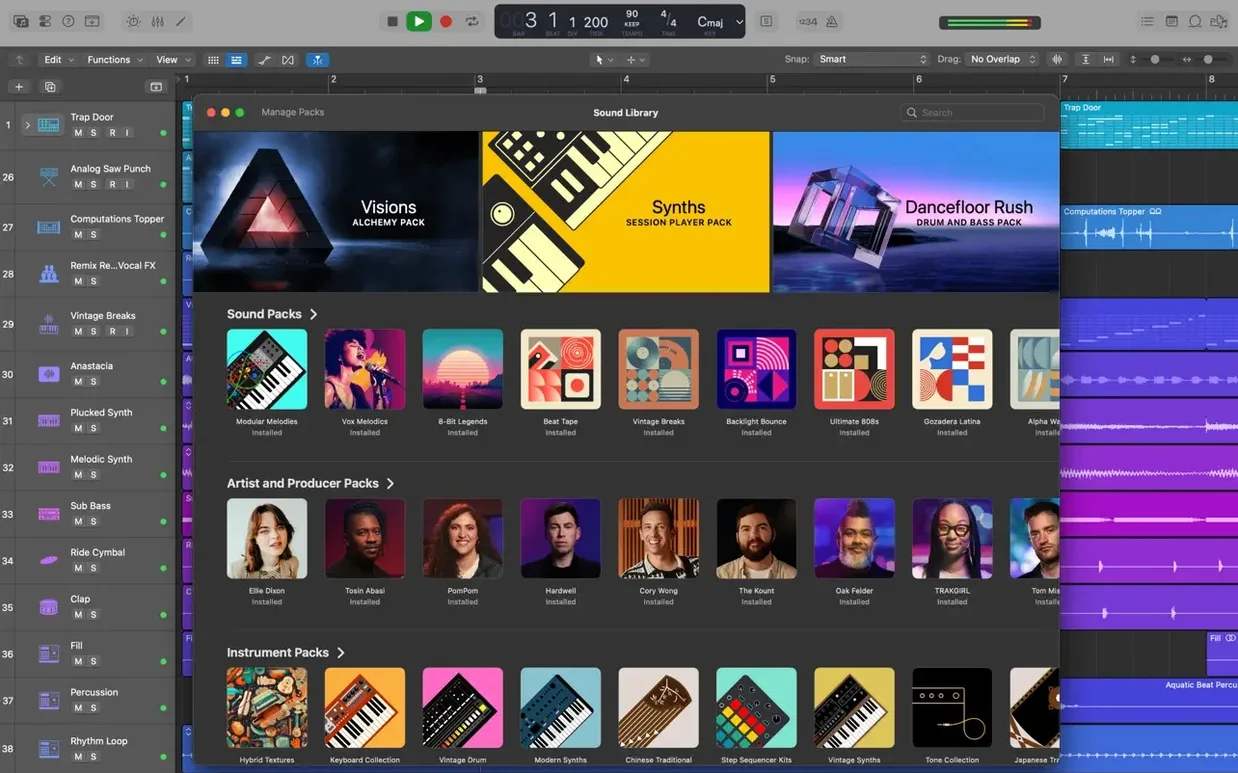
- Load a patch. Open the Library and scroll through the 2,800-plus instrument and effect patches. One click swaps a dry electric piano for a layered synth pad with delay and reverb already dialled in.
- Fix a sloppy take with Flex Time. Select an audio region, turn on Flex Time, then drag a transient to tighten a late snare hit. The audio stretches without wrecking the pitch.
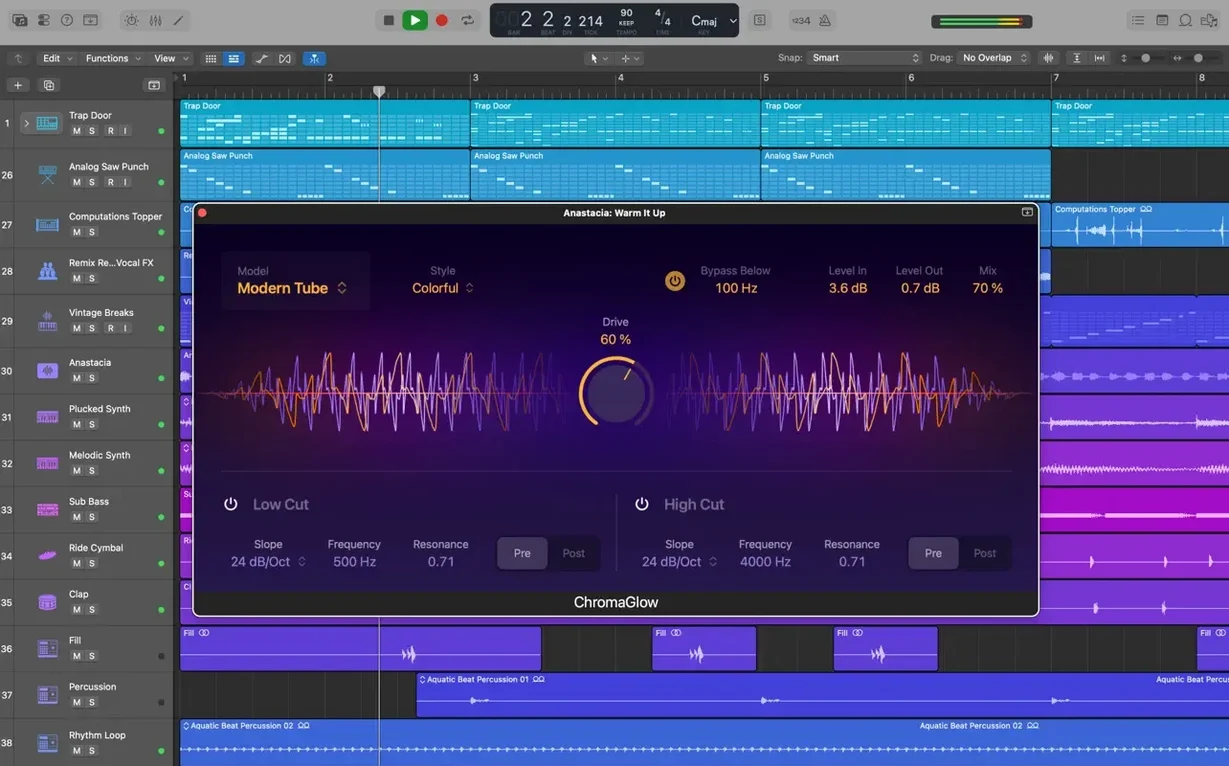
- Tweak multiple plug-ins at once. Open Smart Controls on a track. One knob can nudge the drive on a compressor, the tone on an EQ, and the mix of a reverb together.
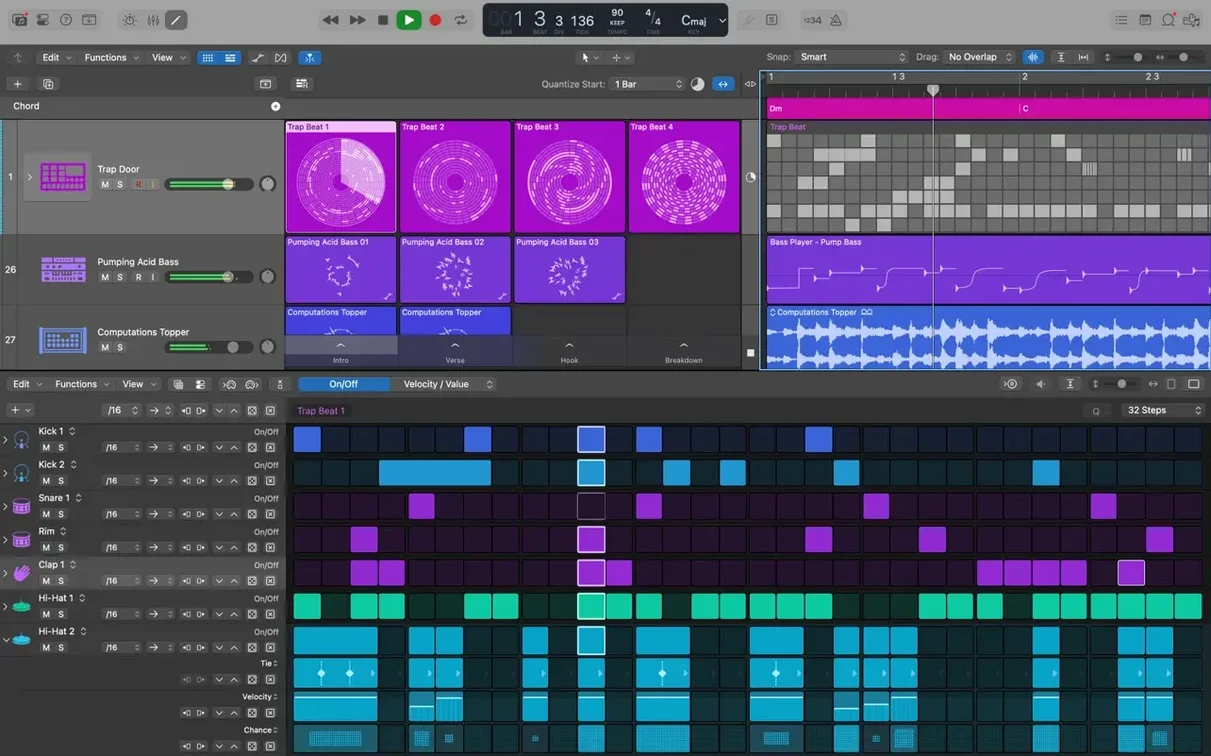
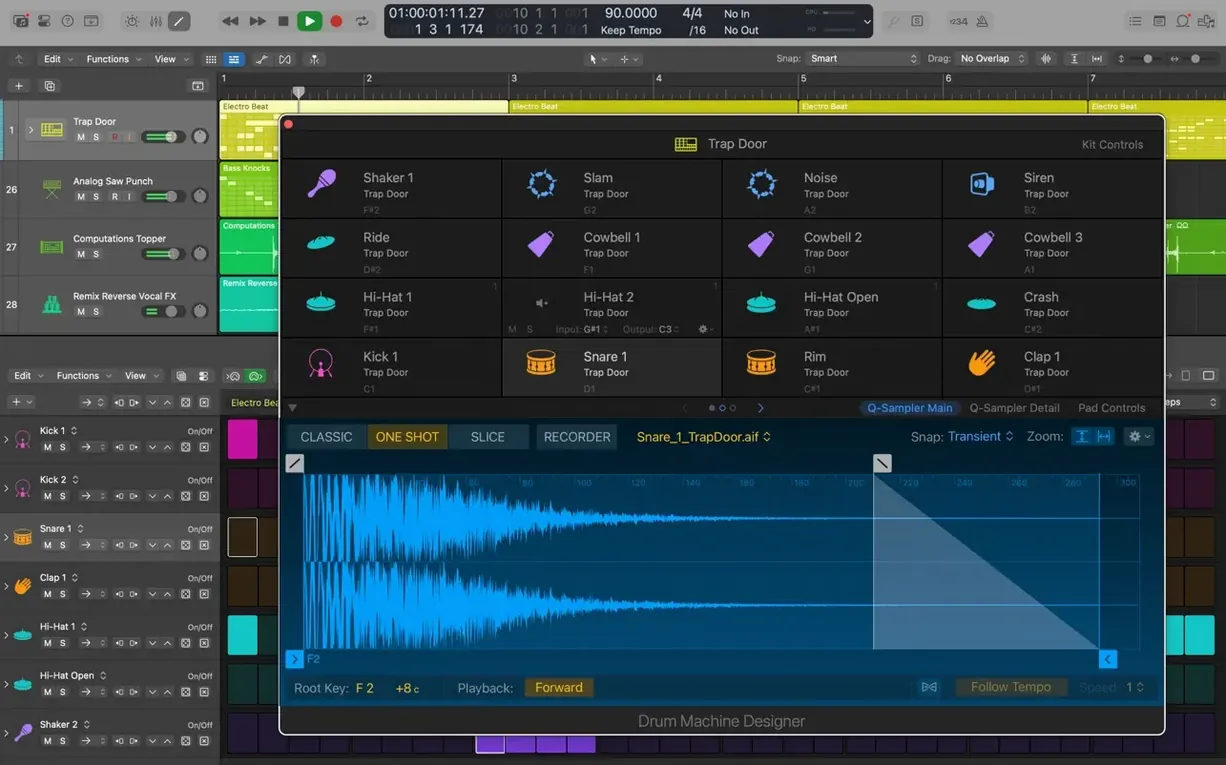
- Swap a beat's character. Fire up Drum Machine Designer on an electronic kit. Swap a kick sample, tune the snare, and run the hats through a filter in a couple of clicks.
You get a solid sound before you touch any deep routing. Once you have a groove and a tone, the rest is just learning where the other cupboards are.
Tracking live instruments and vocals with MIDI
Songwriters who track real instruments and vocals alongside MIDI parts tend to settle into Logic faster than anyone. The Drummer tracks become a scratch rhythm section in seconds, and the patch library means you spend less time sound-designing and more time putting down ideas before they evaporate. If you write to picture, the XML round-trip with Final Cut Pro saves you from rendering stems just to check the timing of a cue.
Mix engineers working on other people's stems often keep Logic around even when they live in another DAW. Quick Swipe Comping makes assembling a vocal from a dozen passes feel like highlighting text, and Flex Pitch catches the note that drifted flat before the client notices. Anyone who edits a lot of dialogue or podcast audio finds the same comping workflow just as useful — it is not only a music feature.
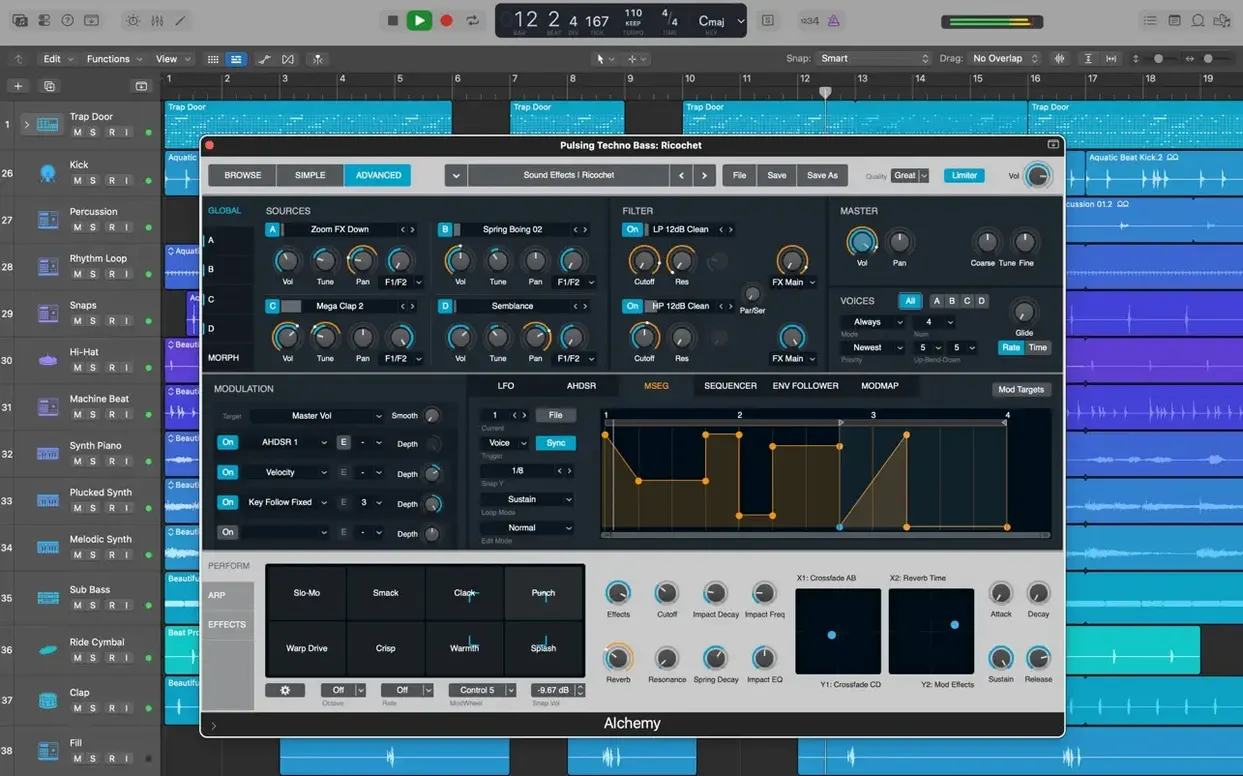
Bedroom producers building electronic tracks from scratch lean heavily on Alchemy. It is a sampler, a granular synth, and a virtual analogue box rolled into one, and the 1,000 sampled instruments inside it mean you can sculpt a bass patch without reaching for a third-party plug-in. The 7,000 Apple Loops also let you audition a drum groove or a melodic phrase quickly; drop one on a track and Logic matches its tempo and key automatically.
If you are the sort who opens a DAW to experiment rather than to deliver a finished mix, the sheer amount of included content keeps you poking around for months. You can treat it like a giant instrument library with a tape machine attached.
Starting a song on iPad and finishing in Logic
Logic and Final Cut Pro already share an XML interchange, but the quieter integration happens through iCloud. Start a sketch in GarageBand on an iPhone or iPad, export it, and Logic pulls the tracks into a new project as editable MIDI and audio regions. It is a handy way to capture a melody when you are away from the Mac, then flesh it out later with bigger instruments.
MainStage lives alongside Logic in the same Apple family. Build a keyboard rig with splits and layers in MainStage, using the same Alchemy and vintage synth patches you tweaked in Logic. The two apps share patch format and plug-in settings, so a sound dialled in during a writing session translates to a live set without rebuilding anything.
Audio Unit plug-ins from other developers slot into Logic's mixer like native effects. Smart Controls automatically map to exposed AU parameters, so a third-party compressor gets the same one-knob treatment as Logic's own. If you already own a collection of AU instruments, Logic treats them as first-class citizens on any track.
The Sound Library is stored outside the app bundle, which means you can relocate it to an external drive. macOS handles the file management — Logic just looks where you tell it to. That is worth knowing if your internal drive is tight and you want the full 63 GB library without sacrificing space for projects.
Staff Style switching in the Score editor is fixed
Version 12.3.1 was largely a clean-up release, but a few fixes touched things that had been annoying people for a while. The Score editor now responds correctly when you switch Staff Styles in the Inspector — a relief if you prepare printed parts and need the clef or transposition to update instantly. Beat mapping transients can be relocated again, which matters when you are tempo-mapping a live recording that drifts.
Crossfade editing got its right-side drag handle back. Before the fix, extending a crossfade on only one side meant opening a dialog or re-drawing the fade from scratch. Now you grab the edge and pull. Small thing, but it removes friction from a task you do dozens of times in a dialogue edit or a drum comp.
The cursor tool behaviour improved so modes activate immediately. Previously, a switched tool sometimes needed a tiny mouse nudge before the pointer changed — a papercut that made quick tool-switching feel laggy. On large sessions with many regions, performance also got a bump. Tracks with hundreds of sliced and crossfaded audio regions scroll and zoom with less stutter.
A crash when playing back MIDI in projects containing video was squashed too. If you score to picture, that one alone probably saved a few unsaved changes.
Download the 63 GB Sound Library overnight
After the drag-to-Applications step and the first launch, Logic asks whether you want to download the full Sound Library. Let it run overnight if you can — the 63 GB pull is worth it. While that downloads, turn on a few things that make day-to-day work less irritating.
- Turn on Complete Features. Logic's Advanced Tools switch lives in the Settings. Without it, half the editors stay hidden. If the interface looks sparse, this is probably why.
- Set a recording folder. By default, Logic bundles audio files inside the project package. That is fine for single-machine work, but if you ever move projects or collaborate, switch to a folder structure. It keeps the project file and its media in one plain folder you can zip and send.
- Pick a buffer size that matches your task. Small buffer for recording (32 or 64 samples keeps latency low), larger buffer for mixing (512 or 1024 gives the CPU room to breathe). Switching takes two seconds and stops you blaming a plug-in for crackles that are really just a buffer setting.
- Open a Drummer track and let it play. Drag the kick-and-snare pattern puck in the Drummer editor to see how the feel shifts. It is the fastest way to understand how Logic's AI drummers respond to simple visual cues instead of piano-roll tweaks.
- Save a template. Once you have a track layout you like — a few audio tracks, a Drummer, a reverb bus — save it as a template. A week later, starting a new project takes two clicks instead of fifteen.
Music producers hunting a logic pro mac torrent often find that the clean install on modern Apple Silicon runs cooler and snappier than older cracked builds ever did. The current version loads Alchemy patches without beachballing, and the Drummer engine previews patterns instantly. If you are coming from a much older version, the difference in everyday responsiveness is noticeable within the first hour of poking around.
What’s new
What's new in 12.3.1:
- Restores the ability to relocate beat mapping transients.
- Fixes the Score so it responds correctly to Staff Style changes in the Inspector.
- Fixes a broken drag handle on the right side of a crossfade.
- Fixes an unexpected quit when playing MIDI in a project with video.
- Improves performance with tracks that contain many regions.
Requirements
- macOS 15.6 or later
- Runs on Intel and Apple Silicon Macs
- 4 GB RAM
- Display at 1280 x 768 or higher
- 64-bit Audio Unit plug-ins required
- 6 GB free disk space for a minimum install; 63 GB free for the full Sound Library
Comments 0
Sign in or create an account to leave a comment.
No comments yet…
If you’ve installed it, say how it went. Mention your Mac and macOS version — it helps the next person more than you’d think.