iBar-Menubar icon control tool for macOS
Description
Runs on macOS 10.12 and later, and it's a universal binary, so it's happy on old Intel machines and new M-series Macs alike. iBar is really aimed at anyone with a screen notch, where menu bar space runs out fast.
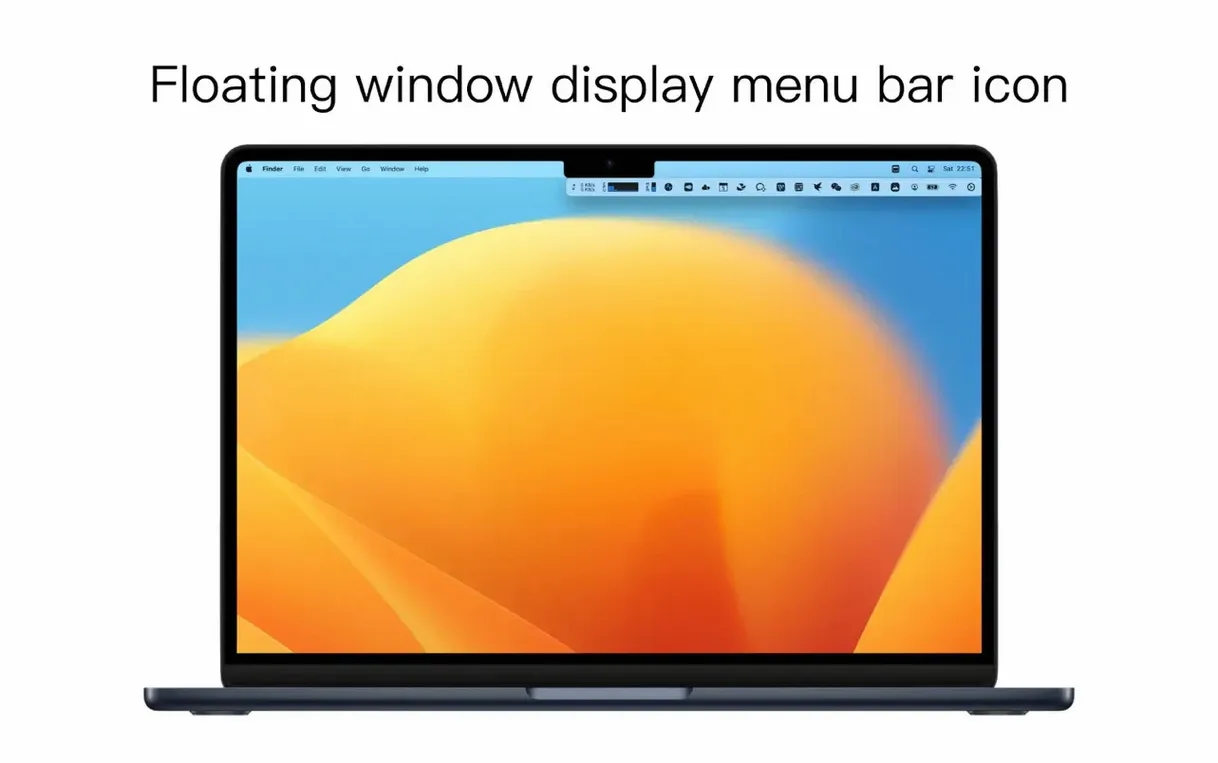
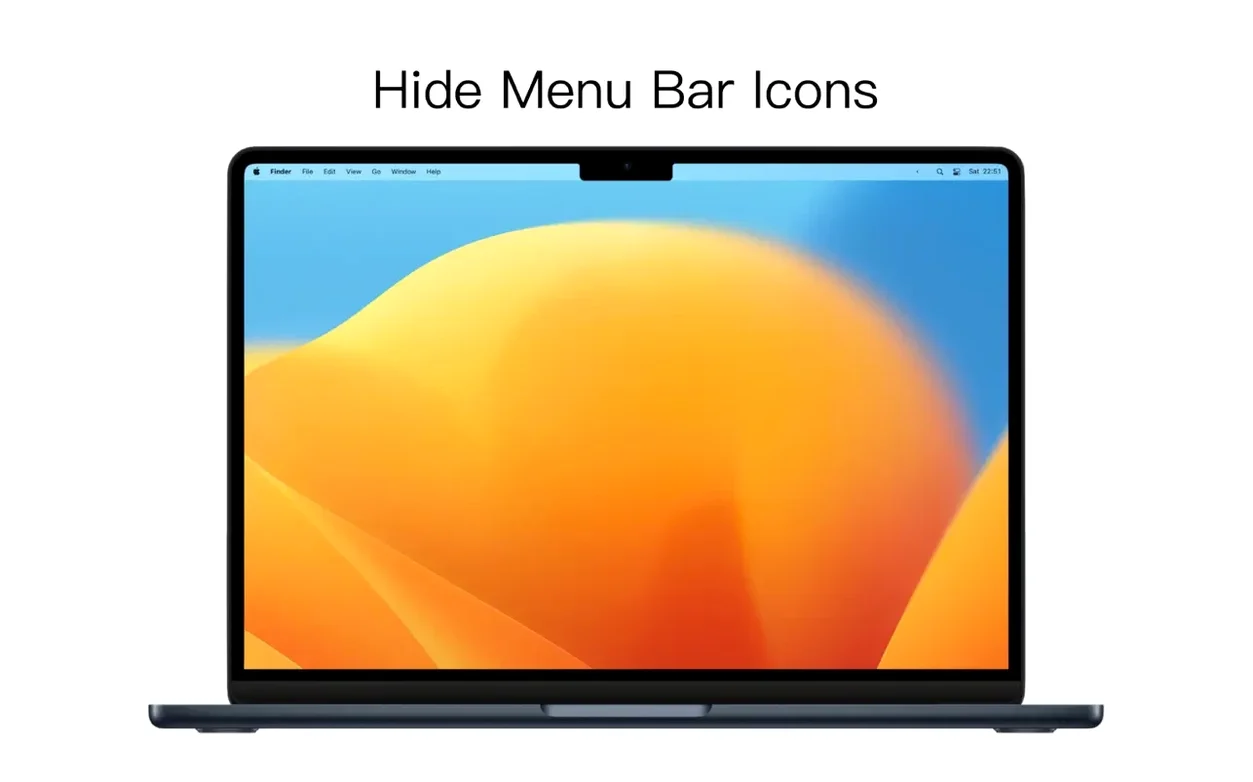
- Hides menu bar icons and lists them in a clean, separate window.
- Set specific icons to stay permanently hidden.
- Click the menu bar controller to show or hide the overflow list.
- Written for both ARM and x86 64-bit architectures.
- Interface in English and Simplified Chinese.
When hidden icons take a moment to disappear
After hiding an icon, you might expect it to vanish from the menu bar instantly. Most do. A few stubborn ones — usually third-party utilities that redraw their own icons — take a second or two to disappear. That's normal macOS behaviour, not a bug in iBar.
If an icon won't hide at all, quit the parent app, launch it again, then try hiding it in iBar. Some apps register their menu bar presence only at launch, and iBar needs to see that registration first.
The overflow window can occasionally open behind other windows. If you click the controller and nothing appears visible, check whether it's tucked behind your current app. Toggling iBar's visibility once usually brings it forward.
On older macOS versions (10.12–10.14), you might see a slight delay opening the overflow list the first time after a cold boot. Let it warm up for ten seconds and it settles down.
Hide gradually — keep only what you check deliberately
Don't hide everything at once. Spend a day noting which icons you actually glance at — the ones you check deliberately — and hide the rest. You'll end up with a menu bar that shows only what you use and an overflow list that's genuinely useful.
Set WiFi, battery, clock, and any live-monitoring tool you glance at regularly to always show. Hide the background helpers: cloud sync status, clipboard managers, backup agents. Those belong in the overflow window.
If you're on a notch Mac and have already trained yourself to ignore the left-side icon pile-up, give iBar a proper trial. Download iBar-menubar icon control tool for mac, set it to launch at login, and let it handle the clutter for a few days. The difference is more noticeable than you'd think.
And if you switch between English and Chinese, iBar follows your system language preference. No extra step needed — it just picks it up.
It doesn't try to be a full system customiser. It just solves the space problem and gets out of your way.
Requirements
- macOS 10.12 or later
- Apple Silicon or Intel processor
FAQ
Does iBar work on Macs without a notch?
Yes. It runs on any Mac with macOS 10.12 or later, but the main benefit is clearing space on notched screens.
Can I hide just some icons and keep others in the menu bar?
Yes. You can set individual icons to always stay hidden while the rest remain visible.
Is it a native Apple Silicon app?
Yes, the application includes native support for both Apple M-series chips and Intel processors.
Comments 0
Sign in or create an account to leave a comment.
No comments yet…
If you’ve installed it, say how it went. Mention your Mac and macOS version — it helps the next person more than you’d think.