
Infuse Pro for macOS
Description
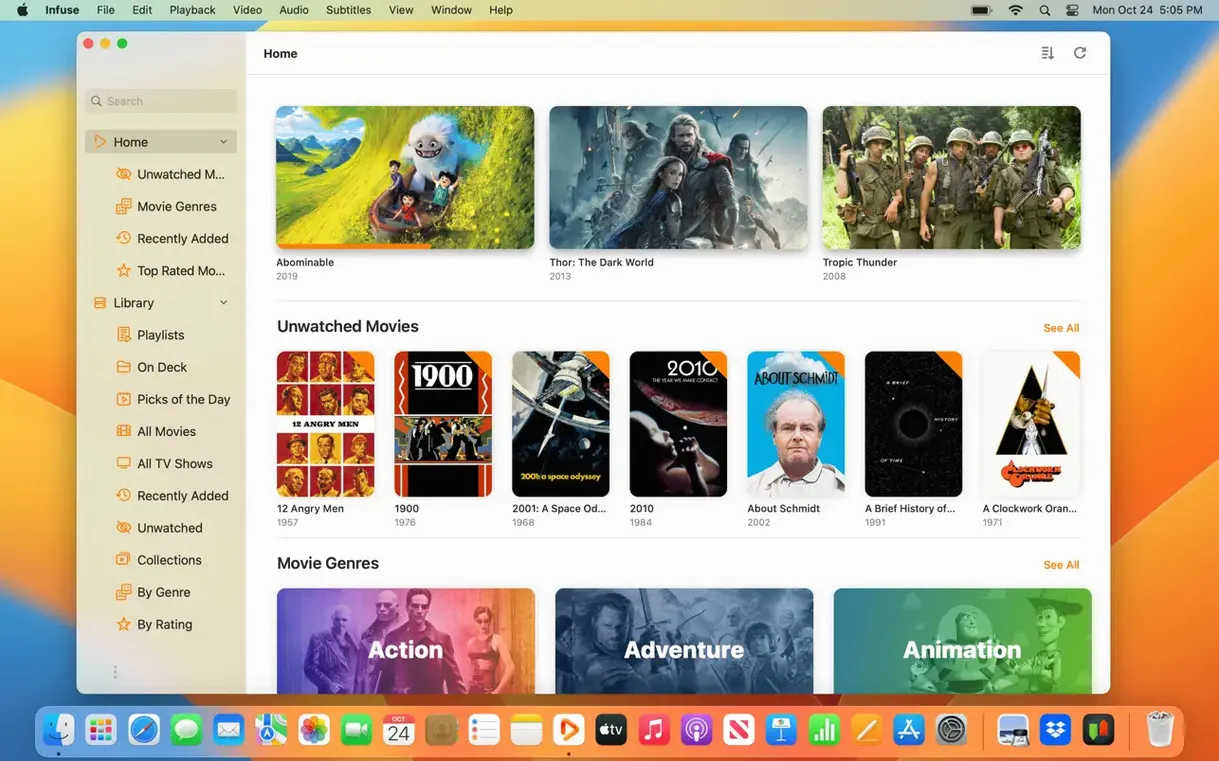
Infuse is a video player that handles nearly every file format you throw at it without needing separate codec packs or conversion tools.
Plays files from NAS, Mac shares and Plex servers
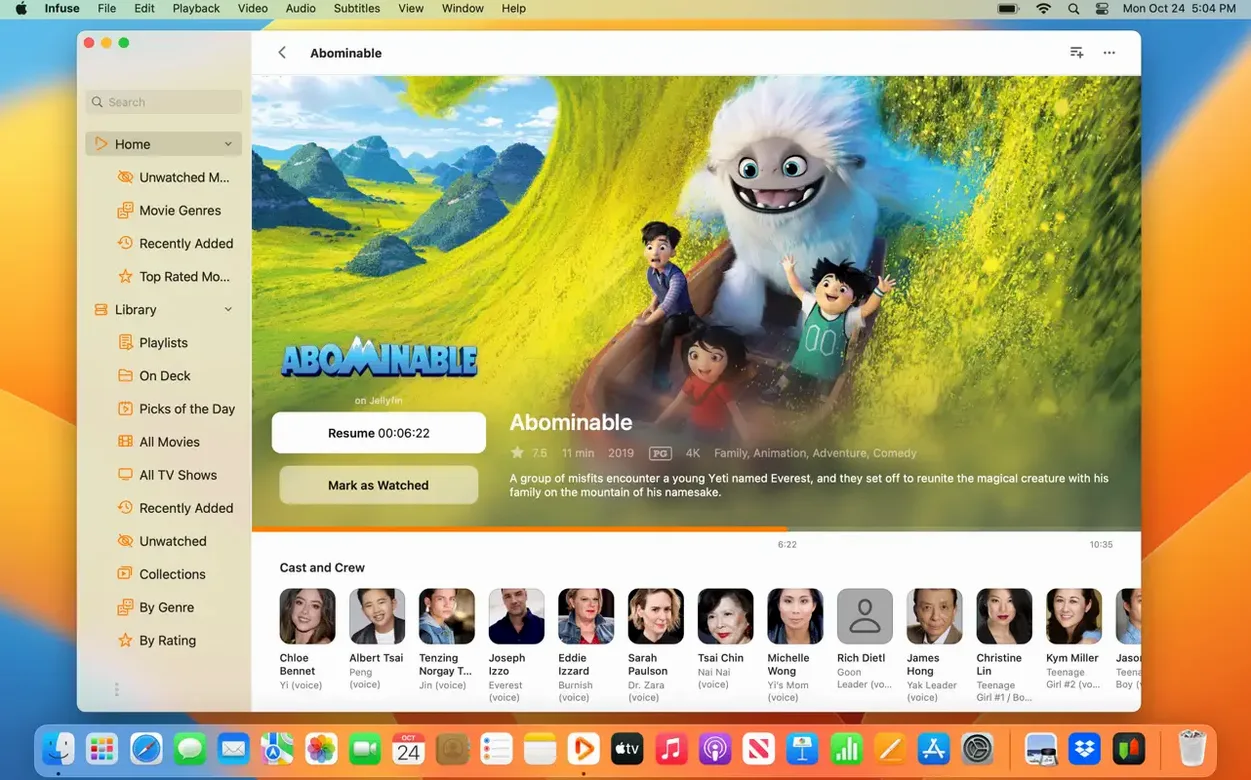
- Direct playback from network sources — Mac shares, NAS boxes, Wi-Fi drives, plus Plex, Emby and Jellyfin servers.
- Cloud streaming from Dropbox, Google Drive, OneDrive, Box, pCloud, Yandex.Disk and Mega.nz.
- Fetching subtitles from OpenSubtitles or loading your own subtitle files on the fly.
- Keeping watched status and in-progress position synced across iPhone, iPad, Apple TV, Mac and Vision (Pro feature).
Pro upgrade unlocks iCloud library sync
- Infuse Pro is a paid upgrade inside the app. It adds iCloud library sync.
- The interface handles many languages, but the 8.5.5 changelog on Firecore's site covers iOS and iPadOS only.
8.5.5 changelog covers iOS only, Mac gets maintenance
Version 8.5.5 appeared on 16 September 2026. The release notes Firecore published cover iOS and iPadOS, so Mac users should treat this as a maintenance pass rather than a feature drop. In everyday terms, the Mac build tends to follow the mobile fixes closely: playback corrections, subtitle timing adjustments and small stability patches that stop the app from tripping over certain MKV or AVI files.
Nothing in the current version changes how the app behaves on macOS. It still runs on macOS 12 and later, on both Apple Silicon and Intel Macs, and the core job — opening a file and playing it without drama — works the same as it did in the 8.x line. If you are on an older 8.x build, updating is a low-risk move. The fixes are the kind you do not notice until you hit a file that used to stutter or lose audio sync, and then it simply does not happen.
For Mac users specifically, the practical change is mostly absence of change: no new formats, no reworked interface, no altered network behaviour. The update matters more if you watch on an iPad or iPhone during the day and switch to the Mac at night, because the sync path benefits from both ends running the same version.
Plain SMB or NFS folder works, no media server required
Do I need a media server to use Infuse? No. A plain folder shared from a Mac, PC or NAS over SMB, NFS, FTP or WebDAV works. Plex, Emby and Jellyfin are optional, not required. The same goes for cloud sources: a Dropbox or OneDrive account is enough.
Will it replace my current player without breaking anything? Infuse does not touch system codecs or other apps. It sits alongside whatever you already use. The only thing to keep in mind is that it builds its own library of watched status and artwork, so you may end up with two apps tracking progress on the same files.
Does the Pro upgrade change playback quality? No. The free feature set plays the same formats with the same audio support, including Dolby Digital Plus and DTS-HD. Pro unlocks iCloud syncing of library, watched status and the in-progress queue across Apple devices. If you watch on a single Mac, the difference is mostly invisible.
How big is the install? Small by modern standards — the disk image downloads quickly and the app copies into Applications without additional components. No helper tools, no background daemons.
Compared with other Mac players
People often weigh Infuse against IINA and VLC. The three overlap heavily on format support, but they are built for different habits.
VLC is the old reliable: it opens anything and asks nothing in return. Its interface has improved over the years but still feels like a utility. Library management is weak, network streaming works but requires manual URL entry in many cases, and there is no cross-device sync story. If you double-click a file and want it to play, VLC does the job. If you want a browsable library with posters and progress tracking, it does not.
IINA is the Mac-native answer: a clean, modern interface built on mpv, with excellent keyboard control and a genuine macOS feel. It is lighter than Infuse in some ways and entirely free. But IINA is a single-device app. No cloud sources, no Trakt sync, no watched-status syncing to an Apple TV. It is the player for people who live on one Mac and want something nicer than VLC.
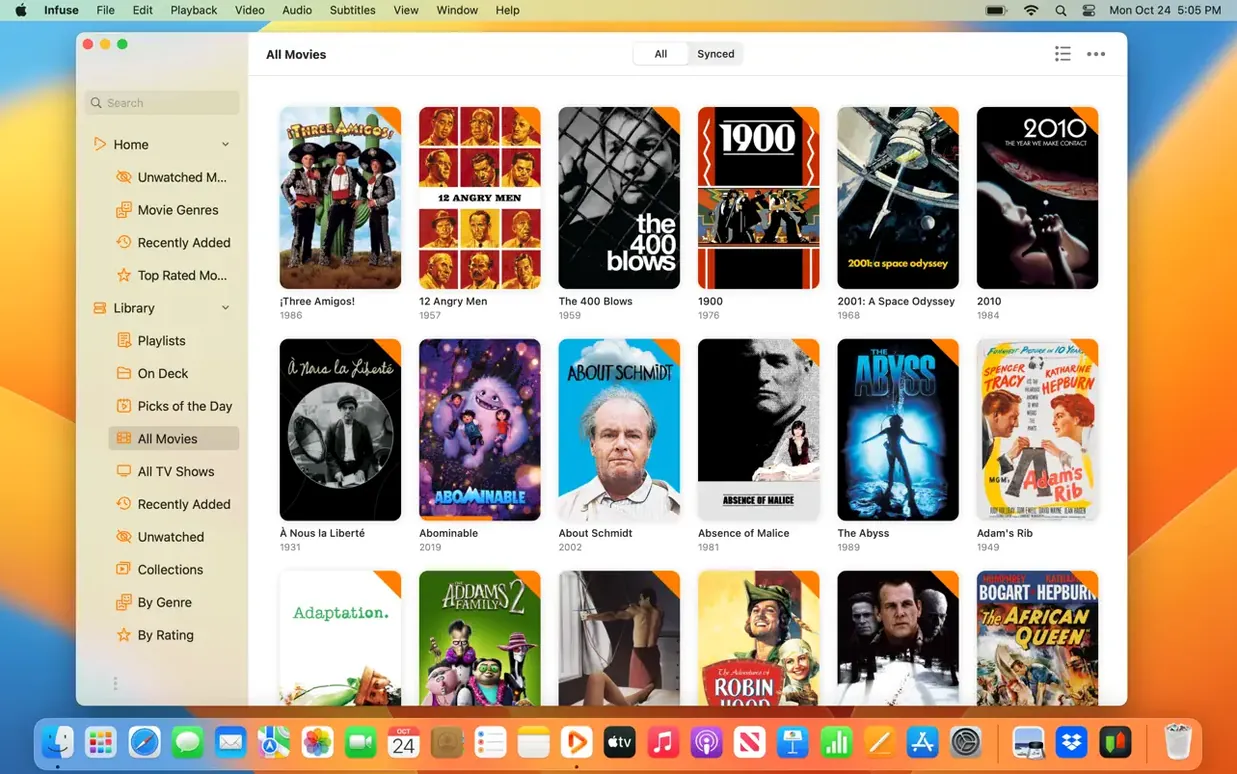
Infuse sits at the other end. Its library is the product: posters, watched status, subtitle fetching from OpenSubtitles, and a queue that follows you from Mac to iPad to Apple TV. The trade-off is that it is heavier than IINA and more opinionated than VLC. If you already keep a media library on a NAS and watch on more than one Apple device, that trade-off pays for itself. If you just need to open the odd file on one Mac, IINA or VLC is less overhead.
What’s new
Version 8.5.5 — 16 September 2026
- Fixes playback and library issues listed in the iOS and iPadOS release notes.
Requirements
- macOS 12 or later
- Apple Silicon and Intel Macs
FAQ
What does Infuse Pro add over the free version?
Native iCloud syncing for your library, watched status and in-progress queue across all your Apple devices.
What media servers does Infuse work with?
It streams directly from Plex, Emby and Jellyfin, as well as standard Mac, PC and NAS shares.
Comments 0
Sign in or create an account to leave a comment.
No comments yet…
If you’ve installed it, say how it went. Mention your Mac and macOS version — it helps the next person more than you’d think.