
HitPaw Watermark Remover for macOS
Description
People who post product shots, repurpose stock footage, or clean up old family photos tend to reach for HitPaw Watermark Remover. It does one job: erase unwanted logos, timestamps and objects from images and video.
What 2.4.7 brings (and what didn't change)
This release is a maintenance update. No new removal modes, no extra file support. The toolbox still holds the same three repair methods:
- Smooth filling — blends the selection into a flat colour area.
- Edge filling — works near hard lines and borders.
- Texture repair — reconstructs complex backgrounds.
Image formats remain JPEG, JPG, PNG, WebP and BMP. Video support covers the usual range: MP4, MOV, AVI, MKV, FLV, WebM and a handful of others. The Intel-only requirement hasn't budged either — you still need a 64-bit Intel Mac running macOS 10.13 or later.
The same interface, for better or worse
The graphical interface is unchanged. It's a straightforward import-select-remove loop. No dark mode refinements, no layout tweaks. If you used an earlier 2.x build, you already know where everything lives. The app remains available in ten languages, including English, German, French, Spanish and Japanese.
A session in three steps
I opened a product photo where a semi-transparent logo sat across a textured leather background. Not the easiest removal, but a fair test.
1. Import. Dragged the JPEG onto the window. The app accepted it instantly — no format warnings, no surprise resizing.
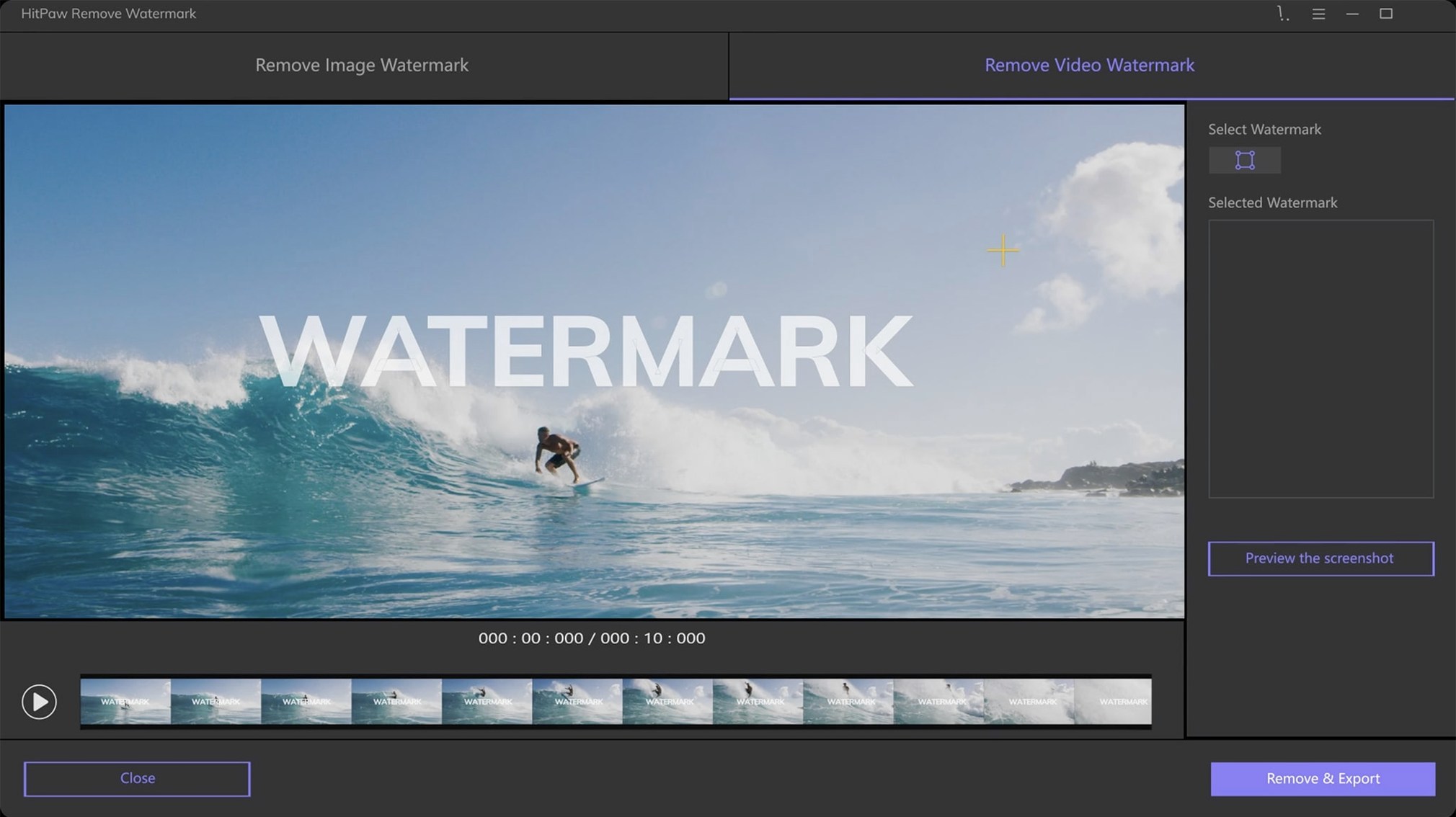
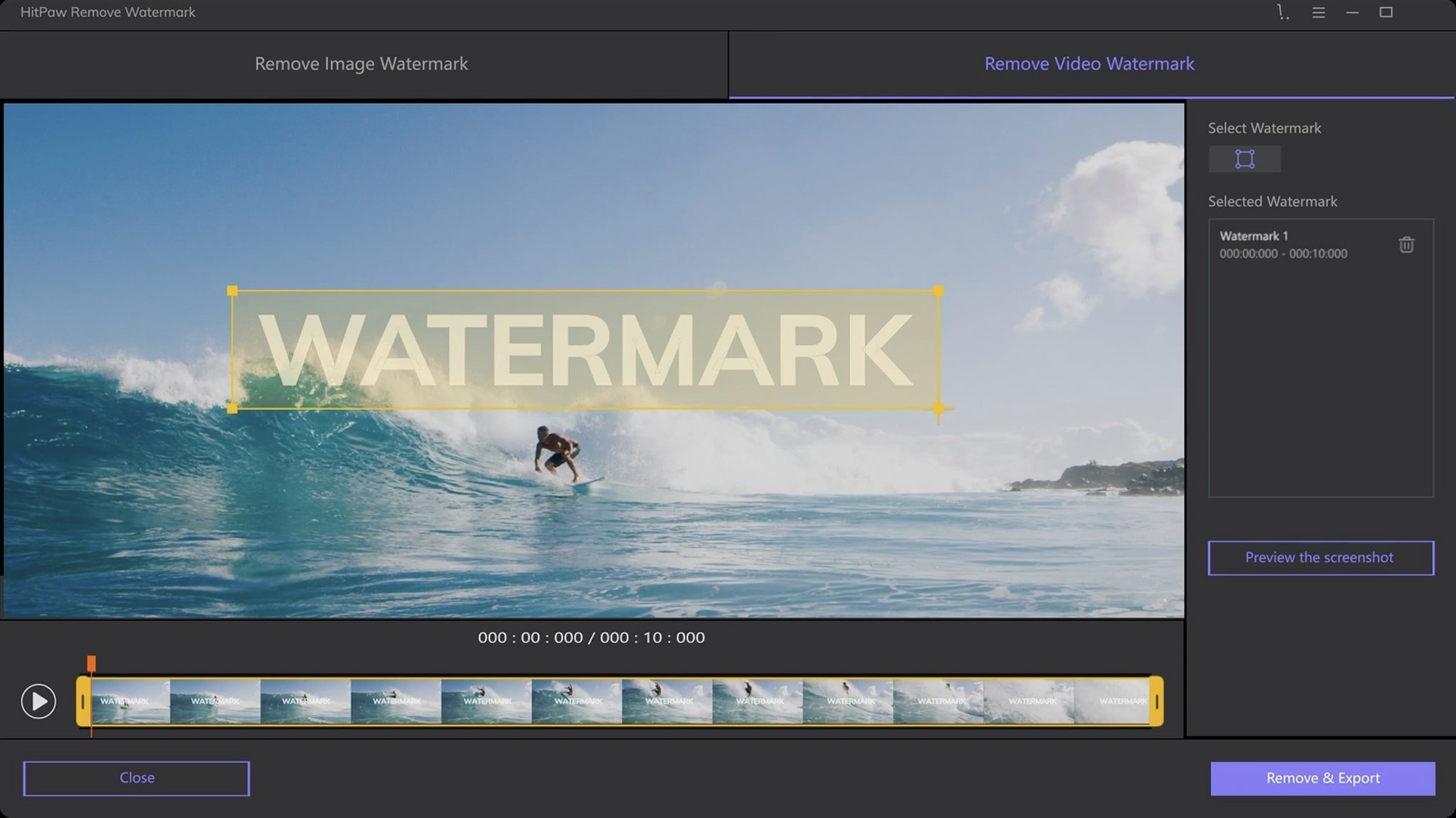
2. Select. Switched to the freeform tool and traced the logo loosely, leaving a small margin. HitPaw doesn't demand surgical precision here; the repair algorithms work outward from the edges you define. For a rectangular watermark on video, I'd use the rectangle tool instead — faster, fewer points to drag.
3. Choose a mode and apply. Texture repair made the most sense for leather grain. The preview rendered in about four seconds. The result wasn't flawless — a faint ghost of the logo remained if you squinted — but it passed for a catalogue shot. Edge filling would have been the wrong call; it suits clean architectural lines, not organic surfaces.
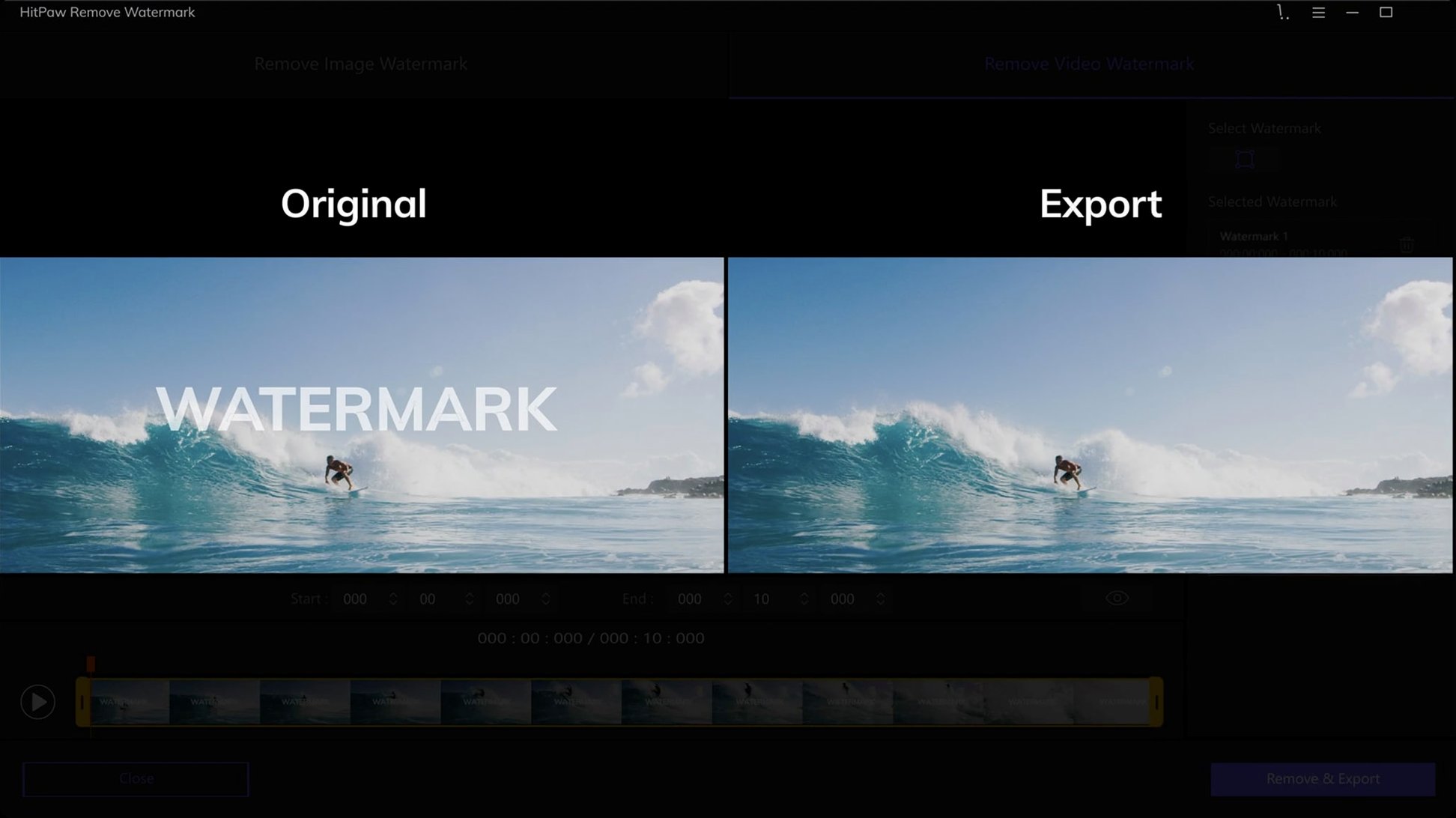
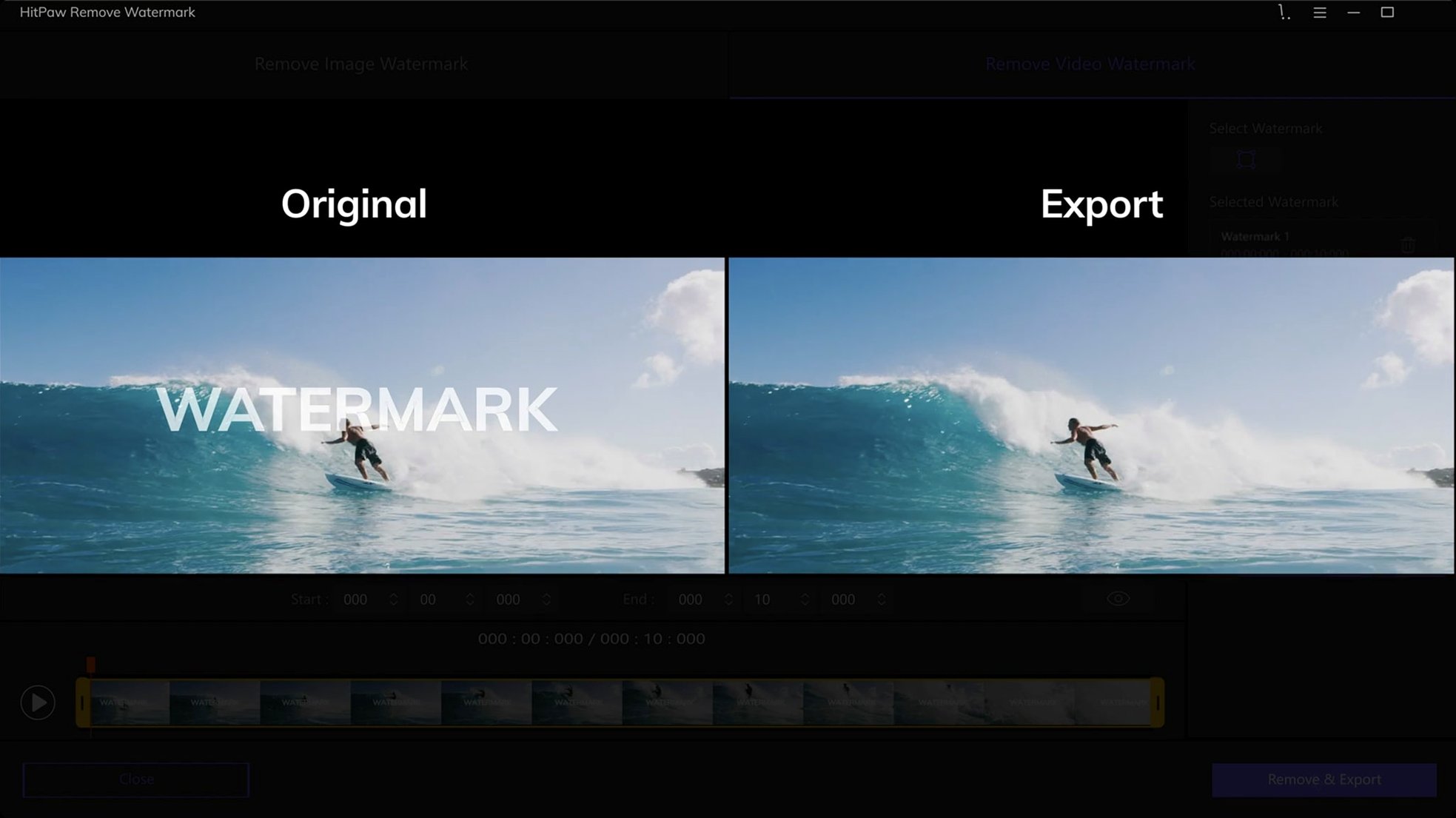
For video, the process is similar. You scrub to a frame, mark the watermark, and the app tracks it across the clip. Frame-by-frame consistency depends on how busy the background is.
Who actually uses this
A small e-commerce seller I know shoots product videos against a white wall. Her supplier watermarks every sample clip. Before listing anything, she runs a batch through HitPaw — MOV files, usually 30 seconds each. She sticks to the rectangle tool because the watermark never moves. Smooth filling does the job; the white background gives the algorithm nothing to misinterpret. It takes her under a minute per clip, and the output looks clean enough for an Instagram story.
She's not doing restoration work or forensic editing. She just needs the logo gone without a subscription or an online upload. HitPaw fits that gap.
Three questions people ask
Does it handle moving watermarks? It can, within reason. If the watermark travels in a predictable path, the tracking keeps up. Rapid jumps or occlusion — say, a person walking in front of the logo — will throw it off. For those frames, you stop and re-mark manually. It's not automatic in the way dedicated object-removal suites are, but it's also not priced or specced like one.
Will it run on an M1 or M2 Mac? The installer is Intel-only, so it runs through Rosetta 2. That works. Performance is acceptable on Apple Silicon — the four-second preview I mentioned was on an M1 machine. No native ARM build exists yet, and the developer hasn't announced one.
Can it remove a watermark that covers a face? Technically yes, but the results depend entirely on the background. Texture repair might reconstruct skin tones passably on a static shot. On a moving subject, expect smearing. The tool isn't built for that kind of reconstruction, and it shows.
Requirements
- macOS 10.13 or later
- 64-bit Intel processor
FAQ
Does HitPaw Watermark Remover work on Apple Silicon Macs?
The Mac version is built for 64-bit Intel architecture. It will run on Apple Silicon machines through Rosetta 2, but no native ARM build exists yet.
What video files can I clean up?
It supports AVI, MKV, MP4, FLV, F4V, MOV, WMV, WebM, 3GP, RMVB, MPEG, TS and MTS formats.
Which macOS version do I need?
The current version requires macOS 10.13 or later on an Intel Mac.
Comments 0
Sign in or create an account to leave a comment.
No comments yet…
If you’ve installed it, say how it went. Mention your Mac and macOS version — it helps the next person more than you’d think.