iExplorer for macOS
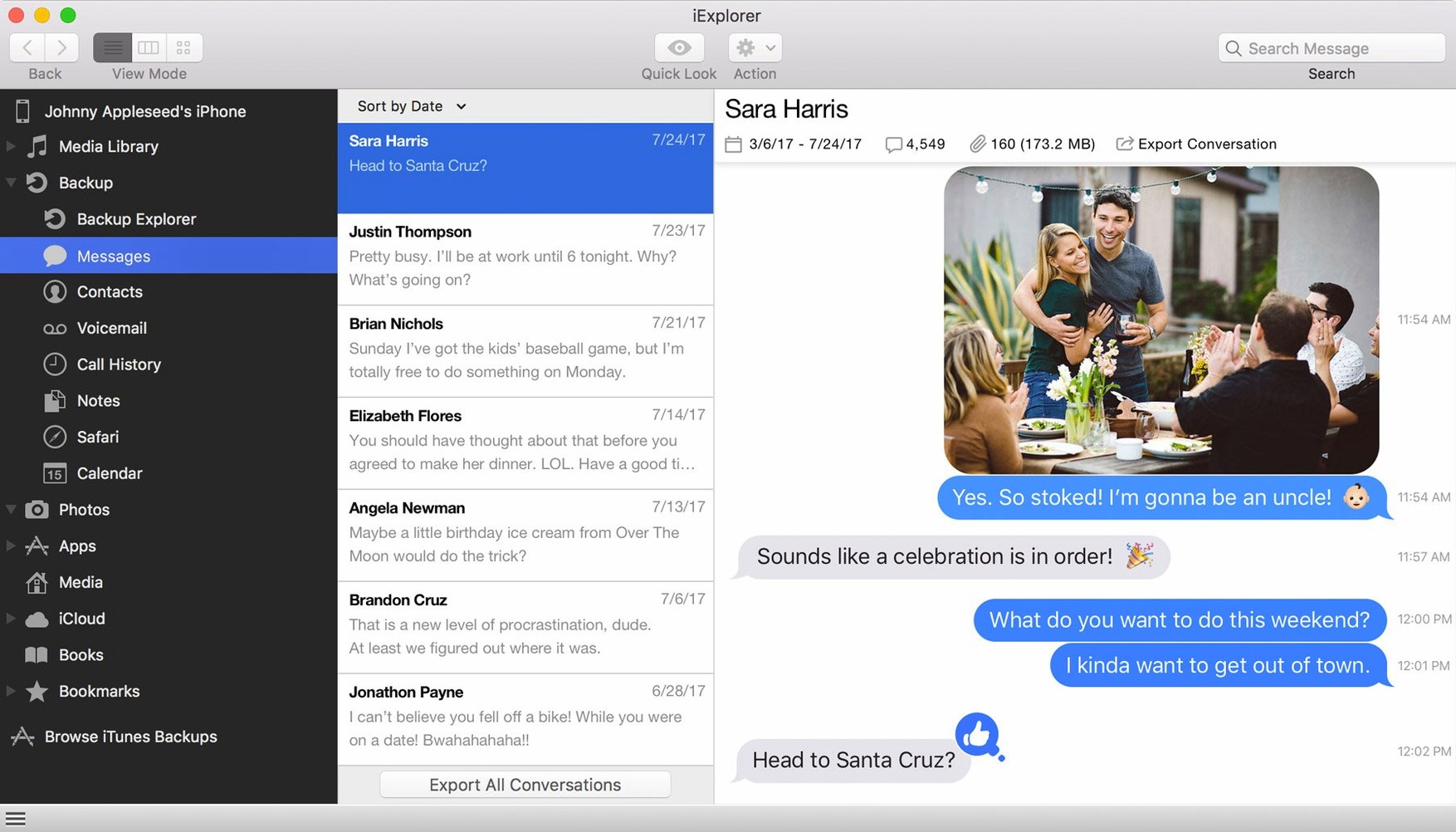
Description
You plug in an old iPhone, and it mounts on the desktop like a USB stick. You drag a folder of photos off it without opening Photos or iTunes.
What it is — A desktop browser for the contents of a connected iPhone, iPad, or iPod. It reads the device's file system and lets you copy things out or drop files in.
Who it's for — Anyone who finds iTunes gets in the way. People pulling text messages, call history, or notes off a device. Anyone who wants to see app data and documents without a wireless sync.
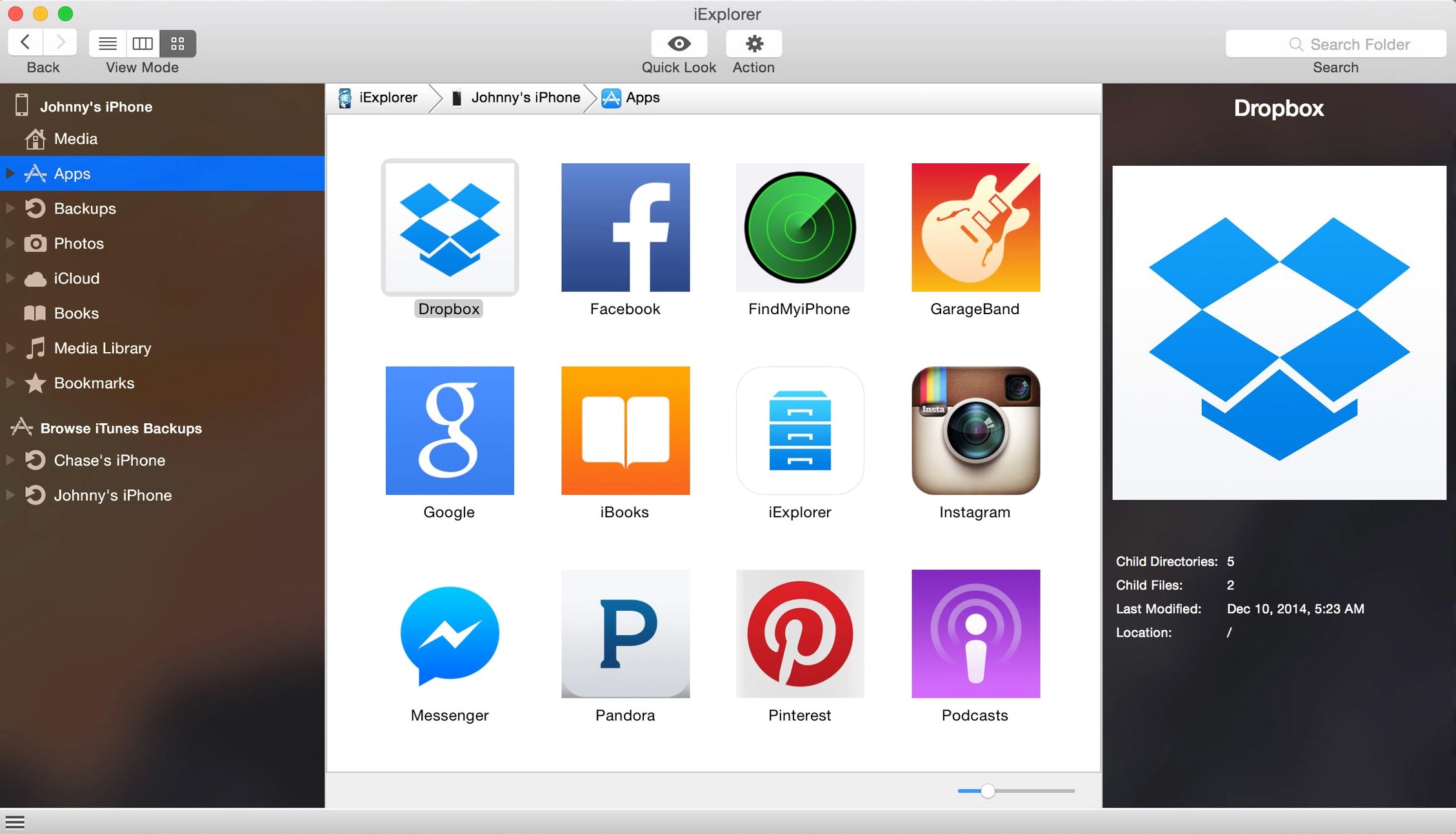
What it can move — Photos, music, text messages, contacts, notes, and call history. It also shows app files, icons and internal documents. You can add files to a device directly, and mount the device as a disk in the Finder.
iCloud and backups — The app can browse iCloud storage and back up a device on its own, without iTunes.
Drag files on and off your device like a USB drive
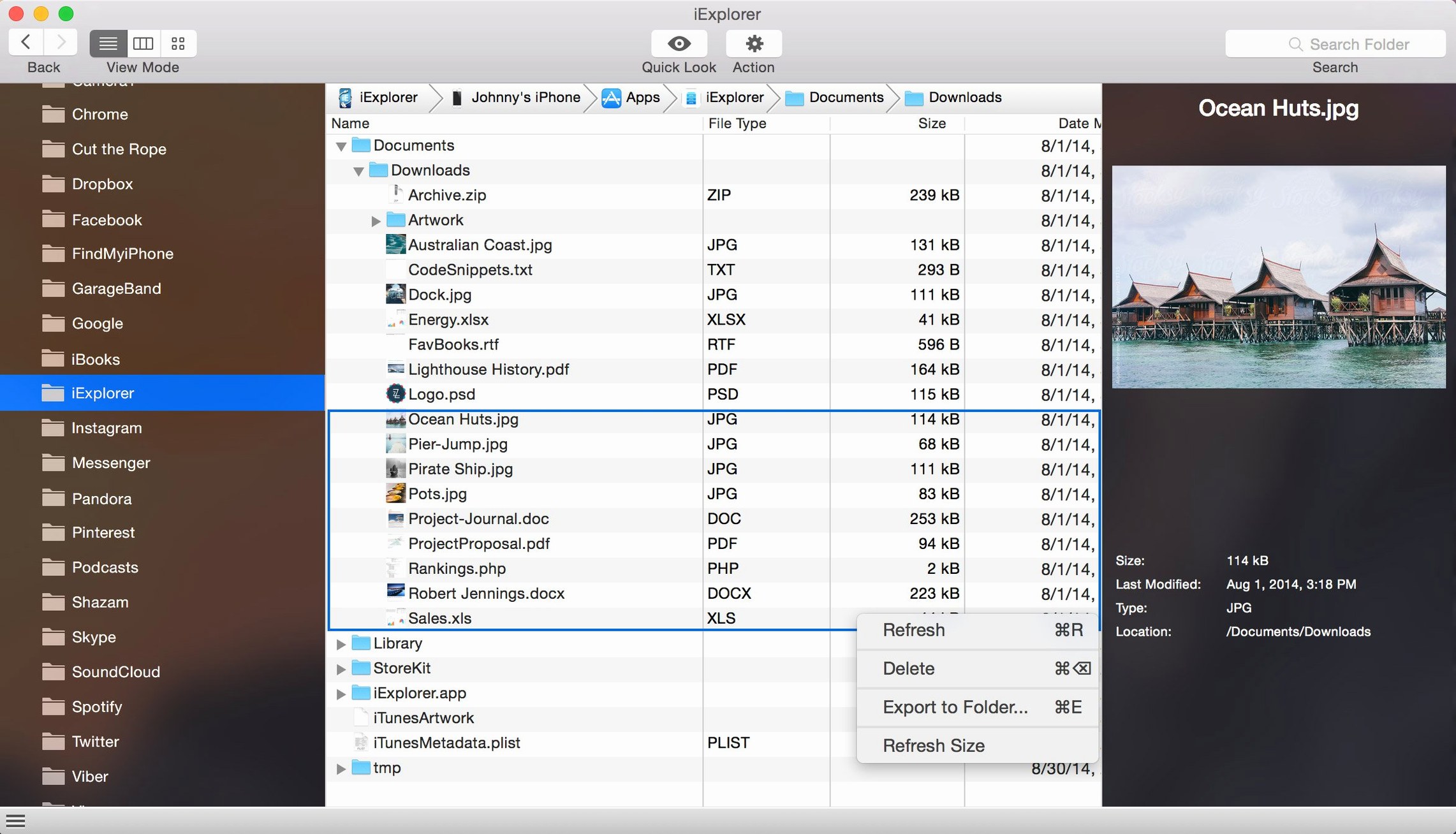
iExplorer works best when you treat it as a Finder window for whatever is plugged in. The device can be mounted as a disk, so drag-and-drop from the desktop works the way you would expect. Text files, photos, folders — copy them out the same way you would from a USB drive.
iTunes still needs to be installed, because the app borrows the system frameworks that talk to Apple devices. But you do not have to open iTunes, sync anything, or wait for a library to load. That is the whole point of the alternative workflow.
Spotlight will not index the contents of a connected iPhone, so iExplorer is where you go to look inside. It pairs well with a plain text editor for reading exported messages, and with Preview for checking photos before you commit them to a folder on the Mac. If you keep monthly backups, exporting call history and notes as files makes them searchable in Finder later, which iTunes backups are not.
Devices on iOS 16 connect and read data more reliably
The 4.6.0 release from October 2022 was mainly about keeping up with Apple. It added iOS 16 compatibility improvements. In everyday use, that meant devices running the then-new iOS release were more reliably detected after connecting, and reading app data on those devices behaved less like a lottery.
No new interface panels, no renamed menus. If you were already using an earlier 4.x build, the update felt like a maintenance pass rather than a new app. If you plug in a device running iOS 16 and the app sees it first time, that is the change.
Pull text messages, call logs, and playlists from any device
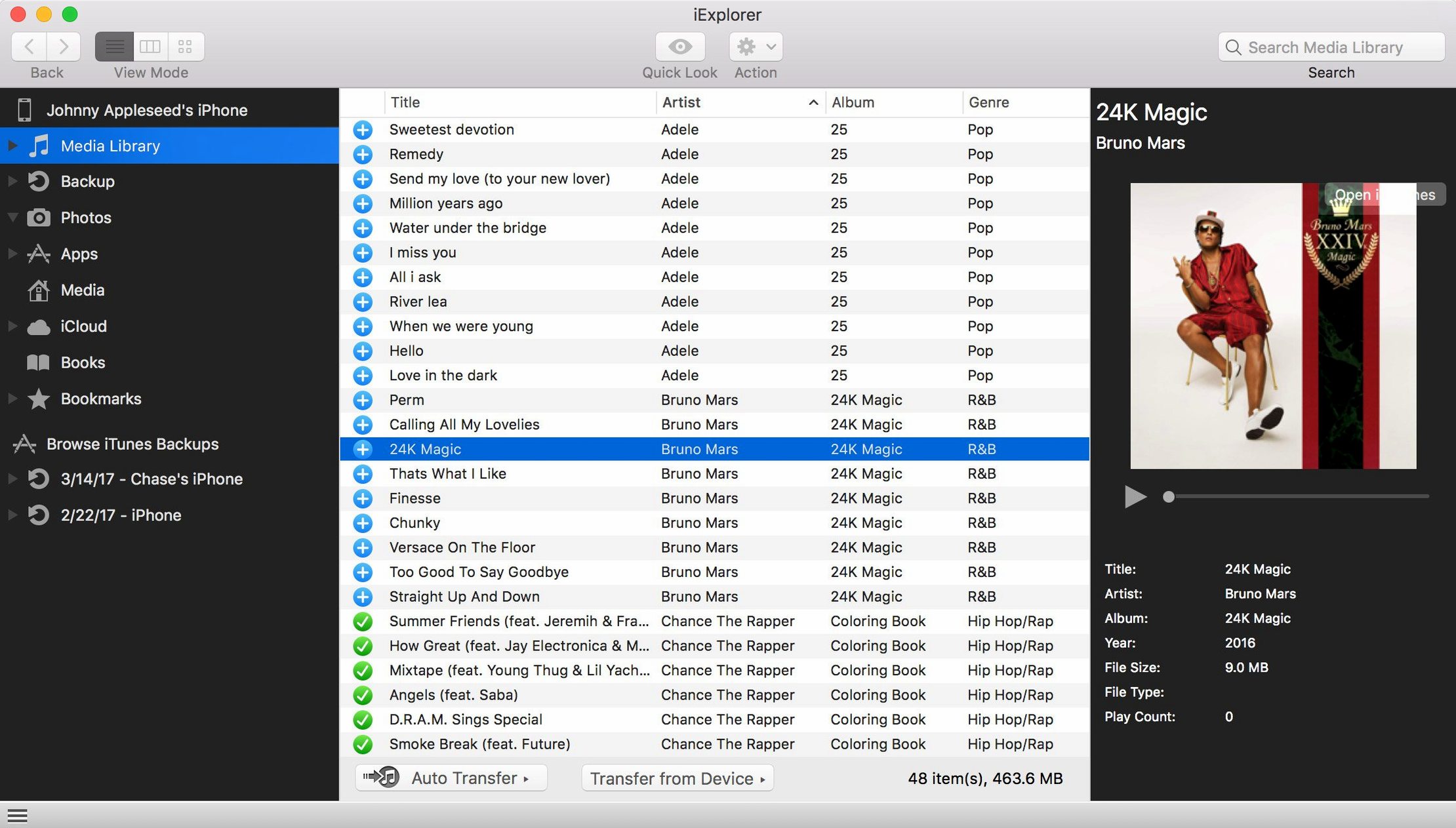
Support techs and help-desk staff. Anyone who regularly pulls text messages or call logs off a family member's phone. People who keep old iPods alive and want playlists moved back into iTunes without rebuilding them by hand.
App developers get a lot out of seeing their own sandbox data on a real device. If you are trying to find a file your app wrote, iExplorer shows you the app documents folder without a wireless debug session. Artists and designers moving large photo folders find it quicker than Photos, especially when the destination is a specific folder rather than a library.
It is less useful for people who live entirely in iCloud and never plug a cable in. But for wired transfers, for digging through backups, and for getting files off a device that will not boot far enough to trust a sync, it earns its place on the dock.
What’s new
Improves compatibility with iOS 16.
Requirements
- macOS 10.10 or later
- Intel 64-bit processor
- iTunes installed
FAQ
Does iExplorer let me add files to an iPhone without iTunes?
Yes. You can drag files onto the device in its file browser, treating it more like an external drive than a managed library.
Comments 0
Sign in or create an account to leave a comment.
No comments yet…
If you’ve installed it, say how it went. Mention your Mac and macOS version — it helps the next person more than you’d think.