
Intellij IDEA for macOS
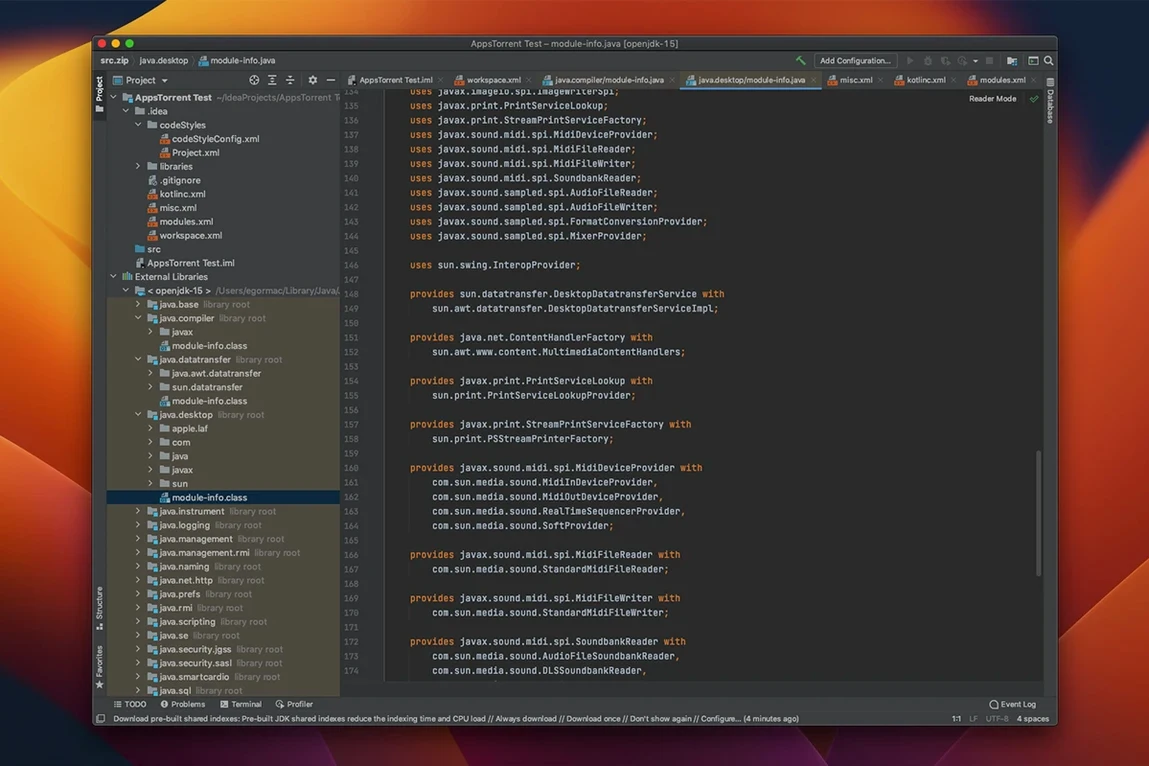
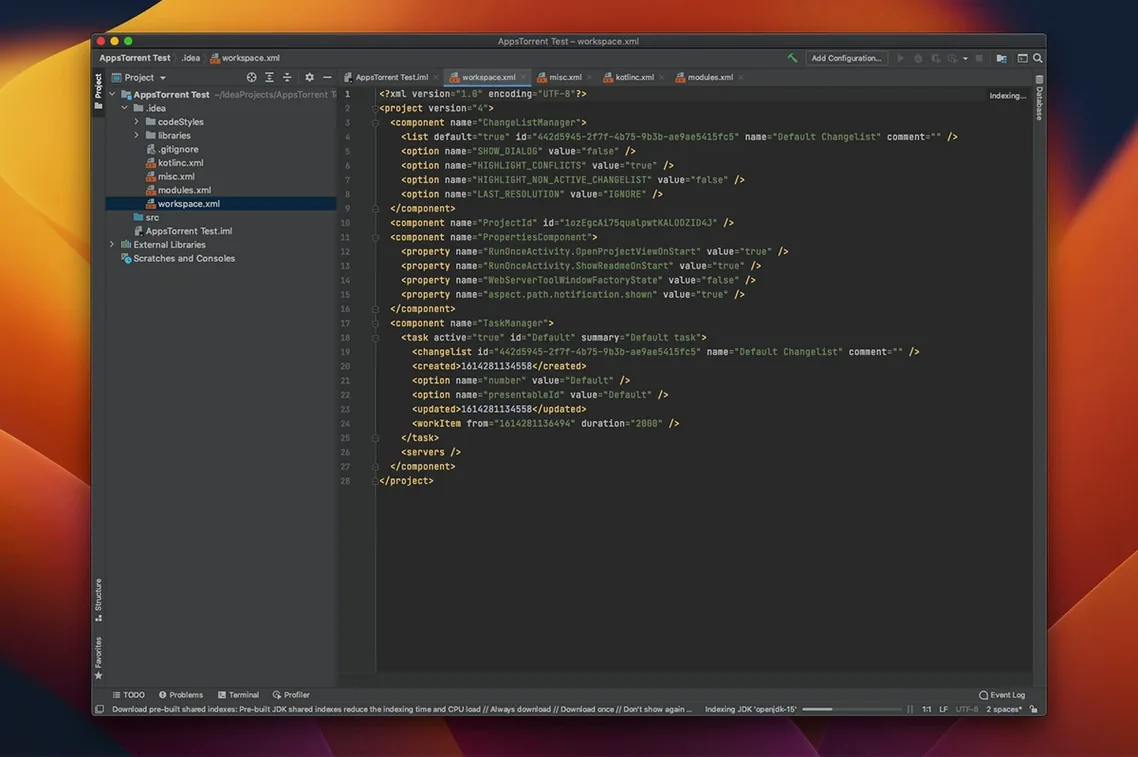
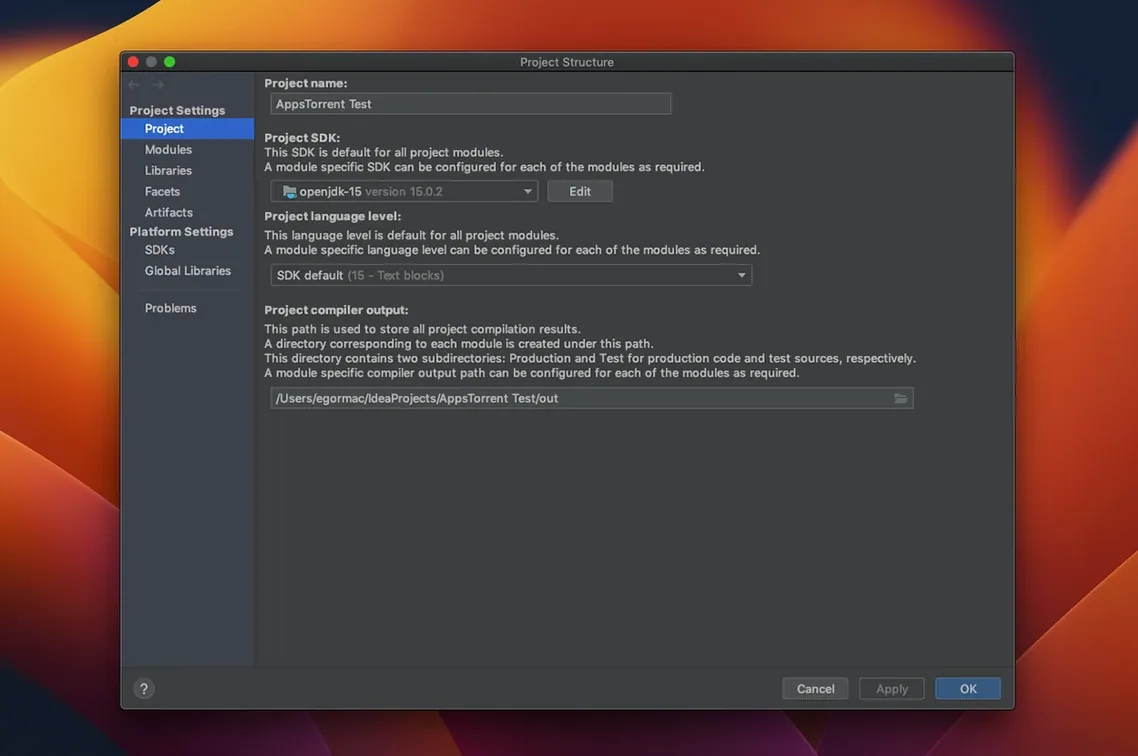
Description
Java and Kotlin developers use it. So do people wrestling with JPQL or HTML inside a JVM project. JetBrains IntelliJ IDEA is the IDE most of them eventually land on, and the current version for macOS is 2026.2.3.
Turn string literals into SQL or HTML editors
- Edit code inside a string literal. Press Alt+Enter on a Java string that looks like SQL, HTML or JPQL and choose 'Inject language or reference'. The IDE treats that chunk of text as its own file. Syntax highlighting, autocomplete and error checking all work. It's the sort of thing that makes you realise how much time you normally waste on a typo inside a concatenated query.
- Generate some PlantUML. The bundled PlantUML extension is now version 1.2026.6. Write a quick diagram description in a .puml file and watch the preview render. The vertical scrollbar in the Markdown preview pane was fixed in this release, so the adjacent documentation previews behave properly again.
- Update the way JetBrains now intends. The separate Community and Ultimate downloads are gone, replaced by a single installer that sorts out which edition you need. Future updates come from inside the IDE itself, which is simpler than hunting for a new package.
A tip for editors
The smart code editor is the reason most people stay. It understands more than just syntax. It sees the frameworks, the build tool and the database dialect. Give it ten minutes of typing and it starts completing whole lines in the right style. If the IDE ever freezes, this build resolved several of those causes.
A refactoring session, start to finish
Say you have a service class that has grown too large. You want to split out a repository.
- Open the class and let the real-time analysis settle. Warnings about duplicated logic or long methods show in the gutter.
- Select the methods that touch the data layer. Use Refactor → Extract → Delegate. IntelliJ IDEA creates the new class, moves the methods and updates call sites.
- Rename the new class with Shift+F6. Every reference across the project updates, including tests and XML config.
- Run the test suite. Failures appear in the run window with clickable stack traces back to the source line.
- Commit from the built-in version control tool. Write a short message, tick the files, push.
That whole loop happens without leaving the IDE. No terminal, no separate diff tool, no manual find-and-replace across forty files.
Shared SQL engine with DataGrip
IntelliJ IDEA works well with other JetBrains tools. If you have DataGrip installed, the SQL support here shares the same engine, so queries written in the IDE behave the same way in a dedicated database window. The Toolbox App handles updates across all JetBrains products on the Mac, which is the easiest way to keep 2026.2.3 current when the next release lands.
Outside JetBrains, the IDE respects standard macOS conventions. Project folders integrate with Spotlight, so you can find a class by name from the system search. Split View works for keeping documentation or a browser open next to the editor. Both Apple Silicon and Intel Macs are supported.
For a quick first install, search for download intellij idea for mac and grab the single installer. It runs on macOS 11 or later and sorts out the edition for you.
What’s new
- Resolved several causes of IDE freezes.
- Fixed the vertical scrollbar in the Markdown preview pane.
- Updates the PlantUML extension to version 1.2026.6.
Requirements
- macOS 11 or later
- Intel or Apple Silicon Mac
FAQ
Is this the Community or Ultimate edition?
The current single-installer setup identifies this as the Ultimate edition.
Can I install this update from inside the IDE?
Yes. JetBrains says the update can be applied from within IntelliJ IDEA itself.
Does it run on Apple Silicon?
Yes. It supports both Intel and Apple Silicon Macs running macOS 11 or later.
Comments 0
Sign in or create an account to leave a comment.
No comments yet…
If you’ve installed it, say how it went. Mention your Mac and macOS version — it helps the next person more than you’d think.