
HarborDrop for macOS
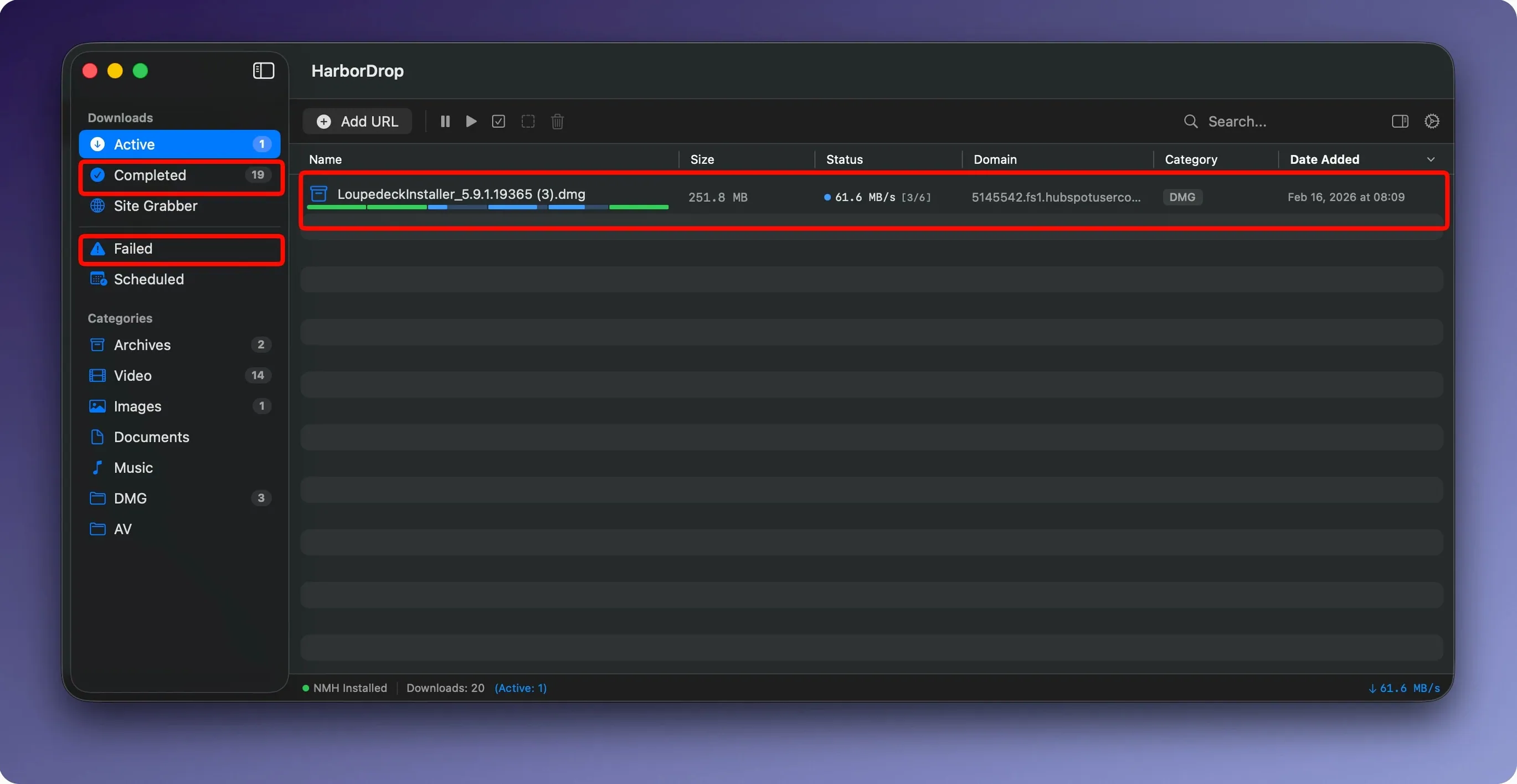
Description
Post-processing rules are where HarborDrop earns its keep. A download finishes, and your own script fires — rename the file, move it, transcode it, or notify another app. No babysitting.
Automate with JavaScript or AppleScript
Set per-filetype rules in the preferences. Tell it to run a Shell script on every .mp4 that lands in a watched folder. Or have an AppleScript hand the file straight to your editing suite. It runs locally, so paths are direct and fast.
Grab HLS streams alongside regular files
The extension catches HLS video from supported sites the same way it catches standard links. The segments download in parallel, then stitch together. You get a single clean file for offline viewing, not a folder of .ts fragments.
Split files into chunks for faster downloads
Segmented downloading isn't unique, but HarborDrop keeps the settings visible. You decide how many connections to open. On a fast connection, bumping the count can saturate your line without trial and error.
Set a rule once and skip 20 minutes of drag-and-drop per batch
If you work with media files that arrive in bursts — rushes from a shoot, large asset packs, software ISOs — the automation alone saves you twenty minutes of drag-and-drop per batch. Set a rule once, then forget about it.
Developers who pull nightly builds or large SDKs also do well. The segmented downloads trim minutes off each fetch, and the post-download scripts can unpack archives or run checksums without opening a terminal.
Anyone who regularly saves video for offline viewing — particularly from sites that serve HLS — will use the stream capture daily. It is less useful for casual browsing, where the browser’s own downloader is enough. HarborDrop earns its place when the file is over a gigabyte or you need it sorted automatically.
Snappier link interception in Arc and Edge, plus an HLS stall fix
Version 1.4 tightened the browser extension. On Arc and Edge, link interception is snappier — fewer missed clicks when a page loads media dynamically. The release also fixed a stall that occasionally hit HLS downloads with more than four segments active, so six-segment streams now run to completion reliably.
Under the hood, the crawl depth in Site Grabber respects its limit more strictly. Earlier builds could wander one level deeper than you asked for on sites with aggressive redirects. That is reined in now, which matters if you are grabbing assets from a sprawling documentation site and only want the immediate linked files.
Drop default segments to four for faster fibre downloads
Open preferences before your first big download and do three things.
- Default segments. The slider sits at six. On a typical home fibre connection, four is often faster — too many parallel chunks and the overhead starts eating the gain. Try four, then test with one large file before you commit.
- Post-download rules. Add at least one rule that moves finished files out of the default folder. Even a simple sort by file type stops the download directory from becoming a heap. Use the domain-based sorting if you pull from the same sources repeatedly — all files from one client’s portal land in their project folder without you touching them.
- Browser extension scope. The extension can intercept every downloadable link on a page, which gets noisy. In its settings, restrict it to media links only unless you are deliberately grabbing a batch of documents. You can always toggle it wider for a specific session.
If you use a Mac with Apple Silicon, HarborDrop runs natively — no Rosetta overhead when it is chewing through multiple connections. That keeps CPU load low even with six segments pulling at line speed.
Requirements
- macOS 12 (Monterey) or later
- Intel or Apple Silicon Mac
- Firefox or Chrome for browser integration
Comments 0
Sign in or create an account to leave a comment.
No comments yet…
If you’ve installed it, say how it went. Mention your Mac and macOS version — it helps the next person more than you’d think.