
Guitar Rig for macOS
Description
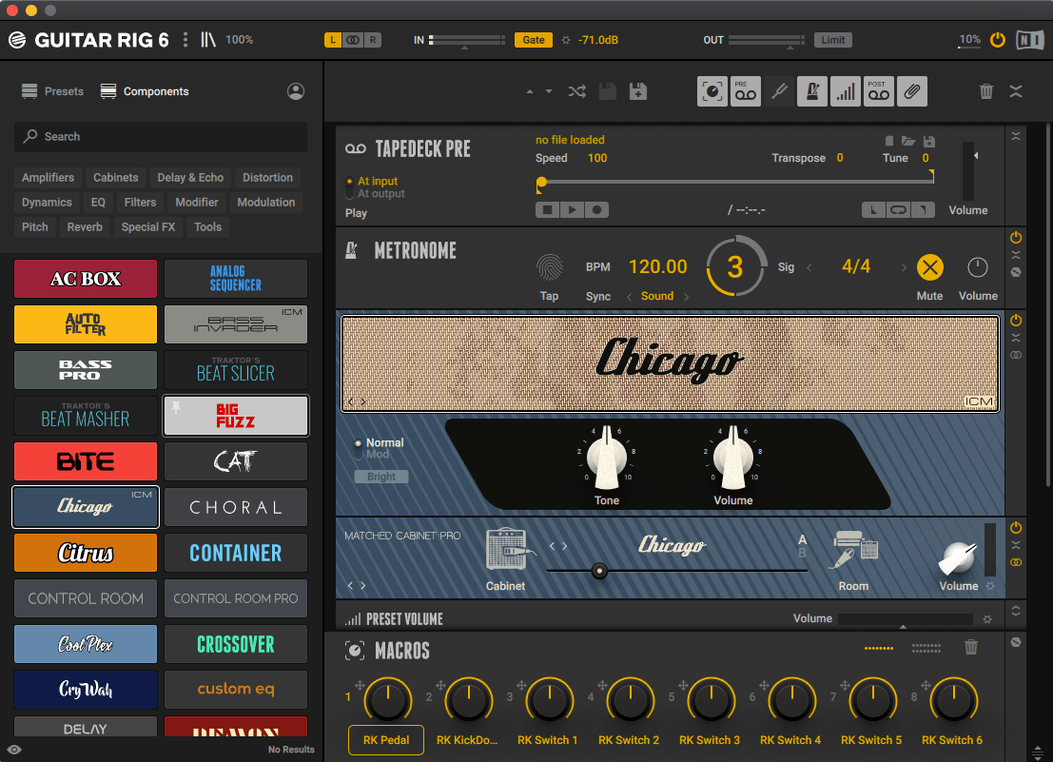
The ICM Ultrasonic control in the amp section is where this starts. It tightens the low end without sucking the life out of a humbucker. Dial it clockwise until the mud clears, then pull it back a notch. Next door, the Control Room module lets you swap a 4x12 cab for something less boomy — the British 2x12 works for this task.
Finding the right starting point means a trip through the tag-based preset browser. It is built for people who know what a 'pushed mid' sounds like before they click it. You filter by amp type and gain level, then audition. The volume preset has multiple options to keep output consistent as you jump between clean and overdriven patches, so one click doesn't blow your headphones off.
With the core tone set, you chain in a studio compressor to catch the transients and add a little room reverb from the effects rack. It is not subtle, but it gives the sound a place to sit. The interface is aimed mainly at experienced users, so there is no wizard holding your hand — just modules you drag into a signal chain. That directness is the point.
Once the patch feels right, you save it and move on. The whole process, from a blank rack to a usable tone for a verse part, takes about ten minutes once you know where the controls live.
Rescuing a lifeless DI bass track from the mix
You open a DAW project where the bass sounds like a mattress. It's a P-bass recorded straight into an interface — no amp, no colour, just a clean DI track that the mix has swallowed whole. You insert Guitar Rig on the channel.
Step one is the tuner. Even if the bass was tuned before tracking, five minutes in a warm room can pull the G string flat. The tuner window opens with a click. It is big enough to read from across the desk and settles on the note faster than most pedal tuners. You check all four strings while the loop plays.
Step two is a preset that gets you halfway. You open the tag browser and filter by Bass, then by Clean and Driven. A patch called 'Bass Invader' catches your eye — not because the name is clever, but because the tags suggest an Ampeg-style amp with moderate compression. You audition it against the track. The low end is almost right, but the midrange honks around 400 Hz in a way that fights the kick drum.
Step three is where the Control Room module earns its keep. You swap the default 8x10 cab for a 4x10 and pull the microphone back a few inches from the cone. The honk recedes. Then you add the Solid EQ from the effects rack and dip 2 dB at 400 Hz with a medium Q. The bass now sits under the kick instead of wrestling it.
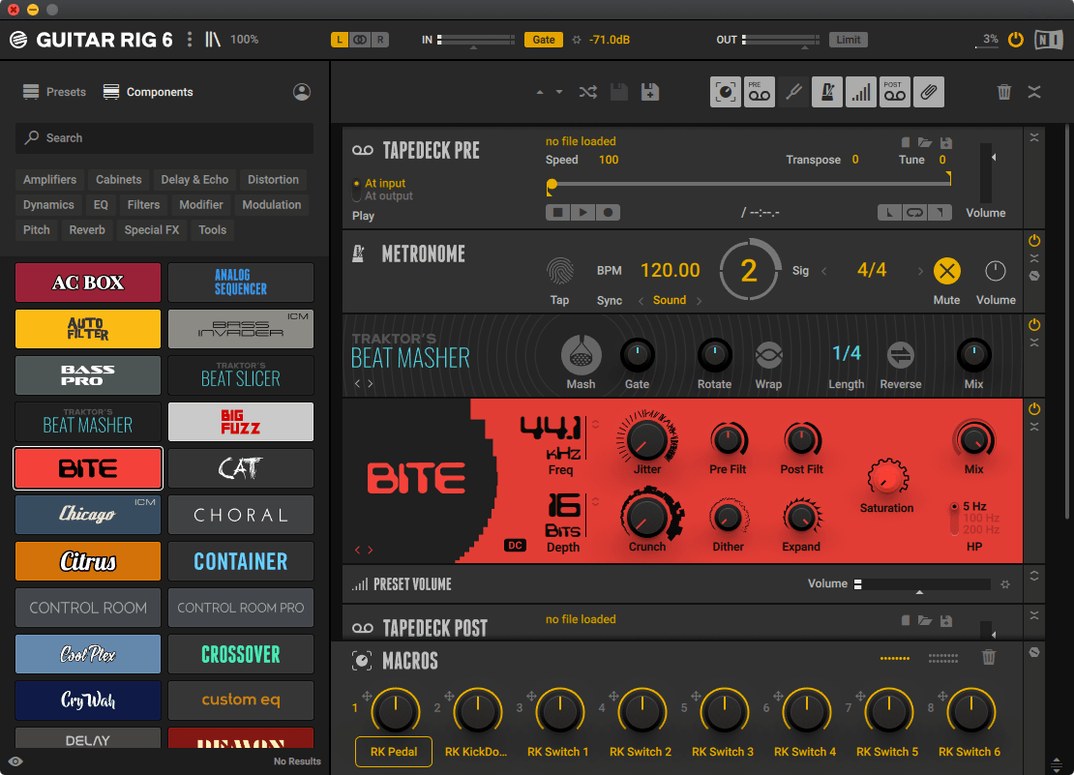
Step four is edge. You drag a distortion pedal into the chain before the amp and set the mix knob to about 30%. This gives the bass some grit without losing the fundamental. A touch of studio reverb at the end of the chain — just enough to feel, not enough to hear — finishes the job. You save the patch, label it with the song name, and move on to the next track. Total time: maybe eight minutes.
Sculpting power-amp behaviour beyond basic EQ
The jump to version 7 was not a facelift. It added the ICM Ultrasonic and ICM Topography amp controls, which let you shape the power-amp behaviour in ways that used to require a separate EQ and a lot of guesswork. In daily use, this means you spend less time stacking corrective modules after the amp. You tweak one knob inside the amp itself and the problem is gone.
The Control Room module was reworked with new cab emulations. Switching cabinets now changes the character of the sound as much as switching microphones did in the previous version. This matters when you are working fast and don't want to audition five different mic positions just to fix a boomy low-mid. You pick a different cab and trust your ears.
Version 7.0.2 brought Apple Silicon support, so the plug-in runs natively on M-series Macs. In a session with 40 tracks, that means fewer CPU spikes and less time freezing channels. The gain staging between presets also became more predictable. You can scroll through bass amp patches without riding the output fader after every click — a small thing that stops you from resenting the preset browser.
When a 9-module chain suffocates your tone
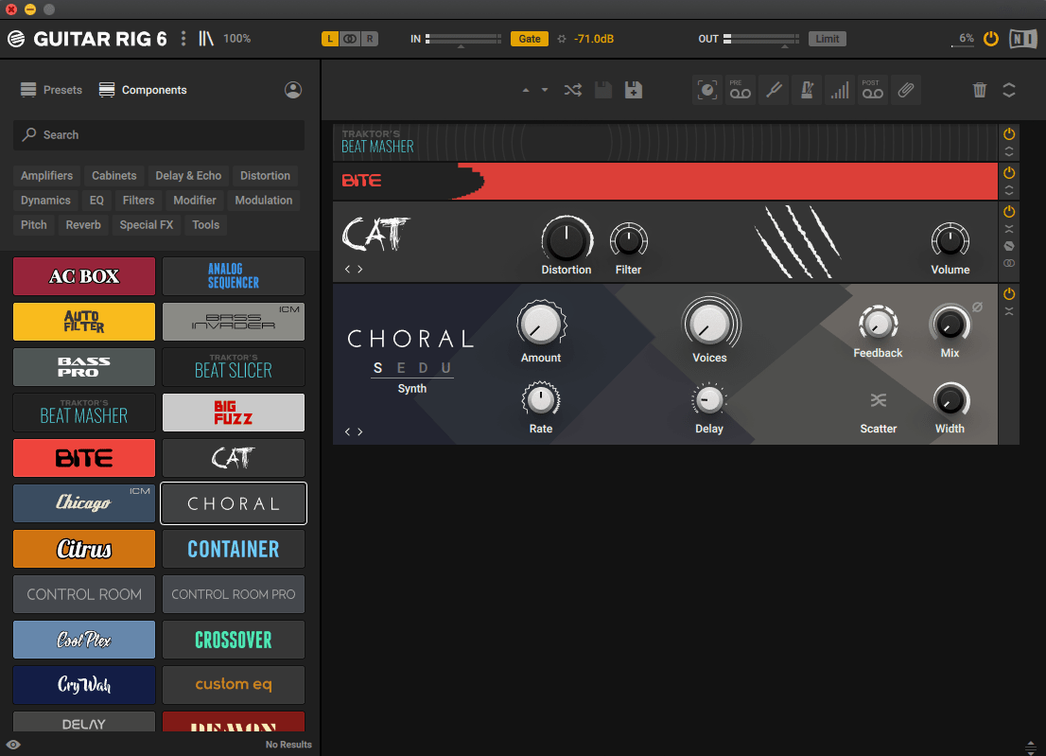
The biggest one is piling on too many modules. Someone new to Guitar Rig will often build a chain with a noise gate, two compressors, an overdrive, an EQ, a modulation effect, a delay and two reverbs, then wonder why the guitar sounds like a wasp in a jar. The interface does not discourage this. It invites you to keep adding. Fight that urge. Start with an amp, a cab and maybe one effect. Add more only when the track asks for it.
Another classic is ignoring the input and output levels at the top of the rack. People load a preset that was designed with a hot input signal and feed it a quiet DI from a passive pickup. The amp sim behaves completely differently. Check the input meter. If it barely flickers, the amp won't compress or saturate the way the preset designer intended.
Beginners also sleep on the Control Room module. They treat it as a fixed part of the chain and never open it. But moving the virtual microphone or swapping the cabinet can fix a tone faster than any EQ. If a preset sounds dull, try moving the mic closer to the cone before you reach for the treble knob.
Finally, the metronome and volume preset tools sit there unused. The metronome syncs to your host tempo and is useful for practising parts without opening a DAW. The volume preset keeps output levels consistent when you are browsing at midnight and don't want to wake the neighbours. Both are right-click away and rarely discovered in the first month.
Photorealistic amps versus a leaner, less precious rack
Amplitube is the obvious rival. Both model amps, cabs and pedals in a drag-and-drop rack. Amplitube puts more effort into the look of the gear — photorealistic amp faces, knobs that look like the real thing. Guitar Rig cares less about that and more about the routing. You can build split paths, crossfades and parallel chains that would require a patch bay in the physical world. For a guitarist who treats effects as sound design, Guitar Rig offers more ways to get weird.
Logic Pro's built-in Amp Designer and Pedalboard are the free alternative that every Mac user already owns. They sound decent. For a quick clean tone or a basic overdrive, they are fine. But the moment you need something beyond a three-pedal chain into a single amp, Guitar Rig pulls ahead. The routing, the Control Room module and the tag-based preset system save you time that Logic's tools just don't account for. Also, Guitar Rig loads as a single plug-in instead of three separate ones, which matters when you recall a mix six months later and have to remember what chain you built.
Neural DSP's Quad Cortex plugins model specific amps with a level of detail that Guitar Rig does not chase. They are laser-focused: one amp, one sound, done. Guitar Rig is broader and more flexible. If you know exactly what amp you want and nothing else, a dedicated Neural emulation might suit you better. If you want to run a bass amp through a guitar cab with a ring modulator in parallel, Guitar Rig is the tool for the job.
What’s new
Version 7.0.2 is the current release listed on the official downloads page for Guitar Rig 7 Player.
Requirements
- macOS 11 or later (official product page states support for macOS 13, 14, and 15 on Intel and Apple Silicon Macs).
FAQ
Does Guitar Rig 7 work on Apple Silicon Macs?
Yes, the official product page lists macOS 13, 14, and 15 as supported on Apple Silicon Macs.
What plug-in formats does Guitar Rig 7 offer on a Mac?
It runs as a stand-alone application and also supports VST3, AU, and AAX plug-in formats.
What type of tool is Guitar Rig 7 Pro?
Native Instruments describes it as a multi-effects rack and amp simulator for guitar and bass, including amp sims, studio effects, and pedals.
Comments 0
Sign in or create an account to leave a comment.
No comments yet…
If you’ve installed it, say how it went. Mention your Mac and macOS version — it helps the next person more than you’d think.