
FxFactory Pro for macOS
Description
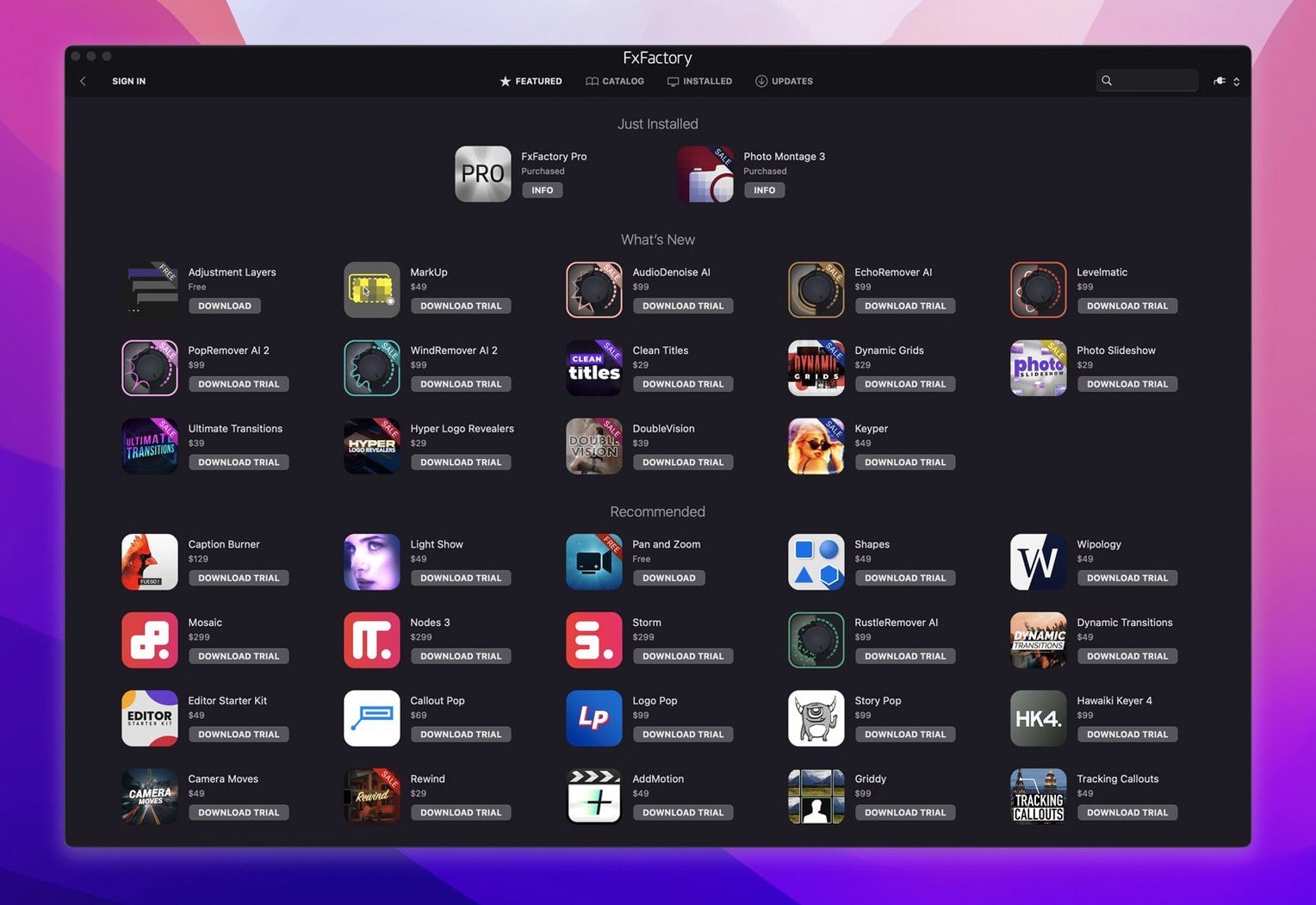
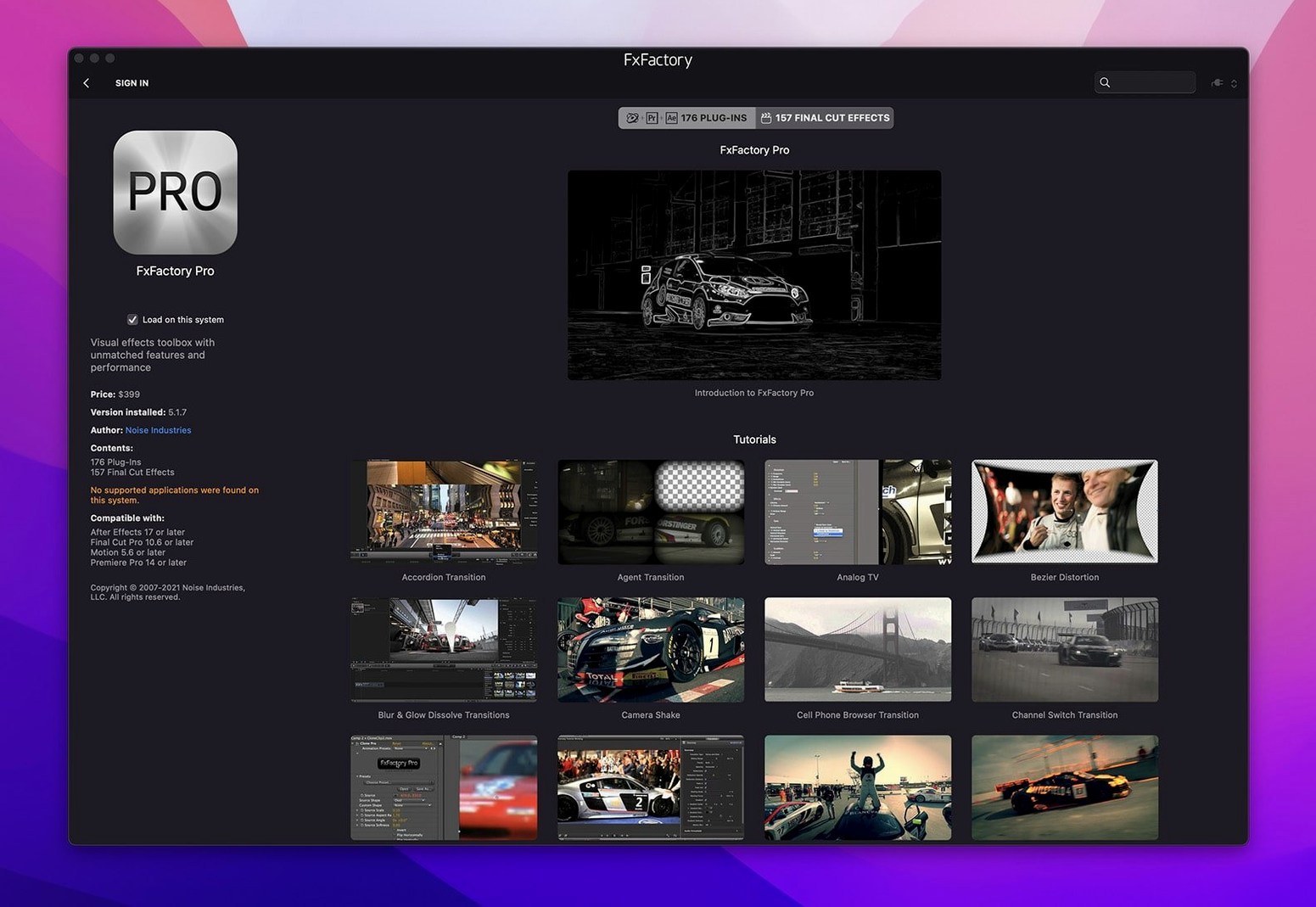
You drop a clip into Final Cut Pro, open the effects browser, and the tools are just there—no hunting through folders, no re-scanning. That's the point of FxFactory Pro. It's a plugin manager first, a visual effects package second, and it keeps things tidy.
- Works inside Final Cut Pro, Motion, and After Effects via FxPlug.
- Built-in interface for browsing installed effects without leaving the host.
- Pro Pack plugins handle 16-bit and 32-bit motion graphics processing.
- Current build runs without SIP disabling on macOS 12.6 and later.
- Single installer covers both Intel and Apple Silicon Macs.
- English interface only.
Noise Industries designed FxFactory as a management environment, so the effects you add show up in a consistent panel across every supported application. If you move between Motion and After Effects on the same machine, the same plugins are waiting in the same place.
Pulsing a glow on the beat in Final Cut Pro
Say you've got a music video edit open in Final Cut Pro. The artist wants the chorus to pop—literally, with a glow that pulses on the beat. You've already installed FxFactory Pro and a handful of free plugins, including one called Glow.
Step one: select the clip on the timeline. Step two: open the effects browser. Instead of the stock FCP list, you hit the FxFactory tab. There's Glow, sitting under a Stylize category you remember building last month.
- Drag Glow onto the clip. The viewer updates with a default white halo.
- Open the inspector. FxFactory shows a single pane with sliders for radius, threshold, and colour. No nested twirl-downs.
- Keyframe the radius to swell on the snare hits. The graph editor in FCP picks up the parameters without fuss.
- Switch to After Effects for the lyric video section. Open the same Glow plugin there. It pulls your saved preset from the FxFactory library. One click loads it.
Half an hour later, the director asks for a film-grain overlay on the bridge. You haven't installed one. You click the "Get More Plugins" button inside the FxFactory panel, browse the free grain tools, download one, and it appears in the browser without restarting the host. That's the workflow FxFactory Pro is built for: find, apply, tweak, share presets across apps.
Don’t treat it like a standalone compositing app
The most common one is treating FxFactory Pro like a standalone effects app. It isn't. You don't double-click its icon and start compositing. It's a plugin delivery system that lives inside your video host. New users sometimes launch it from the Applications folder, stare at the empty plugin manager window, and assume something's broken. Nothing is. Open Final Cut Pro or After Effects instead.
Another early stumble: installing every free plugin the catalogue offers, then wondering why Motion takes two minutes to boot. FxFactory loads all registered plugins when the host starts. Be selective. Disable the ones you don't use from the FxFactory application's tick-box list. It takes five seconds.
Beginners also miss that FxFactory presets are cross-host. You can save a look in Motion and call it up in Premiere. But the preset saves the plugin's settings, not the host's native adjustments. A grain preset won't carry your Premiere Lumetri tweaks along with it.
Finally, the Pro Pack's 32-bit float processing sounds like a checkbox you should always enable. On an older Intel Mac, it can slow renders noticeably. Leave it off unless the shot genuinely needs the colour depth—heavy grading on log footage, for instance.
No more SIP workaround during installation
Build 9.0.5-8654 brought one quiet improvement that matters daily: the installer no longer asks you to disable SIP. Earlier versions sometimes needed a system-integrity workaround for deep FxPlug hooks. That's gone now. You install, you activate, you get on with work.
The plugin manager itself got faster at scanning. On machines with large plugin folders—fifty or more effects—the browser used to hesitate for a beat when switching categories. The current build loads the list on first open and holds it in memory until you quit the host. Snappier in practice, especially when you're auditioning effects quickly.
Apple Silicon support has been around for a while, but recent updates tidied up the universal binary. The same installer puts native ARM code on an M-series Mac and Intel code on an older machine. No separate downloads, no Rosetta prompts.
What hasn't changed: the interface is still English-only, and the minimum macOS remains 12.6. If you're holding onto a Mac stuck on Monterey, you're fine. Anything older won't run the current build.
One manager for Noise Industries, free community, and paid packs
FxFactory Pro vs. MotionVFX mInstaller
MotionVFX makes excellent plugins, but its installer handles only MotionVFX products. FxFactory Pro manages a wider ecosystem. You can mix Noise Industries effects, free community plugins, and a few paid third-party packs all from one panel. The trade-off: mInstaller feels more polished as a storefront. FxFactory's catalogue browser is functional rather than pretty.
FxFactory Pro vs. Red Giant Universe
Universe gives you a large, curated bundle of effects with its own dashboard. It's a fixed set—you don't add or remove individual plugins outside what Maxon ships. FxFactory Pro is more flexible. You pick and choose which effects to install, and free tools stay available indefinitely without a subscription login nagging at launch. Universe's real-time preview in the dashboard is slicker, but once the effect is on a clip, the adjustment experience is similar.
FxFactory Pro vs. built-in host effects
Some editors skip third-party plugins altogether and rely on what ships with FCP or Premiere. That works until you need a specific look—say, a convincing film-stock emulation or a glitch effect that doesn't look like a preset from 2014. FxFactory Pro fills the gap between the built-in basics and full-blown compositing in After Effects. The plugins are applied non-destructively and keyframe like native effects, so the learning curve is shallow.
Tick the host checkbox when plugins don’t appear
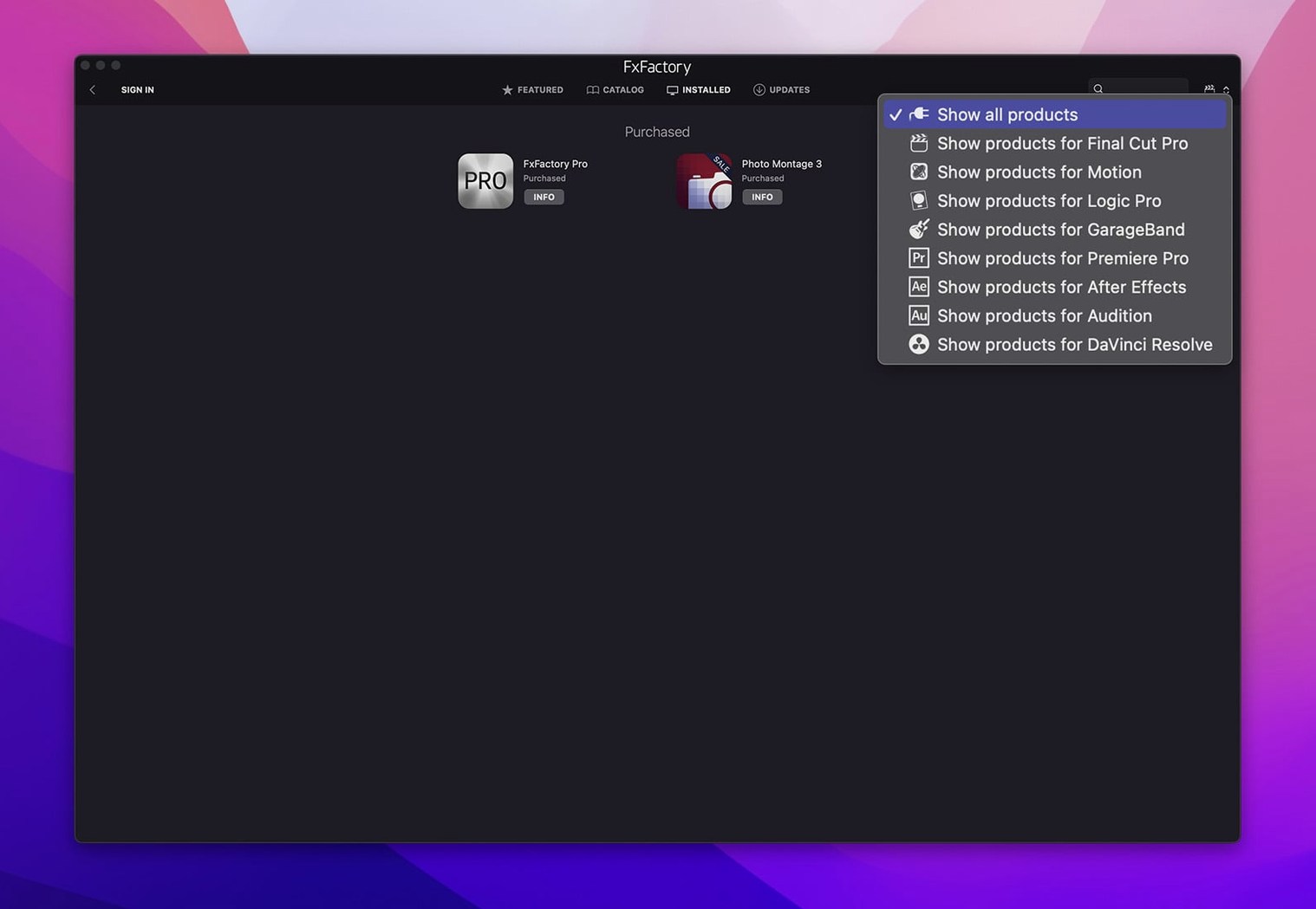
- Plugins not showing up in the host. This usually means FxFactory hasn't been told to make them available. Open the FxFactory application, find the plugin in the list, and ensure the checkbox next to your host app is ticked. Some plugins install with only Final Cut Pro enabled by default.
- Watermark or red cross on output. That specific plugin is either a trial or hasn't been activated. FxFactory Pro itself handles registration for commercial products through its own interface. Check the plugin's entry in the manager. Free products carry no watermark.
- Sluggish playback with Pro Pack plugins. Drop the processing depth to 16-bit in the plugin's settings if your timeline doesn't need 32-bit float. Also check that your host's render cache isn't filling a nearly-full disk. FxFactory effects cache alongside the host's own renders.
- fx factory free download and fxfactory torrent searches sometimes lead people to old 8.0.24 builds that predate Apple Silicon support. Those won't run properly on an M1 or M2 Mac. If you grabbed one of those, you'll see crashes on launch or missing plugins in the browser. Stick with the current universal build.
- Plugin presets lost after updating macOS. FxFactory stores presets in its own library folder. A major macOS upgrade can reset permissions on that folder. Navigate to
~/Library/Application Support/FxFactory/and check that your user account still has read-write access. A quick permission fix in Finder's Get Info panel usually restores everything. - fxfactory pro torrent downloads occasionally bundle an installer that requires SIP to be off. If you see a prompt asking you to disable System Integrity Protection, the build is outdated—the current version doesn't need it. Grab a newer FxFactory Pro torrent that matches the latest release and you'll be fine.
What’s new
Adds a unified installer for Apple and Intel processors via FxFactory. The package identifies as build 9.0.5-8654 and runs without SIP disabling.
Requirements
- macOS 12.6 or later
- Intel or Apple Silicon Mac (64-bit)
- English interface
FAQ
Does FxFactory Pro work on Apple Silicon Macs?
Yes. The current version installs native support for both ARM and Intel 64-bit processors from a single package.
Which video applications can use these plugins?
FxPlug integration means the effects appear directly in Final Cut Pro, Motion, and After Effects after installation.
Comments 0
Sign in or create an account to leave a comment.
No comments yet…
If you’ve installed it, say how it went. Mention your Mac and macOS version — it helps the next person more than you’d think.