
Gemini for macOS
Description
For anyone whose Mac has accumulated years of copied folders, stray downloads and backups of backups, Gemini 2 cuts through the mess.
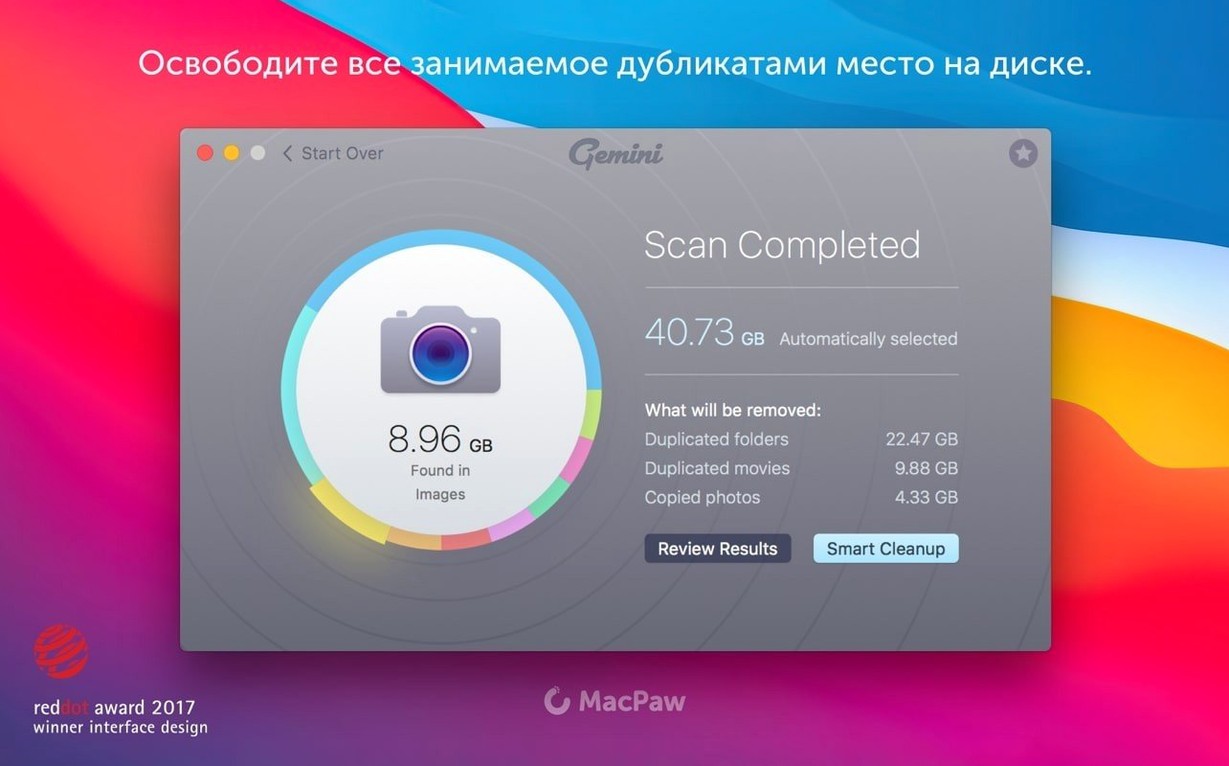
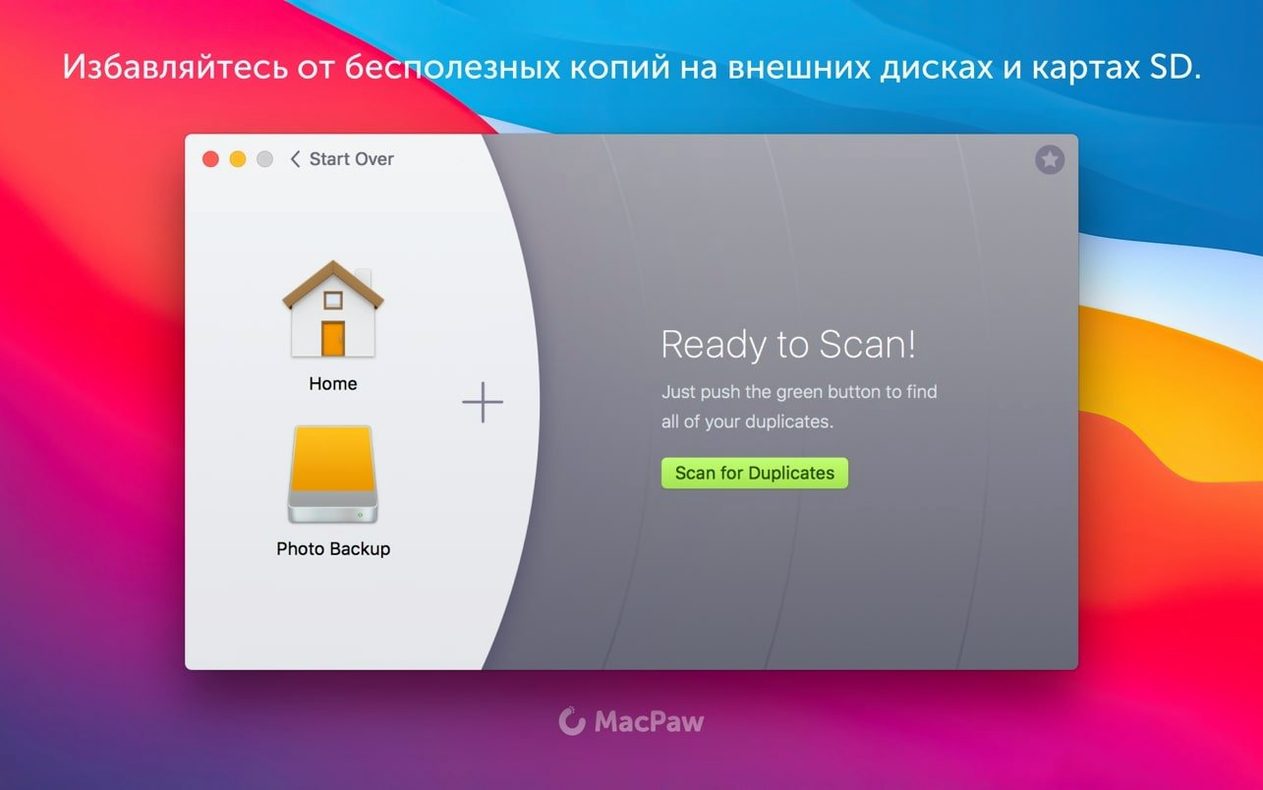
Duplicate file finder — scans your drive for identical files, no matter what they're named.
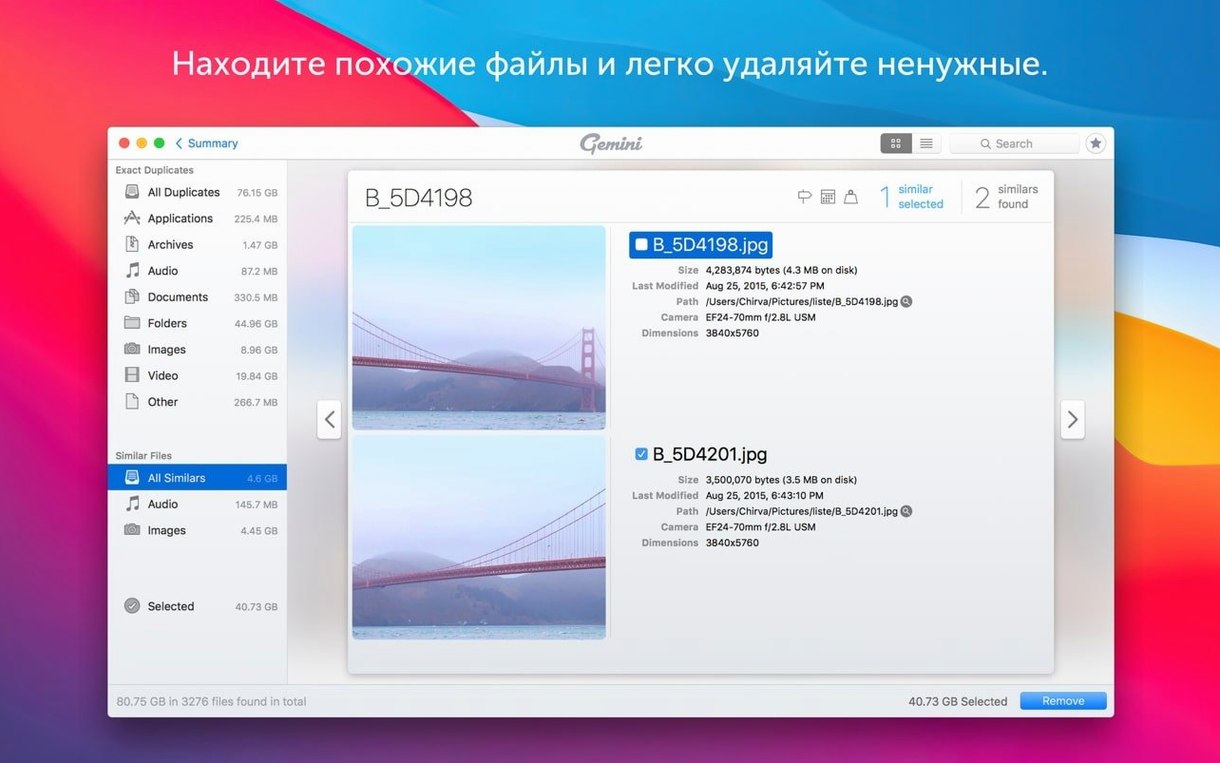
Scan results — displayed in a review interface that groups copies together so you can see what's taking up space.
Safe preselection — the app marks files it thinks you can delete, based on where they live and which copy looks like the original.
Duplicates memory — the more you use it, the more it learns from your deletion habits and applies those preferences to future scans.
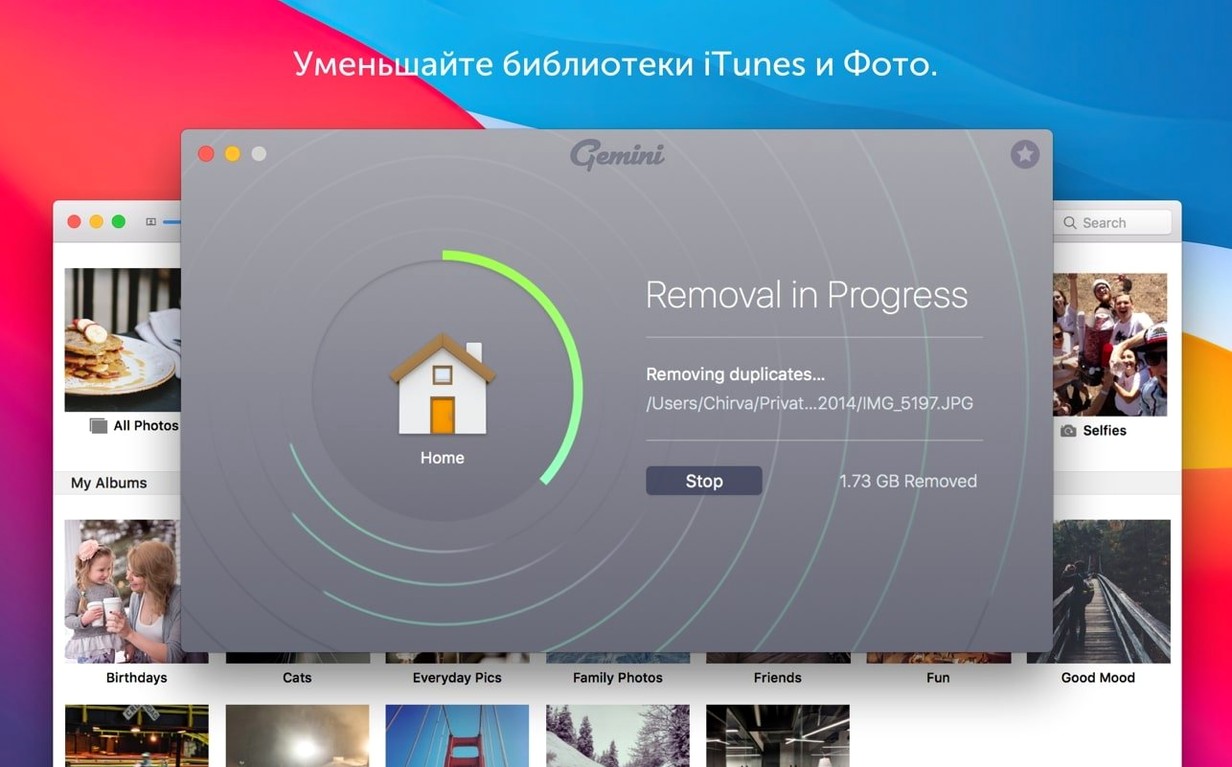
Recently Deleted — a holding area inside the app for files you've removed, in case you change your mind.
Manual control — you can still select, group and move duplicates yourself if the automatic picks aren't quite right.
How Gemini 2 compares with similar apps
Three apps tend to come up when people start hunting duplicates on a Mac: Gemini 2, dupeGuru and Tidy Up. They approach the same problem from different angles.
dupeGuru is the one you'll see recommended in forums when someone asks for a free option. It does fuzzy matching on filenames and content, and it's fast on small sets of files. But it hasn't been updated for years, the interface feels like a port from another decade, and it shows its age on recent macOS releases. No Photos integration, no iTunes scanning, no learning from your choices. Fine for a quick one-off scan of a folder. Less useful when you're trying to clean a whole Mac without accidentally nuking something important.
Tidy Up is the power user's pick. It can search by every metadata field imaginable — EXIF tags, Spotlight comments, file ownership, you name it. The interface is dense. Lots of checkboxes, lots of tabs. If you need to run a forensic-level deduplication of a photo library where files have been renamed and moved across six drives, Tidy Up will do it. For everyday cleanup, though, it's a lot of interface to wade through just to find three copies of the same PDF.
Gemini 2 sits in the middle. It doesn't match Tidy Up's metadata depth, but it covers the practical cases — identical files, similar images, iTunes duplicates, Photos library clutter — without making you configure a search query first. The Smart Select algorithm is the differentiator. dupeGuru marks nothing automatically; Tidy Up gives you raw results and leaves the decisions to you. Gemini 2 takes a first pass at saying "these are probably safe to remove" and gets better at it the more you use it. For someone who wants the space back without a two-hour manual review session, that's the feature that matters.
A photographer’s desktop full of three years of RAW files
Consider a freelance photographer with a 2 TB drive, three years of shoots and a habit of copying entire card folders onto the desktop "just to be safe." She's got RAW files scattered across the internal drive and two externals. Lightroom catalogues reference some of them. Others are orphans — imported, then re-imported when she forgot she'd already done it.
She runs Gemini 2 across the internal drive first. The scan takes a few minutes — long enough to make tea, not long enough to forget about it. Results show 47 GB of duplicates, mostly TIFFs and DNGs that were copied into a "backups" folder and then copied again into a "final edits" folder. Smart Select flags the copies in the backups folder because the originals live inside her year-month project structure and have matching file sizes and creation dates. She reviews the picks manually, unchecks a handful where the folder structure was ambiguous, and removes the rest.
Then she points it at the external drives. The similar-images scan catches something else: JPEG previews sitting next to their RAW counterparts, identical in content but different in filename and extension. Those aren't duplicates in the strict sense, but they're 12 MB each and she doesn't need them because Lightroom generates previews on demand. She tags them, removes them, reclaims another 8 GB.
An hour later the Mac has 55 GB back, the Lightroom catalogues still work and she hasn't had to open a hex editor or compare file hashes by hand. That's the use case Gemini 2 is built for — not archival forensics, but getting a working drive back under control without a headache.
Scanning 50 GB of documents in under two minutes
Scan speed depends almost entirely on what you point it at. A 50 GB folder of mixed documents finishes in under two minutes on an Intel Mac with an SSD. A full-system scan across a 1 TB fusion drive takes longer — closer to 15–20 minutes. The app uses Quick Look to generate previews during review, which keeps the interface responsive even with thousands of results on screen.
RAM usage sits around 200–300 MB during an active scan, dropping to under 100 MB when idle. CPU spikes briefly during the initial hashing pass — expect a minute or two of fans spinning up on older MacBook Pros — then settles back to background levels. It doesn't thrash the disk. The scanning algorithm reads files sequentially where possible, rather than jumping around the file system, so mechanical drives don't grind to a halt while it works.
Stability is fine on macOS 10.13 through to current releases. The app is Intel-native and runs through Rosetta 2 on Apple Silicon without issues, though a native ARM build would make the initial scan phase snappier. Crashes are rare in version 2.10.2. The one rough edge: if you interrupt a scan on a very large photo library, the app can take a few seconds to cancel cleanly. Restarting it puts everything back to normal.
Some users end up here searching for gemini 2 tnt or gemini 2 macpaw download after hitting disk-space warnings. Others look for a gemini 2 crack or a torrent gemini link after a friend recommends it. Whatever route brought you here, the build is the same: version 2.10.2, Intel, macOS 10.13 or later. Give it a folder with too many copies of the same thing and it'll do its job.
Interface languages include Russian, English, German, Spanish, Italian, Simplified Chinese, Dutch, Polish, Portuguese, Ukrainian, French and Japanese.
Requirements
- macOS 10.13 High Sierra or later
- Intel processor
FAQ
Which macOS versions does Gemini 2 support?
The product page says macOS 10.10 and later, but the support page states full support on macOS 10.13 High Sierra and above. For the current version, stick with 10.13 or later.
Does Gemini 2 run on Apple Silicon Macs?
The system requirements list Intel architecture. It should run on Apple Silicon via Rosetta 2, but native Apple Silicon support isn't stated.
Can I get back files I accidentally deleted?
Yes. The app includes a Recently Deleted area where removed duplicate files are held, so you can restore them if needed.
Comments 0
Sign in or create an account to leave a comment.
No comments yet…
If you’ve installed it, say how it went. Mention your Mac and macOS version — it helps the next person more than you’d think.