
Elmedia Player Pro for macOS
Description
Elmedia Player Pro runs on any Mac with macOS 10.13 or later. It's a universal binary, so it works on Intel and Apple Silicon machines without fuss.
Play nearly any file without converting
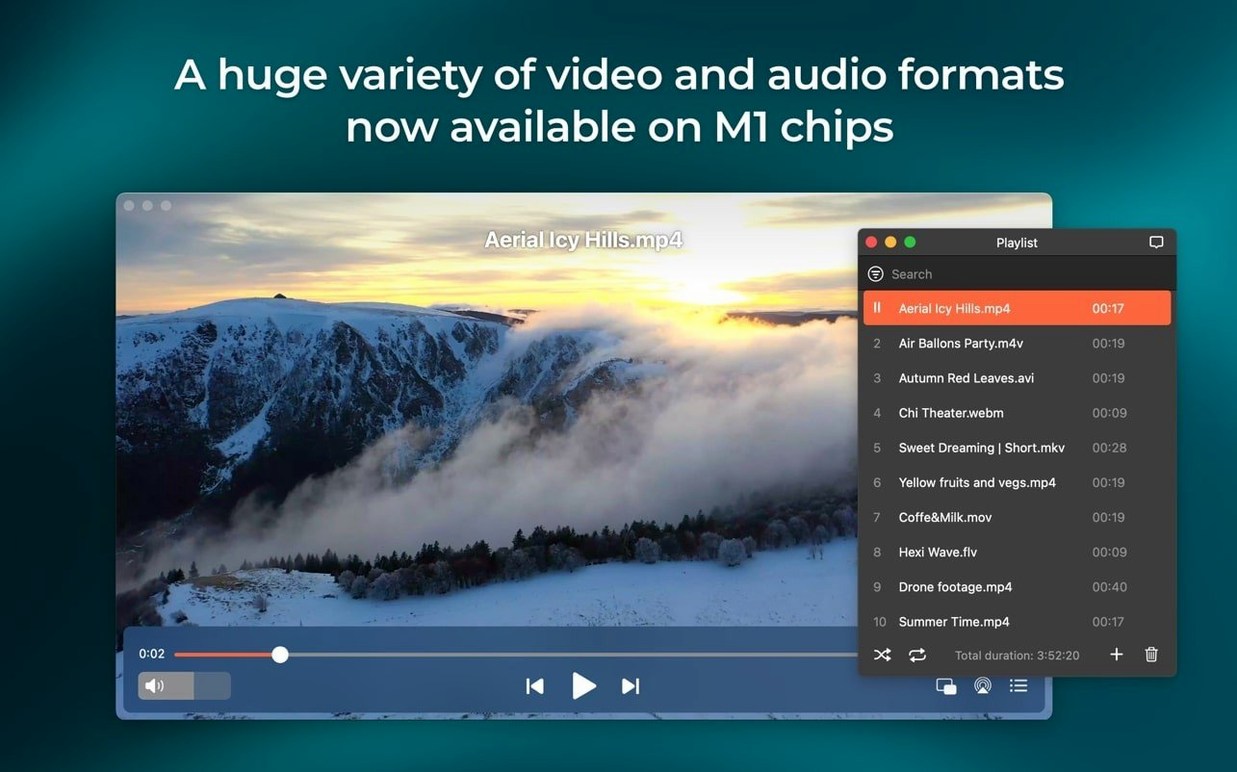
Elmedia handles formats most players ignore. FLV, SWF, WMV, AVI, MOV, MP4, MP3, DAT, FLAC, M4V, MPG, and MKV all open without hunting for codecs.
Grab a frame while the video runs
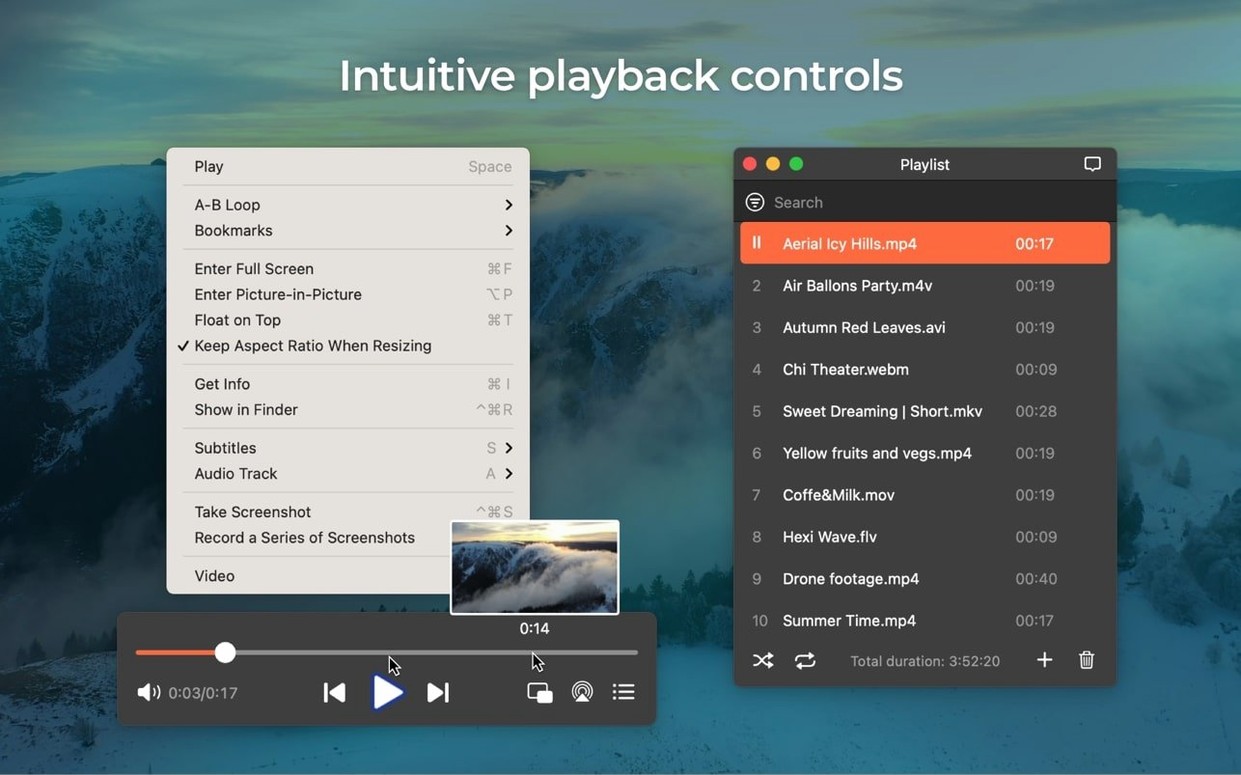
Tap the screenshot tool during playback and save the current frame as TIFF, PNG or GIF. No need to pause and fiddle with external utilities.
Pull videos straight from the web
Drag a mixed folder and reveal any file in Finder
The playlist panel remembers more than you'd expect. Drag a folder of mixed media onto the window and it queues everything in order, keeping MKV episodes next to MP3 intermissions. Right-click any item and choose Reveal in Finder to jump straight to the file without digging through folders.
A few keyboard shortcuts save real time:
- Cmd+Shift+S — take a screenshot of the current frame
- Opt+Enter — toggle full screen
- Cmd+Left/Right — skip forward or back 10 seconds
- ] and [ — speed up or slow down playback without opening a menu
The audio delay slider lives in the Audio menu. If a rip drifts out of sync by a fraction of a second, nudge it right or left instead of re-encoding the file. Handy for concert recordings where the sound stage felt a beat behind.
Bookmark a position mid-playback with Cmd+D. Useful when you stop a two-hour lecture at the 47-minute mark and don't want to scrub back later. The bookmark list appears under the Window menu, not in the main toolbar, so it's easy to miss.
Drop files into the playlist panel, not the Dock icon
The most common one: dragging a file onto the Dock icon and wondering why nothing happens. Elmedia doesn't always auto-play on drop if a previous playlist is still active. Open the playlist panel first and drop files there instead.
Another is ignoring the Playback > Aspect Ratio menu. A stretched 4:3 video looks wrong, and people blame the file. Switch it to the correct ratio manually — Elmedia defaults to whatever the file metadata claims, which isn't always right.
New users often enable hardware acceleration without checking if their GPU supports the codec. On older Intel Macs, H.264 acceleration works fine, but HEVC decoding may stutter. If playback is choppy, toggle Preferences > Video > Enable hardware decoding off and let the CPU handle it.
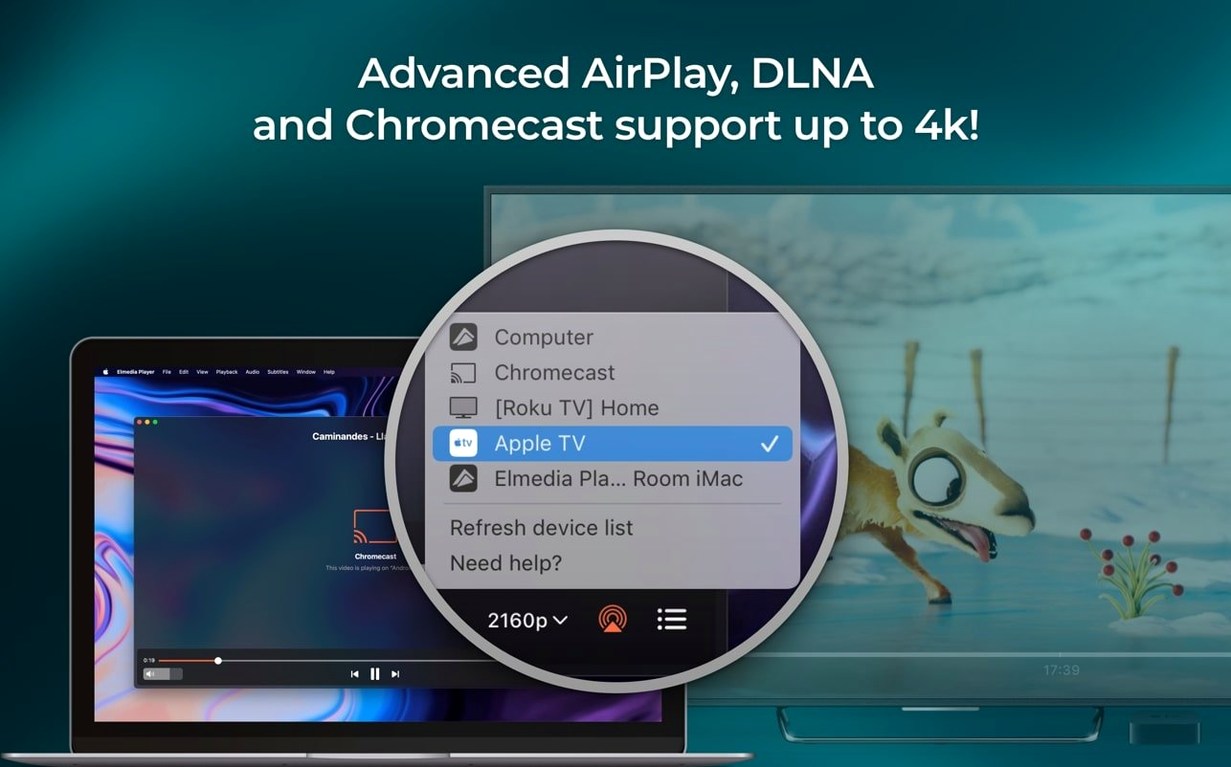
People also forget that AirPlay streaming needs both devices on the same network. If the AirPlay icon stays greyed out, check the firewall on the Mac — Little Snitch or macOS's built-in firewall can block the discovery broadcast. Allow incoming connections for Elmedia and it should appear.
Fix missing DTS or AC-3 audio on MKV files
No audio on some MKV files. The file likely uses a DTS or AC-3 track routed through passthrough. Confirm your audio output supports S/PDIF or HDMI passthrough. If you're using built-in speakers, switch to a stereo downmix in Preferences > Audio > Output channels — set it to 2 channels instead of passthrough.
Subtitles won't load. Elmedia looks for an external .srt file with the same name as the video. If it's named slightly differently — film.srt instead of film.mp4.srt — the player won't pick it up. Rename the subtitle file to match exactly, or drag it onto the playback window to load it manually.
Streaming to a device fails. Since version 8.24, Eltima fixed errors when opening the device list. If it still happens, quit the player, restart your router, and reopen Elmedia. The device discovery protocol sometimes needs a clean slate.
Downloaded video has no audio. Some sites split audio and video into separate streams. The download tool grabs the video stream by default. Check the download dialog for an audio track option before confirming — missing it means a silent file.
If you've searched for elmedia player torrent or elmedia player pro mac crack and ended up with a version that behaves oddly, you're probably running an older build that predates the M4B support and streaming fixes in 8.24. The elmedia video player pro mac crack floating around from late 2024 had a known bug where AirPlay connections dropped after 20 minutes—if you're using that one, just toggle the 'Use legacy AirPlay' checkbox in playback preferences and it settles down. A elmedia player pro crack might also lack the sleep-prevention improvement, so pop into System Settings and set your Mac to stay awake manually—problem solved. The elmedia player pro for mac full version 8.24 has these sorted.
Play downloaded talks, panels and a Vimeo link together
You've just downloaded a batch of footage from a conference — three MP4 talks, an MKV panel discussion, and a FLAC recording of the Q&A. Plus someone sent you a link to a Vimeo highlights reel you need to pull locally.
Open Elmedia. The blank window sits ready. Drag the conference folder onto it. All five files queue in the playlist panel on the left, ordered alphabetically. Double-click the first MP4 talk. It opens full frame, hardware decoding kicking in so the fan stays quiet.
Twenty minutes in, the speaker references a slide with a chart you need. Tap Cmd+Shift+S. The screenshot saves as a PNG to your desktop — default format, no dialog box. Keep watching.
The MKV panel discussion starts but the audio is silent. The file uses DTS passthrough and you're on a MacBook with internal speakers. Open Preferences > Audio, switch output channels to 2 (Stereo). Sound returns. You bookmark the halfway point with Cmd+D before a break.
Now the Vimeo link. Copy the URL, open Elmedia's built-in browser, paste and load. The video starts playing inside the player. Click the download icon in the browser toolbar. A dialog offers video-only or video-with-audio. You pick the latter. The MP4 saves to your Movies folder while you queue up the FLAC Q&A.
Before bed, you AirPlay the highlights reel to the living room Apple TV. The icon lights up immediately — both devices on the same 5 GHz network, no firewall interference. You nudge the volume with the on-screen slider and let it run.
The built-in browser lets you download online video and extract audio tracks without leaving the player. RTMP streams are supported too.
What’s new
Adds support for M4B audiobook files. Improves compatibility with macOS 26. Improves preventing the Mac from sleeping while streaming. Fixes streaming to certain devices. Fixes errors when opening the list of devices for streaming.
Requirements
- macOS 10.13 or later
- Apple Silicon or Intel Mac
FAQ
What audio channels can Elmedia Player Pro use?
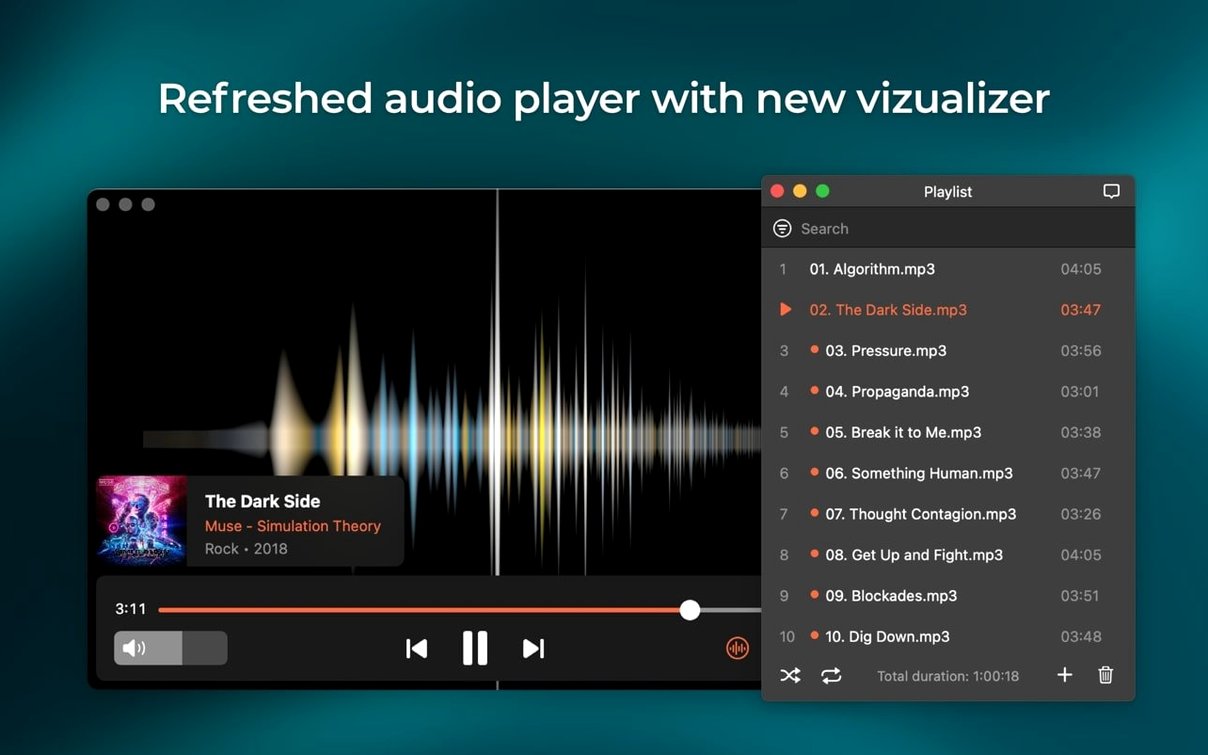
It can output two, four or eight audio channels depending on your hardware and the file.
Does Elmedia support streaming to a TV?
Yes, it streams to AirPlay devices and other Macs running Elmedia via AirPlay.
Which Macs does version 8.24 support?
It requires macOS 10.13 or later, which was the minimum change introduced in this version.
Comments 0
Sign in or create an account to leave a comment.
No comments yet…
If you’ve installed it, say how it went. Mention your Mac and macOS version — it helps the next person more than you’d think.