Dynamic Wallpaper Engine for macOS

Description
It runs on any Mac with macOS 10.12 or later, Intel or Apple Silicon. If your machine can still boot, this app will likely run on it.
| What | The details |
|---|---|
| Version | 25.4 |
| Languages | English, Simplified Chinese |
| Key feature | Playlists with list and shuffle looping |
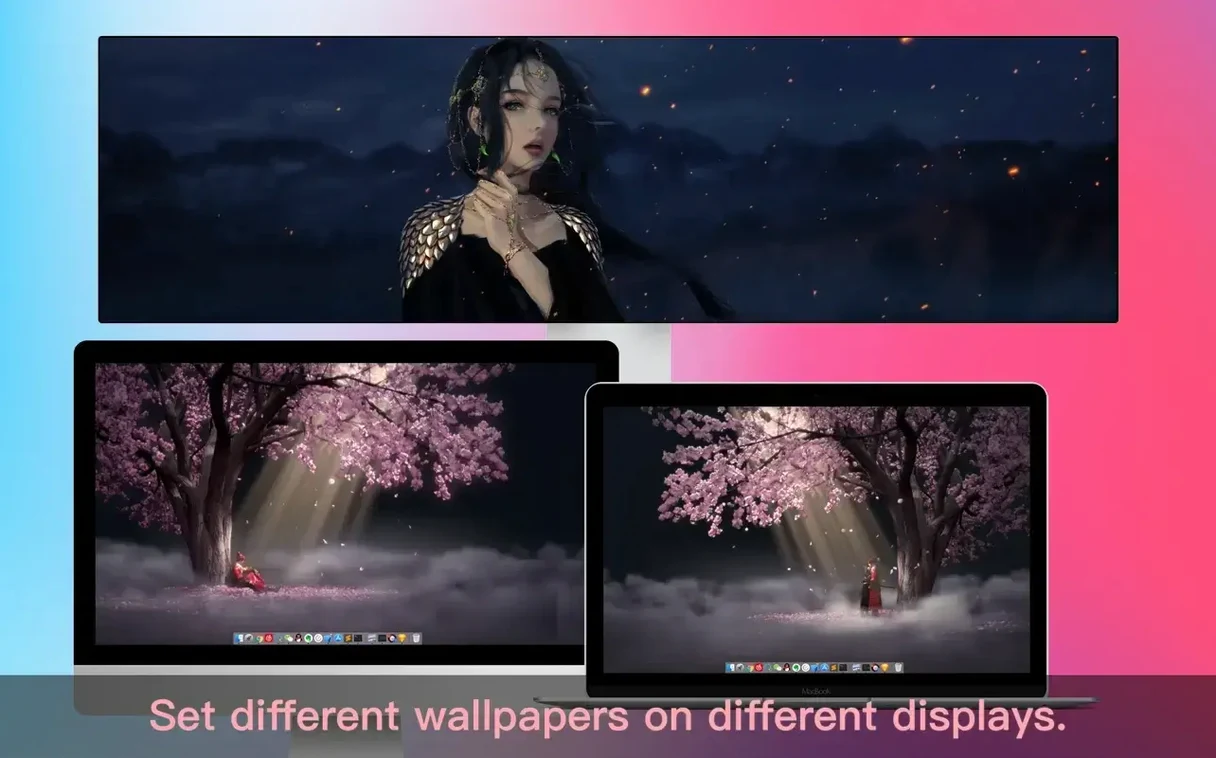
| Multi-display | Different wallpaper per screen |
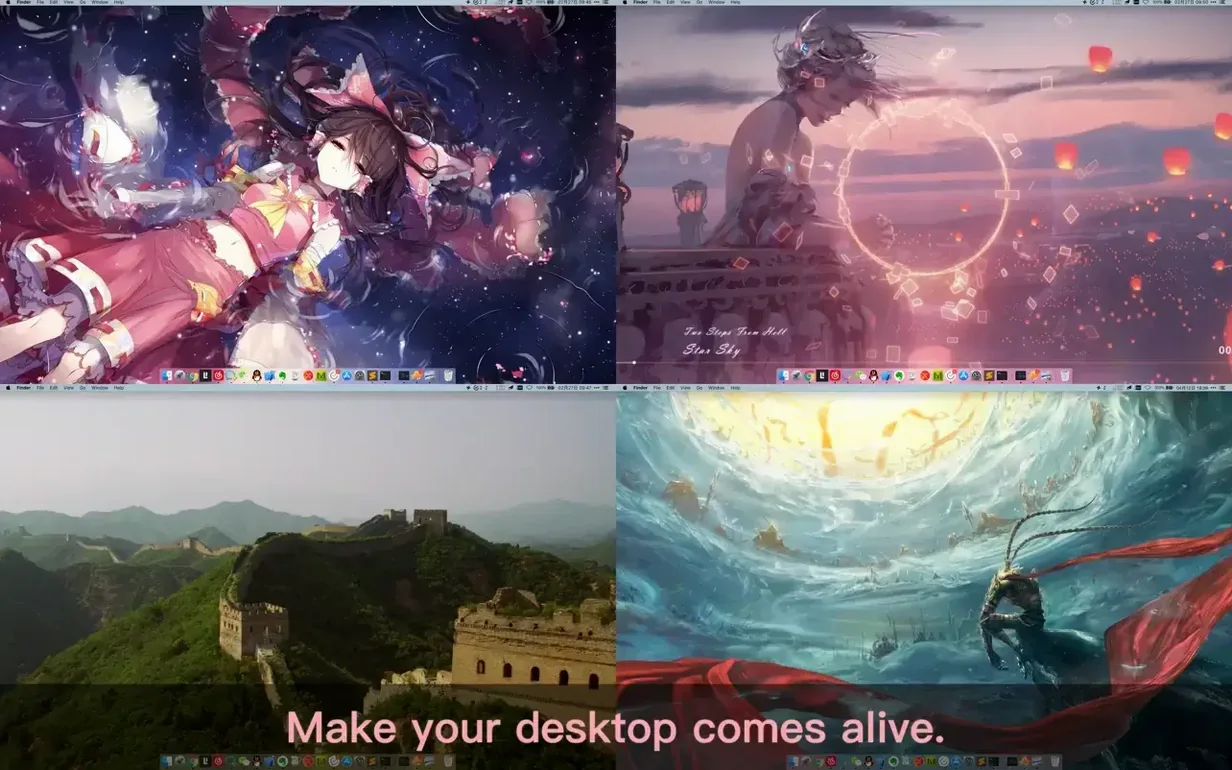
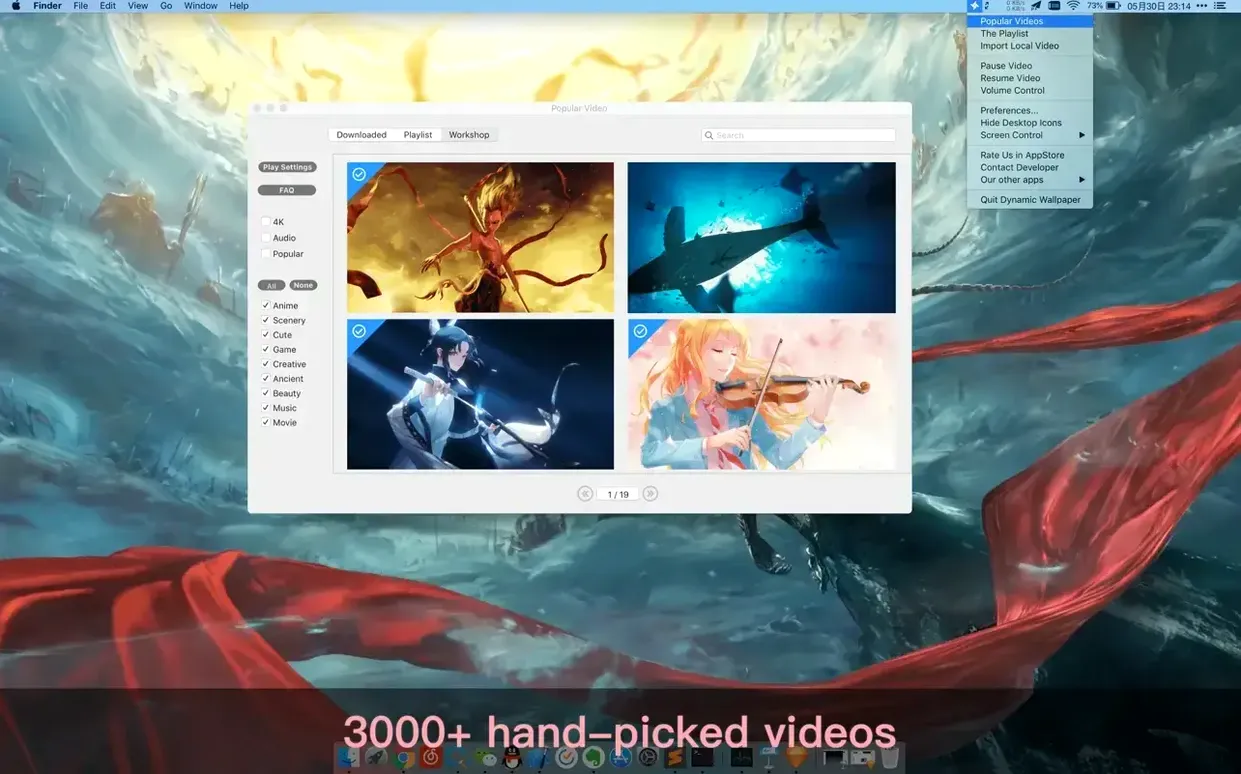
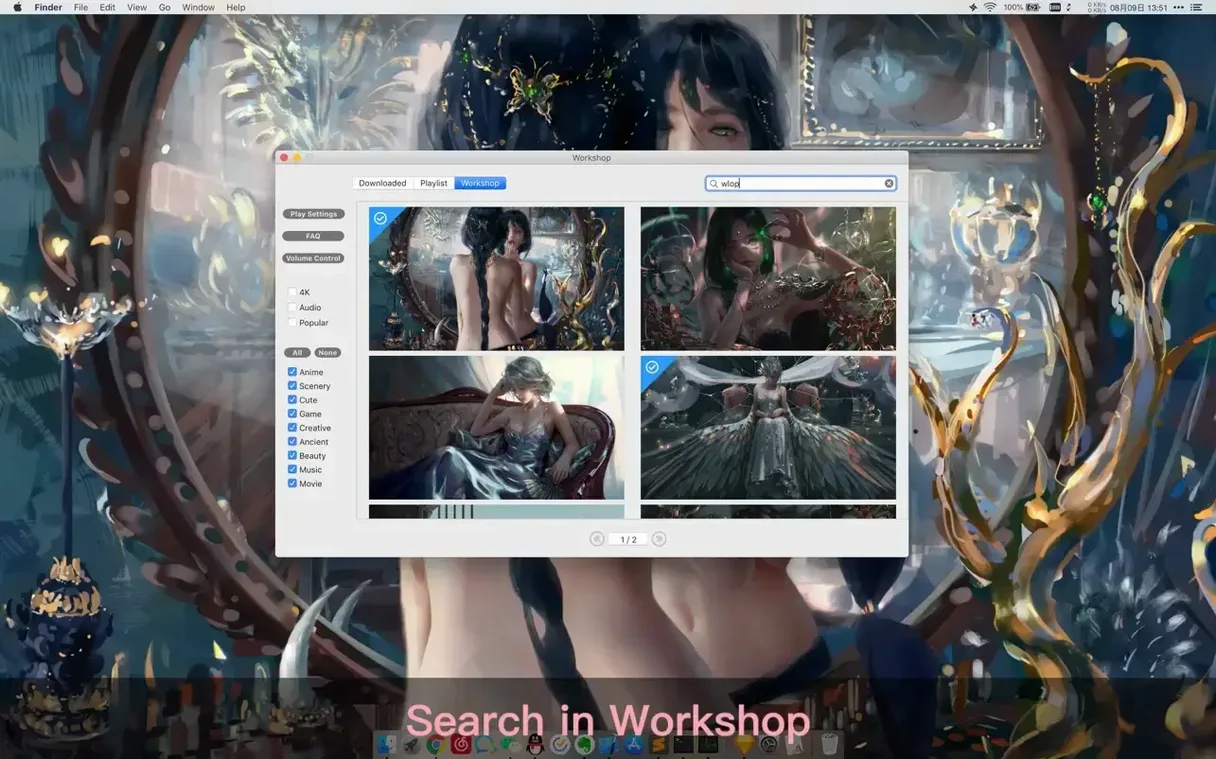
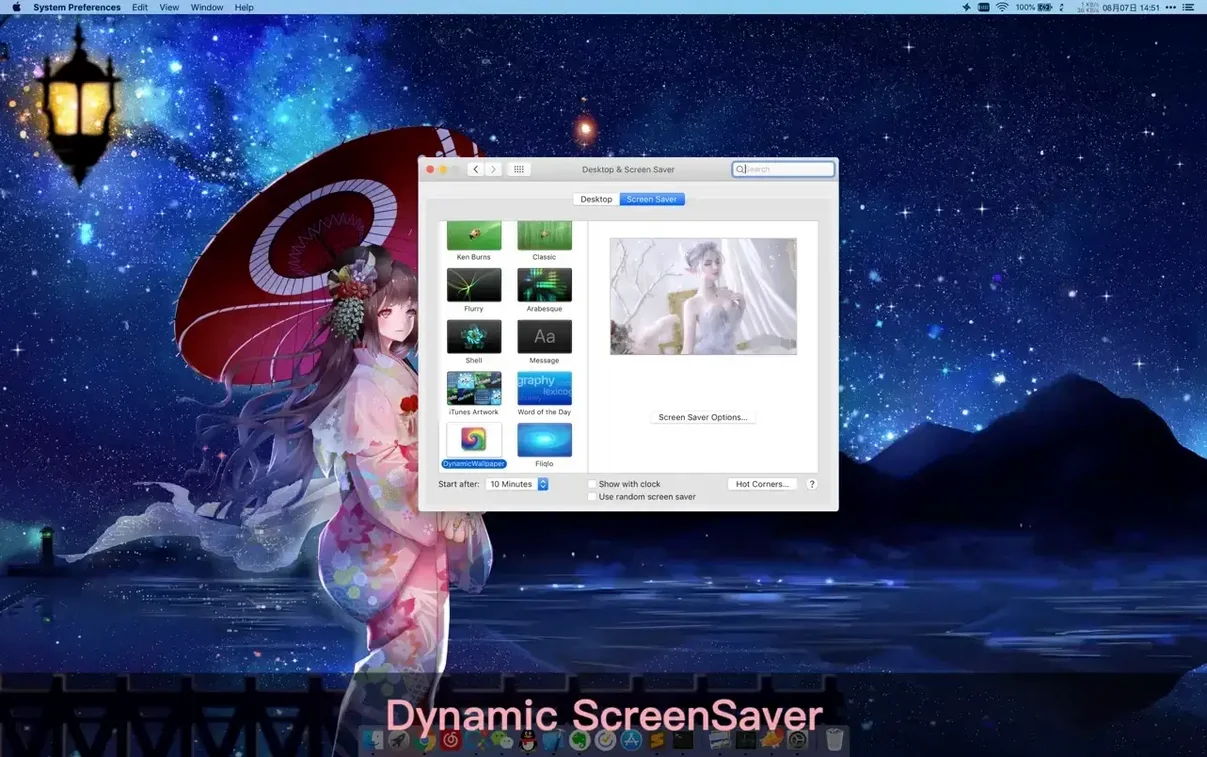
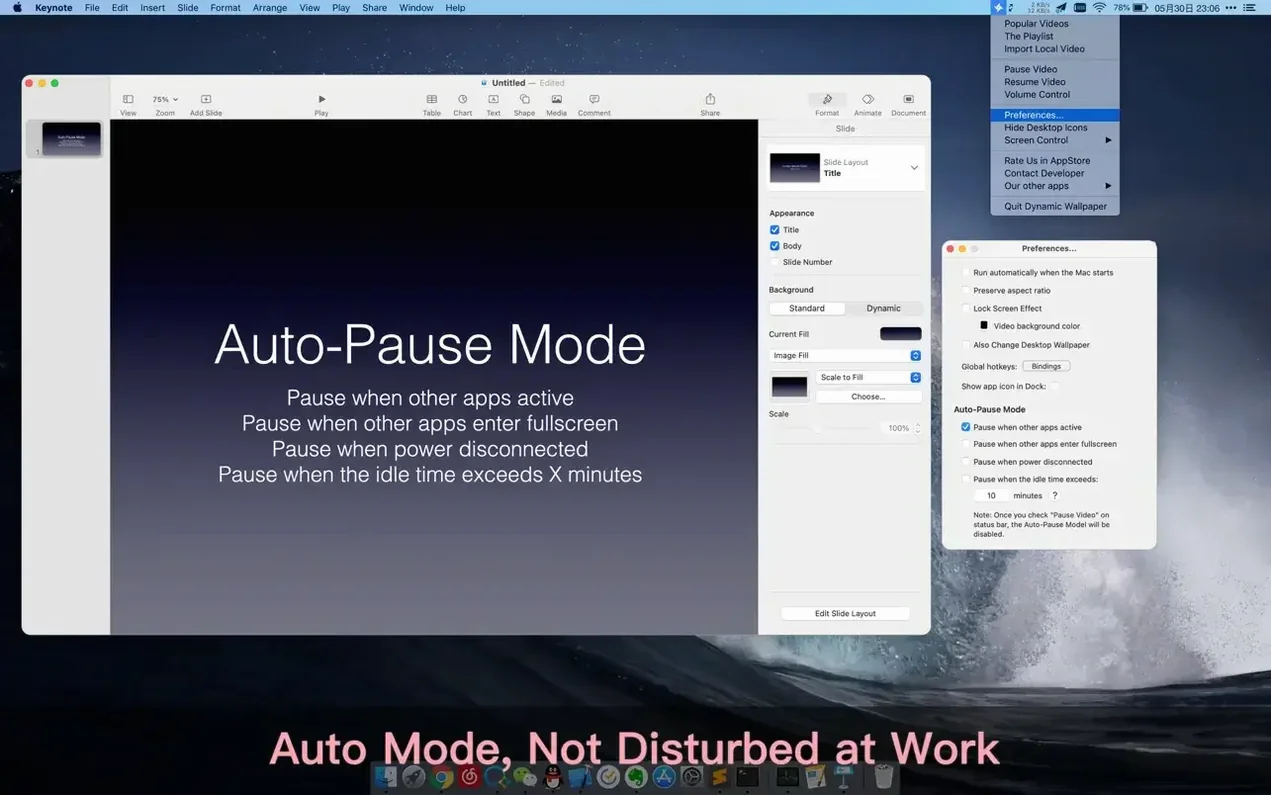
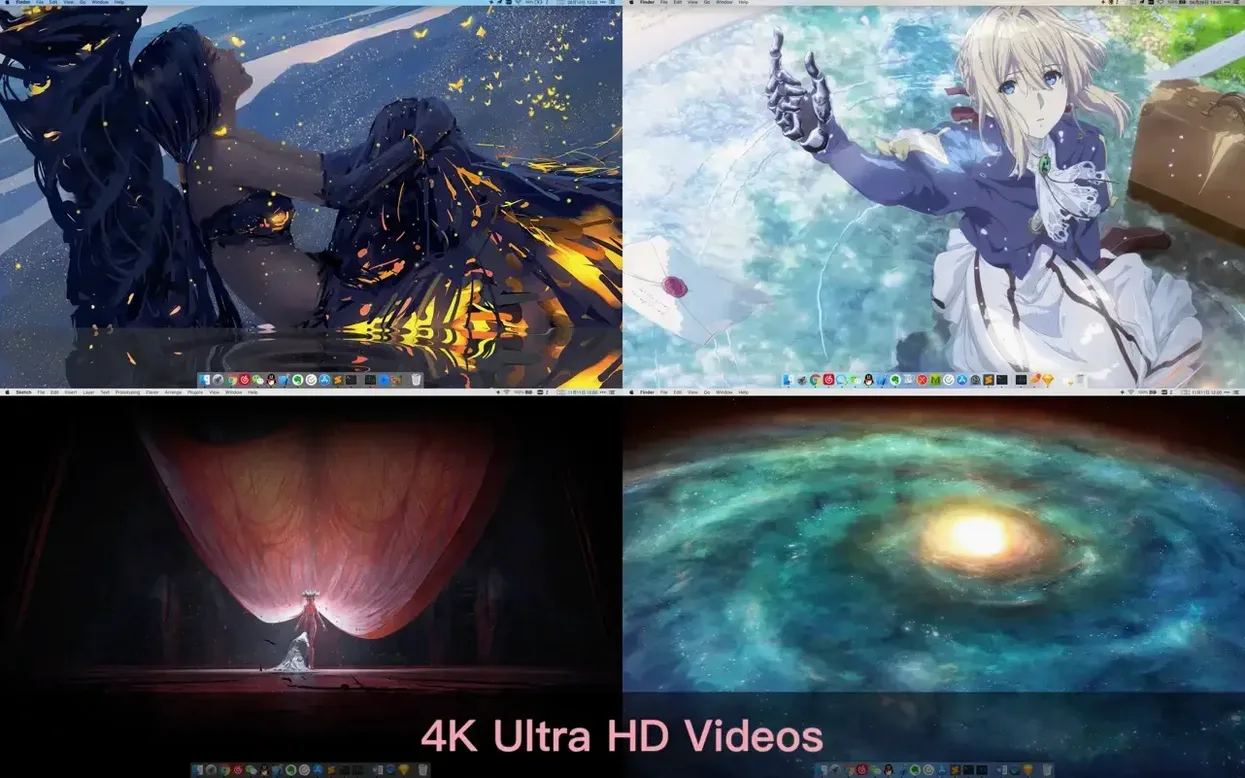
This is a wallpaper engine built for people who want movement on their Mac desktop without the fuss. It plays 4K video as live wallpaper and doubles as a dynamic screensaver. You can set a different video on each connected display and search by keyword to find the clip you want. There's playlist support too, with standard looping or shuffle if you prefer variety. The app stays out of your way: video pauses automatically when you unplug from power or when another application fills the screen, so it's not chewing resources while you work.
Right-click the menu bar icon to pause without opening the window
A few shortcuts aren't obvious on first launch. Right-click the menu bar icon to pause or resume without opening the main window — quicker than hunting for the hotkey. The global hotkeys themselves are configurable; the defaults are sensible but you can remap them to anything that doesn't clash with your other apps.
If you work with a cluttered desktop, the "Hide desktop icons" toggle is tucked in the General tab. Enable it and your files vanish while the wallpaper keeps playing. Same menu lets you mute audio per-wallpaper, which is useful when a landscape clip ships with birdsong you didn't ask for.
The rest reminder is easy to overlook. You set an interval and a message, and the app fades the screen to that message. It won't replace a proper break timer, but it's a decent nudge if you lose track of time.
Browse the workshop grid for a 4K misty pine forest clip
You launch the app and it sits in the menu bar. The main window opens to the workshop — a grid of thumbnails organised by category. You browse 'Landscapes', find a 4K clip of mist rolling over a pine forest, and click it. The desktop updates immediately; no restart, no logout.
You then switch to the Playlist tab, drag in three or four videos — maybe the forest, a city timelapse, and something abstract from the AI art section — and set it to shuffle. Over on your second monitor you assign a static-looking anime scene that barely moves, because you don't want distraction in your peripheral vision while coding.
You close the window. The menu bar icon is the only sign the app is running. Later, when you plug in a local video file through the Import button, it slots into your existing playlist without complaint. At 6pm the rest reminder you forgot about fades the screen to a soft grey and tells you to stand up.
Sets a website as wallpaper but skips video and playlists
Plash does one thing: it sets any website as your desktop wallpaper. It's lighter and free, but it doesn't do video, playlists, or multiple displays in the same way. If you want a live dashboard or a web page as your background, Plash is the better fit. For video wallpaper it's the wrong tool.
24 Hour Wallpaper offers a curated set of high-quality time-synced stills that shift with the hour. No video, no custom imports, no playlists — just beautiful photography that matches real-world daylight. It uses far less battery than Dynamic Wallpaper Engine because it's not pushing frames. Good for minimalists who want atmosphere without movement.
Wallpaper Wizard 2 has a large library of still images and a few motion backgrounds, but it's subscription-driven and lacks the granular control over playlists, hotkeys, and per-display settings that you get here. Dynamic Wallpaper Engine is the pick when you want video wallpapers, local file imports, and the ability to tweak behaviour per scenario.
What’s new
Adds more 4K wallpapers.
Requirements
- macOS 10.12 or later
- Apple Silicon and Intel 64-bit Macs
Comments 0
Sign in or create an account to leave a comment.
No comments yet…
If you’ve installed it, say how it went. Mention your Mac and macOS version — it helps the next person more than you’d think.