
DxO ViewPoint for macOS
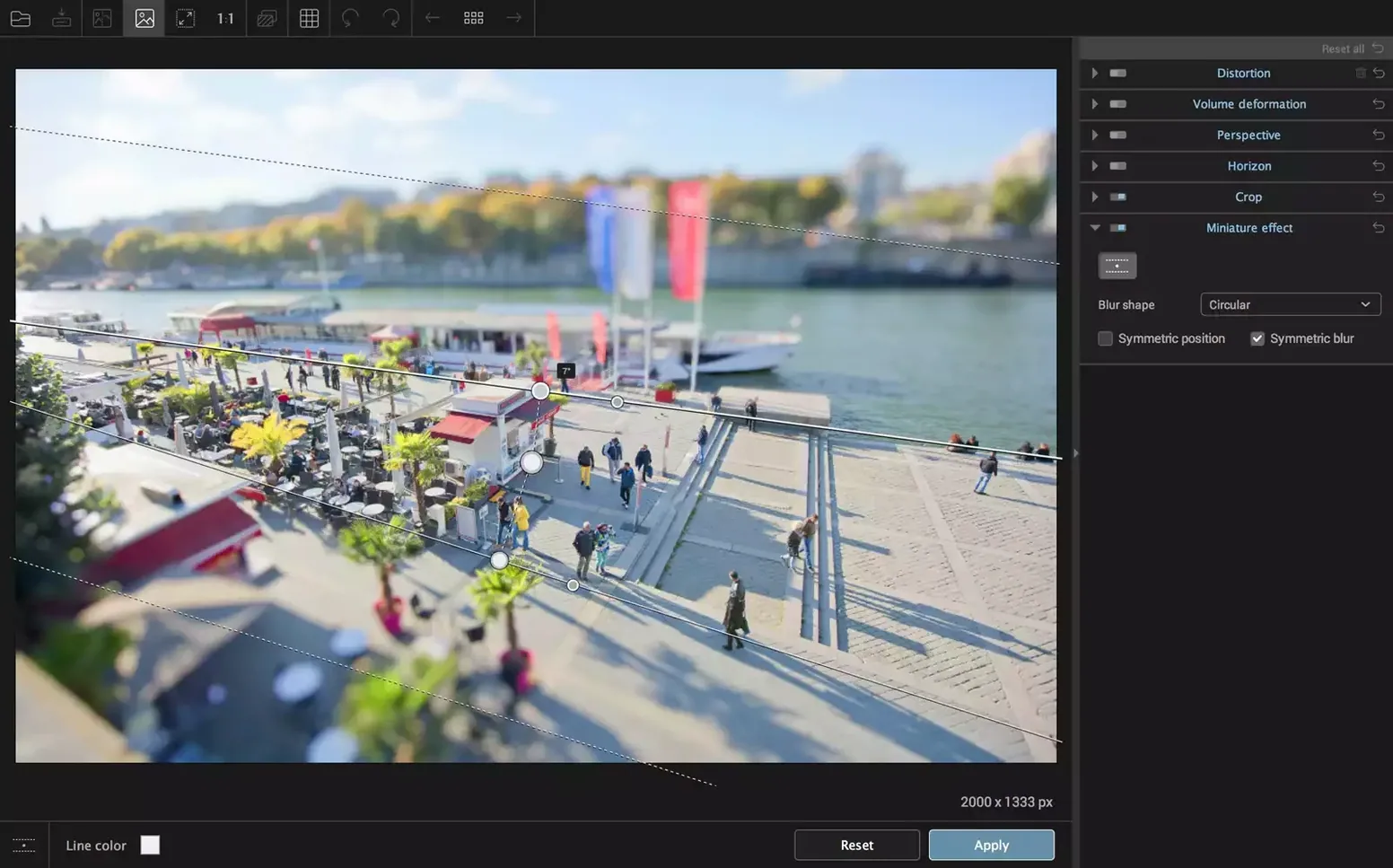
Description
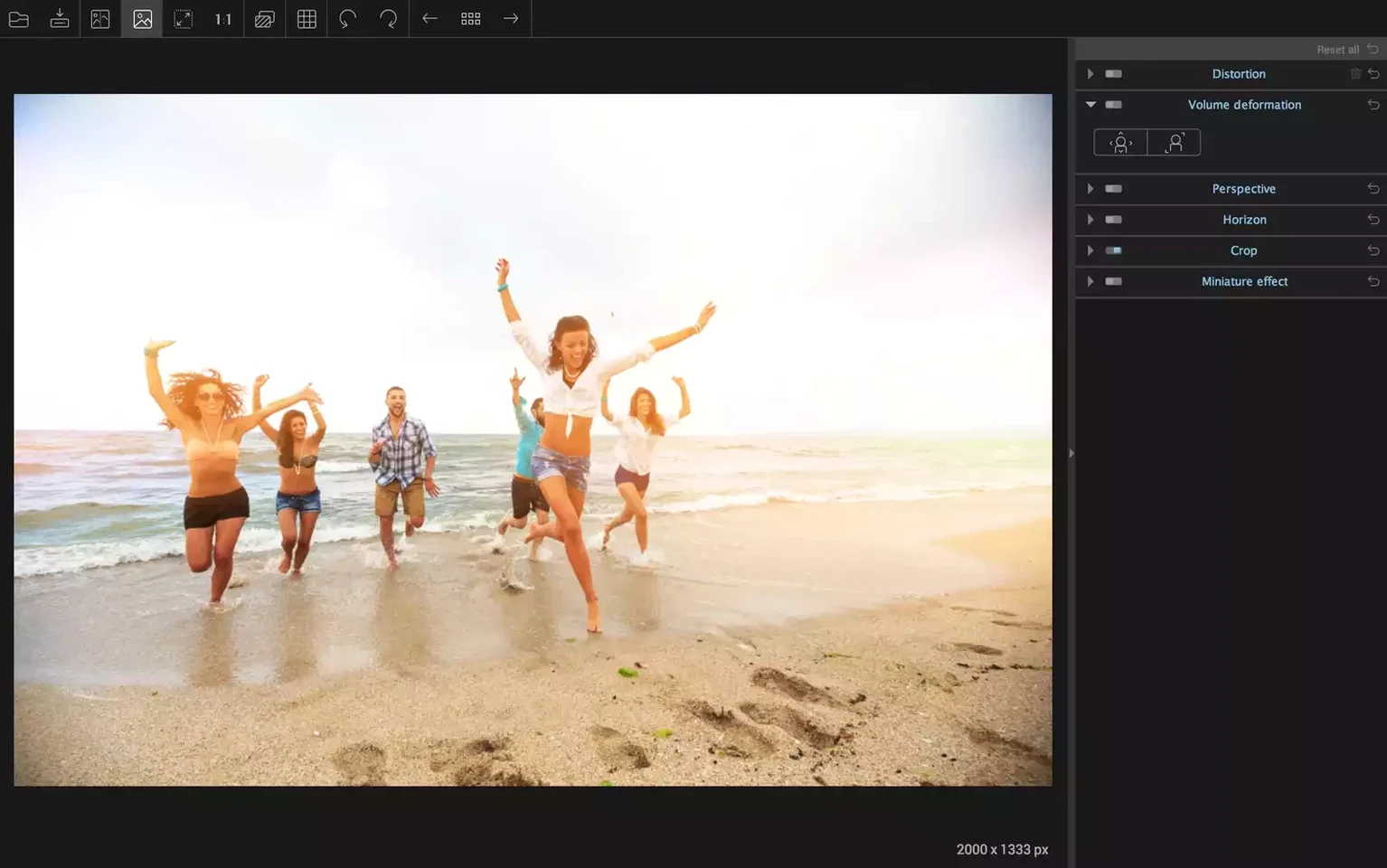
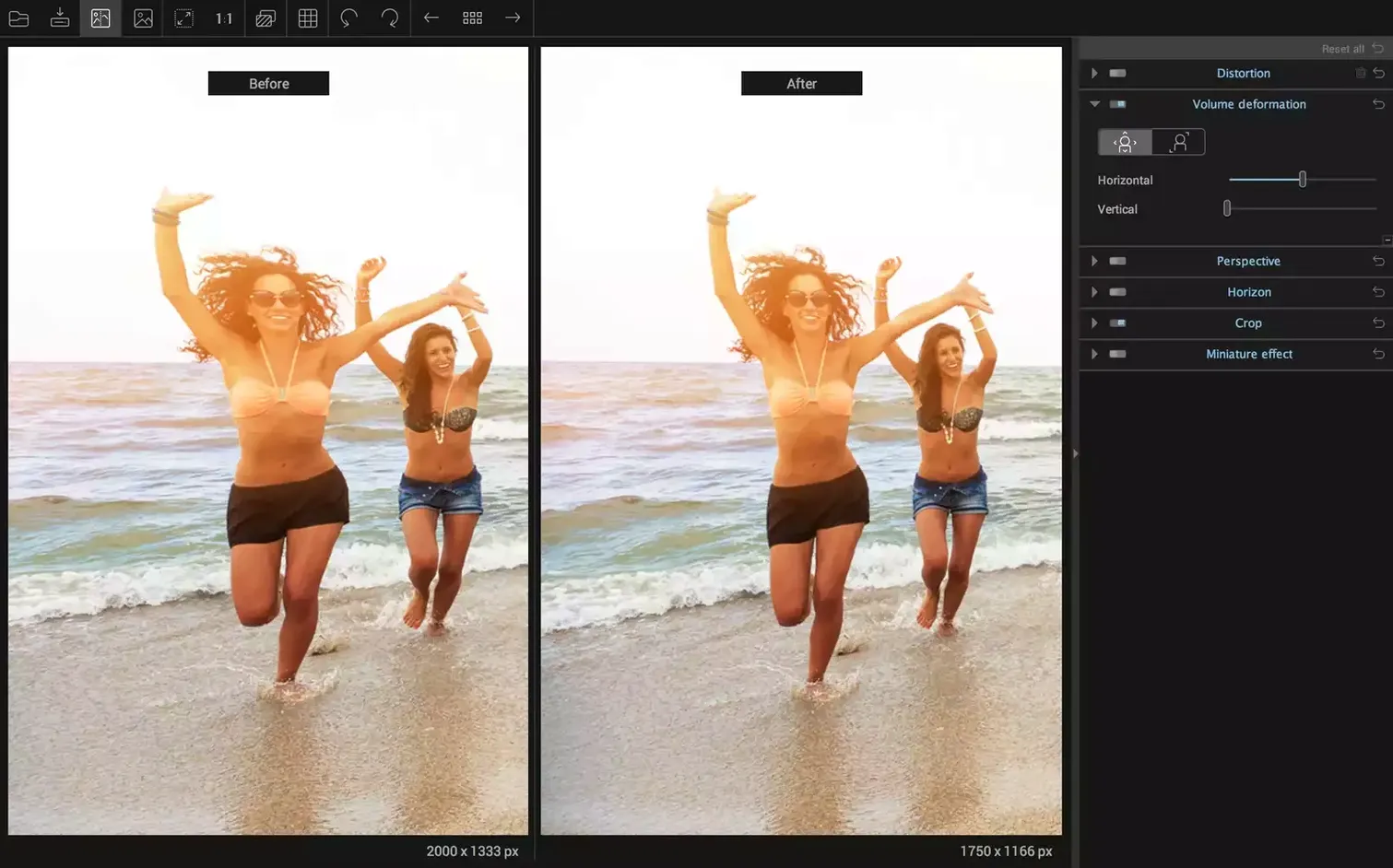
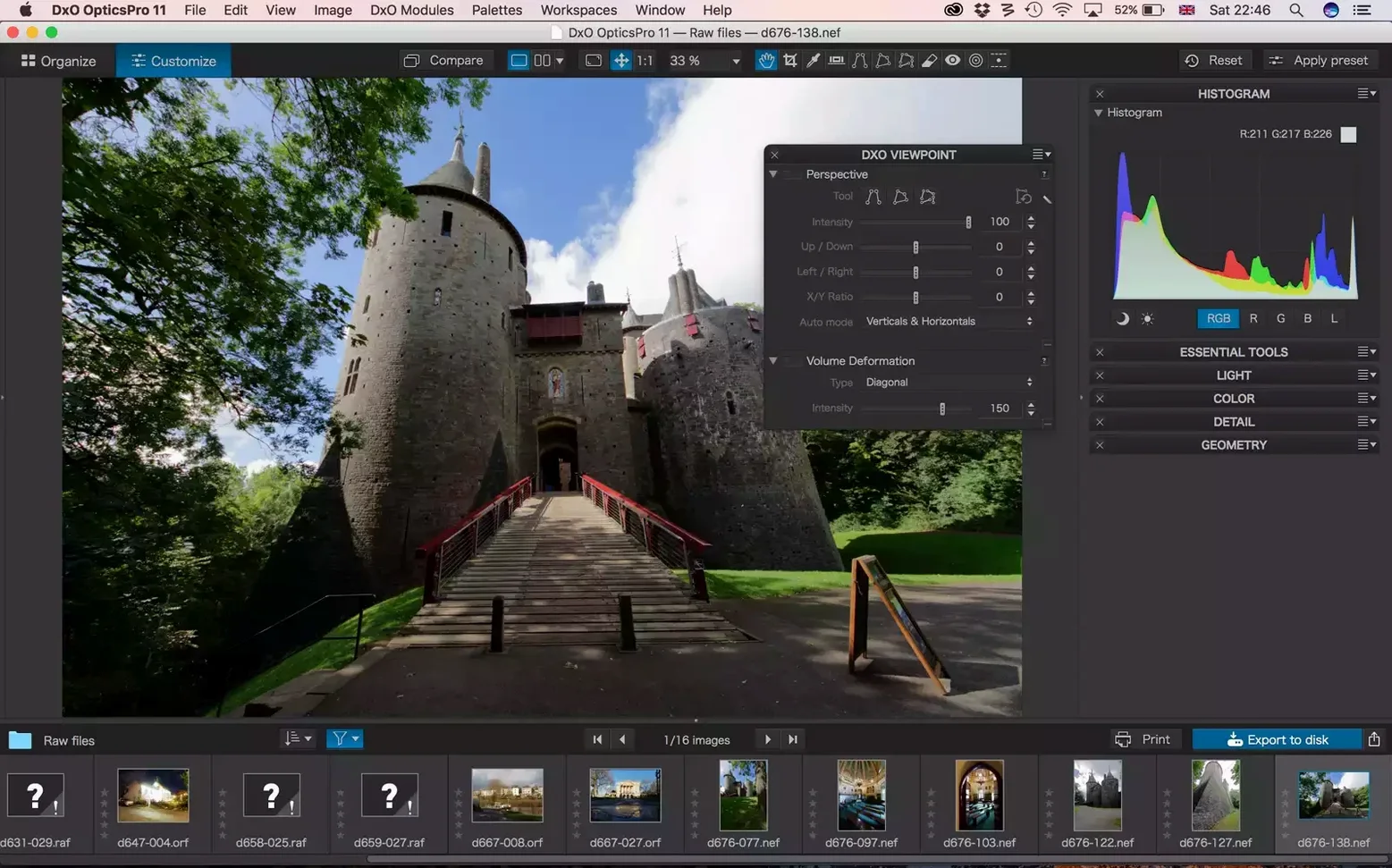
Volume Deformation is the tool that stops your group portrait looking like the people at the edges have been stretched on a rack. It fixes the unnatural widening that happens when you shoot with a wide-angle lens, pulling proportions back to something the eye accepts.
Fix a tilted horizon
Straighten a landscape in seconds. Anchor a line along the crooked horizon and the whole frame rotates to level, cropping in automatically so you don't lose the composition.
Correct barrel and pincushion distortion
Lens distortion bends straight lines near the frame edge. Pick the correction type, set the strength, and architectural lines run true again. Works for fisheye lenses too.
Adjust perspective in the plug-in
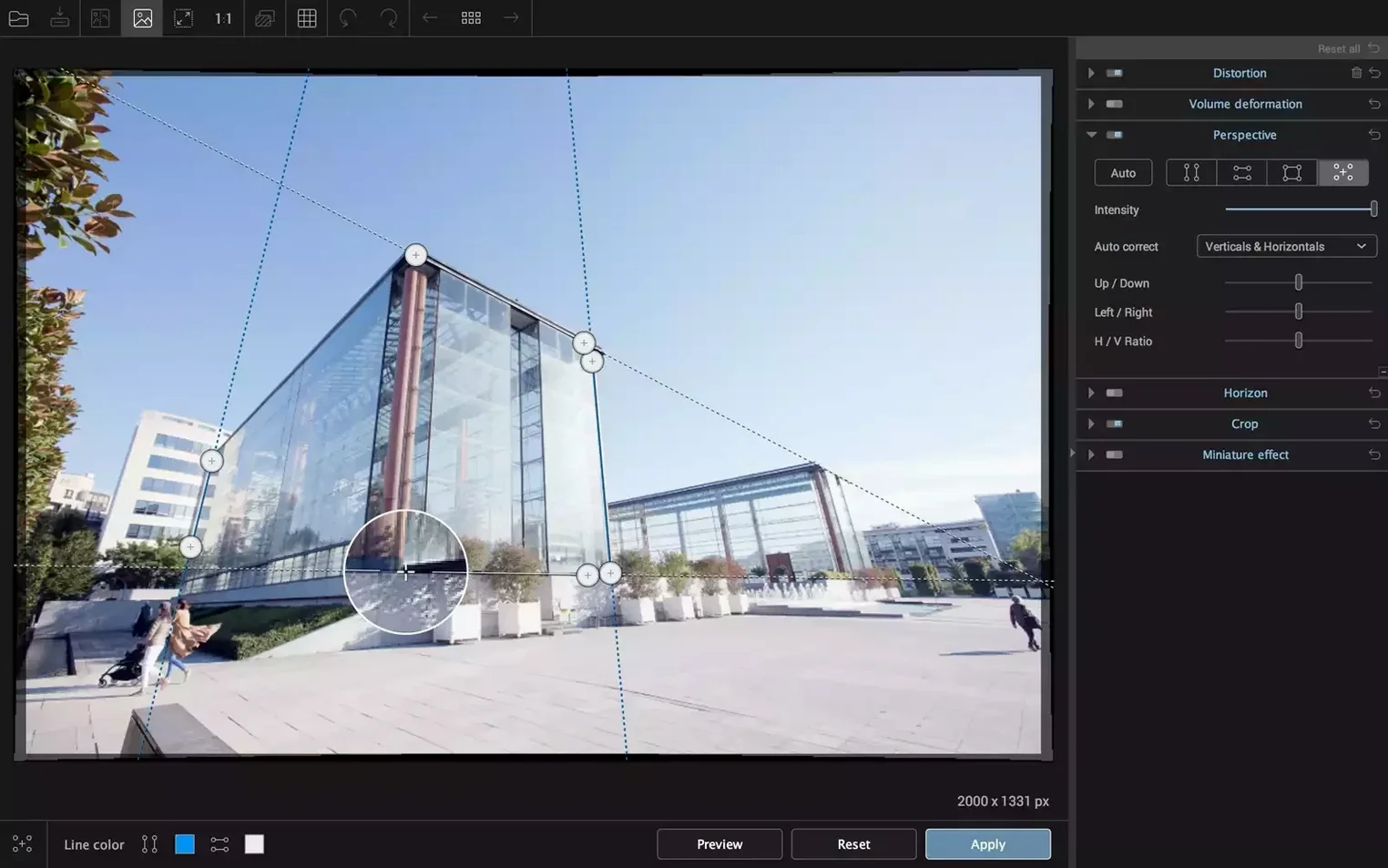
When you're already working in Lightroom Classic or Photoshop, ViewPoint is available right there as a plug-in. Pull verticals upright on a building shot without leaving your catalog.
Apple Silicon opens in three seconds, Intel Macs take double
ViewPoint 5.15.0 launches in about three seconds on Apple Silicon, roughly twice that on Intel Macs from the same era. The standalone app sits around 400 MB of RAM with a 24-megapixel TIFF open. Working through a hundred JPEGs in a session, memory use crept up by only 60 MB on my machine — no slow leak that forces a restart halfway through.
Applying Volume Deformation on a 42-megapixel raw-derived TIFF takes under a second. The ReShape Fusion mesh distorts smoothly while you drag control points. There's no beachball, no stutter. As a Photoshop plug-in it inherits the host's memory pool, so performance depends more on how many layers you've stacked. In Lightroom Classic, edits pass back and forth via TIFF, which adds a few seconds per image but keeps the round-trip predictable.
One crash in two weeks of daily use, and that was when I fed it a corrupted TIFF from a failing SD card — the kind of file that beachballed Preview too. Autosave had my last five minutes of adjustments intact.
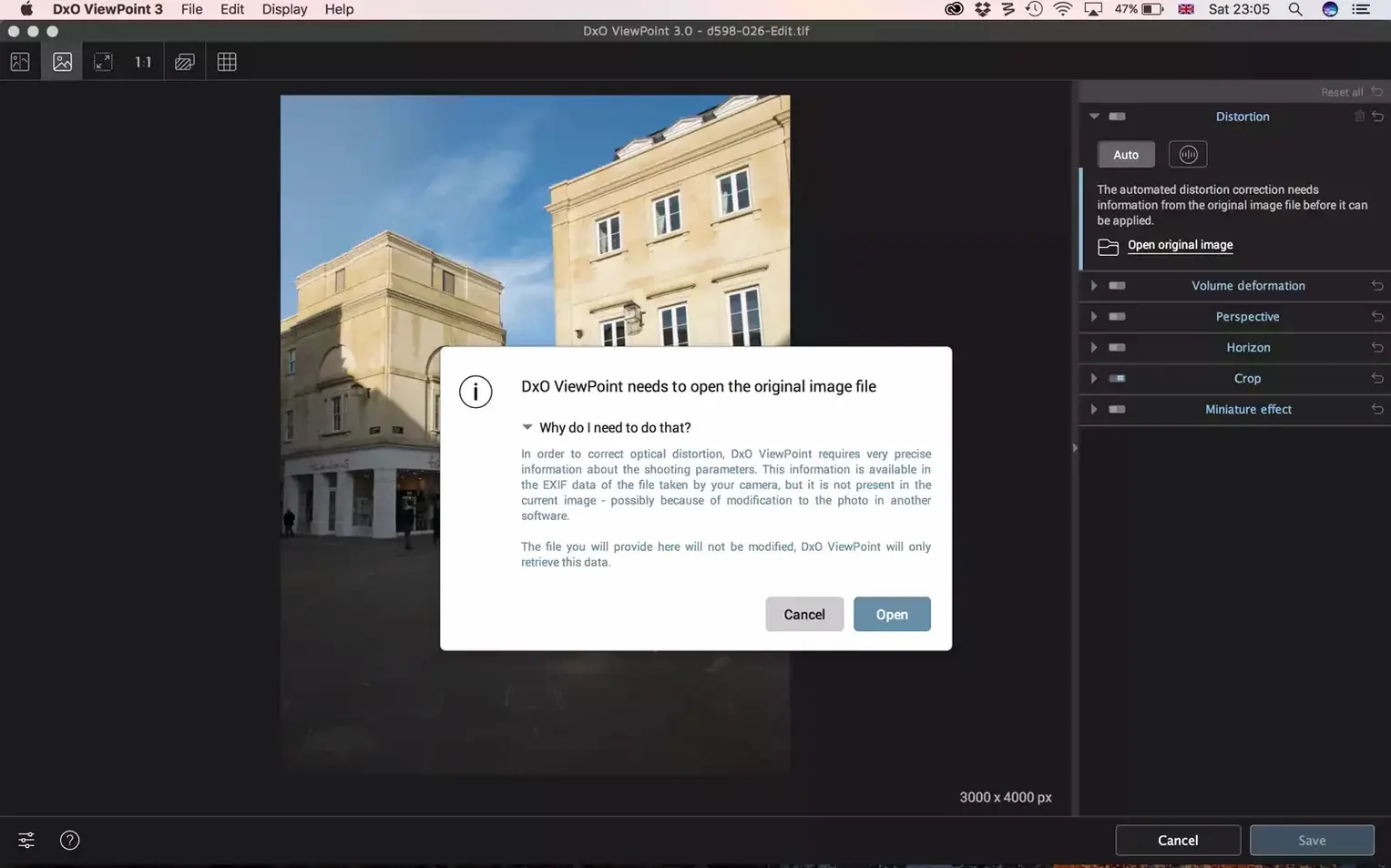
It opens JPEGs and TIFFs without PhotoLab or PureRAW
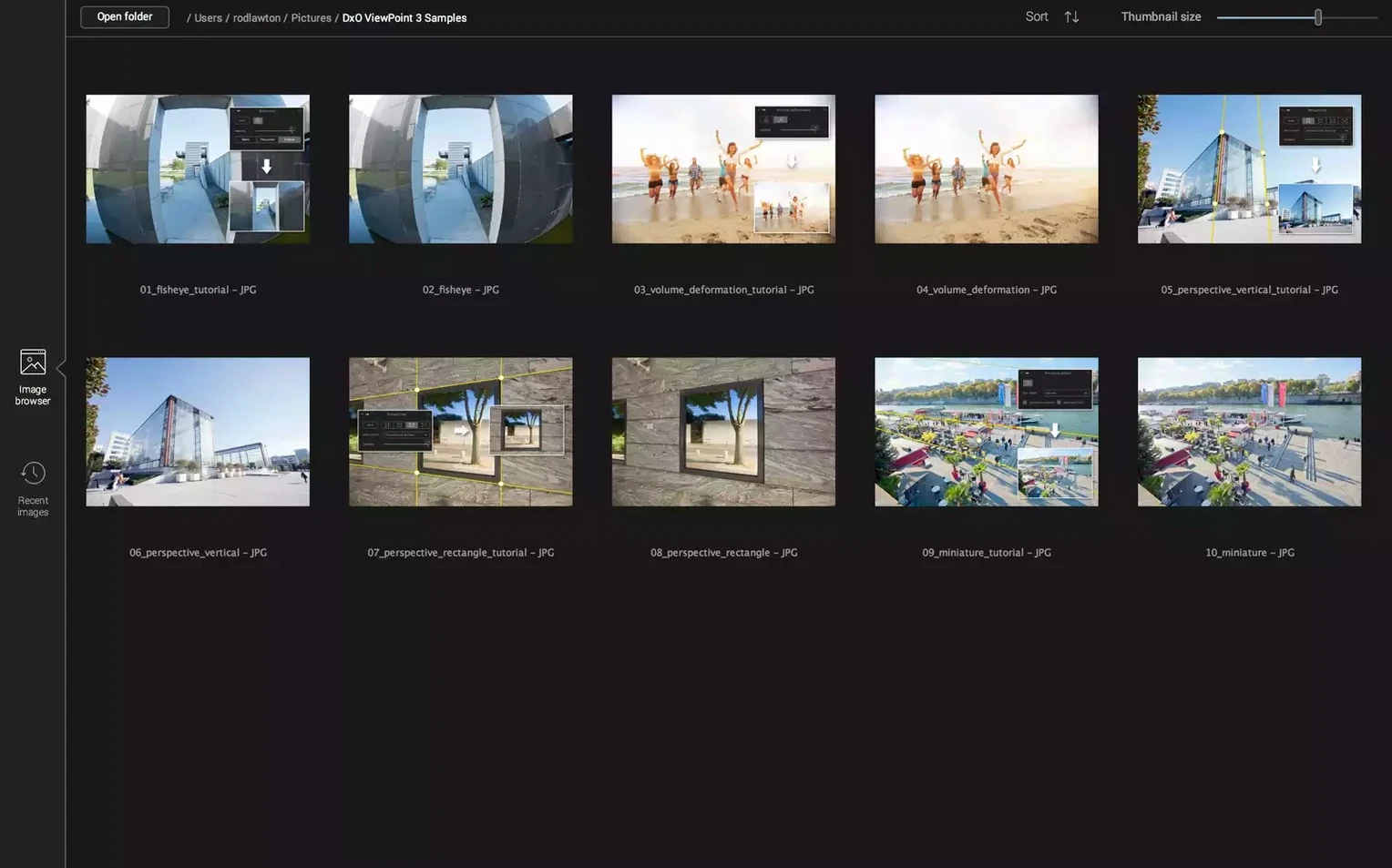
Does it need the DxO PhotoLab catalog to work? No. The standalone app opens JPEGs and TIFFs directly. You don't need PhotoLab, PureRAW, or any other DxO product. The plug-in route works inside Photoshop and Lightroom Classic, and those are the only two hosts it supports. No Capture One, no Affinity Photo plug-in path.
Will it slow down my batch export? Not in the standalone app. When you use ViewPoint as a Lightroom Classic plug-in, each correction sends the image out to ViewPoint and back — a few seconds per file. Fine for ten keepers from a shoot, tedious for a 400-image wedding cull. Do your geometry fixes before you batch-export.
Does it work on Apple Silicon natively? Yes. Version 5.15.0 is a universal binary. It runs without Rosetta on M1, M2, M3 and M4 Macs.
Architectural shooters straighten facades in three clicks
Architectural photographers are the obvious fit. Three clicks to pull a keystoning facade vertical, then ReShape Fusion to tweak the spot where the lens profile left a slight bulge. Real estate shooters who deliver fifty property photos by lunchtime will lean on the one-click distortion and perspective corrections harder than any manual slider.
Portrait photographers working group shots with a 24mm or wider lens use Volume Deformation on nearly every frame. Wedding shooters who can't back up further than the far wall of the registry office get natural-looking bridal-party edges without cropping guests out.
Landscape photographers who stitch panoramas find the horizon tool and manual distortion correction useful before merging frames. Product photographers with straight-edged packaging use the perspective grid to square up shots when the tripod was half a degree off.
If you shoot with a single 35mm or 50mm prime and rarely photograph buildings, ViewPoint won't earn its place on your drive. For anyone who regularly uses a lens wider than 28mm, or who frames architecture and interiors, it handles the geometry work that general-purpose editors leave half-done.
Requirements
- macOS 11 or later
- Apple Silicon and Intel Macs
FAQ
What file types can the standalone app open?
The standalone application processes JPEG files. For raw files, use the plug-in inside Lightroom Classic or Photoshop.
Comments 0
Sign in or create an account to leave a comment.
No comments yet…
If you’ve installed it, say how it went. Mention your Mac and macOS version — it helps the next person more than you’d think.