DxO PureRAW 6 for macOS
Description
You slot a card full of high-ISO shots into the Mac and line them up before Lightroom even opens. The idea is clean, corrected DNGs waiting on the other side, free of the noise that looked manageable on the camera screen.
Does it handle Fuji X-Trans files?
Yes. DeepPRIME XD3 covers both Bayer and X-Trans sensors, so those Fuji RAF shots get the same preprocessing pass as everything else.
What colour space does it work in?
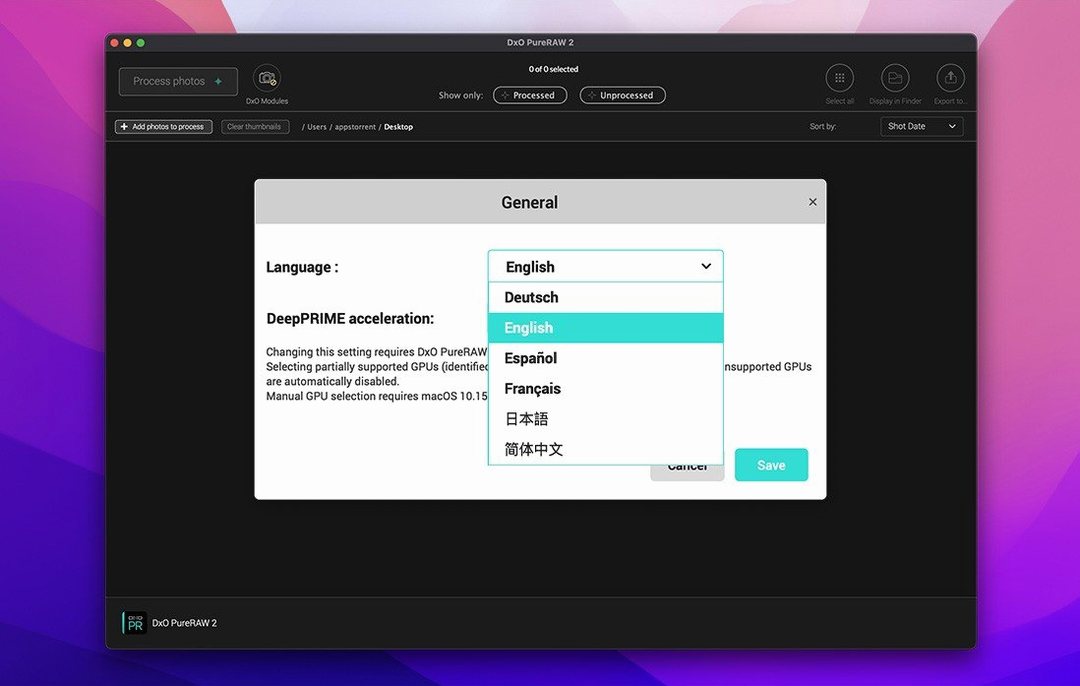
From version 6 onwards the working colour space is DxO Wide Gamut. It stays consistent through the pipeline, and you can export with a high-fidelity DNG compression option when you want smaller files without visible loss.
Will it use all the cores I have?
It supports batch parallelization. Queue up a folder and it spreads the work across what the Mac gives it, which matters once you get past a dozen files.
Hands you linear DNGs before you ever touch Lightroom
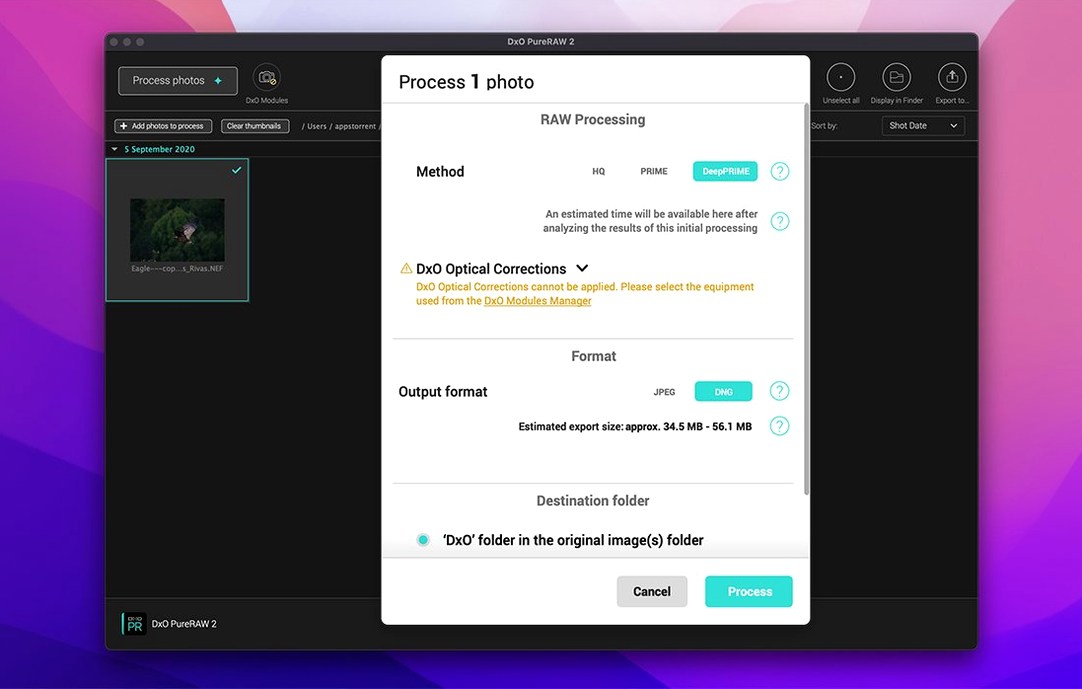
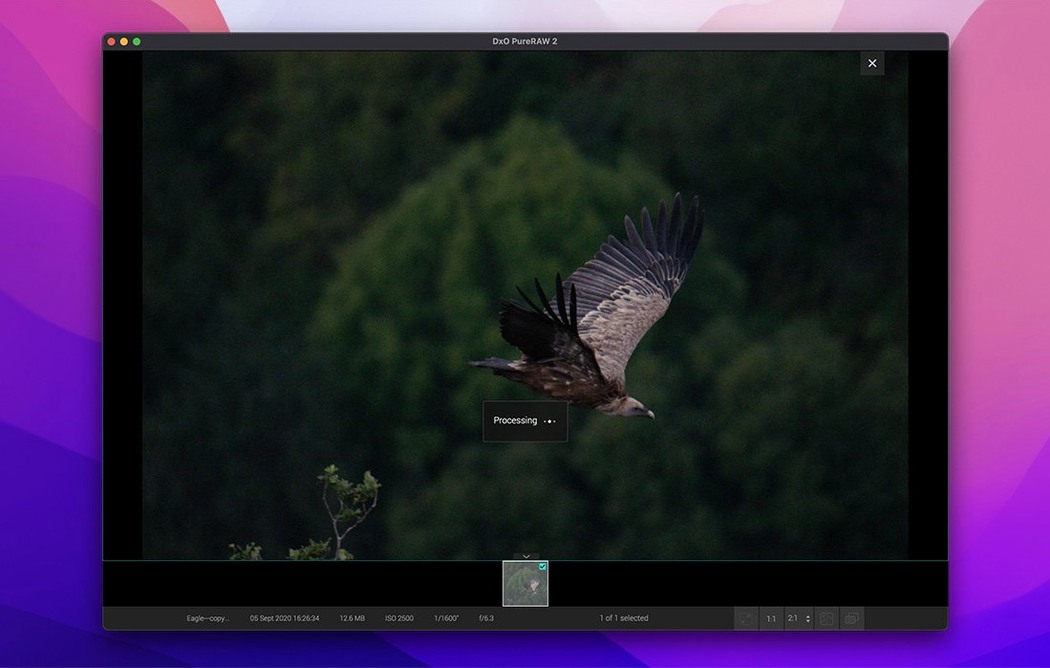
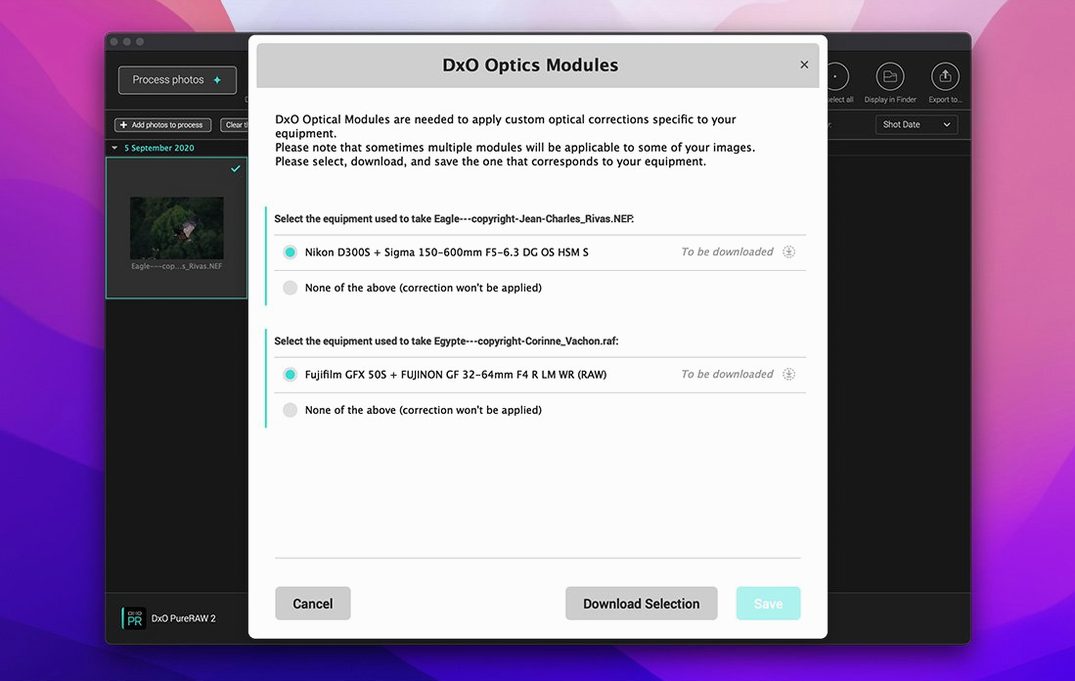
PureRAW 6 is not a raw converter you browse, crop and grade in. It sits before all that. You point it at a folder, it chews through the raws and hands back linear DNGs. Those DNGs open in Lightroom, Capture One, Affinity Photo or anything else that reads the format. No plug-in is needed. The corrections are baked into the linear data, so the editing app sees a file that already has lens sharpness, distortion correction and noise reduction applied.
macOS integration is straightforward. You can drag a folder straight from Finder onto the window, and the app respects the system colour profile on your display. If you use Quick Look on the output DNGs, you will see Finder previews without extra steps. The files land wherever you told them to, not in a hidden library, so Spotlight finds them.
The first couple of days
Start small. Queue a single folder of 20 frames before you drop a whole wedding on it. On an M1 Mac with 8 GB RAM the default parallelization works, but you will feel it if the machine is already swapping. Close the browser first.
Second, check the DNG compression setting before your first export run. The high-fidelity option is on by default and is fine for most work. Switch it off only if some other old app complains about the compressed DNGs. That is rare, but it still happens with a few plug-in chains.
Third, let the AI dust removal do its thing without checking every frame at first. Run a batch, then flick through the DNGs at 100% in your main editor. You will spot a handful where it missed something near the edge of the frame. Flag those and reprocess just the flagged files. It saves time over pixel-peeping the whole set in PureRAW itself.
If you need a lighter DNG for a quick preview round, the high-fidelity compression keeps the visual data solid while halving the file size. That makes a difference when you push them to an external SSD over USB-C. Photographers looking to download DxO PureRAW 6 for Mac often want exactly that pipeline speed before they ever open Lightroom. A DxO PureRAW 6 crack can run just fine if you first ensure your scratch disk is an NVMe drive, since the real bottleneck is usually disk I/O, not the processing engine.
Requirements
- macOS 15.7 Sequoia or later
- Apple M1 or Intel Mac with AMD Radeon Pro RX5700
- 8 GB RAM
- 6 GB available disk space
- 1280 × 768 display
FAQ
How much disk space does DxO PureRAW 6 need?
The minimum system configuration calls for 6 GB of available disk space, though working files will need more room.
Comments 0
Sign in or create an account to leave a comment.
No comments yet…
If you’ve installed it, say how it went. Mention your Mac and macOS version — it helps the next person more than you’d think.