DVDFab for macOS
Description
DVDFab is the tool you open when a DVD needs copying, ripping or converting — and it needs to actually work. Here's one job it handles from start to finish.
What's the first step for copying a protected DVD?
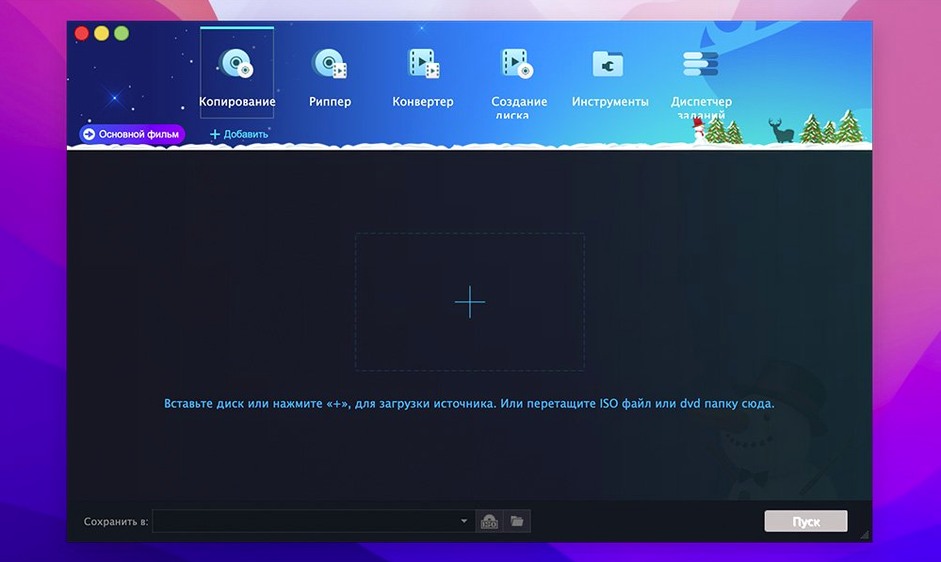
Point DVDFab at your disc. It strips away CSS, region coding and other copy protections automatically so you're not left staring at a scrambled mess. The interface then shows you exactly what's on the disc.
Can I make a perfect backup of the whole disc?
Yes — use the Clone mode. It copies the disc 1:1, including menus and extras, and can even rebuild the structure when the IFO file is unreadable. You end up with a folder or ISO you can burn later.
Grabbing just the feature for an iPod or PSP
Switch to Main Movie mode. It lets you select just the feature, pick an audio track and subtitles, then spit out a video file for your Mac or an older device like an iPod or PSP. You can also split a dual-layer DVD across two blank discs if you prefer a physical spare.
Preview any title before a two-hour rip
The right-click menu on any title in the source list has a "Preview" option. It opens a tiny player that lets you scrub through the video before committing to a two-hour rip. Useful when the disc has nine near-identical bonus featurettes and you need to check which one is the commentary.
You can drag a VIDEO_TS folder straight onto the DVDFab window instead of using the file picker. Same goes for ISO images. Saves a few clicks when you've already got Finder open to the right place.
Hold Option while clicking "Start" and the job queues rather than running immediately. If you're working through a stack of discs, queue up three or four and walk away.
Point the output folder at an external drive first
Output directory. DVDFab defaults to your Documents folder, which fills up fast when each rip is 4–8 GB. Set it to an external drive before you do anything else. Preferences → General → Output Directory.
Shutdown after task. Bottom-left corner of the main window, a tiny checkbox. Tick it when starting a long batch overnight. If you're ripping a box set, you'll save hours of fan noise while you sleep.
Full Disc includes all the FBI screens and trailers
Selecting "Full Disc" then wondering why the output file plays the copyright warning in six languages before the menu appears. Full Disc means everything — trailers, FBI screens, useless studio logos. If you want the disc experience without the padding, use Customize mode and untick the junk.
Swapping from a PAL disc to an NTSC disc without checking the region setting in the output profile. DVDFab usually detects correctly, but not always. A mismatched output setting gives you a file that stutters or won't play on older hardware.
Assuming a successful rip means a watchable file. Always spot-check the last ten minutes of a DVD rip — that's where read errors from scratched discs tend to surface. The log panel (View → Log) will show any sectors that needed multiple retries. A clean log doesn't guarantee a clean file, but a dirty log almost always means trouble.
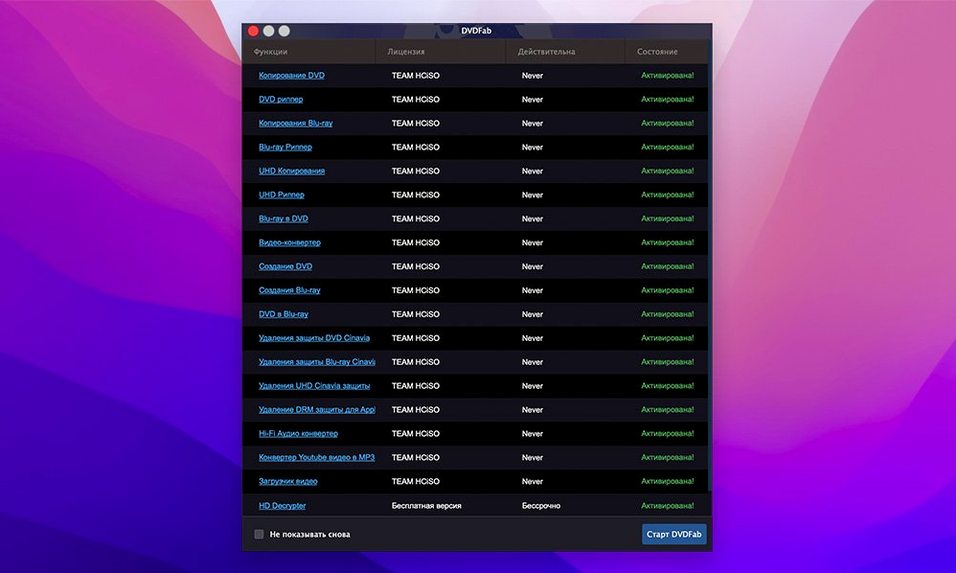
Grabbing a dvdfab torrent or dvdfab mac crack from a forum means checking that the build includes a recent protection removal engine. The engine updates frequently to keep up with disc releases, so a dvd fab torrent with a current key set handles new encryption keys without coasters. A dvdfab mac torrent that worked three months ago may just need an updated key pack for a disc pressed last week.
Requirements
- macOS 10.10 or later
- Apple Silicon and Intel Macs
FAQ
Does DVDFab work on Apple Silicon Macs?
Yes, version 12.0.8.2 supports both ARM and 64-bit Intel Macs. It needs macOS 10.10 or newer.
What DVD protections can it remove?
It handles CSS, Region Code, RCE, Macrovision and UOPs. The decryption runs in the background as soon as the disc is read.
Can I burn a DVD folder to a blank disc?
Yes, the app can burn DVD folders or ISO images straight to a blank DVD. It also lets you create a custom disc with selected titles and the original menu.
Comments 0
Sign in or create an account to leave a comment.
No comments yet…
If you’ve installed it, say how it went. Mention your Mac and macOS version — it helps the next person more than you’d think.