
CrossOver for macOS
Description
CrossOver 26.3.0 runs on macOS 10.15 Catalina and supports Intel Macs only. Bottle — an isolated Windows environment for a single application. Each bottle holds its own C: drive, registry, and dependencies, so one broken install doesn't touch the others. Wine core — the translation layer that turns Windows API calls into macOS instructions. CrossOver adds patches, pre-tested configurations, and a GUI on top of raw Wine. winetricks — a helper script bundled inside that fetches missing fonts, .NET frameworks, or Visual C++ runtimes a specific app needs. Croslic — the licensing component. If activation fails, grant Terminal full disk access in System Preferences so it can write its validation data. 32-bit vs 64-bit bottle — CrossOver creates a 64-bit prefix by default. Switch to a 32-bit bottle for older XP-era programs that won't launch otherwise.
What changed with 26.3.0
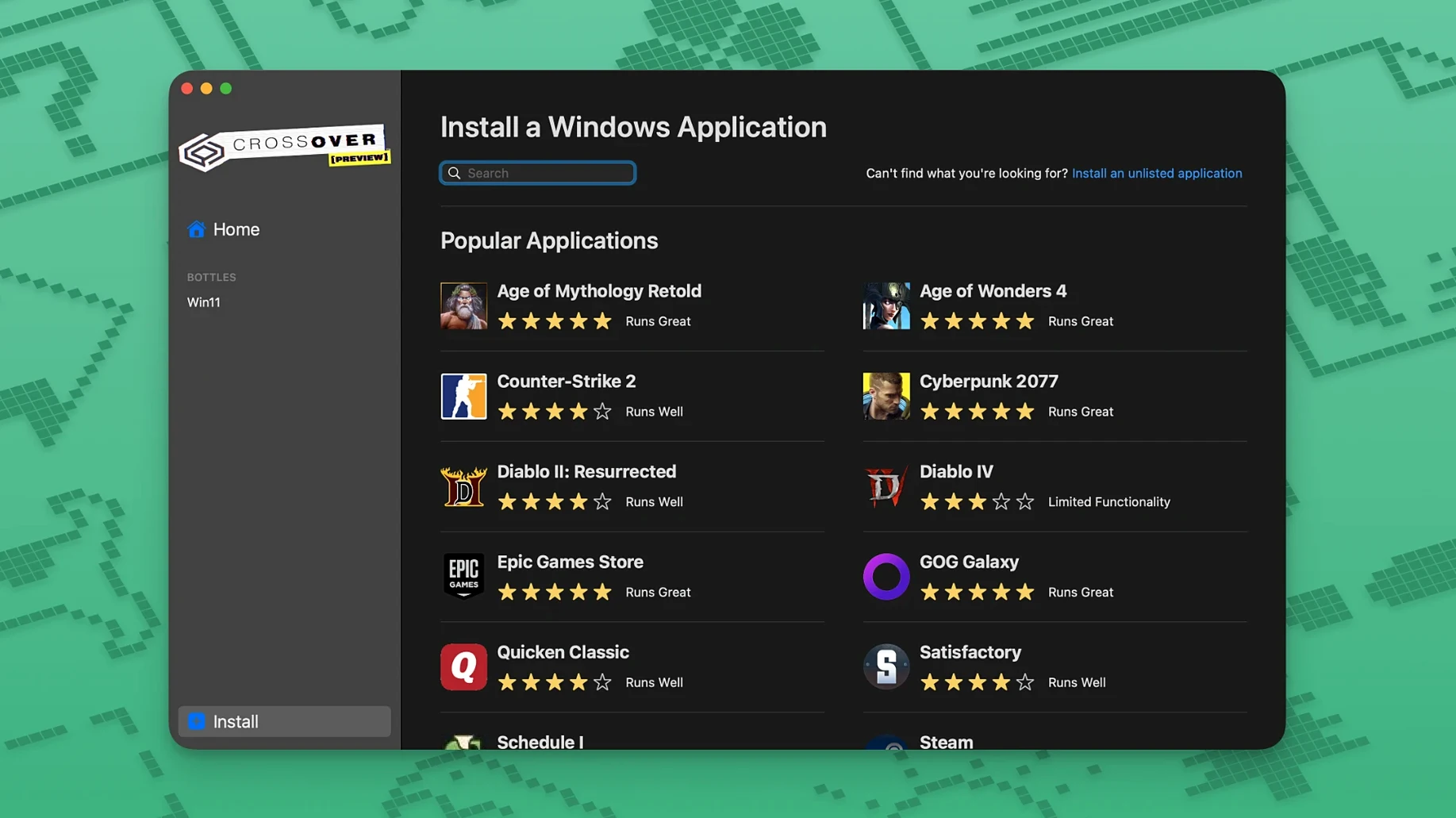
Three specific fixes landed this time, and they matter for anyone who juggles gaming on a Mac. Diablo IV stopped launching after a recent game update — CrossOver 26.3.0 patches that. If you were stuck staring at a launcher that refused to budge, it should behave now. Epic Games Launcher downloads on Mac also broke after an upstream change. This build restores them. Same story for GOG Galaxy, which stopped loading for some users. All three are back to working order.
For a point release, that's a practical haul. No new bottle manager features or interface reworks — just fixes for the breakages people actually filed tickets about. If you run one of those three, the upgrade is straightforward. If you don't, there's no urgency.
Right-click into the virtual C: drive from any bottle
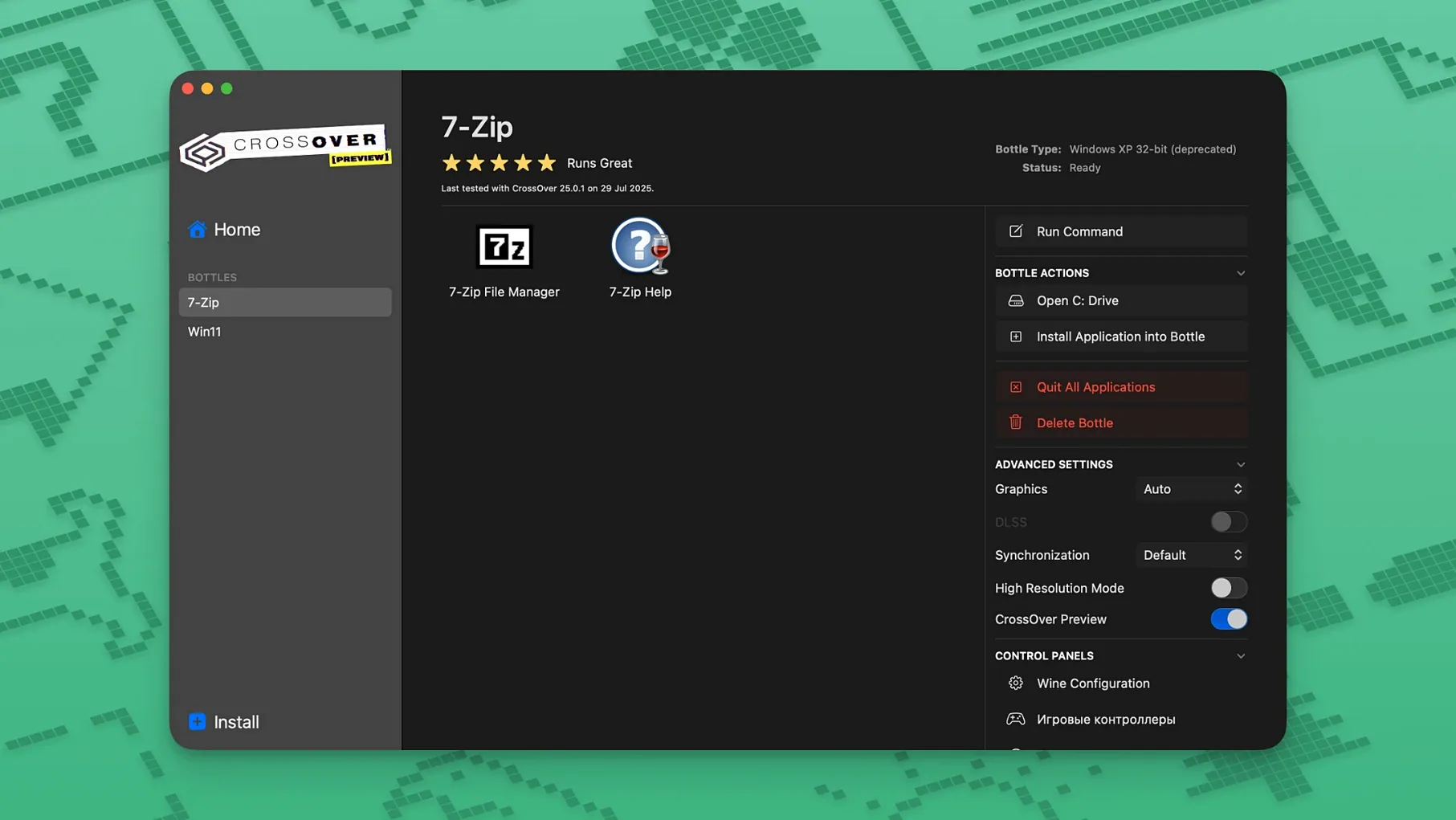
A few shortcuts live inside the bottle window that don't shout about themselves. Right-click any bottle and choose Open C: Drive — you get a Finder window straight into the virtual Windows filesystem. Useful when an app saves something in My Documents and you need to pull it out without launching the program.
The Run Command button hides in the bottle's right-click menu too. It opens a dialog where you can point at any .exe inside the bottle and launch it with custom arguments. If a game needs a -windowed flag or an installer requires a silent switch, you type it there. No need to edit .lnk files by hand.
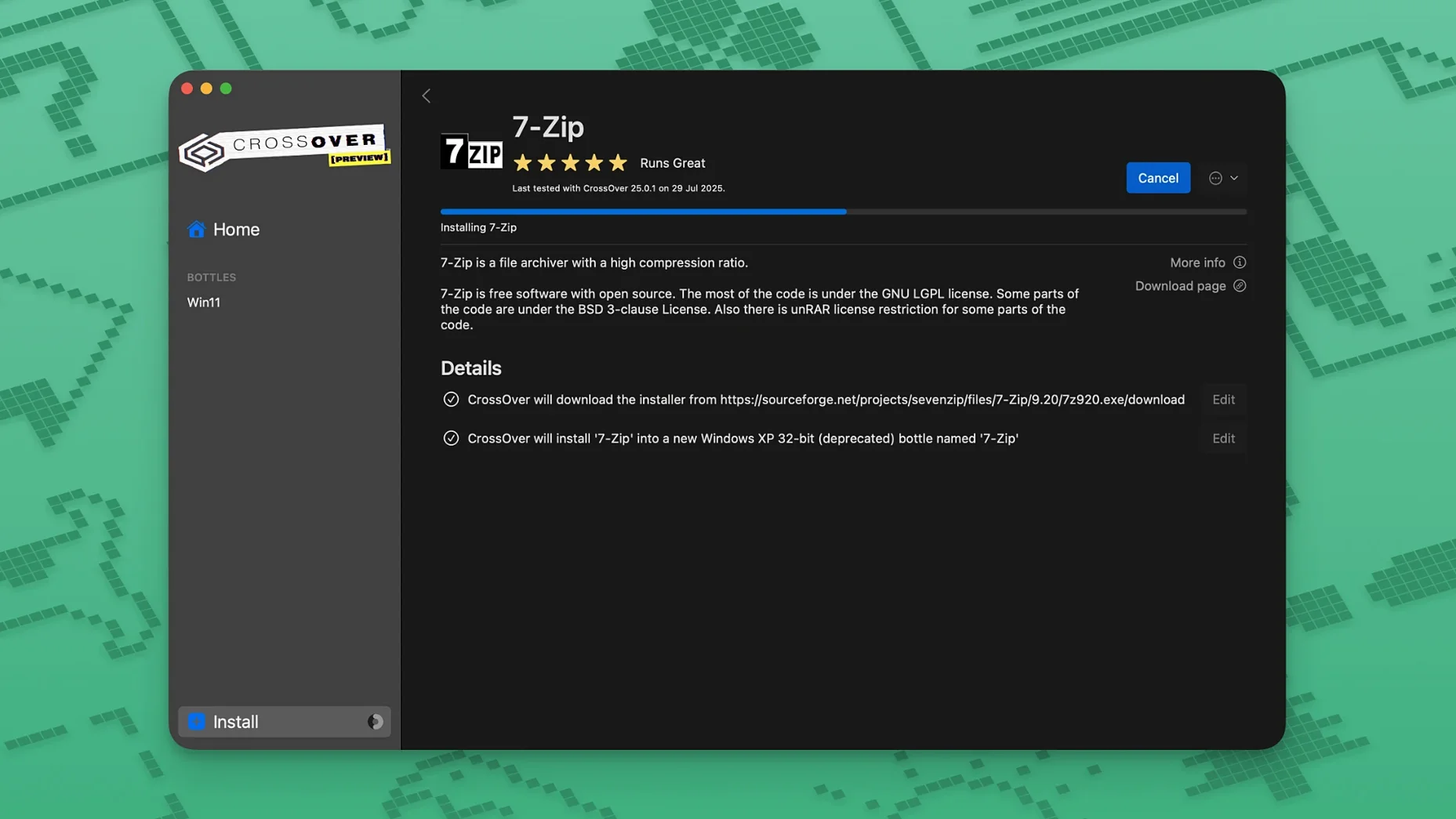
Holding Option while clicking Install Software lets you pick an installer from anywhere on your Mac instead of the pre-listed database. The database covers a lot, but obscure utilities and indie games won't be in it. This is the back door.
Bottle backups are just folders. Copy the whole bottle from ~/Library/Application Support/CrossOver/Bottles/ to an external drive and you've got a portable snapshot. Drag it back later, restart CrossOver, and it reappears. No export wizard needed.
Test the runtime with a free Windows utility first
- Make a clean test bottle first. Before installing anything you care about, create a fresh Windows 10 64-bit bottle and throw a small, free Windows utility into it — Notepad++ or IrfanView. This confirms the compatibility layer works on your specific macOS version without risking an app you need.
- Check the CrossOver compatibility database online. Ratings are user-submitted, so read the notes, not just the star count. One person's "works perfectly" might mean "crashes only twice an hour." Look for entries matching your macOS release.
- Install dependencies before the app. If a program wants .NET 4.8 or a specific Visual C++ runtime, use the Install Software into Bottle menu to add those first. Letting an app's own installer fetch them mid-setup sometimes confuses Wine and leaves half-registered components behind.
- Assign a bottle to a specific monitor. If you use multiple displays, some older Windows apps misbehave when dragged across screens. Right-click the bottle, choose Configure, and under Graphics set a virtual desktop resolution that matches your target monitor. The app stays contained.
How CrossOver fits with other apps and macOS
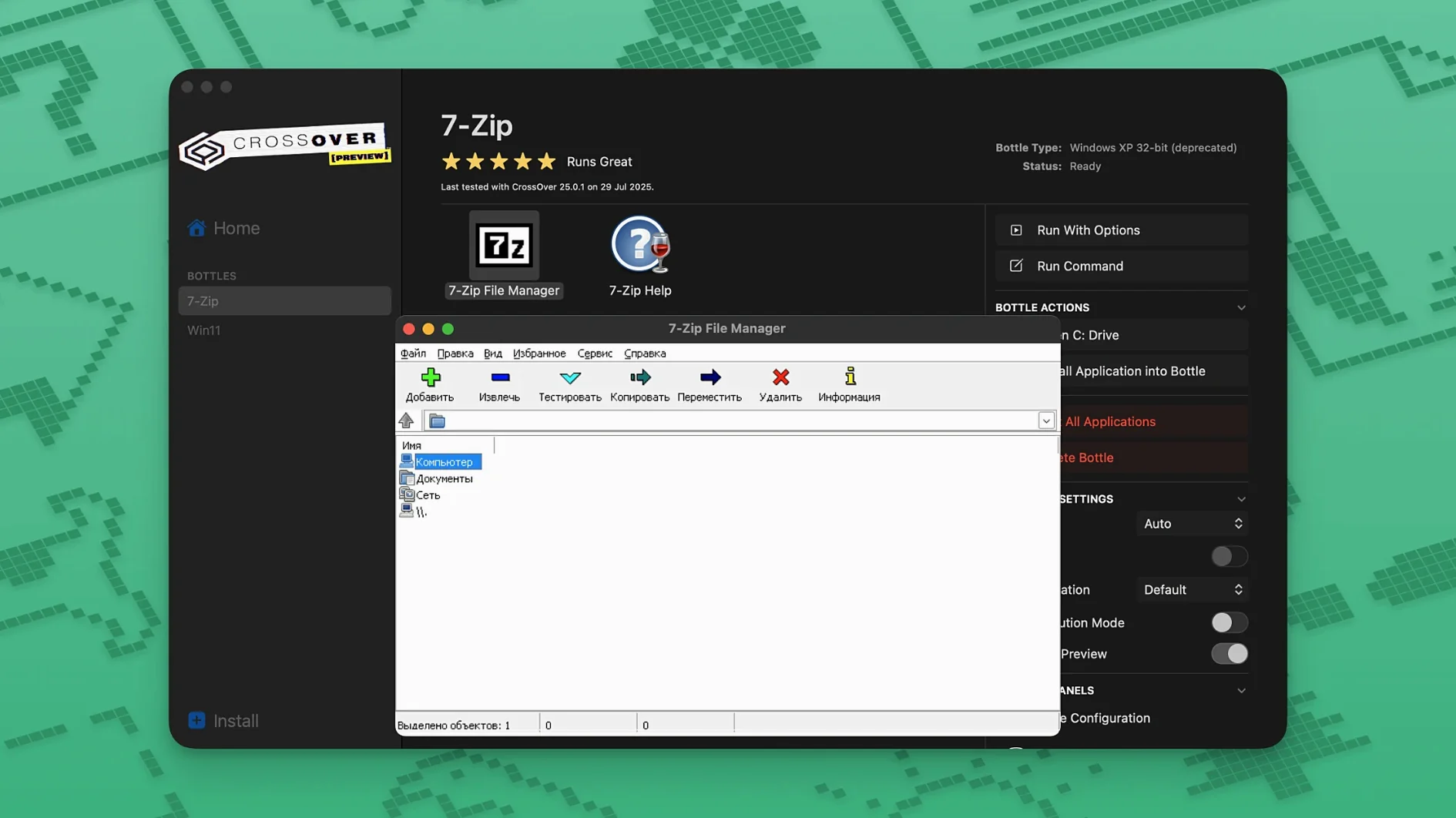
CrossOver doesn't run in a sandbox the way Parallels does — Windows apps see your macOS filesystem. That means you can save a .docx from a Windows word processor straight into your Mac's Documents folder and open it with Pages. Clipboard sharing works between platforms: copy text in a Windows app, paste it into a Mac one. It's not emulated; it's just there.
For gaming, CrossOver pairs well with a third-party mouse utility that disables macOS acceleration, since the translation layer passes raw input through. Windows games expecting 1:1 mouse movement behave more predictably that way. Some users of crossover mac full setups run a lightweight FPS counter like Metal HUD (built into macOS) to check performance without installing overlays inside the bottle.
If you use a Windows virtual machine alongside CrossOver for heavier apps, the two can share the same file paths. Keep your work on the Mac side and let both environments reach it. Bottles stay slim, and you're not duplicating documents.
VoiceOver and macOS accessibility features don't reach inside Windows apps, so screen-reader users should test early with a trivial bottle. Keyboard shortcuts that conflict with macOS defaults — like Control+Space — sometimes get swallowed. Remap them inside the bottle's Wine configuration under the Graphics tab if they clash.
For those hunting a crossover 25 download or a CrossOver crack Mac torrent, the TNT release handles activation via the bundled license tool. Once Terminal finishes its work, the app runs without further prompts. If macOS quarantines it after a system update, re-run the license tool from the croslic folder — Gatekeeper sometimes revokes permissions it previously granted.
What’s new
Fixes Diablo IV not launching after a game update. Fixes Epic Games Launcher downloads breaking on Mac after an update. Fixes GOG Galaxy client not loading after an update.
Requirements
- macOS 10.15 Catalina or later
- Intel processor
Comments 0
Sign in or create an account to leave a comment.
No comments yet…
If you’ve installed it, say how it went. Mention your Mac and macOS version — it helps the next person more than you’d think.