BuhoLaunchpad for macOS
Description
You've upgraded macOS and the Launchpad layout you spent months arranging has vanished. BuhoLaunchpad restores that full-screen grid and gives you proper control over it.
Runs on macOS 11 through macOS 26
BuhoLaunchpad is designed for macOS 15 and later, though it works back to macOS 11. It runs on both Apple Silicon and Intel Macs. On macOS 26, the app icon adapts to standard, dark, light, and tinted styles.
Full-screen app grid you can lock and back up
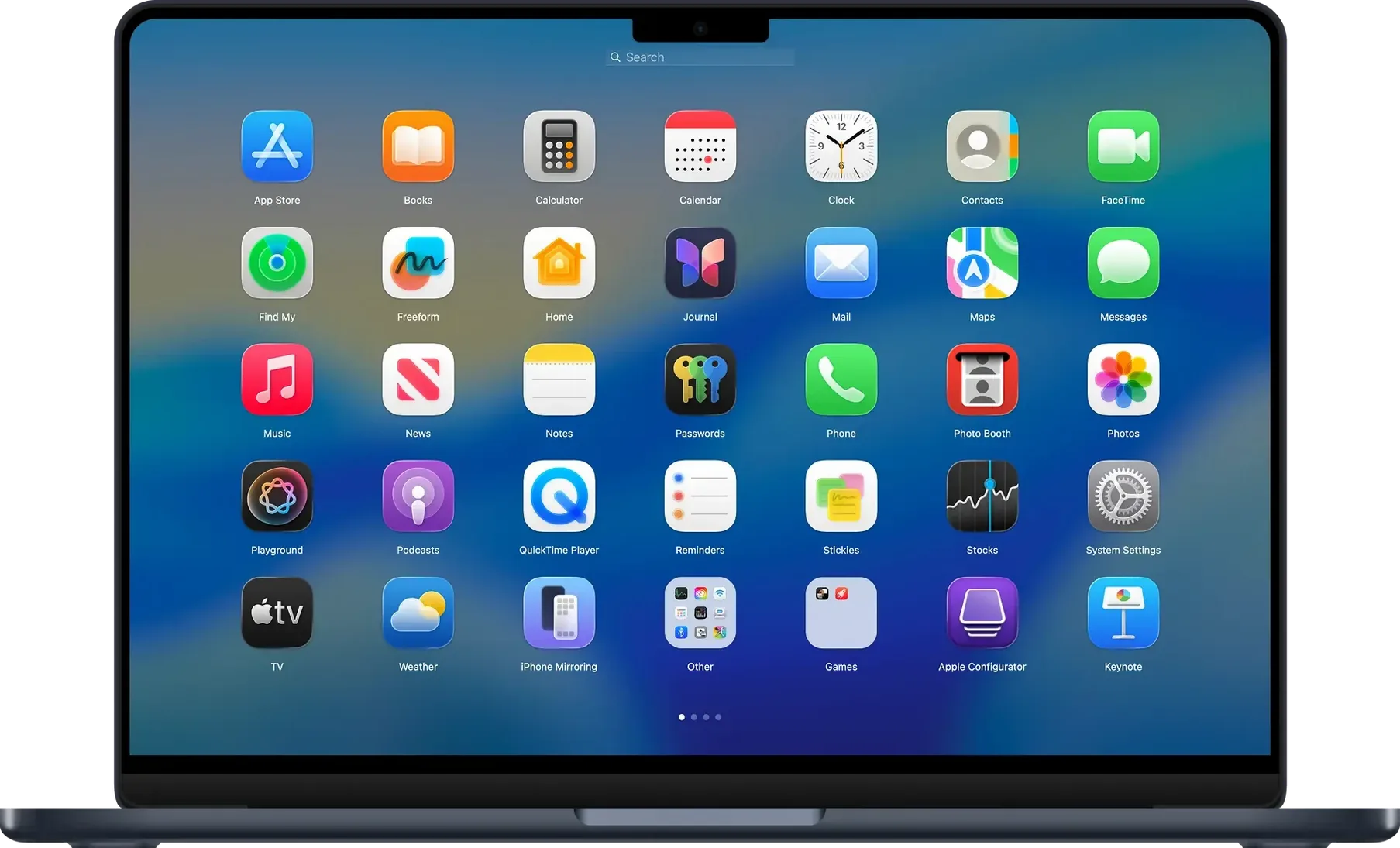
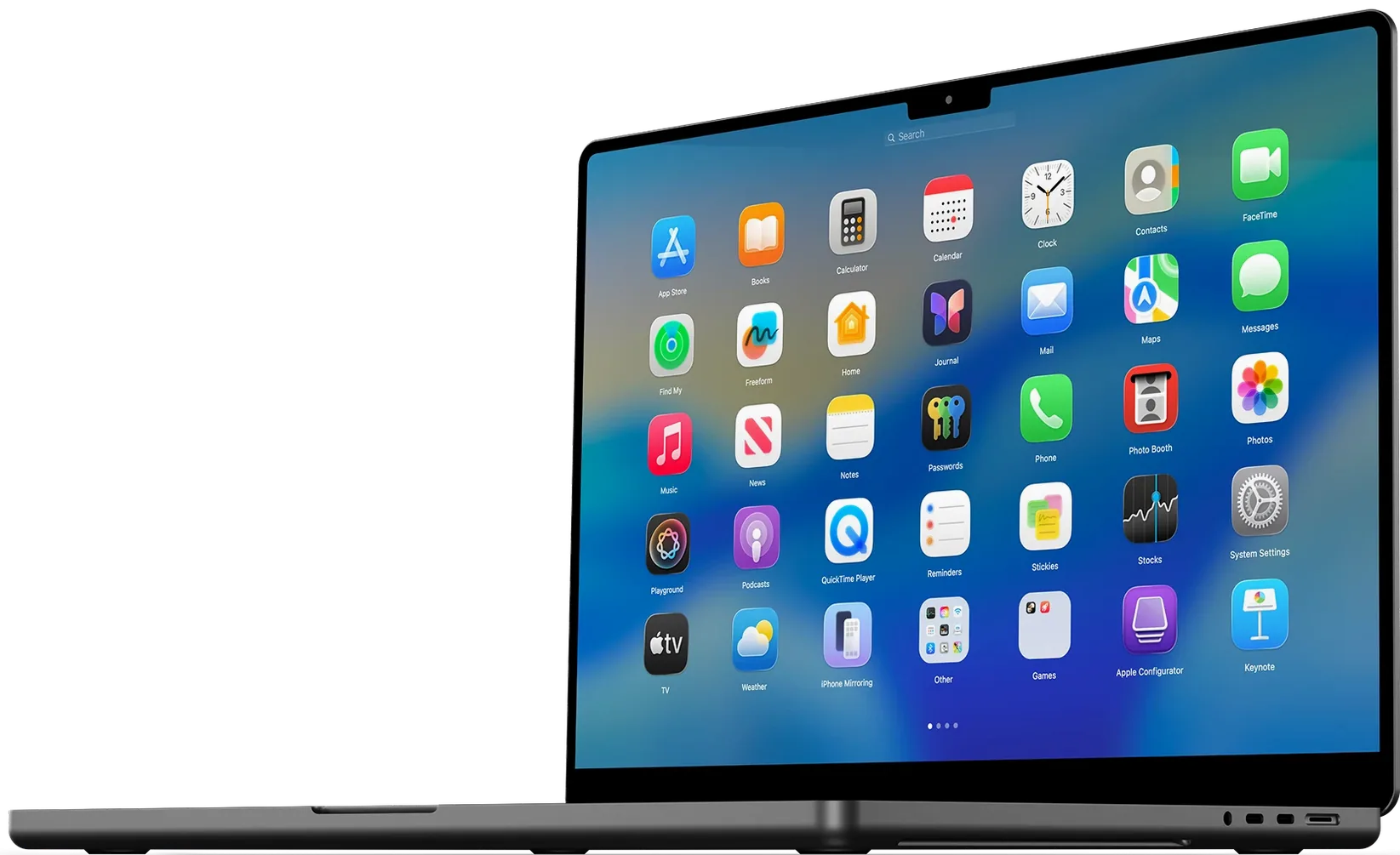
You get a full-screen app launcher that works like Launchpad used to. Drag and drop apps to arrange them, set a custom number of apps per row and column, and back up your layout so you never lose it again. It can import your previous Launchpad settings for macOS Tahoe too.
Getting through a working day with it
You tap four fingers on the trackpad. The desktop fades out and your apps appear in a clean grid. No animation lag, no search field stealing focus, just the icons you put there.
Type the first two letters of "Affinity" and the grid filters to one result. You launch it with the Return key, hands barely leaving the keyboard. Later you drag three menu-bar utilities into a new group, right-click it, and rename it "System bits" — the context menu now includes an Ungroup option if you change your mind.
Scrolling through pages with a two-finger swipe feels familiar. You've set seven columns and five rows because your display is tall, and the icons don't crowd each other. After installing five new apps in a single morning, you open BuhoLaunchpad's backup pane and save the current layout. Yesterday's chaos stays recoverable.
By lunch, a colleague asks how you find things so quickly. The answer is mostly muscle memory — the same grid, the same positions, every time. That's what the original Launchpad promised and kept breaking.
A visual launcher next to Spotlight, not instead of it
BuhoLaunchpad doesn't try to replace Spotlight or Alfred. It covers the one job they don't: a spatial, full-screen app picker you can arrange visually. Use Spotlight for deep file searches and quick sums. Use BuhoLaunchpad when you want to see your creative tools laid out by project or your utilities grouped by function.
It plays well with macOS gestures. The four- or five-finger trackpad shortcut fires reliably, even when you have other gesture apps running. If you use a mouse, the scroll wheel pages through the grid without fuss. Arrow keys navigate if you're keyboard-only.
The dark and tinted icon support means the launcher doesn't look like a leftover from an older OS when your system switches appearance at sunset. On macOS 26, its icon sits in the Dock matching whatever theme you're using — light, dark, or tinted — without manual tweaking.
If you've previously used buholaunchpad 1.8.1 for mac and skipped a few updates, version 1.10.2 brings the Ungroup command and that Finder-rename crash fix. The layout backup import still reads your old settings, so upgrading won't scatter your icons.
Requirements
- macOS 11 (Big Sur) or later
- Apple Silicon or Intel 64-bit Mac
FAQ
Which Macs does BuhoLaunchpad support?
It supports both Apple Silicon and Intel Macs running macOS 11 or later.
Can I save my app layout?
Yes. You can back up your app positions and restore them later, and import previous Launchpad settings from macOS Tahoe.
Comments 0
Sign in or create an account to leave a comment.
No comments yet…
If you’ve installed it, say how it went. Mention your Mac and macOS version — it helps the next person more than you’d think.