Canopy for macOS
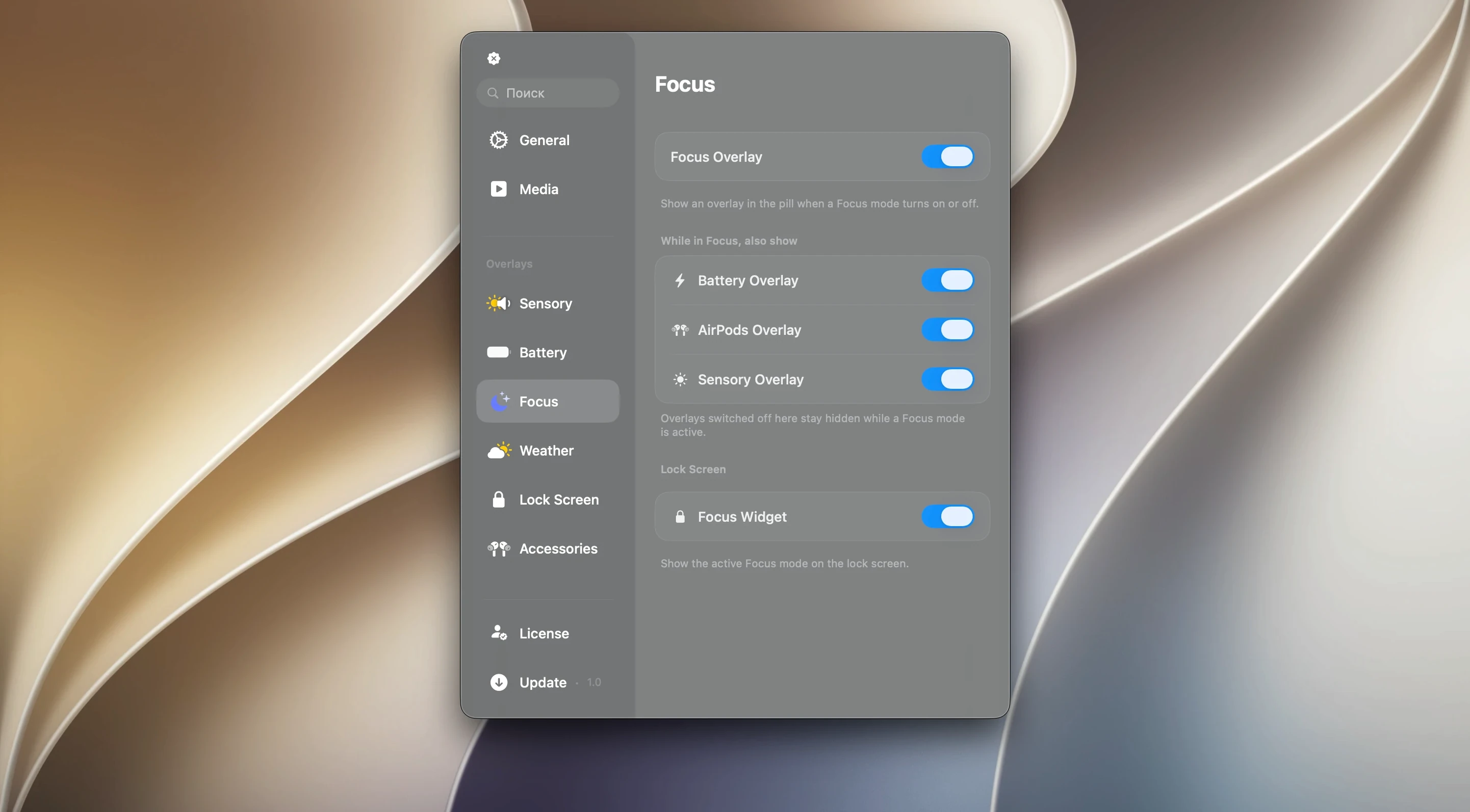
Description
Canopy is a free utility that puts an interactive Dynamic Island-style panel on your Mac's screen.
| Detail | Info |
|---|---|
| Version | 2.1.0 |
| macOS | 26 or later |
| Architecture | Apple Silicon & Intel |
On a MacBook with a notch, Canopy tucks itself neatly around the camera housing. On a desktop screen—or any Mac without a cutout—it places a floating black widget at the top of the display instead. It sits next to the apps and menu bar tools you already use, adding a spot for music controls, countdown timers and incoming notifications without pulling you away from what you're doing. The media controls work with whatever is playing, and live activities keep a brief, glanceable presence on screen. It doesn't try to replace Notification Centre or your menu bar extras; it just gives you a faster way to tap or click the thing you need.
A session with Canopy, step by step
You launch it from your Applications folder. It places itself in the menu bar as a small pill-shaped icon—no dock presence, no window. On a MacBook Pro with a notch, the panel hugs the camera housing immediately. On an iMac or a Studio Display, a floating black strip appears at the top centre of the screen.
- Tap the pill or click it. The panel expands. You see music controls with album art, a playback scrubber and volume dial.
- Swipe left on the panel. A countdown timer appears—15 minutes, ready to start. You tap it and it begins ticking down.
- A notification from Messages slides in. It animates into the panel for a few seconds, shows the sender and preview, then collapses back. You didn't leave your current window.
- You click the timer when it ends. A soft chime plays. The panel returns to its compact state.
- Right-click the menu bar icon and pick Quit Canopy. The widget vanishes, no cleanup needed.
Timer workflow: keeping a writing sprint on track
Say you're drafting a report and want 25-minute focus blocks. You could use a phone timer, but glancing down breaks rhythm. Here's how Canopy fits:
- Open the panel from the menu bar or notch.
- Swipe to the timer card. Tap the preset or set a custom 25 minutes.
- Start writing. The countdown sits in the panel, updating every second. It's visible above your document without blocking text.
- When time's up, the chime fires. The panel pulses once. You tap to dismiss, take a break, then repeat.
No separate timer app to launch, no window to manage. It stays out of your way until you need it.
How Canopy fits with other apps and macOS
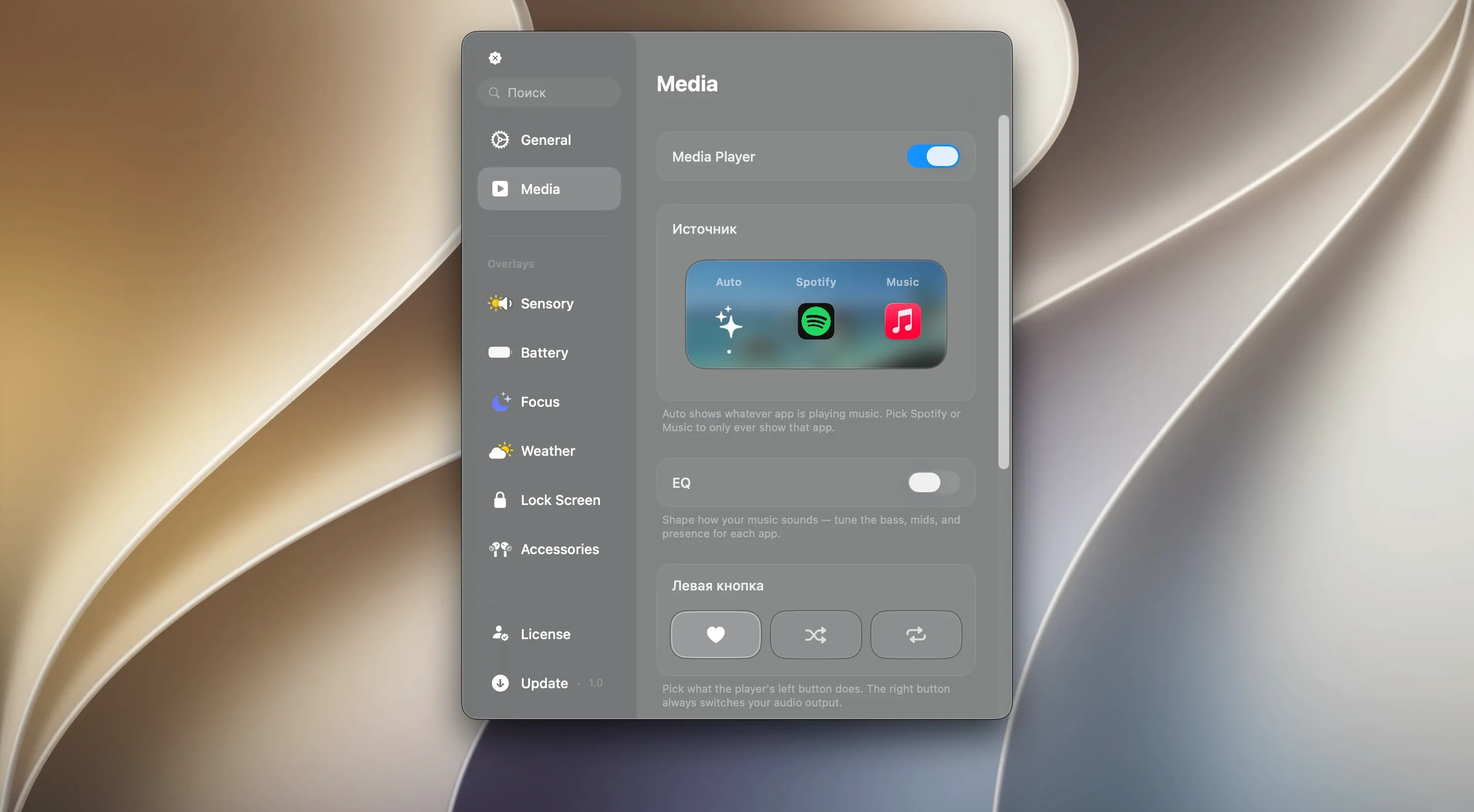
Canopy doesn't replace your media app—it sits on top, pulling track info and playback state from whatever is active. Spotify, Apple Music, even a YouTube tab in Safari: the panel shows the same scrubber and skip controls. It's a thin control layer, not a music library.
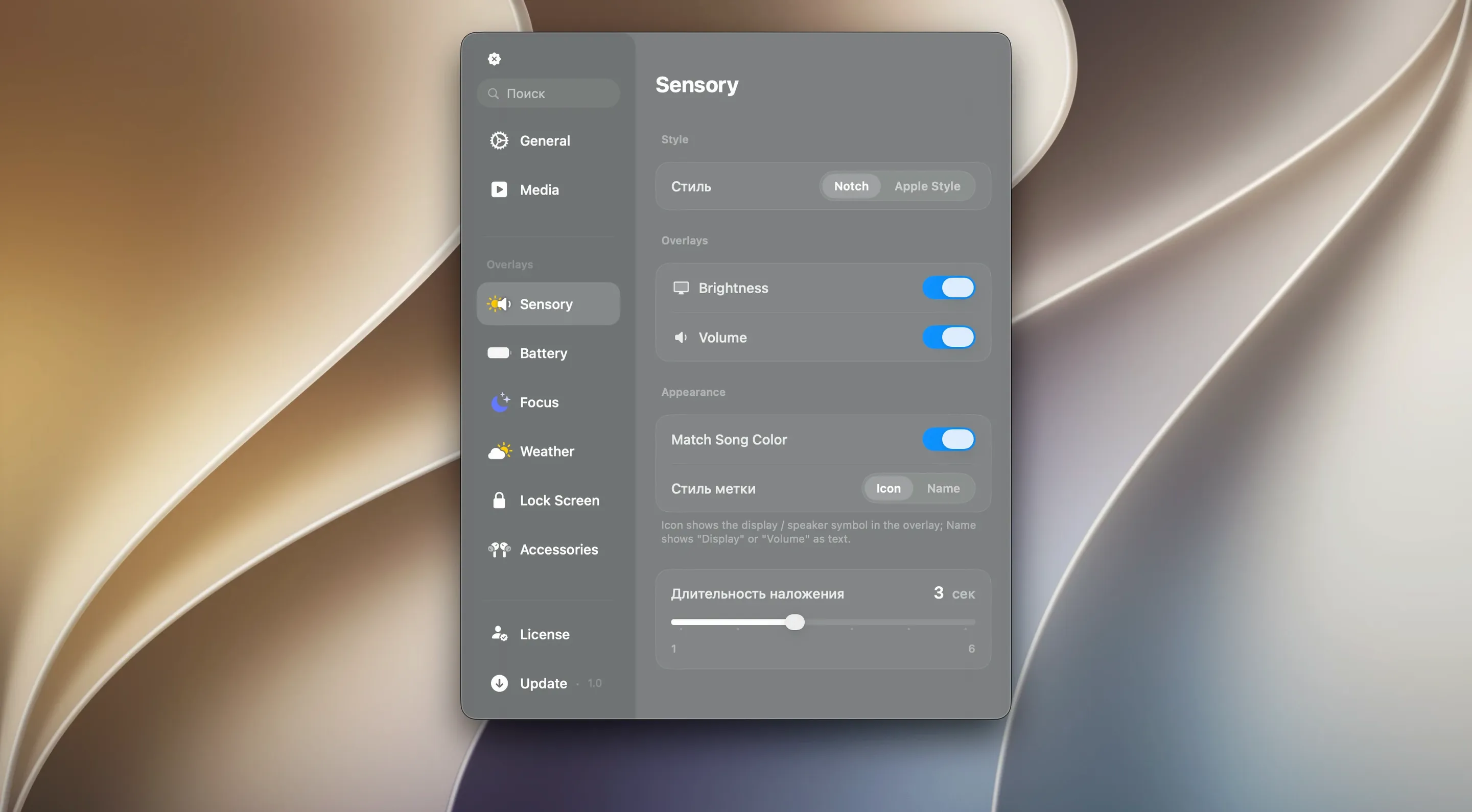
For notifications, it works alongside Notification Centre. Alerts still appear in the top-right corner as usual if you have that setting on. Canopy catches them too, giving you a second glance point without opening the sidebar. It's most useful when you're in full screen and want to see what came in without swiping to the notification tray.
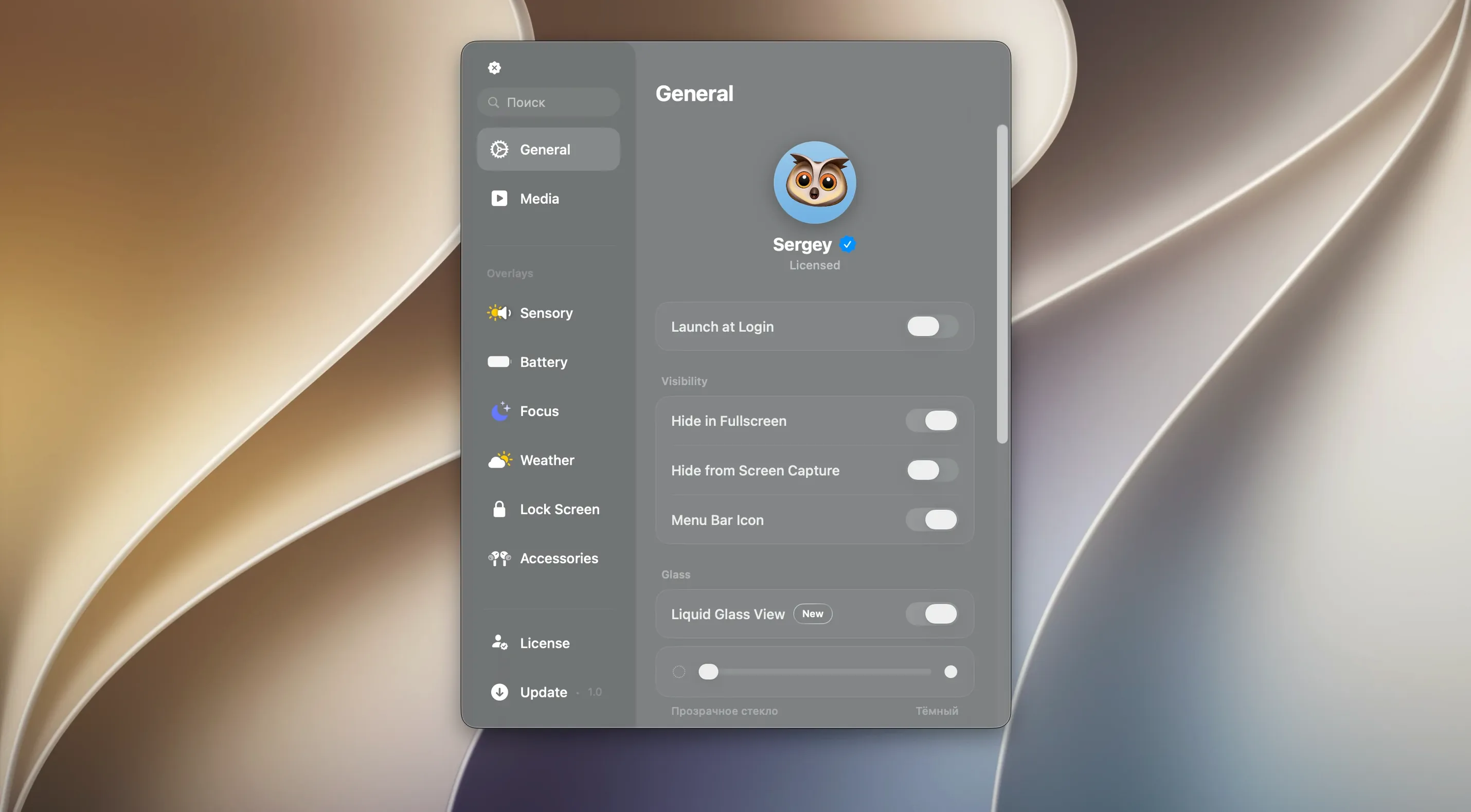
With canopy macos integration, the Liquid Glass effect borrows from the system's own translucency engine—the panel picks up the colours behind it, same as the Dock and menu bar do on recent macOS versions. On a Mac without a notch, the floating widget respects your desktop picture and dark mode settings automatically. If you're running canopy macbook free on a laptop, it also dims slightly when on battery after a few seconds of inactivity, keeping the screen's attention where you want it.
If you use Shortcuts, you can trigger a timer or hide the panel via a simple URL scheme—no deep scripting required. And because canopy app mac runs as a background agent, it doesn't clutter your app switcher or dock.
It's worth trying canopy mac dynamic island free if you've envied the iPhone's top-bar interactions and want something similarly light on your desktop. The canopy mac free download gives you the full set of panels with no feature gates.
It's a straightforward way to bring a bit of iOS's glance-and-go logic to the desktop.
Requirements
- macOS 26 or later
- Apple Silicon or Intel 64-bit Mac
FAQ
How does Canopy work on a Mac without a notch?
It creates a floating black widget at the top of the screen that behaves the same way as the notch-anchored panel, giving you access to timers, controls and notifications.
Comments 0
Sign in or create an account to leave a comment.
No comments yet…
If you’ve installed it, say how it went. Mention your Mac and macOS version — it helps the next person more than you’d think.