
BoltAI for macOS
Description
What does the Prompt Library actually do?
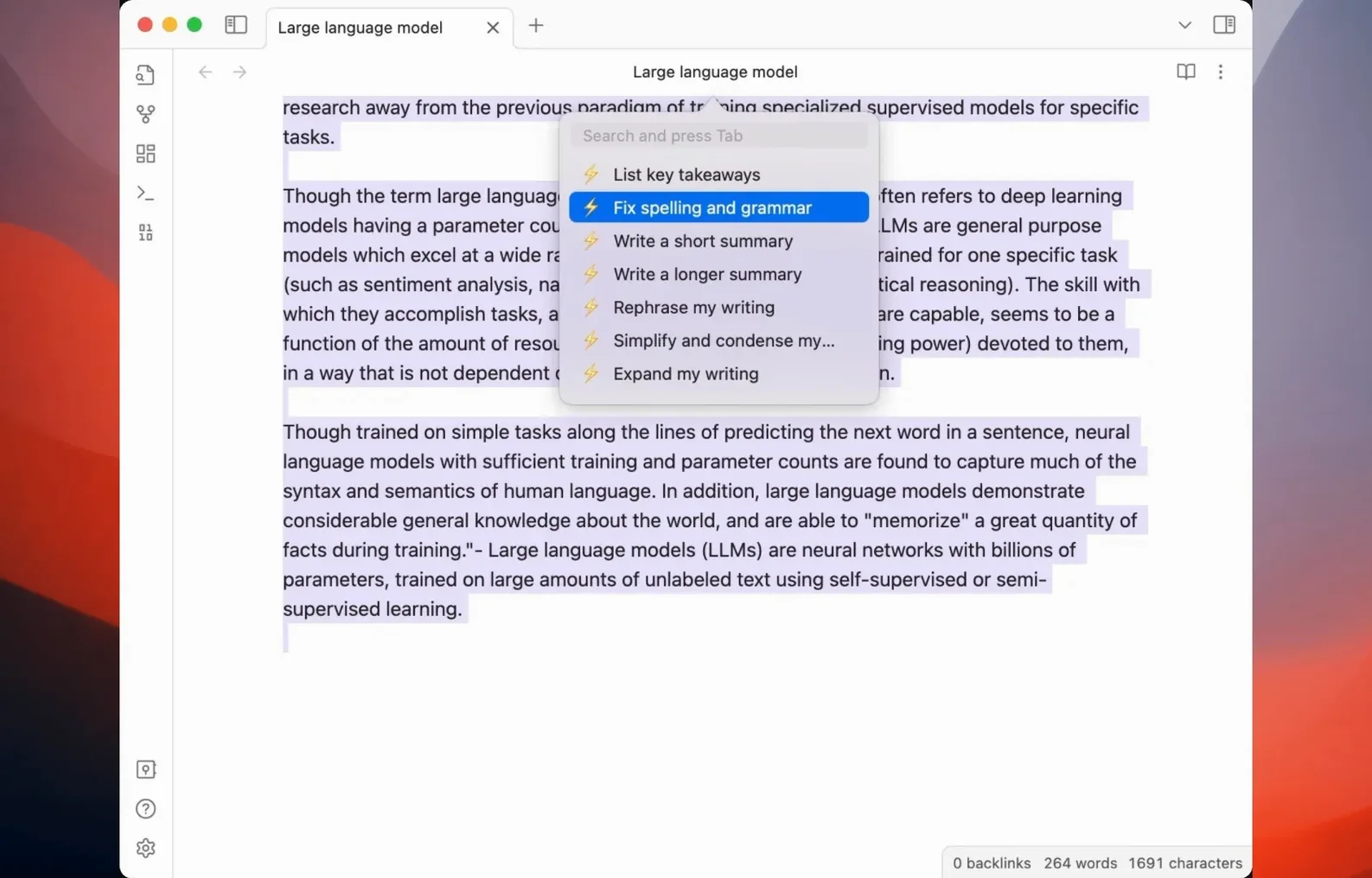
It is a curated set of reusable instructions you fire at the AI without retyping them. You pick one, BoltAI fills the chat input, and you just add the specifics. It saves you from explaining the same context twice.
How do I work with my own files?
You drag files and folders straight into the new-project window. The app then lets you link that material so the AI can reference it. Build 85 in version 2.16.0 also brings redesigned project settings that make it easier to see what is attached.
Call the assistant from any text field on your Mac
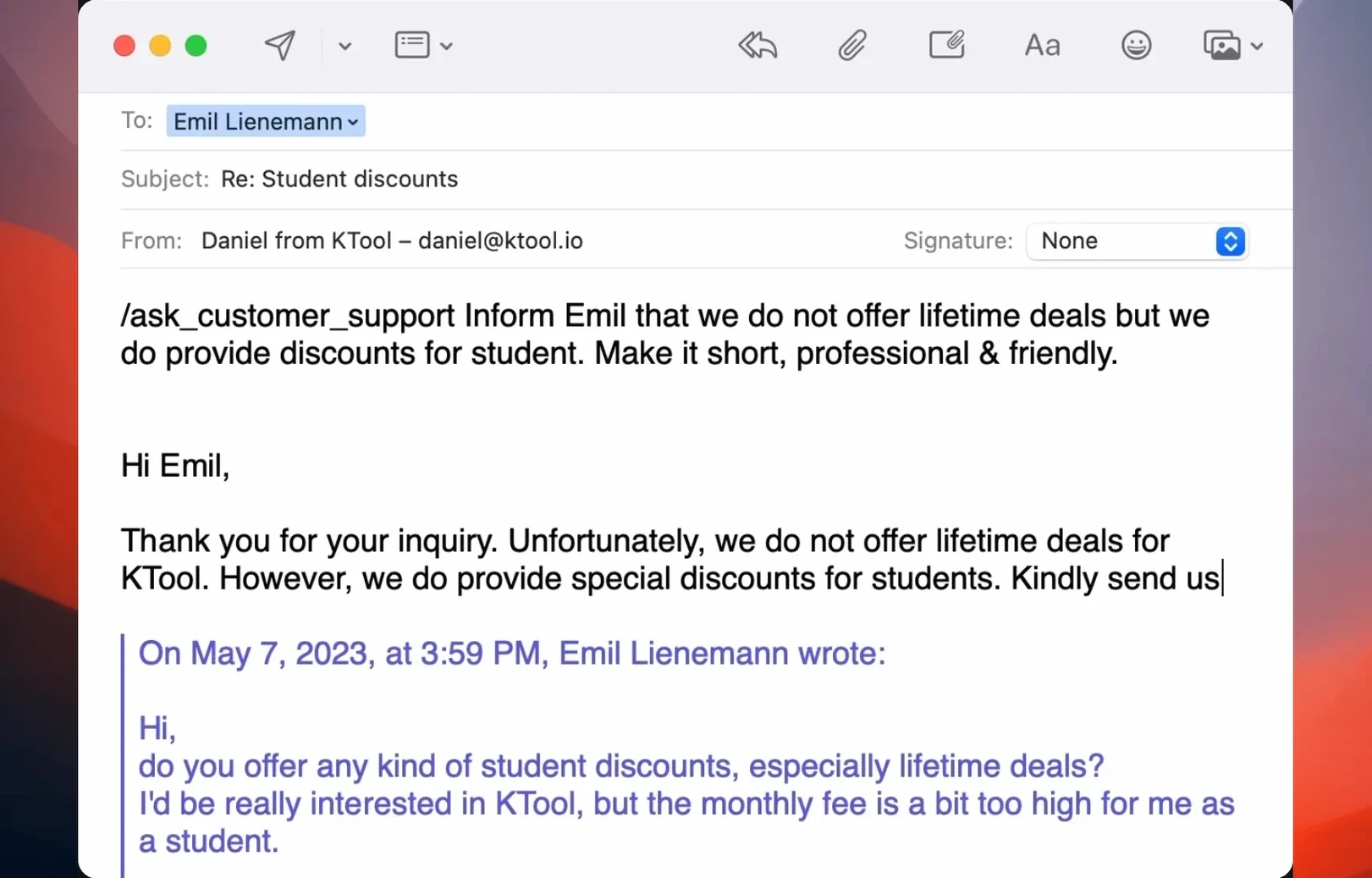
Yes. BoltAI uses OpenAI GPT to provide assistance directly in other macOS programs. You stay in your current tool and call the AI without switching windows. It handles the request routing to OpenAI in the background.
Restrict the model list to the ones you actually use
Give the AI a role before you paste a long email thread
The most common mistake is feeding the AI a wall of text with no context. You drop in a 40-line email thread and type “fix this.” The model guesses. Give it a role and a clear instruction first — use the Prompt Library instead of free-typing every time.
Another slip: ignoring the project linking feature. Beginners paste file contents into the chat window when they could just drag the folder into the project. That clutters the conversation and wastes tokens. Let the app handle the referencing.
Leaving every AI provider enabled is also a trap. You end up picking the wrong model because the list is too long and you clicked the first thing you saw. Disable what you don’t use in the model picker. It takes ten seconds.
Compose in your favorite editor and refine without leaving it
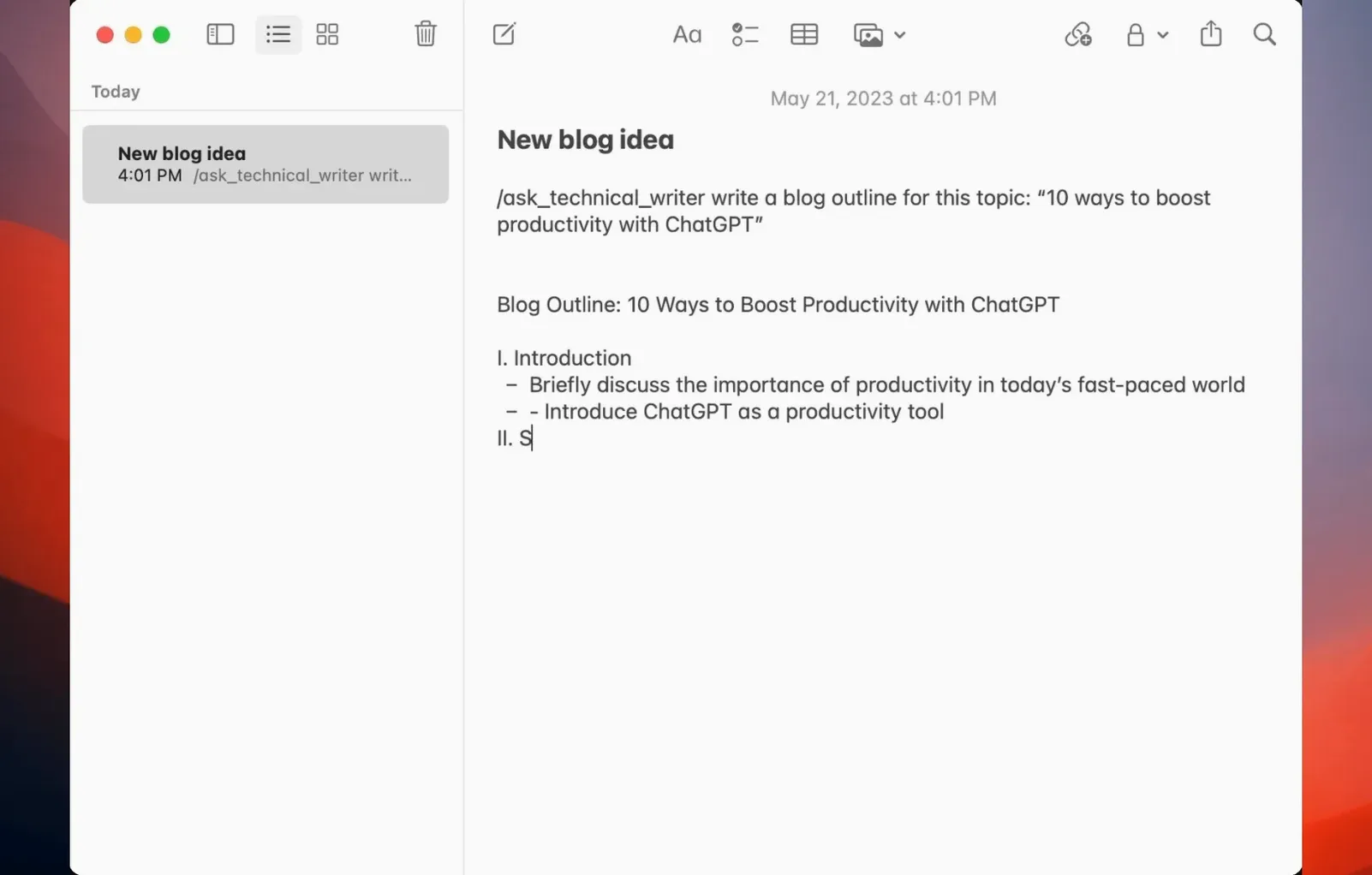
BoltAI works alongside rather than instead of your usual Mac tools. You write in Bear or Ulysses, call the assistant from inside the editor, and the draft stays put. No copy-paste dance between a browser tab and your document.
It also pairs well with Finder. A download boltai for mac search leads here, but once installed, the app starts showing up in places that matter: you drag files from Finder straight into a project, or you invoke the assistant while working in Mail or Notes. The requests go directly to OpenAI, so there is no intermediary server collecting your usage patterns.
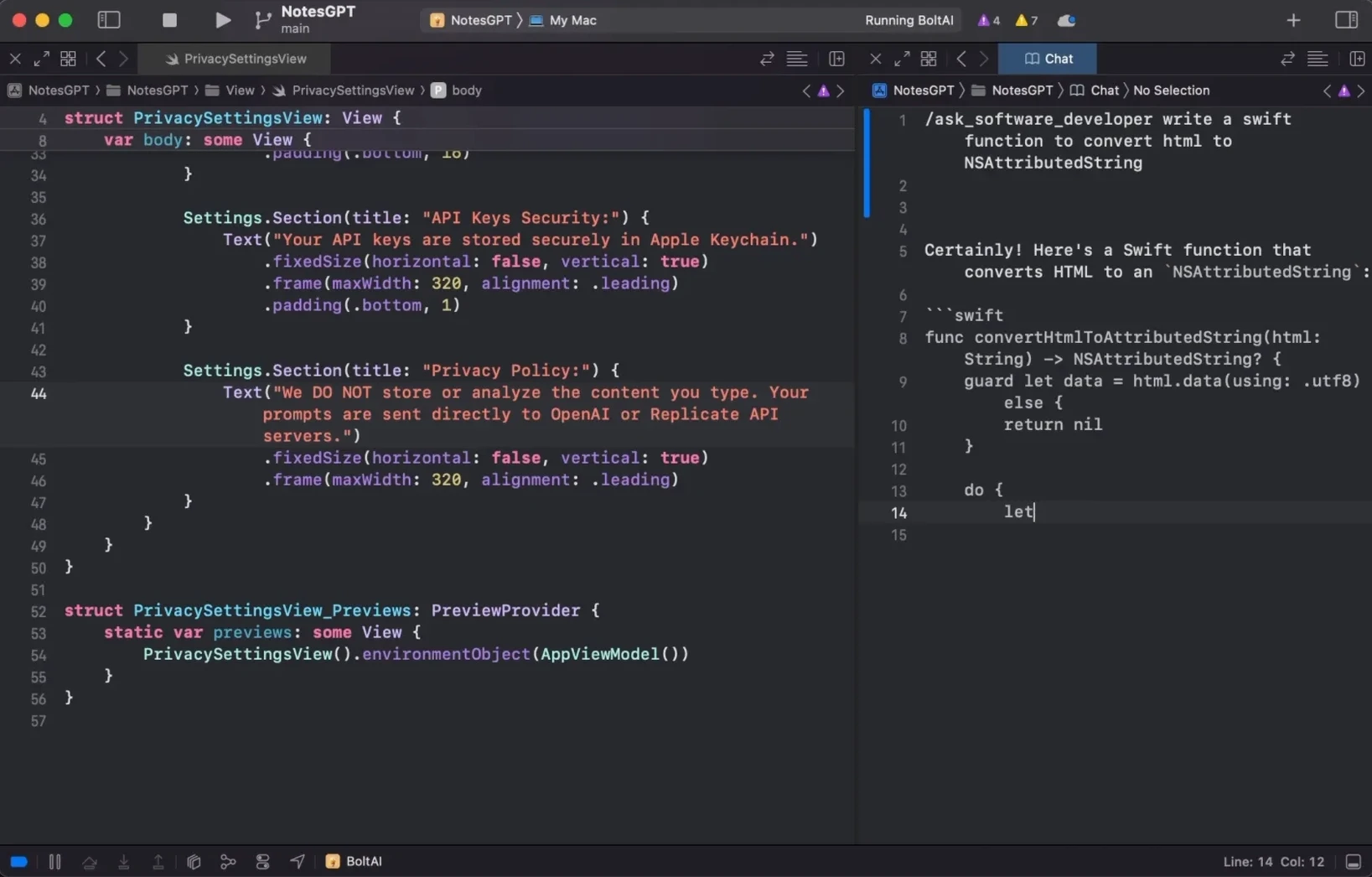
Apple Keychain stores the API key, which means other Mac apps that respect the keychain can share the credential if you set them up that way. And because BoltAI has no in-app analytics, it does not phone home with behaviour data — it stays quiet while you bounce between it and Xcode, Terminal, or anything else you keep open all day.
You can disable unused providers in the model picker. That keeps the list short and stops you from selecting something you never intend to use.
Requirements
- macOS 13 or later
- Apple Silicon or Intel Mac
FAQ
Where does my data go?
Requests go directly to OpenAI, and BoltAI stores your data securely on your Mac. You are not routing through an extra third-party server.
Comments 0
Sign in or create an account to leave a comment.
No comments yet…
If you’ve installed it, say how it went. Mention your Mac and macOS version — it helps the next person more than you’d think.