
BuhoCleaner for macOS
Description
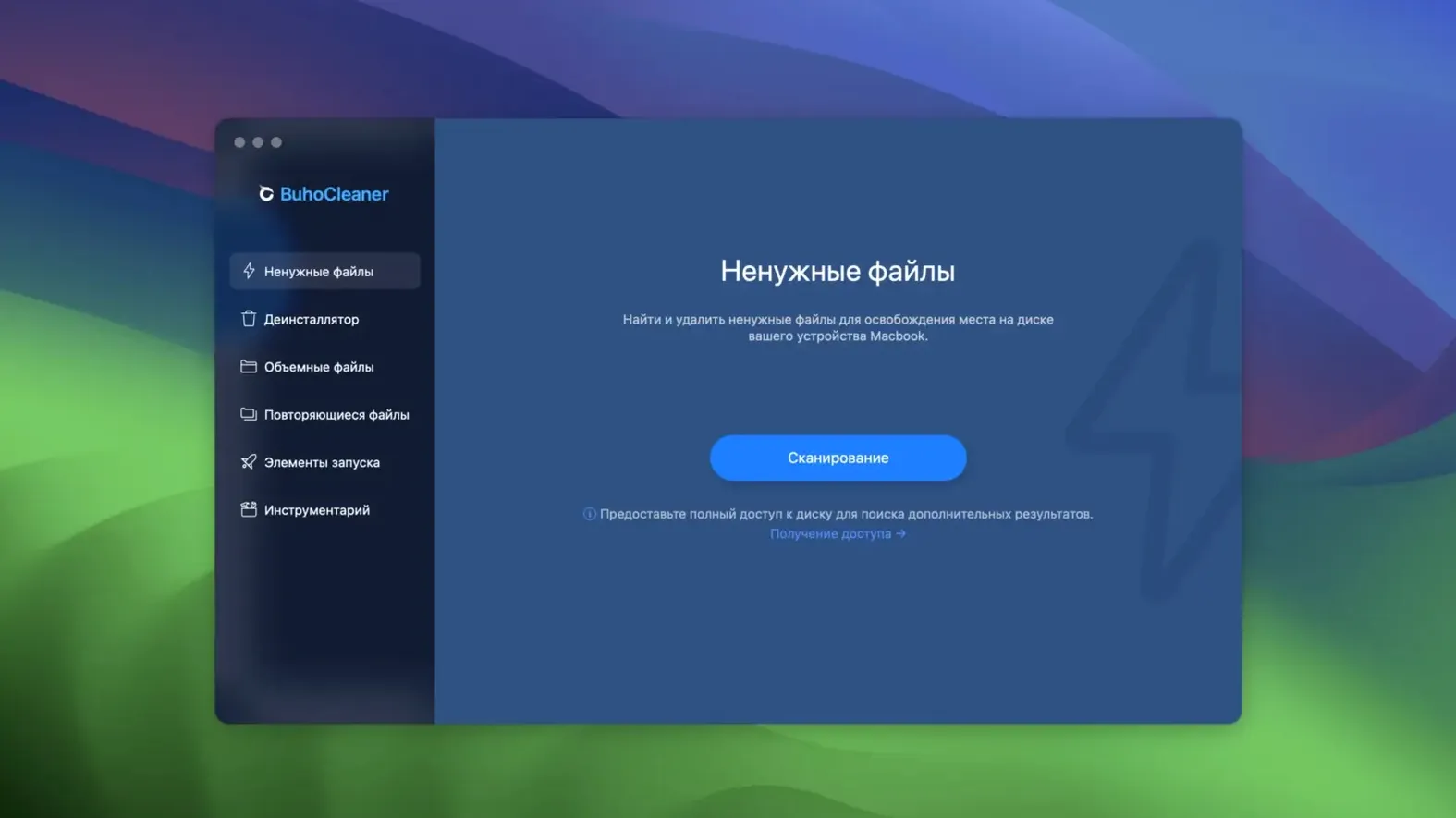
BuhoCleaner is a standalone cleanup utility for the Mac, not something that ships with macOS. It handles the sorts of jobs that clog up a machine over time.
What’s the first thing I’d actually do with it?
Clear browser cache. Pick a browser, let it scrub the accumulated cruft, and reclaim a surprising chunk of space without touching bookmarks or history.
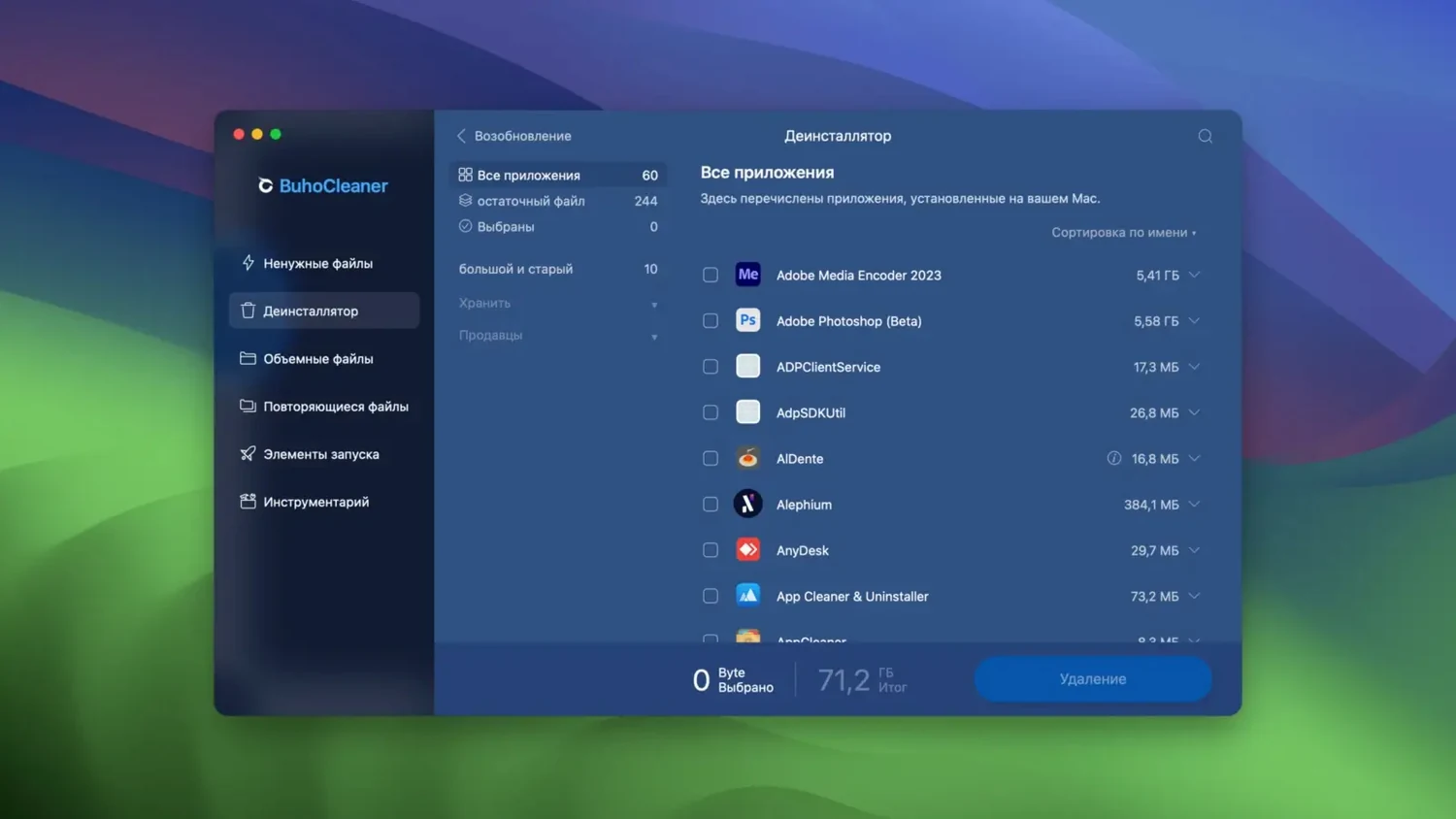
Wipes the app and all its hidden support files
It finds applications and their support files, then removes the lot in one go. It is more thorough than dragging an icon to the bin.
Can it fix a broken Spotlight search?
Yes. It can reindex Spotlight from within the app, which is faster than digging through System Settings and terminal commands.
What else does it show?
BuhoCleaner Menu sits in the menu bar and displays live Mac statistics. You can glance at CPU load, temperature and fan speed without launching a separate monitor.
Does it feel faster than it looks?
Scans finish before you have time to wander off for tea. The app itself stays light — you won't catch it eating a chunk of CPU while idling. On an Intel Mac the fan stays quiet after a quick cache sweep; on Apple Silicon it barely registers as a blip in Activity Monitor.
And day-to-day stability?
Version 1.17.0 has been uneventful in the best way. No beachballs while scanning large photo caches. No mysterious crashes after waking from sleep. The menu bar helper sits quietly in the corner and updates its readouts without hogging resources — exactly what you want from a utility you install and then mostly forget about.
Memory freeing stutters less on older Macs
The jump to 1.17.0 tightened a few things that used to feel loose. The developer's notes point to a 2026-09-18 build, and in practice that translates to:
- Memory freeing finishes with less hesitation. On older machines where RAM is tight, the reclaim now happens in one clean pass instead of stuttering.
- Application leftovers detection got sharper. It finds more orphaned preference files and cache folders that earlier versions left behind — particularly for apps uninstalled months ago.
- The menu bar monitor refreshes its temperature and fan readings with less lag. If you keep the buhocleaner for mac menu widget active all day, the numbers update more smoothly now.
Nothing about the core workflow changed. You still open it, pick a task, and let it run. The improvements are underneath — fewer false positives in the junk scan, and a slightly smarter uninstaller that catches supporting files in ~/Library/Group Containers that previous builds missed.
What’s new
What's new in version 1.17.0 (built 2026-09-18):
- Improves application uninstall detection for certain stubborn apps.
- Fixes a rare case where the menu bar monitor would stop updating.
Requirements
- OS X 10.10 or later
- Intel or Apple Silicon Mac
FAQ
Does BuhoCleaner work on older Macs?
It runs on any Mac with OS X 10.10 or later, and works on both Intel and Apple Silicon machines.
Comments 0
Sign in or create an account to leave a comment.
No comments yet…
If you’ve installed it, say how it went. Mention your Mac and macOS version — it helps the next person more than you’d think.