ApolloOne for macOS
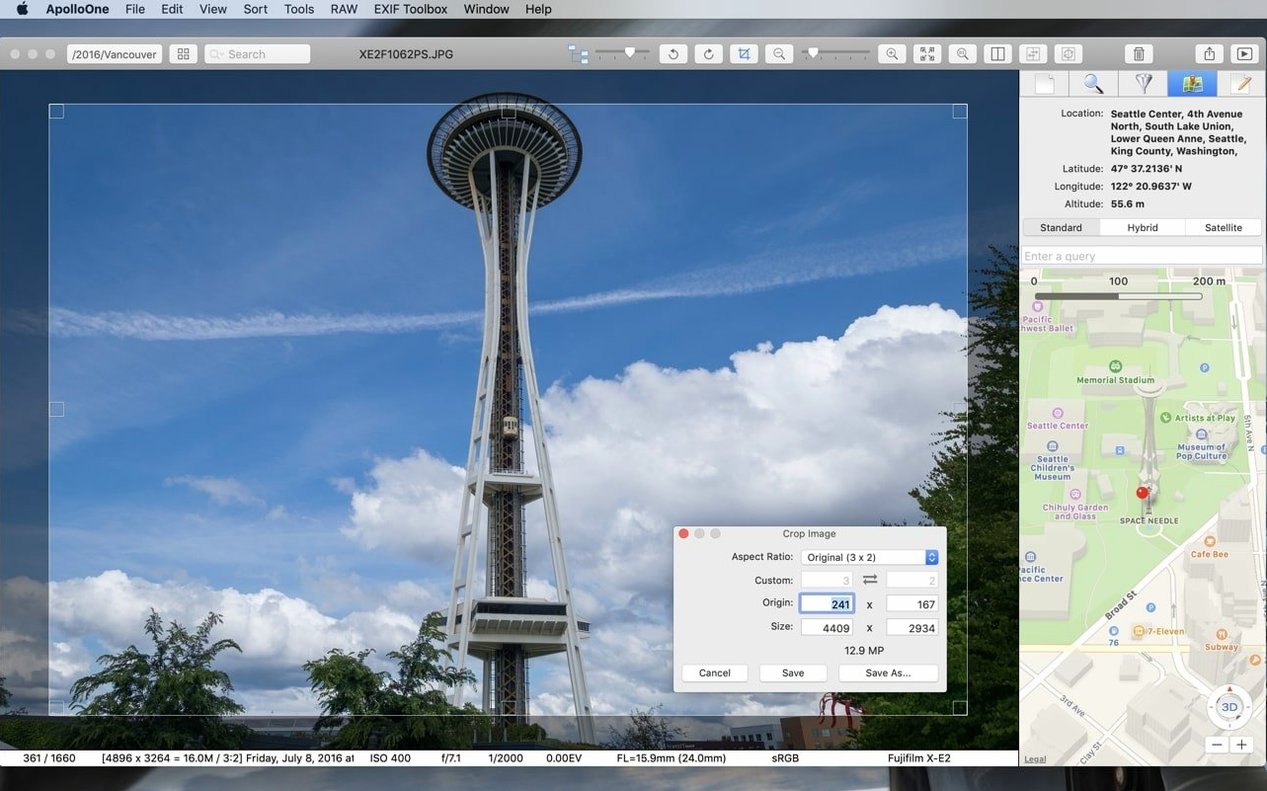
Description
If you've relied on a simple, fast tool like Xee for culling and viewing, ApolloOne is in that same spirit but built for a much deeper workflow. It's an image viewer and digital asset manager aimed squarely at experienced enthusiasts and professional photographers who need speed on both ARM and 64-bit Intel Macs.
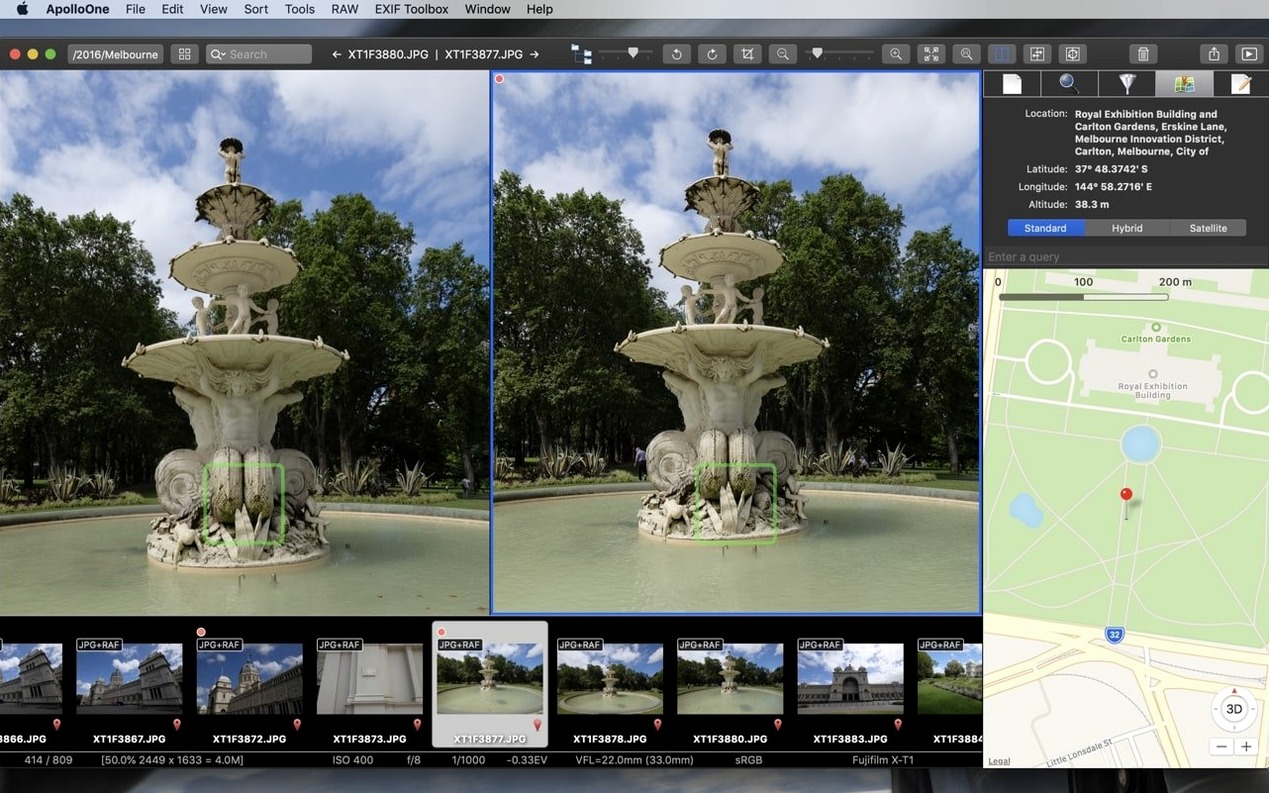
Quick autofocus-point checks after a shoot
- Quickly checking camera autofocus points after a shoot
- Smart memory card import that sorts as it copies
- Batch renaming large sets without fuss
Pro-level tool, not a casual browser
- Designed for pros and experienced amateurs—not a simple browser for casual snaps
Let it index your main image drive overnight
ApolloOne respects the folders you already have. That saves time, but a couple of early tweaks make a real difference.
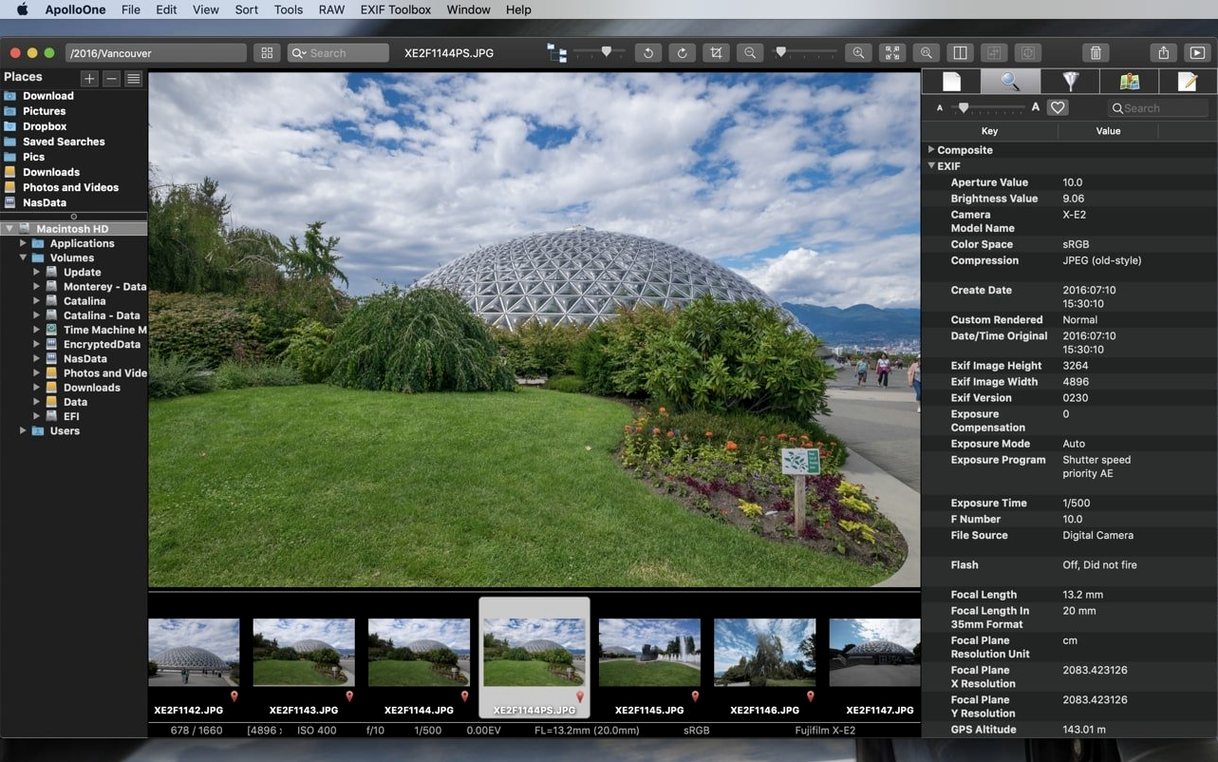
Point it at your main image drive and let it build thumbnails in the background. The cache is stored in ~/Library/Caches/com.anogeissus.ApolloOne — give it enough space and the next browsing session will feel much snappier.
Switch on camera autofocus point display in the View menu straight away. If you’ve just come back from a shoot with slightly soft keepers, seeing which AF point the body locked onto tells you whether it’s a lens issue or a composition mistake. No staring at tiny camera screens needed.
Rating pass workflow
A common task after a day’s shooting is separating keepers from the rest, and ApolloOne handles this without forcing an import step. Here’s one way to do it.
- Insert the memory card and let the smart import dialog appear. Set it to copy files into a dated subfolder inside your usual RAW directory.
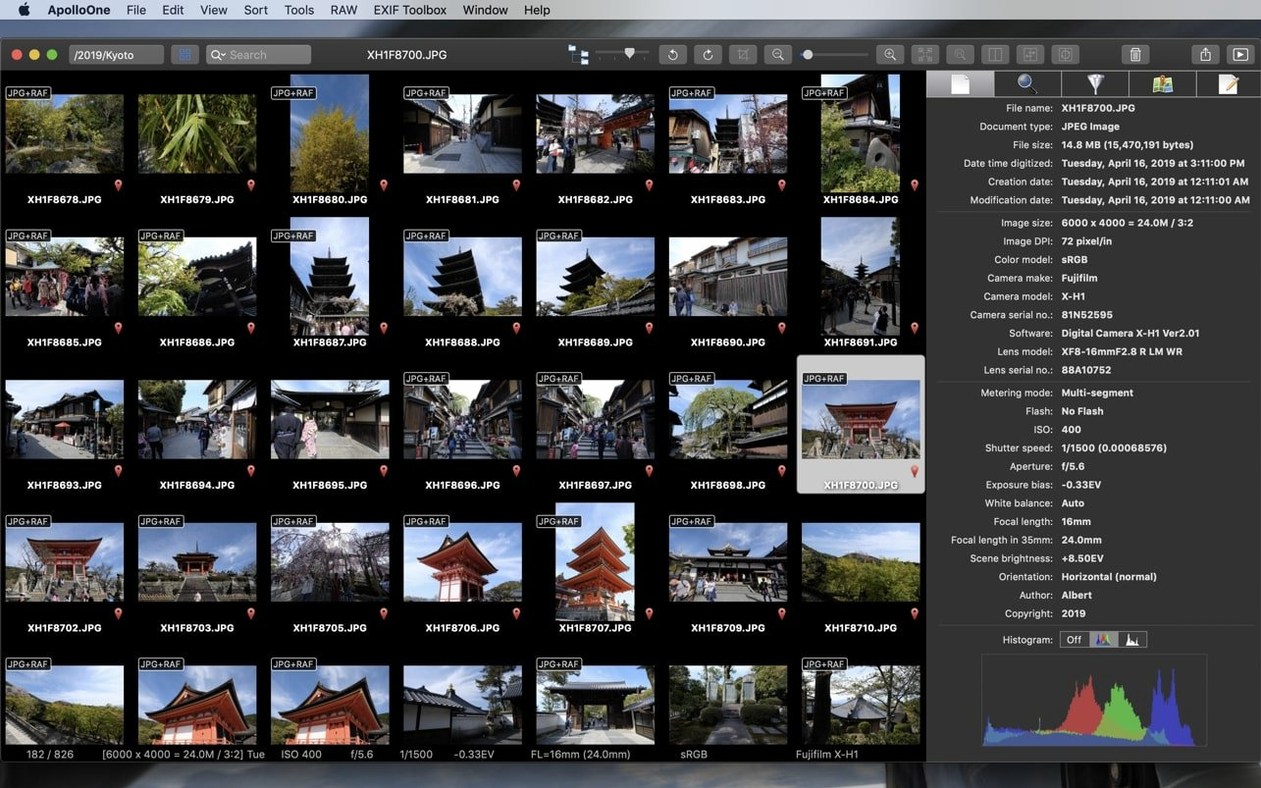
- Once copying finishes, browse the new folder in the filmstrip view. Use the 1–5 keys to star-rate shots as you go. The viewer preloads the next image while you’re still looking at the current one, so the rhythm stays fast.
- Filter to show only 3-star and above shots. Go through them a second time, this time using colour labels to mark which ones need specific edits — green for exposure work, red for tricky white balance, for instance.
- Select the red-labelled batch, right-click, and choose Batch Rename. Give them a prefix that describes the lighting problem, like
WB_fix_, so your editing app’s import list makes sense at a glance. - Finally, select all rejected shots — zero stars — and move them to a
_rejectssubfolder on the same volume. ApolloOne keeps the folder structure intact, so no database gets confused later.
This whole sequence, from card to culled folder, can take under ten minutes for a hundred RAWs once the keyboard shortcuts become muscle memory. The app never asks you to create a catalogue, and the files stay where you put them.
Worth it if you want a viewer that adds real culling tools without taking control of your folder layout.
Requirements
- macOS 10.14 or later
- Apple Silicon or Intel 64-bit processor
FAQ
What macOS version do I need for ApolloOne?
ApolloOne requires macOS 10.14 Mojave or a later version.
Comments 0
Sign in or create an account to leave a comment.
No comments yet…
If you’ve installed it, say how it went. Mention your Mac and macOS version — it helps the next person more than you’d think.