
Antivirus Zap - Virus Scanner for macOS
Description
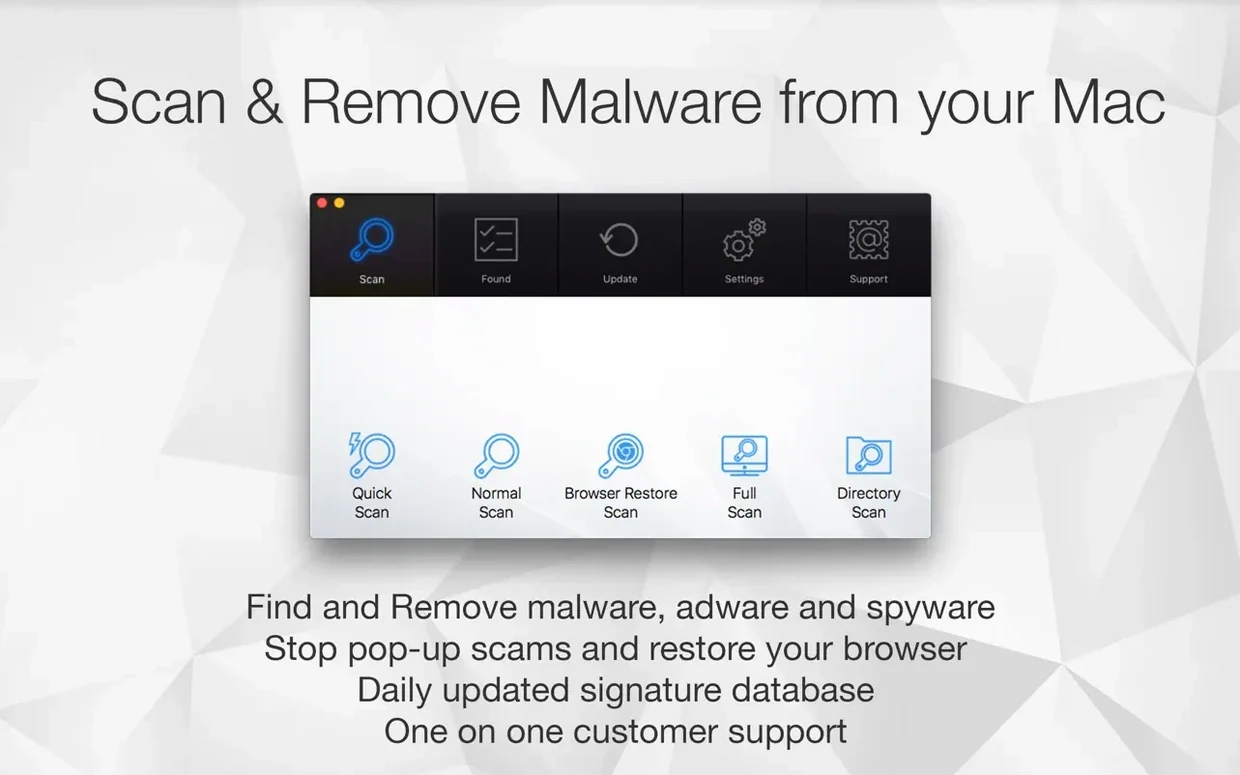
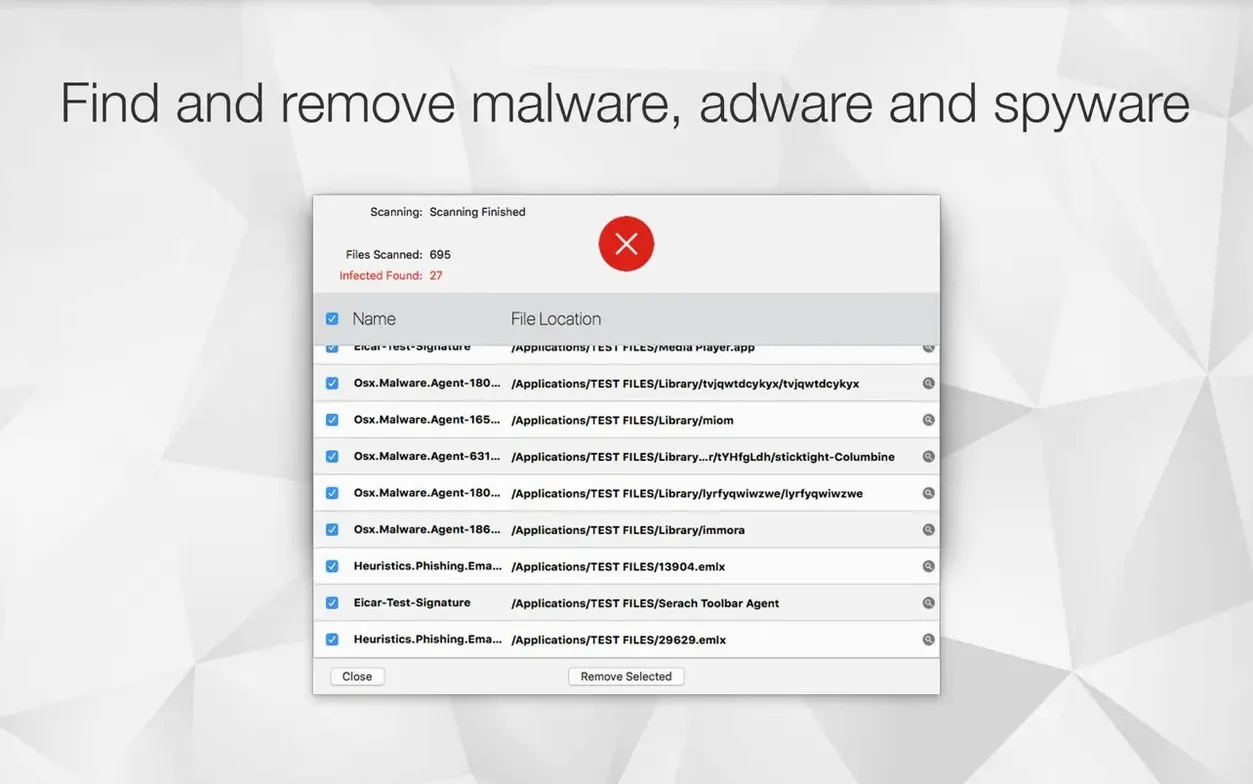
You already let macOS do its thing — Gatekeeper, XProtect, the silent background scans. Antivirus Zap is more like the second set of eyes you call in when something feels off. It doesn't run constantly. You launch it, point it at a folder or the whole drive, and let it hunt down malware and adware that got past the usual guards.
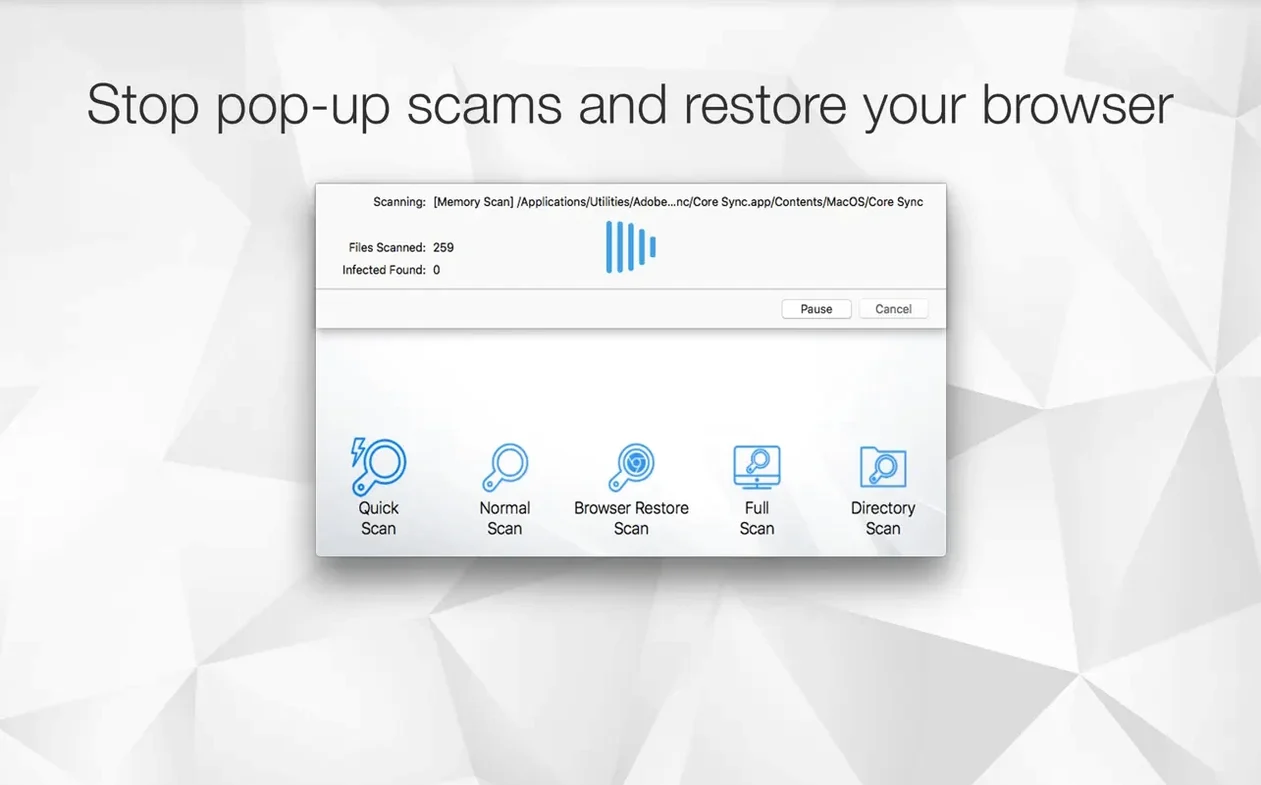
It also reaches into your browsers. The Browser Restore Scan clears cookies, extensions and caches from every installed browser in one pass. Handy after a dodgy download or a redirect spiral.
Scan on suspicion, strip browser junk, or automate daily checks
- On-demand scans when you suspect something slipped through
- Stripping browser junk after a sketchy site visit
- Automating a daily or twice-daily scan on a schedule
- Anyone who wants a scanner that integrates with Apple Shortcuts
No real-time protection; video and image tools are bonus utilities
- It does not run real-time protection — you scan, it acts
- Video compression and image optimisation are bundled tools, not security features
- Finder integration is for manual file optimisation, not for scanning
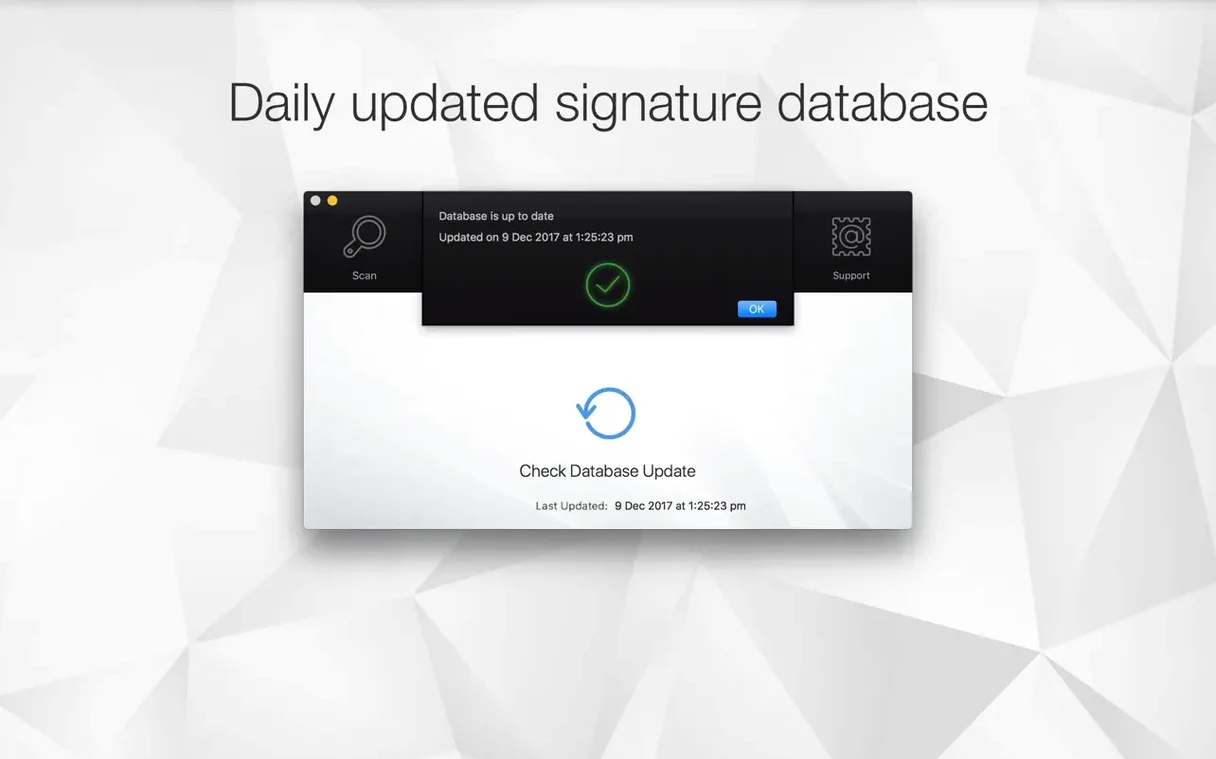
Instant launch with no splash screen or forced database waits
Antivirus Zap is light on its feet. Launch it and the window appears instantly — no splash screen, no loading spinner, no database updates that hold you hostage. The interface is mostly a list of scan targets and a big button. That's it.
A quick scan of system locations finishes in under a minute on most Macs. The standard scan chews through more files, but it doesn't hammer the CPU. On an Apple Silicon machine the fans stay quiet. On Intel Macs you might hear them spin up briefly, then settle. Memory use hovers around 120–180 MB during a scan and drops back to near nothing once it's done.
It hasn't beachballed once in testing. No kernel panics, no background daemons left running after you quit. That matters when you're already troubleshooting a machine that's acting strange — the last thing you need is the scanner itself becoming part of the problem.
One small quirk: the Browser Restore Scan closes every browser without asking. It warns you, but it's easy to skip past the warning. Save your tabs first.
When you’re the person fixing someone else’s Mac
This isn't for the person who wants to install something and forget about it. Antivirus Zap works best when you remember it exists.
Techs and support people — the ones fixing relatives' Macs or clearing out a colleague's machine — will reach for it constantly. It's portable on a USB stick, needs no installation ritual, and doesn't leave behind a litter of LaunchAgents. Scan, clean, quit, done.
Users who download a lot from outside the App Store get real value here. If you're grabbing utilities from GitHub, testing indie apps, or pulling files through torrents, an on-demand scanner that you run before opening anything sketchy makes sense. The scan finishes while you make tea.
People who just want a second opinion after a weird pop-up or a sluggish browser also benefit. Sometimes macOS says everything is fine. Antivirus Zap occasionally disagrees — and it's usually right about adware that slipped into a Library folder.
Quicker on-demand scans than Malwarebytes, but scrappier
Next to Malwarebytes for Mac, Antivirus Zap feels scrappier. Malwarebytes offers real-time protection in its paid tier and has a polished, guided experience. But for pure on-demand scans, Antivirus Zap is quicker to launch and less insistent about upgrades. If you want set-and-forget, Malwarebytes is the pick. If you want a tool you control, Antivirus Zap fits better.
Against CleanMyMac X, the scope is different. CleanMyMac bundles malware scanning inside a broader maintenance suite — junk cleaning, optimisation, updaters. Antivirus Zap doesn't pretend to tune up your Mac. It scans for threats and steps out of the way. For someone who already manages their Mac manually and only needs the security slice, Antivirus Zap is less bloated and less chatty.
Compared to VirusScanner Plus (another lightweight on-demand scanner), Antivirus Zap pulls ahead with its Browser Restore Scan. Most simple scanners ignore browser junk entirely. That one feature covers a lot of ground — adware extensions and tracking cookies are far more common than actual malware on macOS. Worth it if you spend half your life in a browser.
Requirements
- macOS 10.13 or later
- Apple Silicon and Intel 64-bit
FAQ
Does it scan for malware automatically?
It doesn't run real-time protection. You can schedule scans to run once or several times a day, or trigger them manually.
What does the Browser Restore Scan remove?
It clears cookies, extensions and caches from all installed browsers in one go — useful after a site floods your browser with junk.
Comments 0
Sign in or create an account to leave a comment.
No comments yet…
If you’ve installed it, say how it went. Mention your Mac and macOS version — it helps the next person more than you’d think.