
AltTab Pro for macOS
Description
Blacklist support is where AltTab Pro stops being a toy. Add the apps you never want cluttering the switcher and they stay out of the way. It is a small setting with a big effect on daily use.
What experienced users will notice first
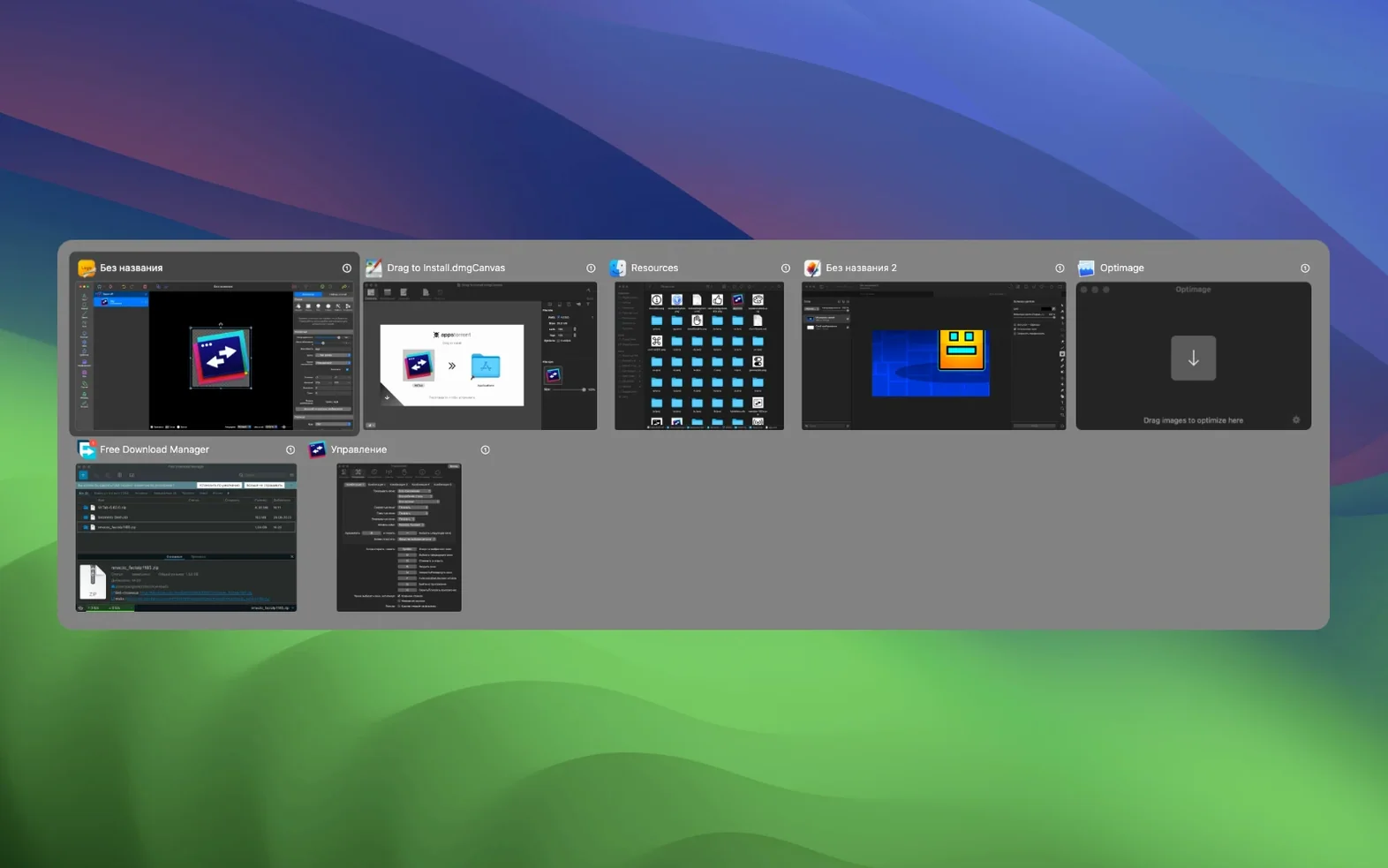
The previews are not just thumbnails. You can minimize, close or open any window in full screen straight from the switcher. That removes a lot of trips back to the Dock. The blacklist also controls which apps launch in AltTab, so background utilities do not steal focus from the windows you actually switch between.
Performance and the details that matter
Version 11.7.1 runs on both Apple Silicon and 64-bit Intel. Dark mode is included, which is less of a feature and more of a basic expectation now. The 11.7.0 fixes were mostly housekeeping: a fast Alt-Tab could land on the wrong window, dragged tabs could stay grouped incorrectly, and memory use crept up each time Settings was reopened. Those are the kind of bugs you only catch after weeks of daily use, and they are fixed.
Keeping the Mac Cmd-Tab while adding a second switcher shortcut
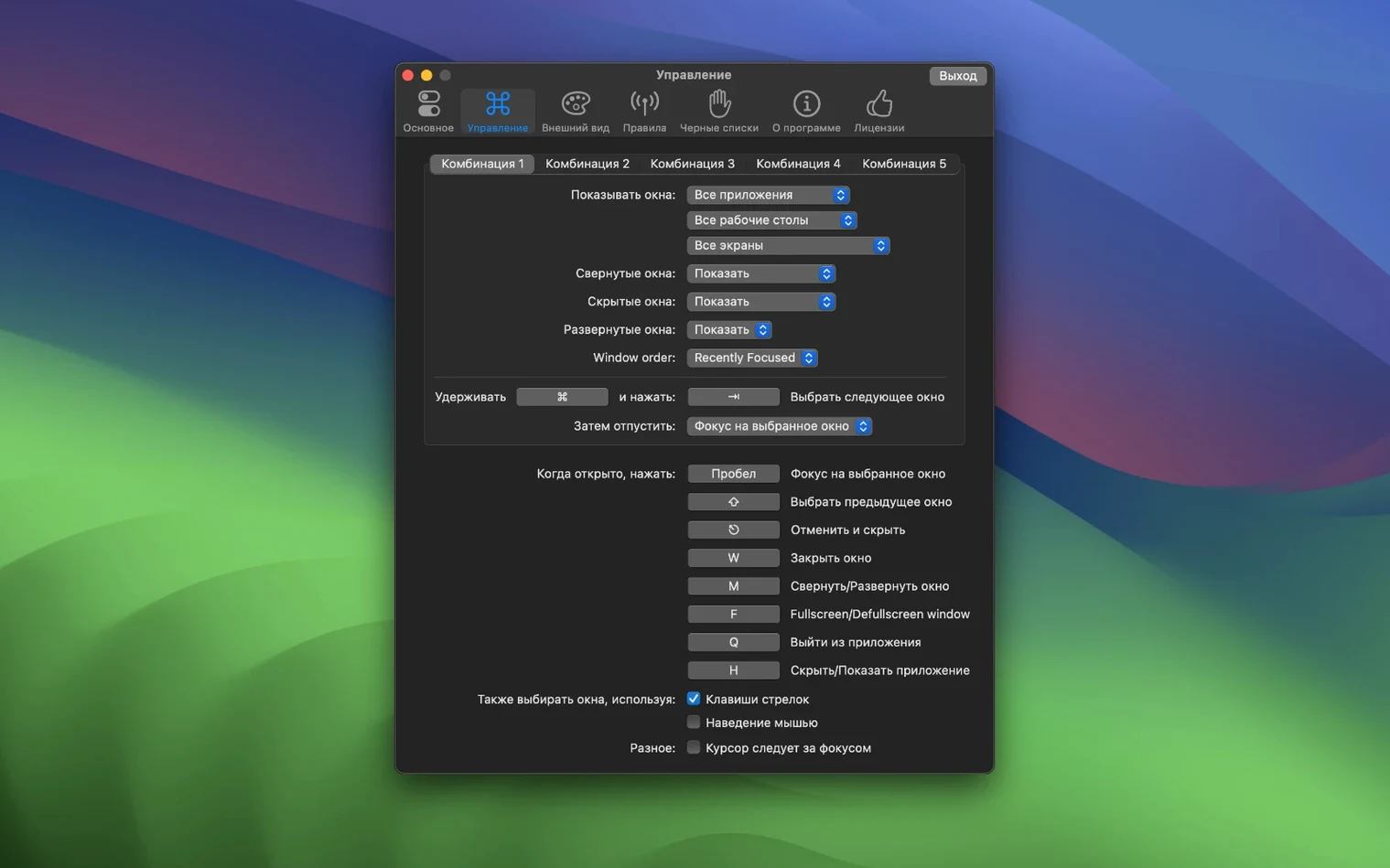
Does it replace the built-in Cmd-Tab switcher? Not exactly. AltTab Pro adds its own configurable shortcut — usually the Windows-style Alt-Tab, but almost any key combination works. Some users keep both. Others change the default macOS shortcut to point at AltTab Pro and forget the old one exists.
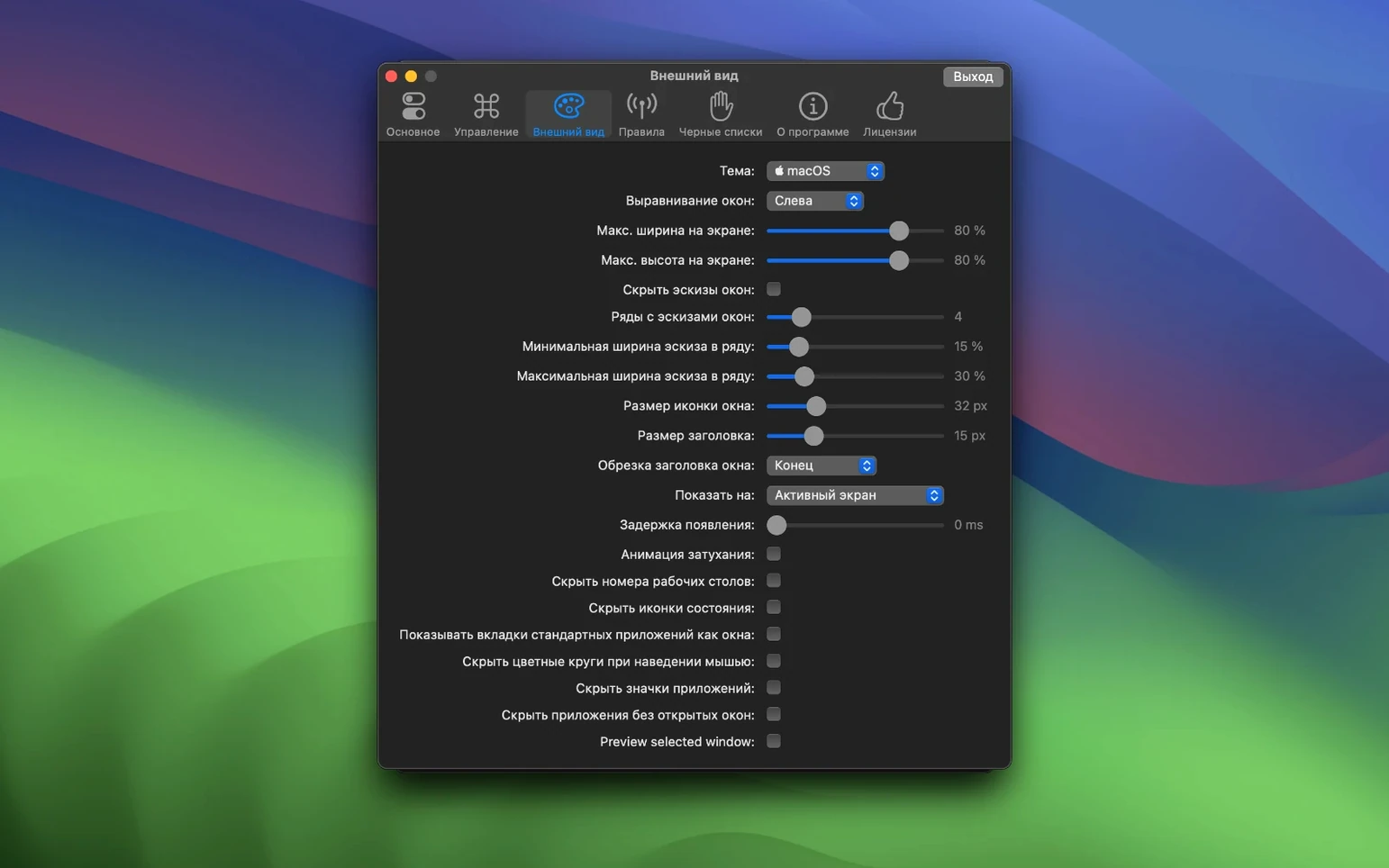
Will it interfere with full-screen apps? The opposite. Switching out of a full-screen window and back again behaves properly, and the switcher can open any window in full screen directly. The reduced transparency option helps on older Macs where the overlay might otherwise feel sluggish.
Can I hide apps entirely? Yes. The blacklist covers both the switcher and launch behaviour. VoiceOver, Sticky Keys and other accessibility features are supported, so the overlay does not become a dead end for keyboard-only users.
Pulling twelve browser tabs, a terminal, and Figma into one overlay
You are in a browser with twelve tabs open. A terminal window, a notes app and a design tool sit behind it. Press the configured shortcut. The switcher appears with previews of every window on the current space.
- Hold the shortcut key and tap Tab to move across the previews. The highlight lands on the notes app.
- Release. Focus jumps there. No Dock involved.
- Press the shortcut again, tap across to the terminal window, and keep holding. Tap the key that closes a window. The terminal disappears from the switcher and from the screen.
- Open the switcher a third time, drag a file from Finder onto the design tool's thumbnail. The file drops into the app.
The whole sequence takes seconds. Dragging over thumbnails is one of those things you do not think about until it saves you from arranging windows side by side just to move a file.
Dropping Mojave and Catalina support let the developer remove old workarounds
The 11.7.0 release made macOS 12 the minimum. In practice that means anyone still on Mojave or Catalina needs an older build, but the switch let the developer drop legacy workarounds. The wrong-window fix matters most for fast switchers: if you cycle through windows quickly, the selection now stays where your eyes say it is.
The memory fix is the kind of change you feel after a week. Before it, reopening Settings a few times slowly ate RAM in the background. Now it stays flat. Dragged tabs no longer leave ghost entries behind, and closing all tabs at once cleans up properly instead of leaving a phantom window in the list.
For daily alttab pro mac use, the 11.7.x line feels like a settling-down release. The alttab pro macos workflow is smoother now, with fewer small annoyances piling up over long sessions.
What’s new
Version 11.7.1 fixes a fast Alt-Tab action landing on the wrong window, tabs dragged out staying grouped with old tabs, a ghost window after closing all tabs, and memory growth from reopening Settings. macOS 12 is now the minimum supported version.
Requirements
- macOS 12.0 or later
- Apple Silicon or 64-bit Intel
FAQ
Does AltTab Pro work on Apple Silicon Macs?
Yes. Version 11.7.1 supports both ARM and 64-bit x86 architectures.
What is the minimum macOS version for AltTab Pro?
macOS 12.0. The release notes for 11.7.0 made macOS 12 the minimum supported version.
Can I stop certain apps from appearing in the switcher?
Yes. The app includes a blacklist for apps that should not appear or launch in AltTab.
Comments 0
Sign in or create an account to leave a comment.
No comments yet…
If you’ve installed it, say how it went. Mention your Mac and macOS version — it helps the next person more than you’d think.