
Animated Wallpapers for macOS
Description
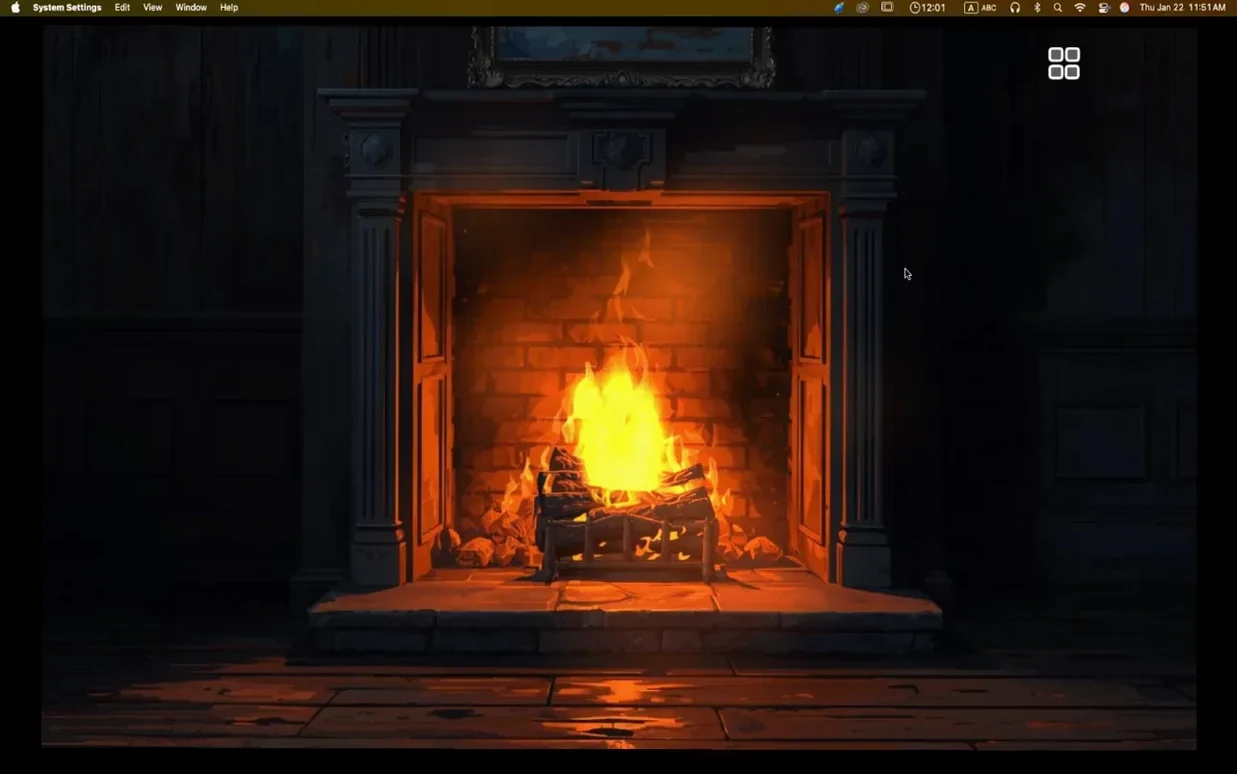
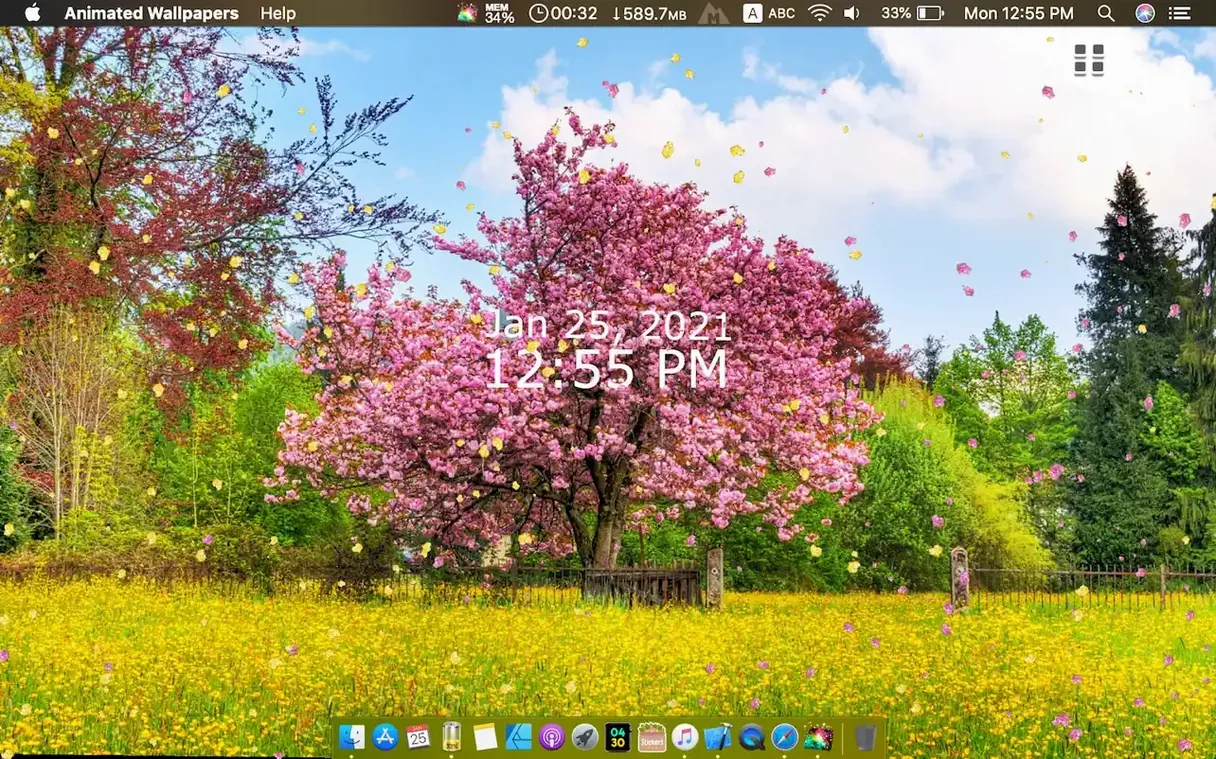
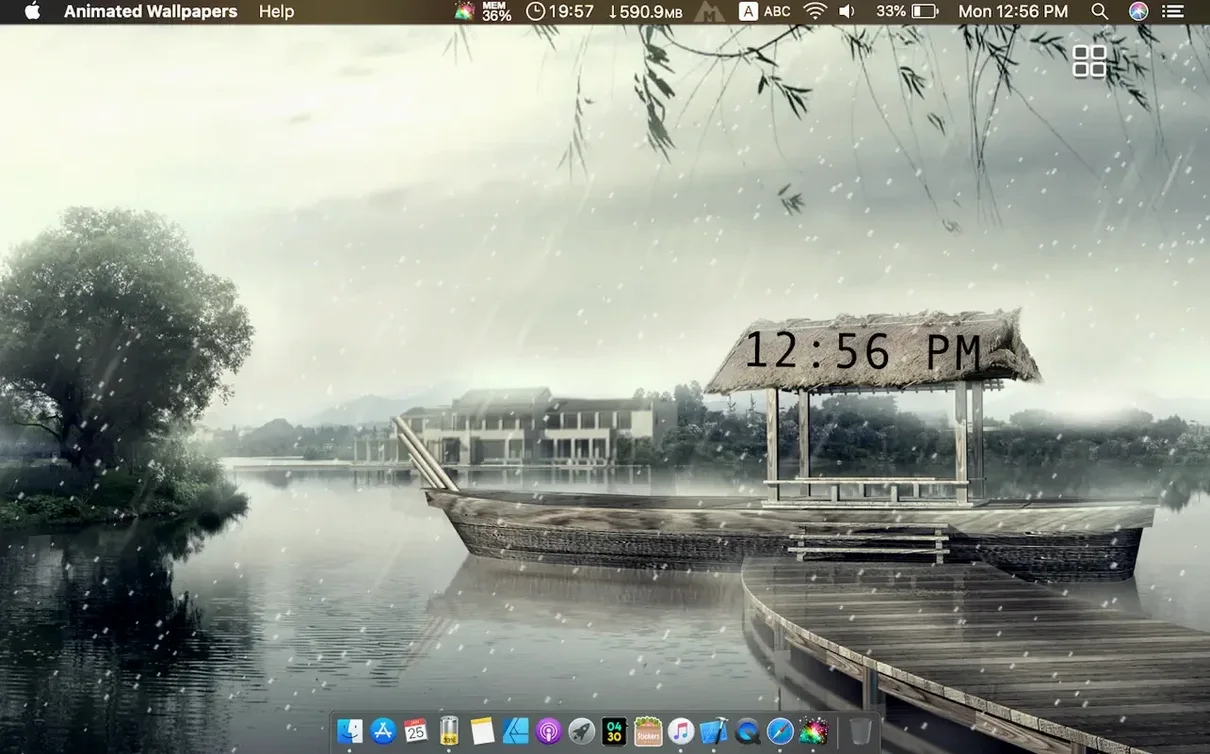
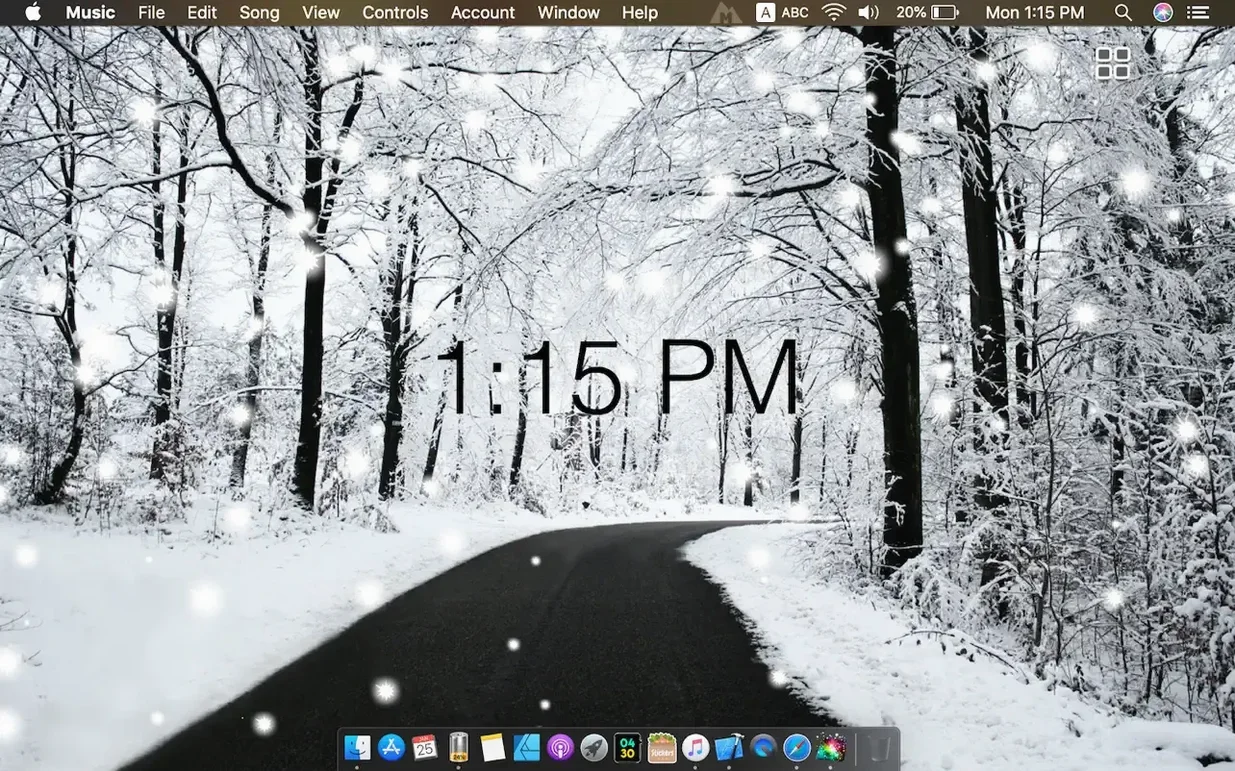
Live Desktop – turns your static wallpaper into a looping video or animated scene. No fuss, no heavy interface, just a background that moves.
Hide Desktop Icons – clears the clutter with one toggle. Your files stay accessible in the Finder; they just stop sitting on top of your wallpaper.
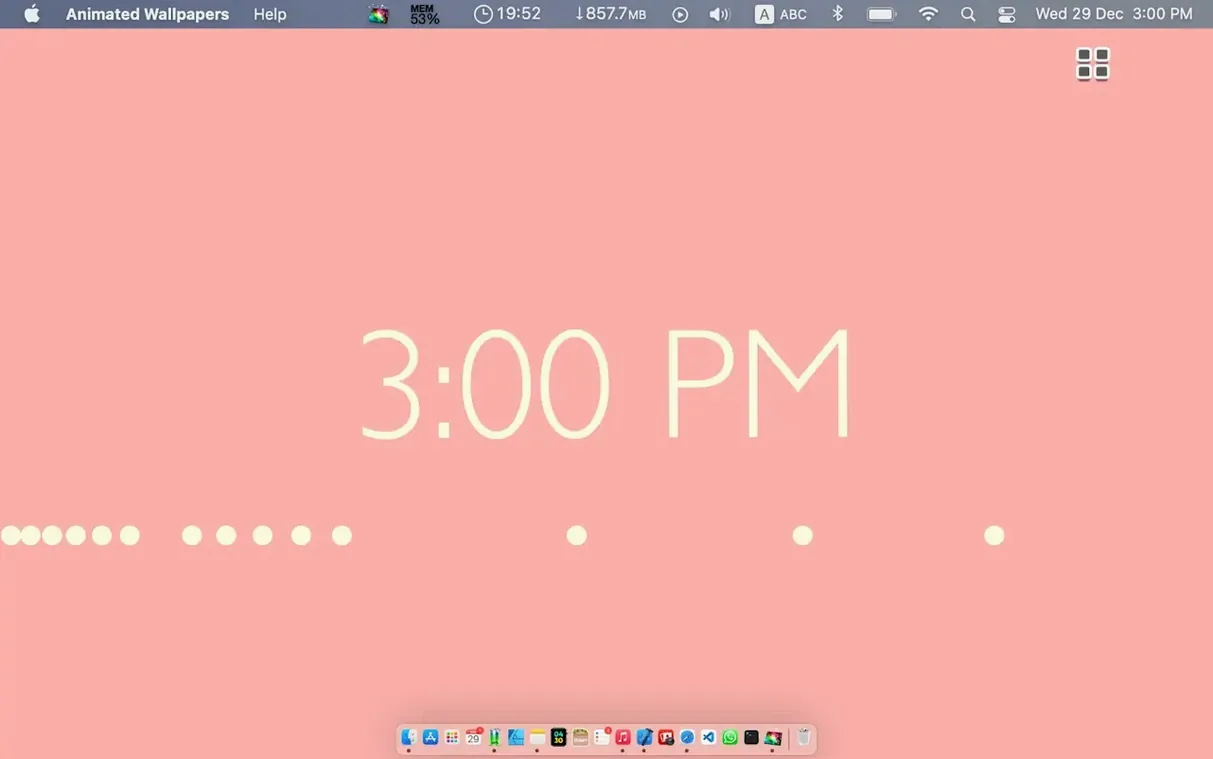
Desktop Clock – a large, readable clock that sits on the desktop. Useful when you work full-screen or keep the menu bar hidden.
How it stacks up
Compared to Wallpaper Engine on Steam, Animated Wallpapers is lighter and simpler. Wallpaper Engine needs the Steam client running and has a longer setup. Animated Wallpapers installs in under a minute and doesn't nag you about updates.
Plastik offers similar clock-and-hide features, but its animated wallpapers are tied to an online gallery. Animated Wallpapers gives you twenty built-in scenes – nature loops, space scenes, abstract motion – no download required. If you just want a handful of reliable backgrounds plus the clock, it's less faff.
DeskScapes for Mac never quite shook off its Windows port feel. Animated Wallpapers behaves like a native Mac utility. Dials, sliders, toggles – all standard macOS controls. It doesn't feel like you're running a foreign app.
Common snags and fixes
The wallpaper won't start after install.
The app needs a quick Gatekeeper bypass the first time. Mount the disk image, open Terminal, and press Enter when prompted. Then drag the app to Applications. That's the whole dance.
Desktop icons reappear after reboot.
The hide-icons toggle resets if you add new files to the desktop. Toggle it off and on again – works every time.
The clock renders crisply when macOS isn't doing fractional scaling on its end.
Plugging in stops it dead.
Speed, stability, real-world feel
I ran Animated Wallpapers for a full week on a 2018 MacBook Pro (Intel) and a 2023 MacBook Air (Apple Silicon). On both, the wallpaper loop sat at about 2-3% CPU and barely registered on the GPU histogram. You won't notice it unless you're peeking at Activity Monitor.
That's fine on any machine with 8 GB or more. On a 4 GB Mac from 2012, let it run for a few hours – the clock keeps ticking, the wallpaper loops, no slowdown.
One thing: the app doesn't pause when you open a full-screen video. Not a bug, just something to know if you're showing animated wallpapers Mac torrent clips to a class. Hide the desktop or close the app before playback.
Worth it if – you want one utility for live wallpapers, clean desktop, and a visible clock, and you'd rather not run a second app for each job.
The app runs on macOS 10.11 and later, Intel or Apple Silicon. Interface language is English.
Requirements
- macOS 10.11 or later
- Intel or Apple Silicon
- Interface: English
Comments 0
Sign in or create an account to leave a comment.
No comments yet…
If you’ve installed it, say how it went. Mention your Mac and macOS version — it helps the next person more than you’d think.