Roland Cloud Legendary Series for macOS
Description
The Legendary Series set doesn't change much version-to-version. The instruments are already modelled on decades-old hardware, so the work goes into keeping them compatible and stable.
What does the ACB tech actually do?
It models the behaviour of individual analogue components, not just the overall sound. That means oscillator drift, filter quirks and envelope response that feel more like the original hardware.
JUNO chorus and JUPITER filter shaping a mix
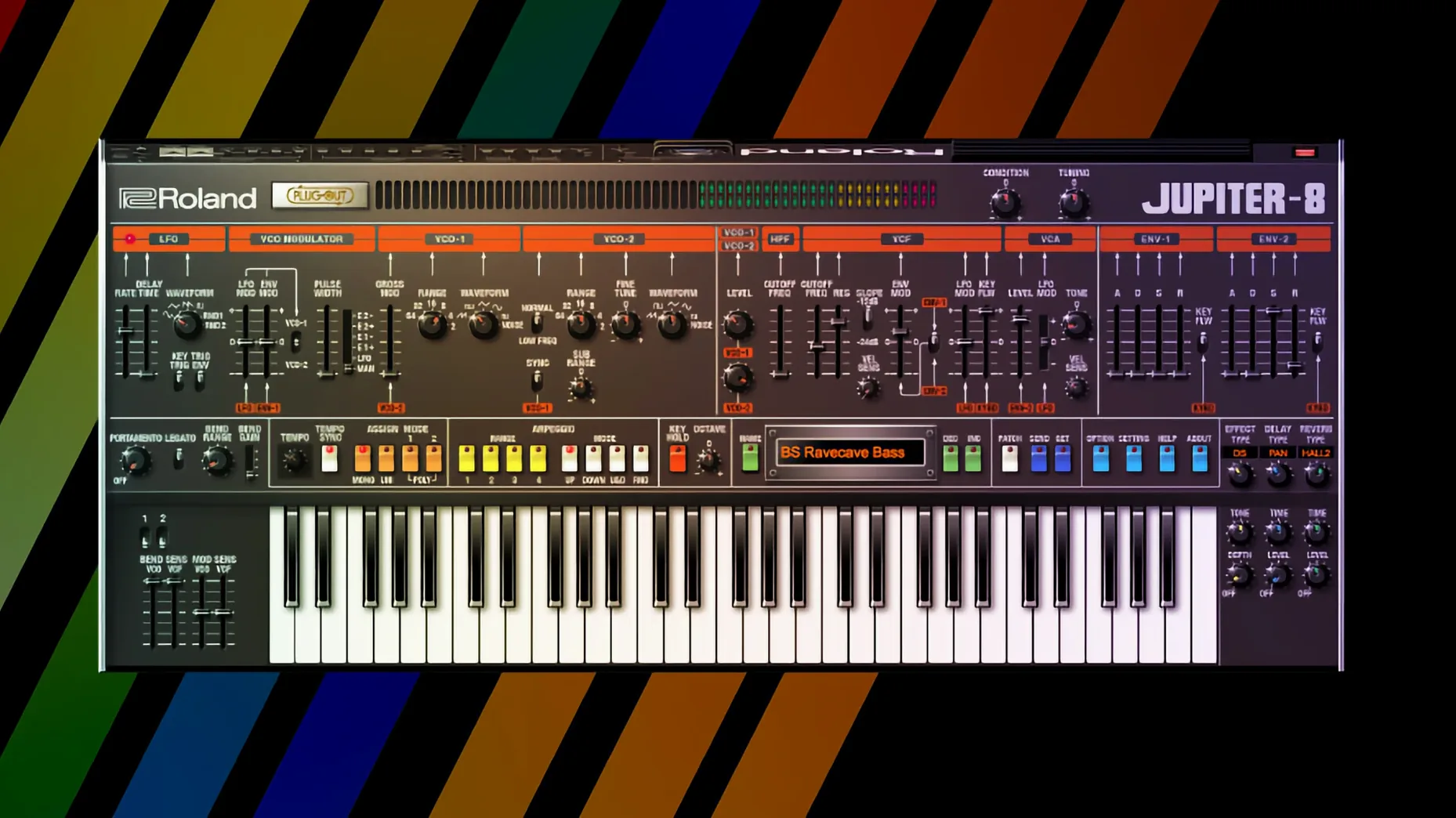
The JUNO-106 chorus is the obvious one — it thickens a pad or bassline instantly without piling on extra tracks. The JUPITER-8's filter can pull a bright lead back into a dense arrangement without sucking the life out of it.
Which instruments are the workhorses?
The JUPITER-4, JUPITER-8 and JUNO-106 cover most bread-and-butter synth duties: pads, basses, leads and rhythmic stabs. They sit in a mix with less tweaking than many modern soft synths.
One JUPITER-8 patch can push 15–20% CPU on an M1 core
ACB modelling is not light on the CPU. Roland have improved it over the years, but a single JUPITER-8 instance can still nudge 15–20% on an M1 core with a busy patch and the effects section engaged. An M2 or M3 Mac handles it better, naturally.
Stability is solid. I've left the JUNO-106 running in a Logic session for six hours without a crash or audio dropout. The plug-ins scan quickly and I haven't seen one take down a DAW during a validation pass — something a few other instrument collections still manage to do.
RAM use sits around 200–400 MB per instrument depending on the patch. Not trivial, but not alarming on a machine with 16 GB or more. If you're stacking eight Legendary instruments in a project, you'll want to freeze tracks on an 8 GB Mac.
Disk footprint is modest. The sample content is mostly small impulse responses and factory patch data. You'll lose more drive space to omnisphere libraries you forgot you installed.
Muscle memory from the hardware transfers straight over
Producers who grew up with the hardware — or who want that sound without the maintenance — connect with these instruments fastest. The control layouts match the originals, so muscle memory from a real JUNO-60 transfers straight over.
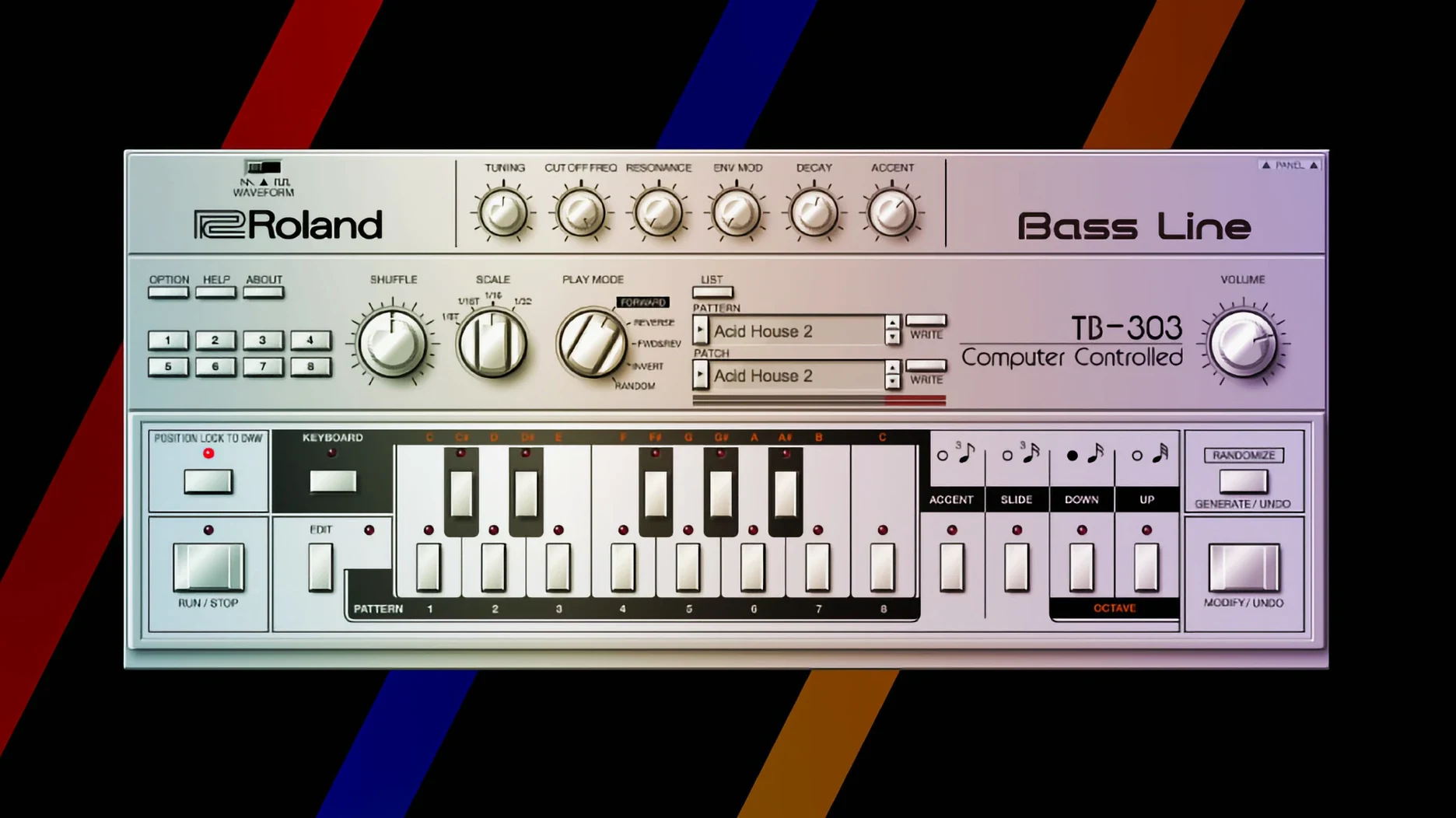
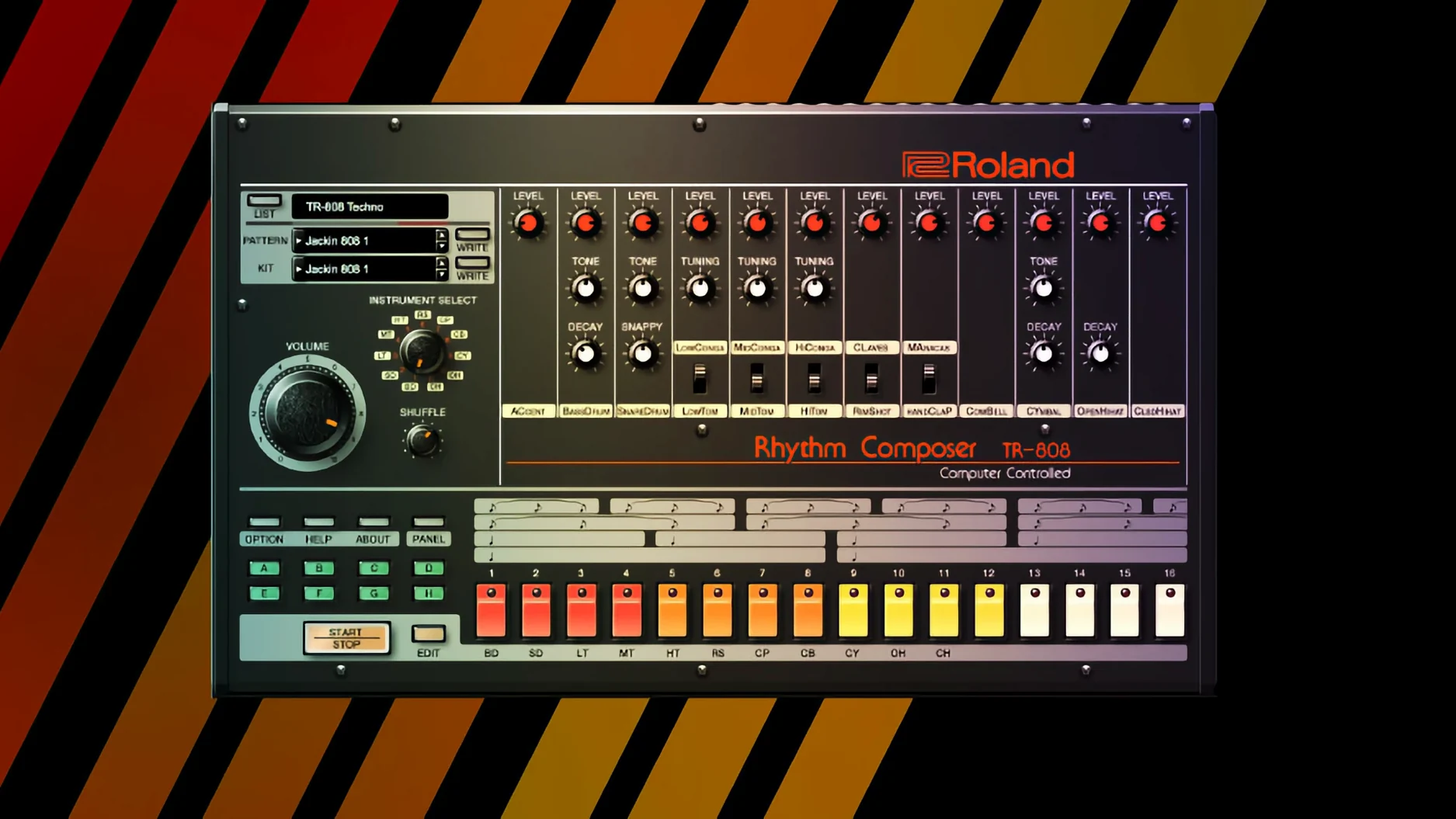
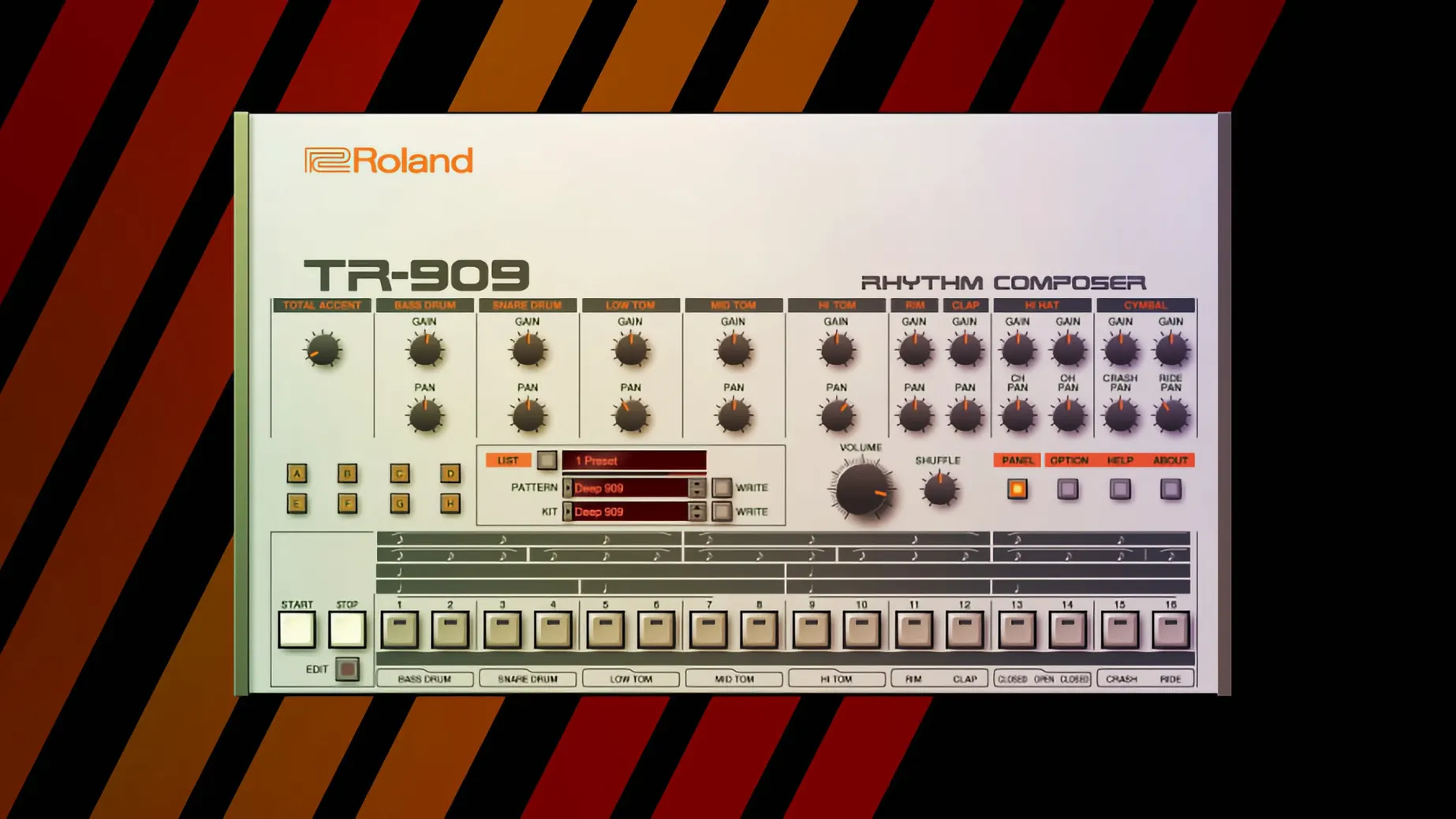
Synthwave, house, techno and 80s-inspired pop producers lean on the Legendary series heavily. The TR-808 and TR-909 recreations alone form the rhythmic backbone of whole subgenres. The 808's kick drum through a touch of overdrive still works like nothing else.
Sound designers chasing quick, characterful results also benefit. The JUPITER-4's random arpeggiator and the D-50's glassy digital textures produce usable material faster than building patches from a blank init in a more clinical modern synth.
Beginners can find a JUNO-60 patch and have it working in a track within minutes. The fewer controls on the simpler instruments mean less time staring at a screen and more time making music.
Arturia V Collection sounds cleaner; Roland ACB bites harder
Arturia V Collection covers a broader range of vintage synths and often adds extra modulation options the originals never had. Its instruments are more feature-packed on paper, but the core sound leans slightly cleaner and more polished. The Roland ACB models preserve more of the rawness and unpredictability of the hardware.
u-he Diva can mimic several classic Roland tones and sounds wonderful doing it. Diva's filters are exceptional. But Diva is one synth designed to approximate many. The Legendary instruments are specific recreations with the exact oscillator structure, envelope timing and control scaling of the originals. If you want a JUNO-106 chorus that behaves like the real circuit, Diva won't quite get there.
TAL Software's J-8 is a direct competitor to the JUPITER-8 instrument. It's well-regarded and lighter on the CPU. The Roland version's ACB engine captures more low-end instability and oscillator phase drift. Which you prefer is a matter of taste, but the Roland model feels more alive under the fingers to many players.
Logic rejects the AU components until you restart the Mac
Plugin validation fails in Logic Pro. After installation, Logic sometimes rejects the AU components. The fix is usually a full Mac restart — not just a logout — followed by re-running the validation in the Plug-in Manager. Unchecking and re-checking the plug-in forces a fresh scan.
Interface cuts off at the bottom. On smaller displays or scaled resolutions below 1440p, the older Legendary instruments (the non-v2 ones) can run off the screen edge. Switch your display scaling to "more space" or use the DAW's plug-in window zoom if available. The v2 instruments don't have this problem.
MIDI mapping resets unexpectedly. Some DAWs lose mapped parameters when you reopen a project. Save your control assignments as a DAW preset rather than relying on the plug-in's internal mapping.
Stuck notes in Ableton Live. This crops up with the TR-808 and TR-909 when stopping playback mid-pattern. A quick double-tap of the transport stop button clears them. Disabling "Chase MIDI Notes" in Live's preferences usually prevents it entirely.
Shift-drag a knob doubles the resolution for fine tuning
- Shift-drag any knob for fine adjustments. The resolution doubles, which matters on the D-50 where a single digit in a partial's tuning can make or break a patch.
- The TR-808 and TR-909 step sequencers output MIDI. Drag the pattern to a MIDI track and use it to drive other plug-ins. The 909's hi-hat pattern driving a modern sampler opens up ideas fast.
- The JUPITER-4's random arpeggiator has a hidden mode: hold two notes and it cycles between them unpredictably. It's not in the manual, but it's been there since the hardware.
- The JUNO-106 chorus noise floor is modelled. Some patches hiss like the original. If it bothers you, reduce the chorus level slider slightly — the sweet spot is around 2 o'clock, not maxed out.
- You can resize the v2 instruments by dragging the bottom-right corner. They scale cleanly up to 200% on a 5K display.
- The D-50's partial mute buttons sit in the edit page, not the front panel. Solo a partial by option-clicking its mute button to isolate that layer. Helpful for understanding why a factory patch sounds the way it does.
If you spend ten minutes learning the shortcut set for one instrument, you'll shave hours off your editing over a year. Worth it if you're in these plug-ins daily.
Requirements
- macOS 11 or later
- Apple Silicon or Intel processor
FAQ
Which DAWs can I use the Legendary Series with?
The plug-ins support standard DAW integration, so they work in any host that loads AU or VST3 instruments on macOS 11 and later.
Comments 0
Sign in or create an account to leave a comment.
No comments yet…
If you’ve installed it, say how it went. Mention your Mac and macOS version — it helps the next person more than you’d think.