
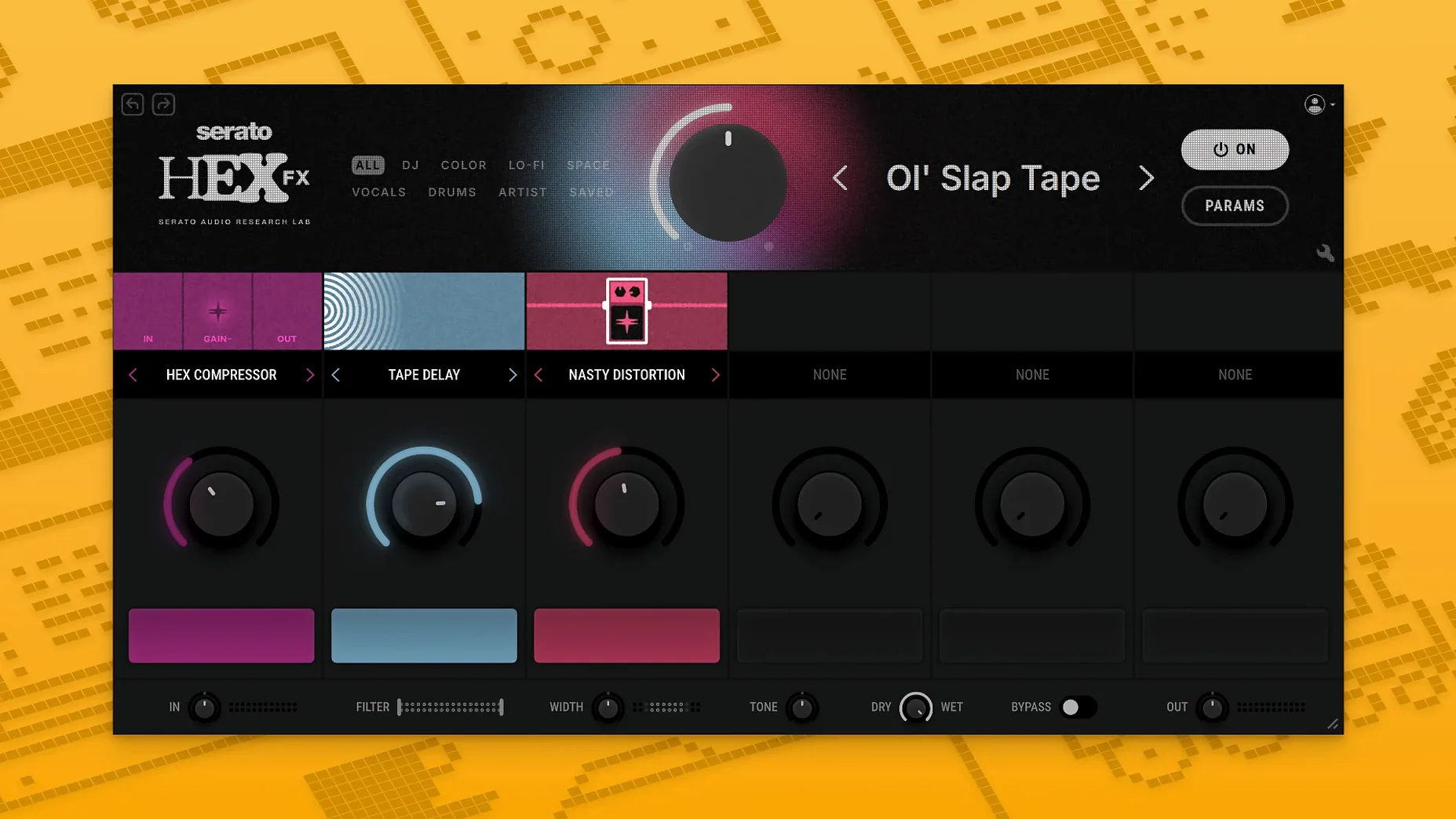
Serato Hex FX for macOS
Description
Compatibility and hosts
Serato Hex FX runs on macOS 10.15 and later. It's a native Apple Silicon and Intel binary, so you won't sit through a Rosetta translation on an M-series Mac.
The installer gives you VST, AU and AAX formats. That covers Logic Pro, Ableton Live, FL Studio, Serato Studio and Maschine. Pro Tools users get the AAX option that arrived in version 1.2.0. If your DAW loads standard plug-in formats, Hex FX will show up.
Single-window chain builders and performers who map instant Halftime
- Producers who build chains inside a single plug-in window rather than stacking six separate inserts.
- Live performers who need instant Halftime, Rollout and other Performance FX mapped to a controller.
- Anyone who wants three bands of parametric EQ tucked into their multi-FX without loading a second plug-in.
AAX is new, and fifty effects still live inside one plug-in
- Fifty effects sounds generous, but you're still working inside one plug-in — it's a self-contained chain, not a replacement for your whole FX folder.
- AAX support is new. If you run an older Pro Tools rig, check the version before you install.
Drag-and-drop slots, plus Option-drag to copy a module
Several workflow touches are easy to overlook during the first few sessions. The effect chain supports drag-and-drop reordering, so you don't have to delete and re-insert modules just to move a reverb before a delay.
Holding Option while dragging a parameter snaps it back to its default value — handy when you've twisted a filter cutoff into unusable territory. The built-in EQ band solo feature is another one: Command-click any of the three EQ bands to hear only that frequency range. Useful for pinpointing mud in a bassline without touching your DAW's channel strip.
Preset management is worth a closer look. Saving a custom preset stores the entire chain state — effect order, all parameter values, and EQ settings — in one recallable slot. The factory presets from DECAP, Jake One, and Dibia$e often stack three or four effects in unexpected orders. Dragging a preset onto an empty slot in the chain gives you a quick starting point, then you can pull modules apart and see what each one contributes.
A sound designer's five-minute chain
Picture a sound designer working on a sci-fi game score. She has a clean synth pad that needs to feel unstable — like failing machinery. She loads Hex FX on the pad channel.
First slot: a bit-crusher, pushed to 10-bit with the mix at 40%, so the degradation sits underneath. Second slot: a modulated filter with a slow triangle LFO, cutting in and out around 800 Hz. Third slot: a ping-pong delay timed to the project's 108 BPM, feedback set low enough that it decays after two repeats. She pulls the built-in high-shelf EQ down a couple of decibels to stop the delay tails from getting fizzy. Whole thing takes under five minutes, and the pad now breathes with an uneven, mechanical pulse that fits the scene.
Because the chain stays inside one plug-in window, she can copy it to a percussion bus later without reconstructing anything. That's the real time-saver: a complex chain travels as a single preset.
Stacking six effects at full wet creates a wall of noise
The most common mistake is stacking six effects with every mix knob at 100%. The result is usually a wall of noise. Drop the wet/dry mix on at least half the slots — somewhere between 20% and 40% — and the source sound stays recognisable underneath.
Another one: ignoring gain staging between modules. A distortion followed by a resonant filter can spike the level enough to clip the plug-in's internal headroom. Keep an eye on the output meter and use the EQ's gain controls to trim things back if the chain starts running hot. The low-shelf band works well as a quick post-distortion cleanup.
Finally, new users sometimes treat the Performance FX section as an afterthought. Halftime and Rollout aren't just live tools — automating them in the arrange window can create fills and transitions that would take far longer with manual audio edits. Try drawing a short Rollout automation lane right before a chorus drop.
What’s new
- Adds AAX plug-in format support for Pro Tools.
- Adds AAX option to the installer.
- Fixes bugs from the previous release.
Requirements
- macOS 10.15 or later
- Apple Silicon or Intel processor
- VST, AU or AAX-compatible host
FAQ
Does Serato Hex FX work in Pro Tools?
Yes, version 1.2.0 adds AAX support, so the installer now includes a Pro Tools option alongside VST and AU.
What DAWs are officially supported?
Serato lists Serato Studio, Ableton Live, FL Studio, Logic Pro and Maschine as officially supported hosts.
What's included in the Performance FX section?
Performance FX covers tools like Halftime and Rollout, designed for real-time manipulation during live sets or production.
Comments 0
Sign in or create an account to leave a comment.
No comments yet…
If you’ve installed it, say how it went. Mention your Mac and macOS version — it helps the next person more than you’d think.
More in VST Plugins
All in VST Plugins-
 Serato Sample
2.2.0
Apple Silicon
Serato Sample
2.2.0
Apple Silicon
-
 Serum
2.0.24
Apple Silicon
Serum
2.0.24
Apple Silicon
-
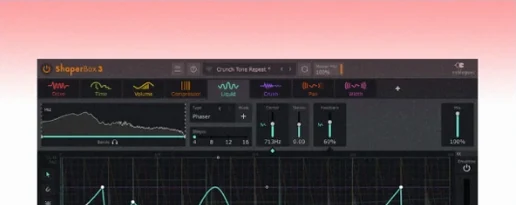 ShaperBox
3.6.1
Apple Silicon
ShaperBox
3.6.1
Apple Silicon
-
 Scaler 3
3.3.2
Apple Silicon
Scaler 3
3.3.2
Apple Silicon
-
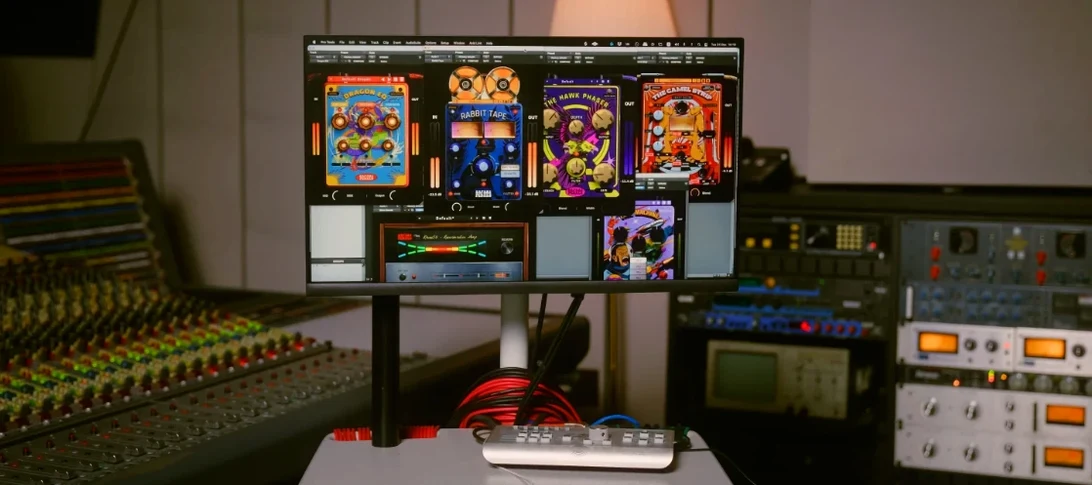 Safari Pedals Everything Bundle
2026.05
Apple Silicon
Safari Pedals Everything Bundle
2026.05
Apple Silicon
-
 Roland ZENOLOGY Pro
2.0.7
Apple Silicon
Roland ZENOLOGY Pro
2.0.7
Apple Silicon
-
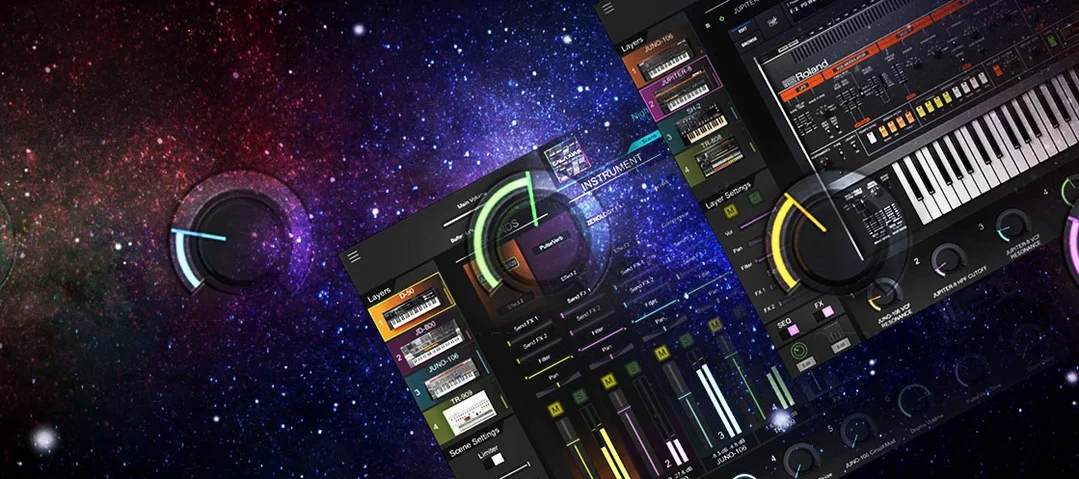 Roland Cloud Legendary Series
2025.06.29
Apple Silicon
Roland Cloud Legendary Series
2025.06.29
Apple Silicon
-
 RipX DAW Pro
8.0.3
Apple Silicon
RipX DAW Pro
8.0.3
Apple Silicon