
iZotope Neutron for macOS
Description
The Masking module doesn't just show you a red conflict map and leave you to it. It listens, detects two tracks stepping on each other, and hands you a dynamic EQ curve you can tweak or accept. That directness runs through the whole suite.
- Assistant — point it at a vocal, bass or full mix and it builds a starting chain from instrument profiles or a custom reference track.
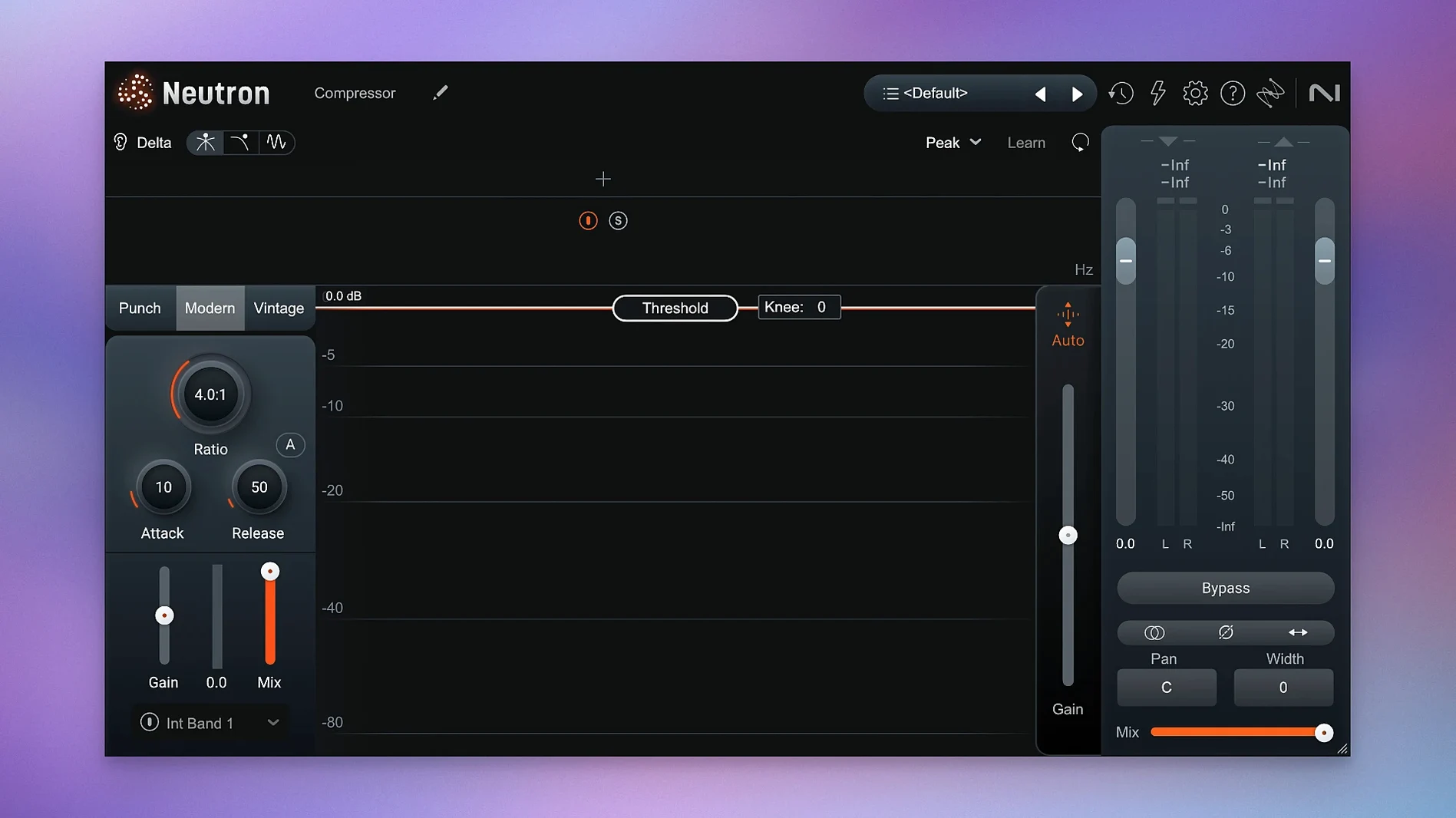
- Delta Buttons — hold one in any module and you hear only what that processor is removing or adding. No guessing.
- Punch Mode — visualises transients and lets you shape impact without squashing sustain. Useful on drums and plucked strings.
- Masking module — finds the worst frequency clashes between two sources and suggests a cut that clears the lane.
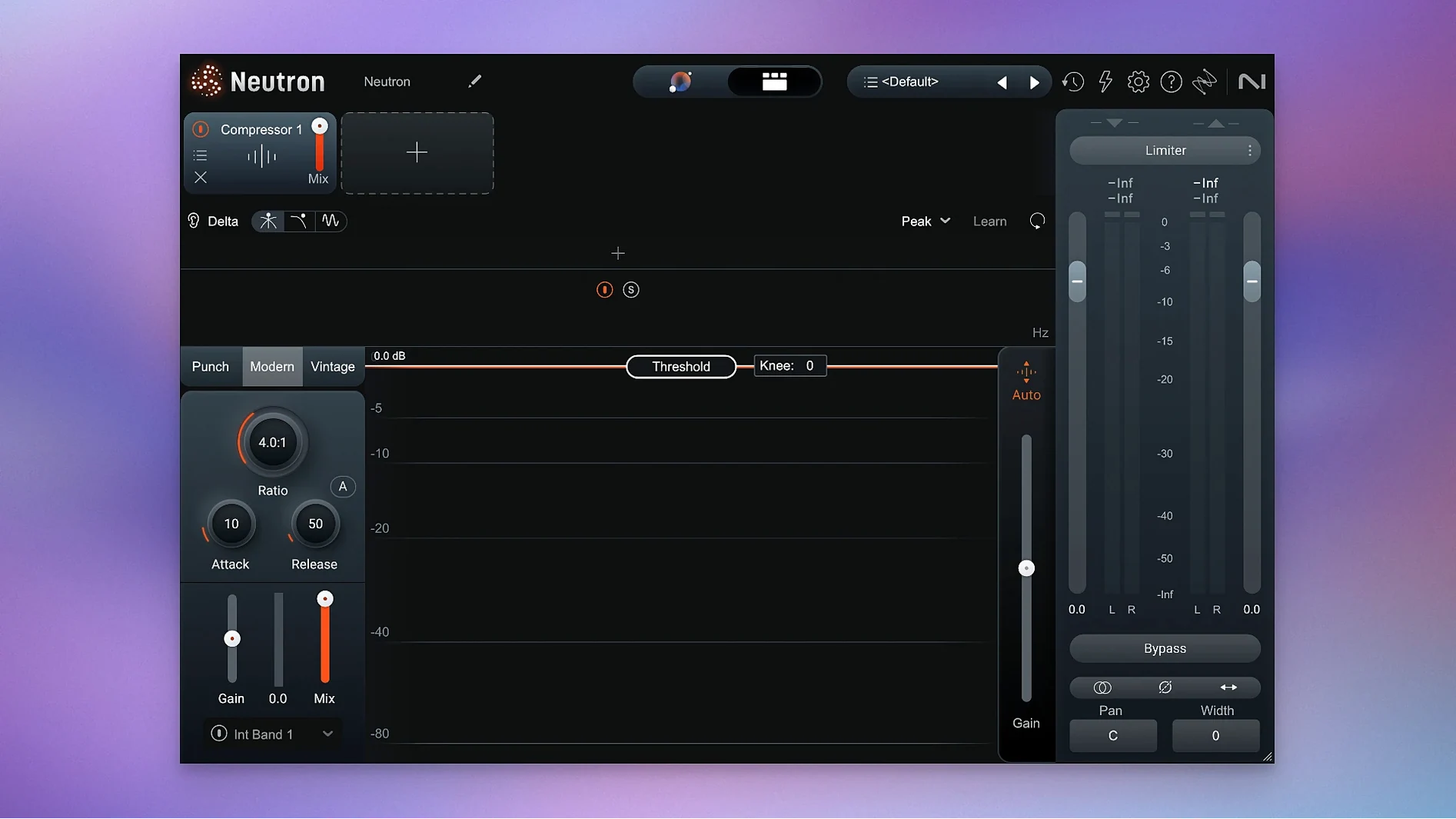
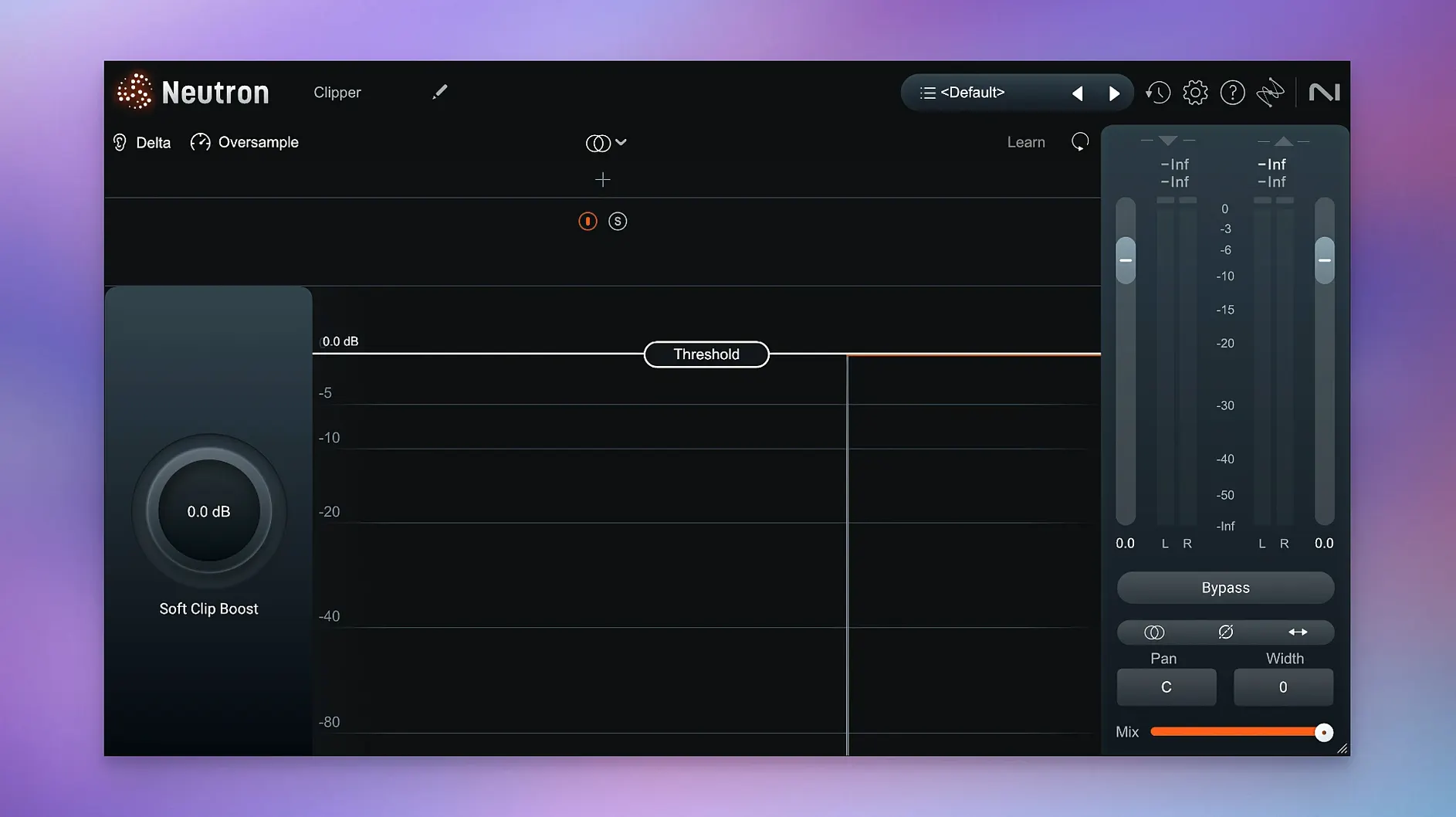
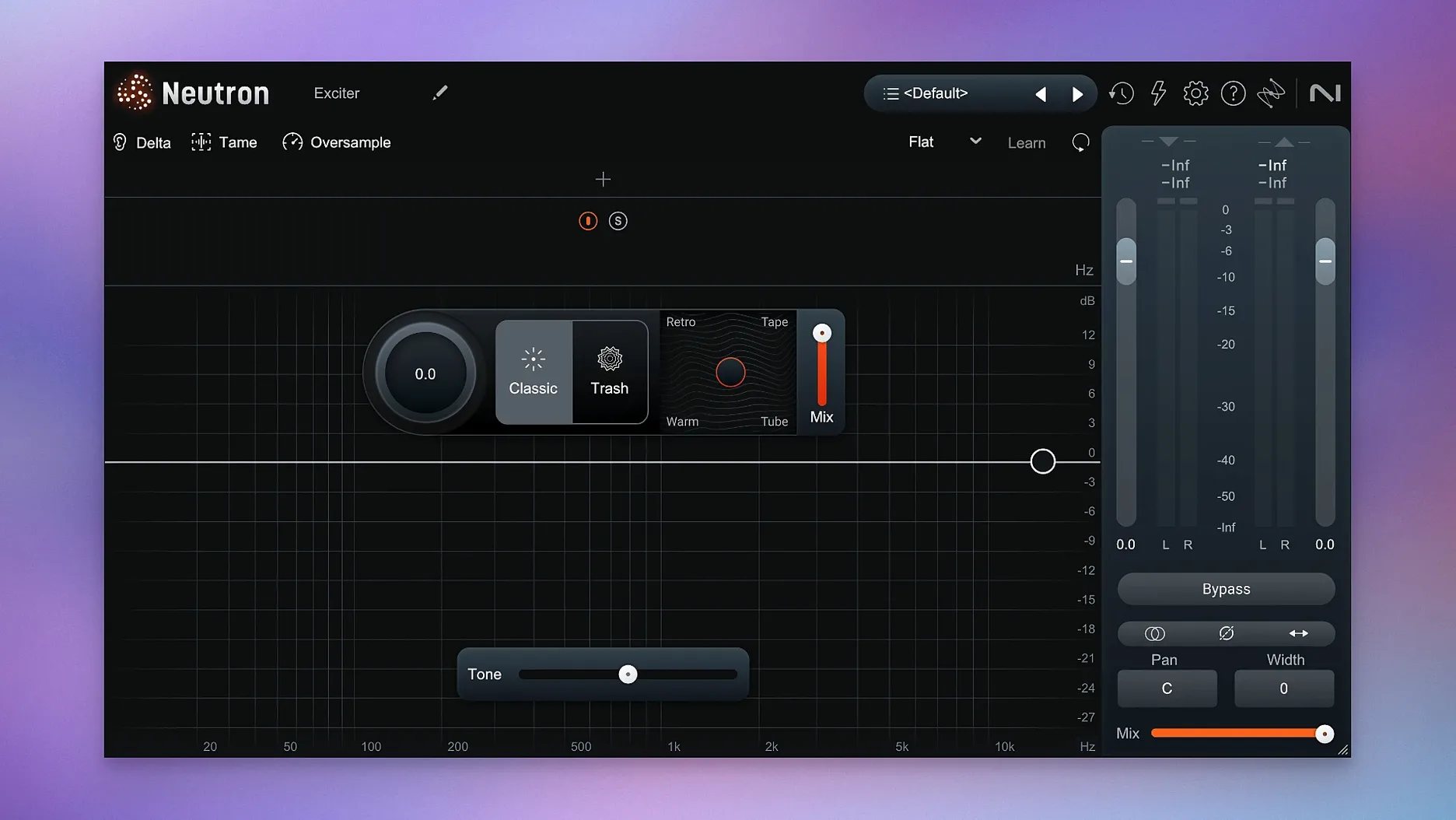
- 10 component plugins — pull out just the compressor, exciter or transient shaper when the full mothership is overkill for a single job.
The suite runs natively on Apple Silicon and Intel Macs. Eleven tools that talk to each other without forcing you into a black box — you can override every suggestion.
iLok surround authorization got fixed
Version 5.2.0 was a maintenance release rather than a feature drop. Two things changed. First, iLok authorization in surround instances of Neutron 5 no longer fails — if you mix in 5.1 or 7.1, the plugin stops asking you to reactivate mid-session. Second, the supported macOS range moved to 13.4 and later. If you are on an older system, that is the cutoff. Both ARM and x86 64-bit builds are included, so Intel Macs are not left behind.
In daily use, the practical effect is small. Sessions that used to throw an authorization hiccup on surround buses now just load. The surround fix matters if you bounce between stereo music work and post-production projects where the mothership sits on a surround aux. The macOS change matters only at install time. Once you are past that, the suite behaves the same as the previous build.
The Assistant View itself was refined in the 5.x cycle before this release, and that is where most of the day-to-day difference lives. The redesign turned it into a control centre rather than a wizard you ran once and forgot. You can revisit it later in a session, tweak the intensity of a suggestion, or point it at a different reference without rebuilding the chain from scratch.
Opening a full Neutron instance still takes a beat
Neutron 5 is not a lightweight plugin. The mothership loads eleven processors into one window, and even though not all are active at once, the interface itself needs a moment. On a recent Apple Silicon Mac, opening an instance is quick enough not to break your flow. On older Intel hardware, expect a beat of delay when opening the full suite — the component plugins feel snappier.
CPU use depends on how much you switch on. A single instance with the compressor, EQ and Masking module active sits comfortably in a medium session. Stacking the full chain across every track in a dense mix will add up. The component plugins are the better choice when you only need one job done — the standalone compressor or exciter draws less than the mothership with the same module loaded.
Stability has been solid. Crashes are rare, and the 5.2.0 surround authorization fix removed the most annoying failure point for post-production users. Check your DAW's plugin validation after installing, especially if you run a host that scans in Rosetta and natively — the universal binary should register both ways.
Bypass the Assistant’s chain module by module
- Let Assistant make the first move, then disagree with it. Run it on a vocal or bass track and see what chain it builds. Bypass each module in turn, listen, and ask yourself if the suggestion helps. You are not obliged to keep any of it.
- Use Delta on everything, but not for long. Hold the Delta button on the compressor for a few seconds to hear exactly what it is removing. Do the same on the exciter. Then release and listen in context. Delta is for checking, not for mixing.
- Start with the component plugins for small fixes. If a hi-hat needs a touch of transient shaping, load the transient shaper module on its own. You will learn what each processor does faster than by scrolling through the full mothership every time.
- Mark your reference track. If you use the custom reference option in Assistant, keep that reference file in the project folder. You will want the same one next week when you revisit the mix.
- Watch the meters the first few days. The clearer metering is there so you can see what the processors are doing. If the compressor's gain reduction never moves, you probably do not need it on that track.
If macOS blocks the plugin on first launch, open System Settings, go to Privacy & Security, and allow the iZotope component. The install package includes activation instructions — follow them in order and the suite is ready to use.
Untangle a kick and bass with the full suite
A bass and a kick drum fighting for the low end is the most common mix problem, and it is a good way to learn the suite. Here is one way through it.
- Load Neutron 5 on the bass track. Open just the EQ module first — no need for the full mothership if you want a clean start. Set a high-pass filter around 30–40 Hz to remove rumble the kick should own.
- Open the Masking module and select the kick track as the conflict source. Let it analyse the two signals. The display shows where the bass and kick overlap, usually between 60 and 120 Hz depending on the material.
- Accept the suggested cut but make it narrower. The module often proposes a wider Q than you need. Tighten the Q so you remove the specific conflict without hollowing out the bass.
- Use Delta on the EQ to hear the cut in isolation. You should hear only the muddy overlap disappearing. If the cut sounds like it removes body, ease the gain back a touch.
- Add the Punch module with the transient shaper. On the kick, a small increase in the attack portion helps it cut through without raising the overall level. On the bass, leave Punch alone unless the notes are losing their front edge.
- Check both tracks soloed and in context. Solo the kick and bass together. The low end should feel clearer — not necessarily louder, just less blurred. Then bring in the rest of the mix and listen once more.
This takes longer than reaching for a preset, but every step is reversible and you can hear what each decision does. That is the point of the suite. It suggests, you decide.
What’s new
Fixes iLok authorisation not functioning in surround instances of Neutron 5. Changes supported macOS versions.
Requirements
- macOS 13.4 or later
- Apple Silicon or Intel processor
- iLok account for activation
FAQ
Does Neutron 5 work on Intel Macs?
Yes, version 5.2.0 runs natively on both Apple Silicon and Intel Macs with macOS 13.4 or later.
What does the Masking module actually do?
It detects frequency masking between two tracks and generates a dynamic EQ curve to carve space for the quieter source.
Can I use the modules separately?
Yes, the 10 component modules—compressor, exciter, transient shaper and others—load as individual plugins in your DAW.
Comments 0
Sign in or create an account to leave a comment.
No comments yet…
If you’ve installed it, say how it went. Mention your Mac and macOS version — it helps the next person more than you’d think.
More in VST Plugins
All in VST Plugins-
 iZotope Nectar
4.1.0
Apple Silicon
iZotope Nectar
4.1.0
Apple Silicon
-
 iZotope Insight
2.4.0
iZotope Insight
2.4.0
-
 iZotope RX
12.0.0
Apple Silicon
iZotope RX
12.0.0
Apple Silicon
-
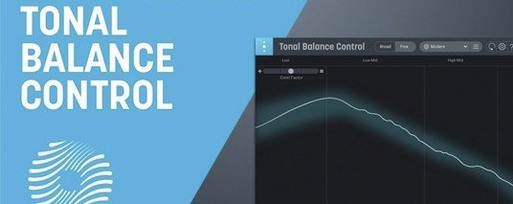 iZotope Tonal Balance Control
3.0.0
Apple Silicon
iZotope Tonal Balance Control
3.0.0
Apple Silicon
-
 Kalifornia Dynamic KD Alkane
1.0.17.0
Apple Silicon
Kalifornia Dynamic KD Alkane
1.0.17.0
Apple Silicon
-
 Komplete FX Bundle
2026.1
Apple Silicon
Komplete FX Bundle
2026.1
Apple Silicon
-
 Komplete Kontrol
3.5.4
Apple Silicon
Komplete Kontrol
3.5.4
Apple Silicon
-
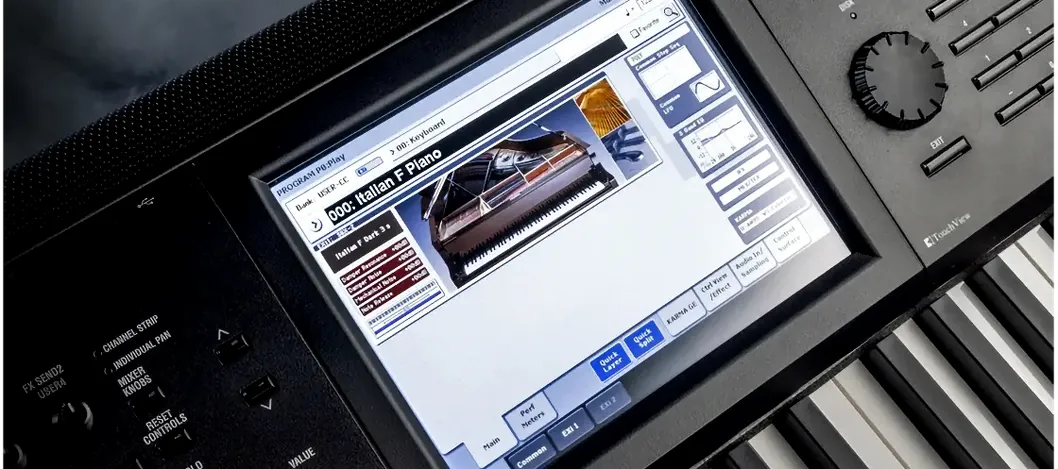 KORG Collection
1.0.3
Apple Silicon
KORG Collection
1.0.3
Apple Silicon