FabFilter Total Bundle for macOS
Description
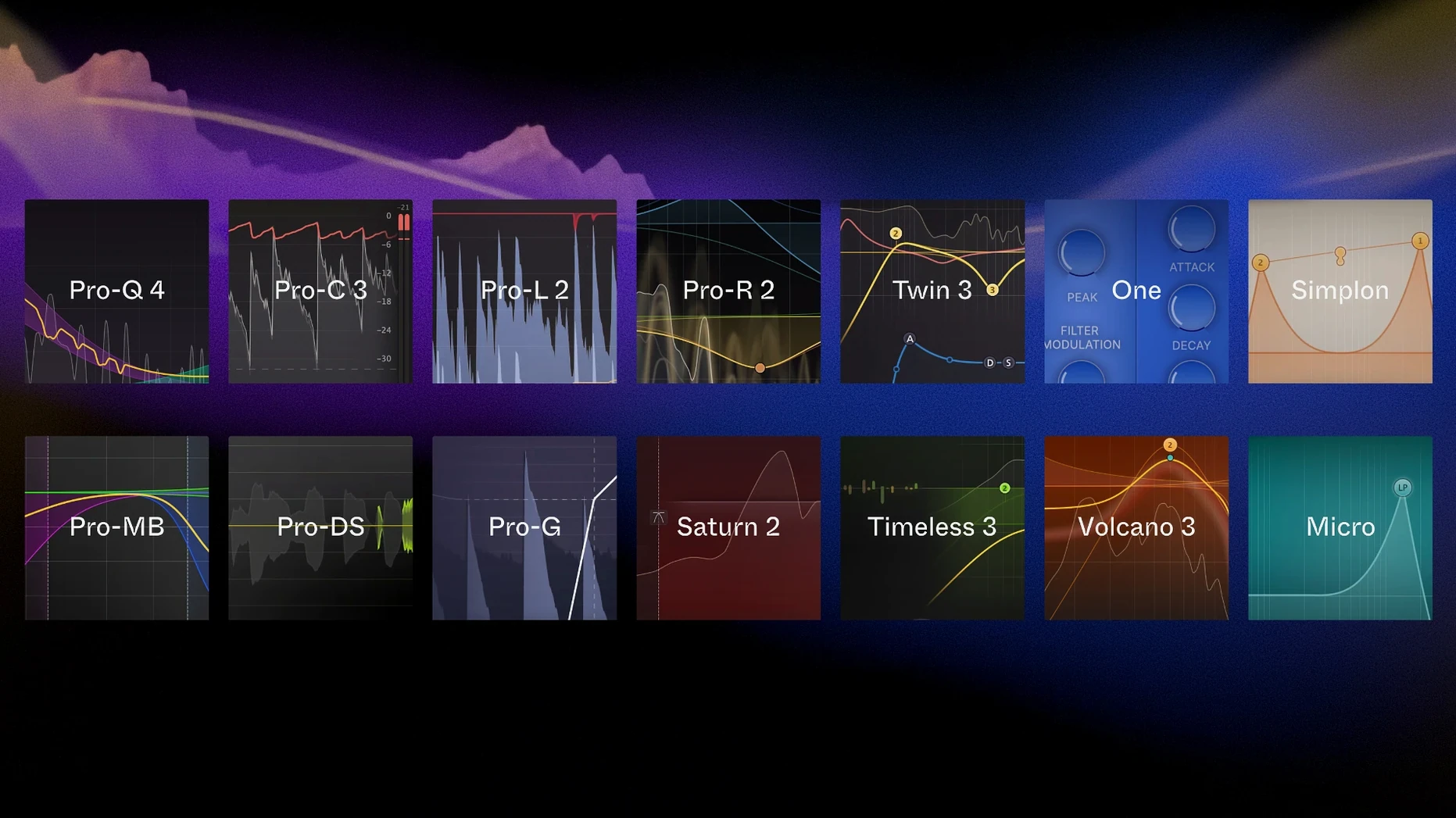
The Total Bundle is every FabFilter plug-in in one install, from the Pro-Q equaliser down to the tiny Micro filter. Version 25.06.2026 runs natively on both Intel and Apple silicon Macs and needs macOS 10.13 or later. It is a straightforward install from a disk image.
What you hear is what matters. The included processors — Pro-C compressor, Pro-L limiter, Pro-MB multiband dynamics, Pro-DS de-esser and Pro-G gate — share a clean, un-hyped character. They show you exactly what the signal is doing with displays that refresh quickly and scale clearly. Saturn adds saturation that can be gentle or properly filthy, while Timeless and Volcano handle delay and filtering without getting in the way of your ideas.
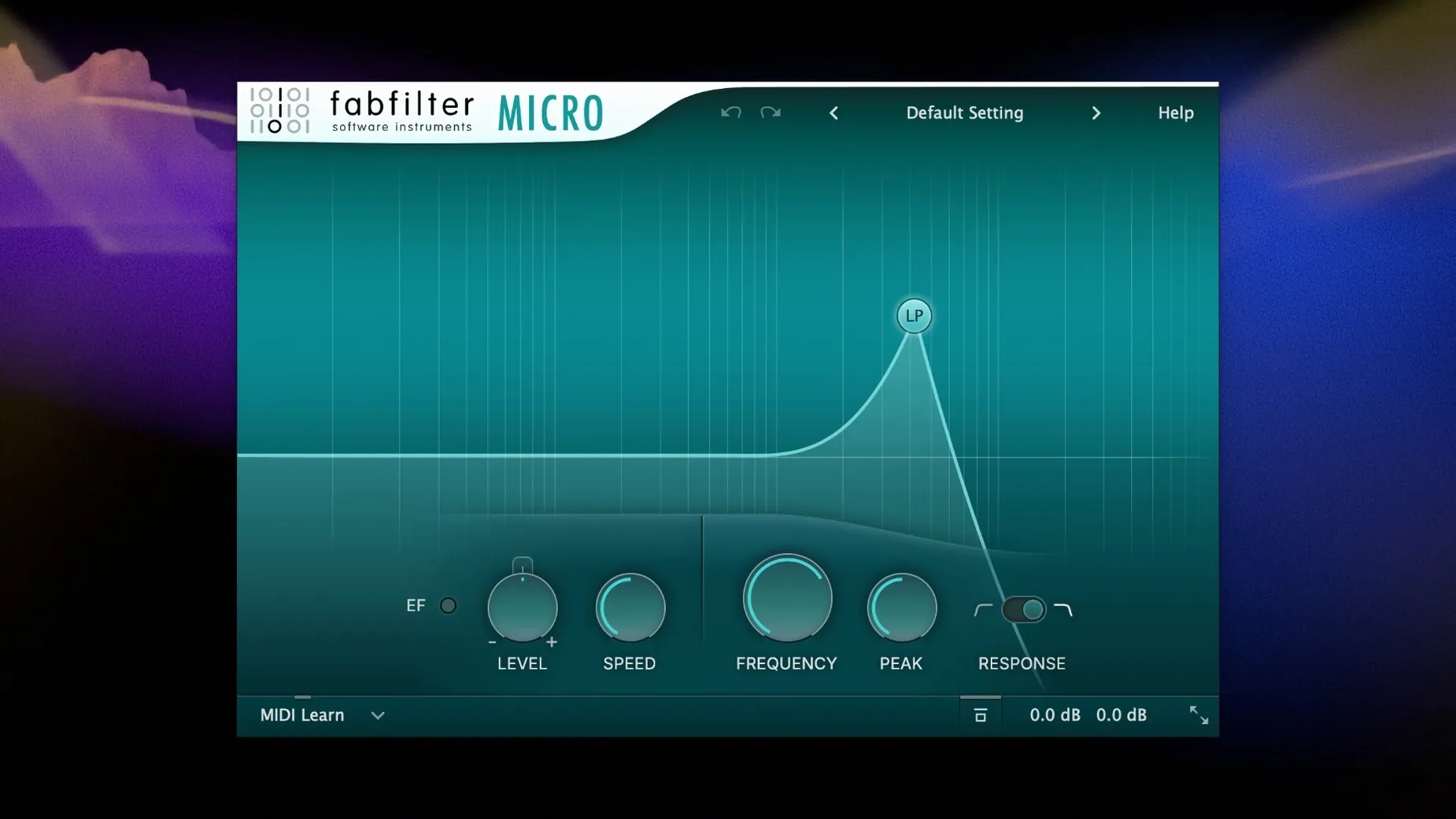
On the creative side, Twin and One give you two very different synth voices, and Pro-R brings a reverb that you tune by ear rather than by staring at presets. Simplon and Micro round things out when you just need a quick filter or a tiny synth without loading a full interface. It is a practical collection with very little filler.
When plug-ins vanish or sessions break
Most trouble comes down to two things: the plug-in not showing up in your DAW, or an older session complaining about a missing plug-in version. Neither is unique to FabFilter, but they happen often enough to be worth a quick checklist.
If a plug-in is missing after installation:
- Quit your DAW completely and relaunch it. Some hosts only scan new Audio Units or VST3 files on startup.
- Check that you installed the format your DAW actually uses. Logic Pro needs Audio Units. Ableton Live on a modern Mac can use AU or VST3. Reaper and Cubase lean on VST3. The installer puts everything in the right place by default, but a custom install can skip a format you later need.
- On Apple silicon Macs running a DAW under Rosetta, the plug-in must match the host's architecture. If you open Logic in native mode, you need the ARM build. If you force Rosetta for an old project, the Intel build loads instead. The bundle includes both, but a mismatch looks like a missing plug-in.
- Clear your DAW's Audio Unit cache. In Logic, that means trashing
~/Library/Caches/AudioUnitCacheand rebooting. Every DAW has its own version of this step.
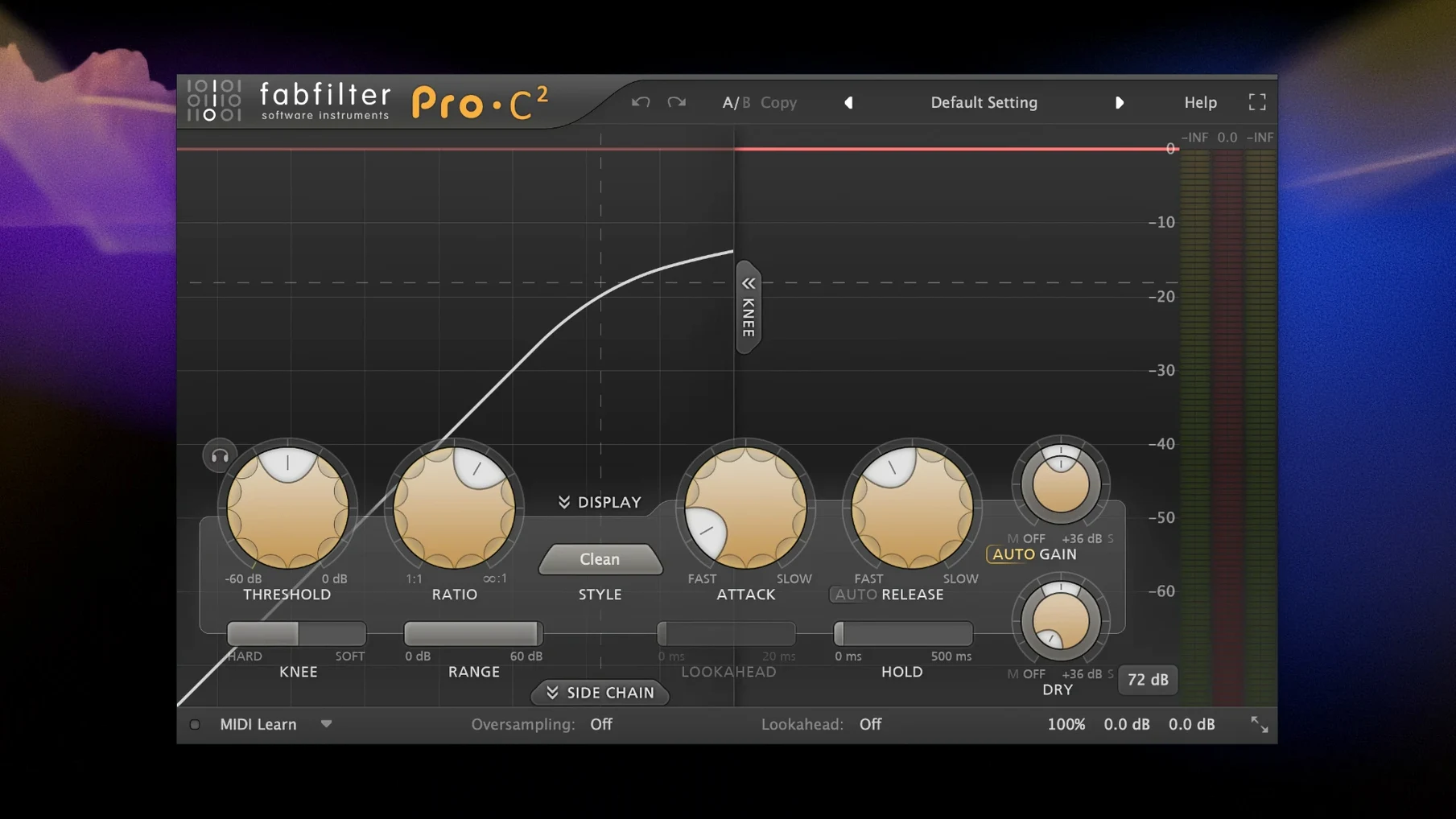
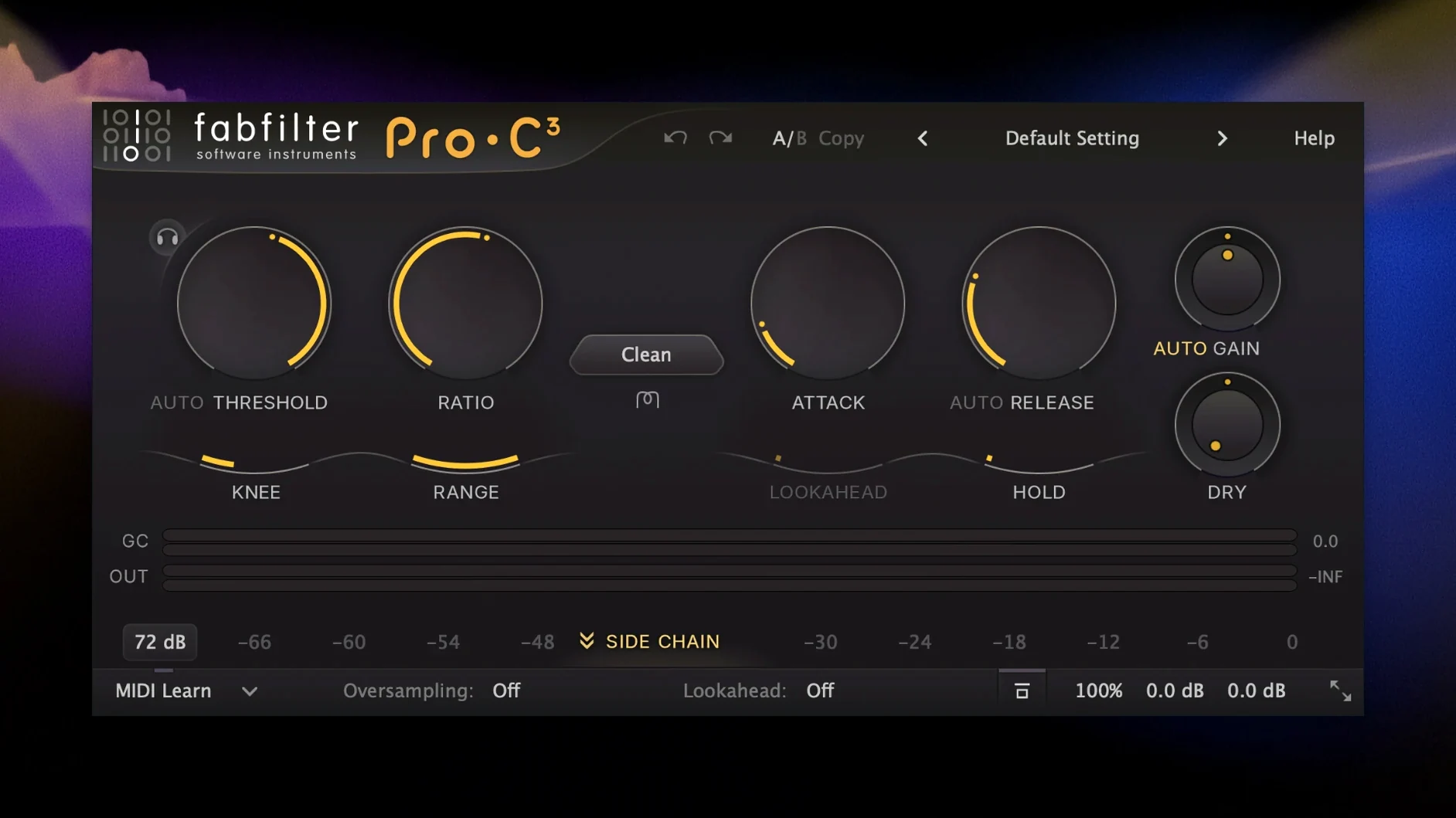
Older sessions may flag Pro-Q 3 or Pro-C 2 as unavailable after updating to this bundle. The DAW sees a different plug-in ID. The quick fix is to load the newer version on the same insert, copy your settings across manually from a screenshot or a saved preset, and re-save the session. FabFilter plug-ins generally read each other's preset format, so you can often open an old .ffp preset directly in the newer plug-in.
Pro-R 2 sometimes loads with a blank display on older Metal-incompatible Macs. If you see a grey rectangle where the reverb decay display should be, try disabling GPU acceleration in your DAW's plug-in preferences. On machines that still run well but lack full Metal support, the plug-in falls back to a simpler view — it still processes audio perfectly.
A real-world scenario: dialogue editor under pressure
Imagine a dialogue editor for a low-budget feature. The location audio has air-conditioner hum, occasional chair squeaks, and a scene where the lead actor's levels swing wildly because the boom op changed position mid-take. Picture lock is in three days. She opens the session, drops Pro-Q 4 on the dialogue bus, and draws a gentle high-pass at 80 Hz plus a narrow cut at the hum frequency. The spectrum analyser shows the hum spike clearly, so she grabs it and pulls it down in seconds.
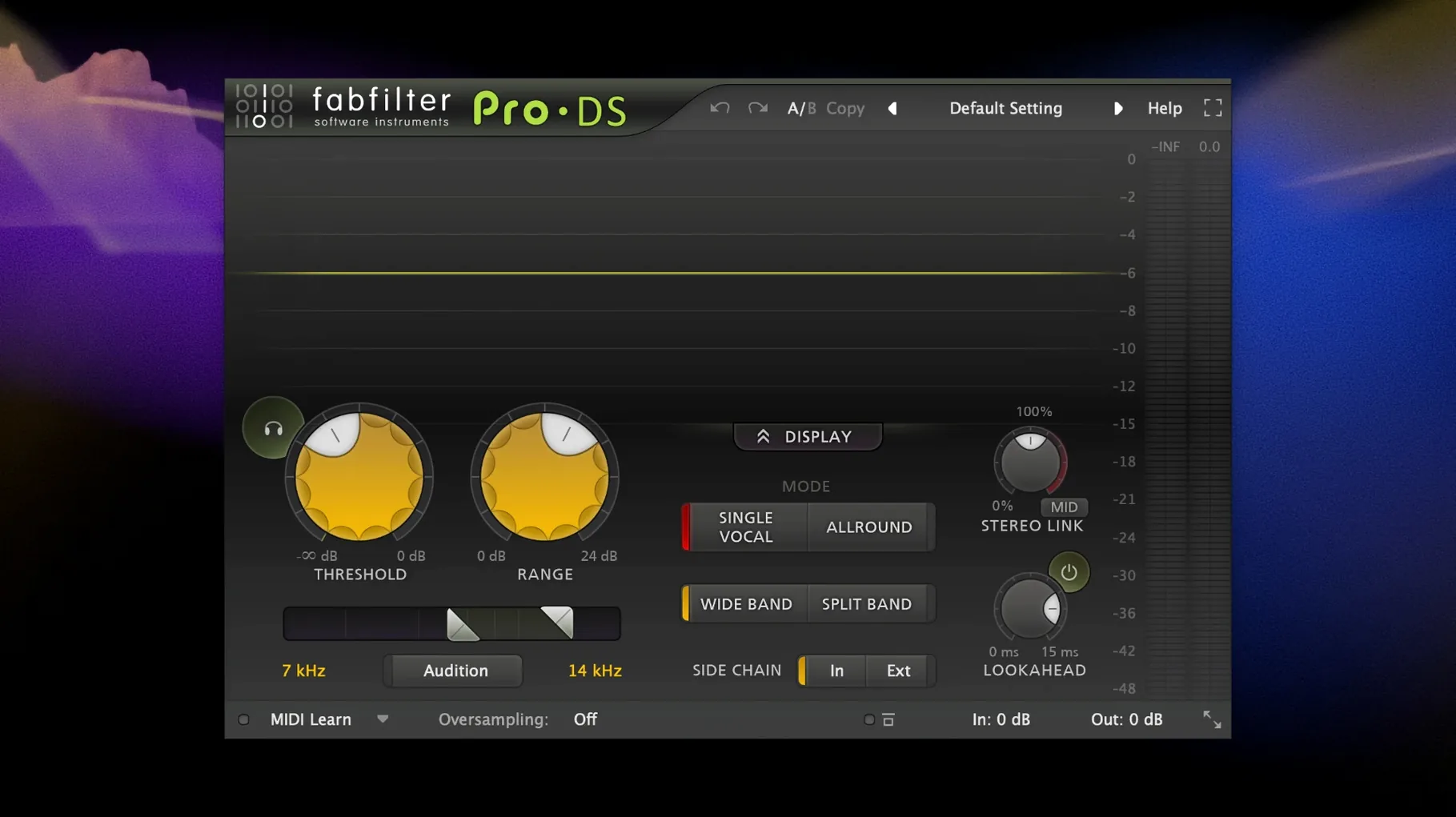
Next, Pro-DS catches the sibilance that the lav mic exaggerated. She sets it to wide-band mode, lets the detector learn the actor's voice for ten seconds, and leaves it running. The gain reduction meter barely flickers on normal syllables and clamps down only on the sharp esses. She does not tweak a single threshold by hand.
For the wild levels, Pro-C in Vocal mode with a medium attack and auto-release smooths the performance without pumping. The gain trace on the display shows exactly where it grabs and lets go. She checks a few lines soloed, nods, and moves on. The whole chain took fifteen minutes to set up. She renders a preview, sends it to the director, and gets back a one-word reply: "Clean."
iZotope, Soundtoys and Melda feel nothing alike in use
Three other plug-in collections often come up in the same conversation: iZotope's mixing and mastering suite, the Soundtoys bundle, and the MeldaProduction free and paid collections. They overlap on paper but feel nothing alike in use.
iZotope's tools lean on assistive technology. Neutron and Ozone can analyse audio and suggest settings. That is useful when you are stuck, but the interfaces are denser and the visual feedback is not as immediate as FabFilter's real-time displays. A Pro-Q cut feels like a hardware EQ with a graph; an iZotope EQ feels like a laboratory instrument. Both work, but FabFilter gets out of the way faster once you know what you want to do.
Soundtoys is a creative playground. Decapitator, EchoBoy and Little AlterBoy add character that FabFilter's cleaner processors do not aim for. Saturn and Timeless cover some of that ground, but Soundtoys plug-ins saturate and smear in ways that are deliberately lo-fi. Someone mixing a folk record might prefer FabFilter's clarity; someone producing a warped electronic track might reach for Soundtoys first. The two bundles complement each other rather than competing directly.
MeldaProduction offers enormous depth and customisation — their modulators and multiparameter controls go far beyond what FabFilter exposes. The trade-off is interface clutter. Melda's plug-ins can do almost anything, but finding the right parameter among hundreds takes longer. FabFilter's strength is that the most-used controls are always visible and the advanced ones are tucked behind a single tab, not spread across five panels.
One bundle for rock drums, orchestral limiting and podcast de-essing
Mixing engineers who work across genres benefit the most. A rock mix needs Pro-C and Pro-MB for punchy drums. An orchestral session might only touch Pro-Q and Pro-L. A podcast edit uses Pro-DS and Pro-G. The bundle covers all those jobs with the same visual language, so you stop thinking about the tool and just listen.
Sound designers who build patches from scratch will use Twin and Timeless heavily. Twin's oscillator section is quick to dial in, and Timeless's dual delay lines with filters per tap let you create moving textures without chaining three separate plug-ins. Volcano's modulated filters can turn a static drone into something that breathes.
Mastering engineers who need a transparent limiter and a surgical EQ find Pro-L and Pro-Q 4 practical enough for daily work. The true peak limiting and dither options in Pro-L are solid, and Pro-Q 4's dynamic EQ bands handle resonant peaks without dulling the whole track. No single plug-in suite replaces a full mastering chain, but this one comes closer than most.
Hobbyists who just want a reliable channel strip will probably stick with DAW stock plug-ins. The Total Bundle rewards people who actually look at the analyser displays and adjust attack times by ear. If you tweak presets and move on, you are paying for horsepower you will not use. If you find yourself wishing your stock EQ showed the spectrum before and after the curve at the same time, you are the person this was built for.
Requirements
- macOS 10.13 or later
- Runs natively on Intel and Apple Silicon Macs
- English interface
FAQ
Which plug-ins come in the FabFilter Total Bundle?
It includes Micro, One, Pro-C, Pro-DS, Pro-G, Pro-L, Pro-MB, Pro-Q, Pro-R, Saturn, Simplon, Timeless, Twin and Volcano.
Comments 0
Sign in or create an account to leave a comment.
No comments yet…
If you’ve installed it, say how it went. Mention your Mac and macOS version — it helps the next person more than you’d think.