
Cymatics QUAKE for macOS
Description
You open a new instrument track, drop in Quake, and dial past the preset list to a blank slate. Nothing plays yet. That's the point. You start building from the bottom up, whether it's a clean sub or something that rattles around the room.
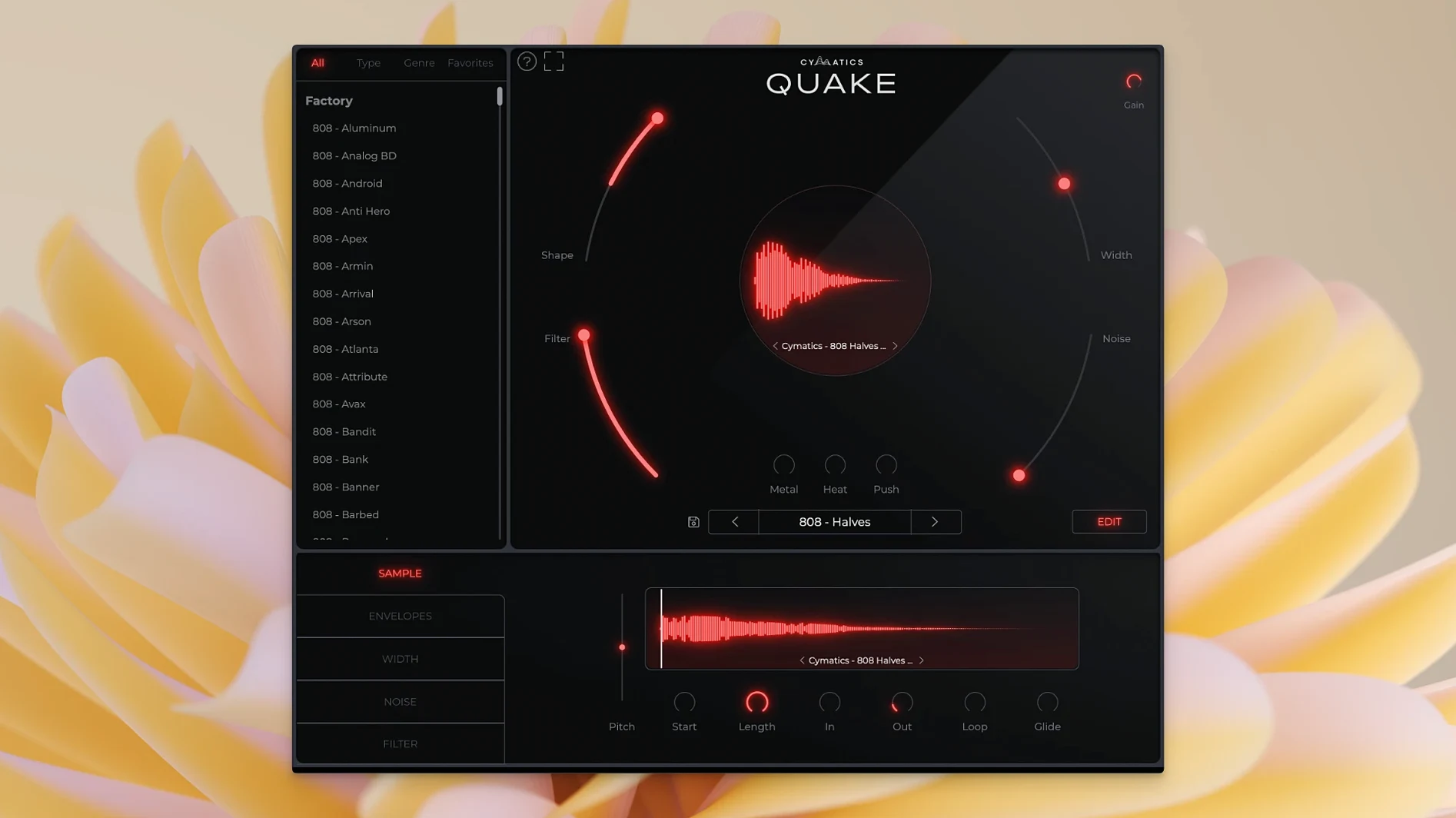
- Shape changes the tone and envelope of the sound, pulling it from round and sustained to sharp and percussive.
- Noise blends in analog noise and texture, useful for adding grit without piling on distortion.
- Filter carves out the top or bottom end, so the sound fits around a kick drum without mud.
- Width controls stereo spread. Keep it narrow for a centred 808 or widen it for a pad-like bass.
- Metal and Heat push the tone into harder, industrial territory — more clang, more saturation.
- The included library covers 13+ genres, with fully customisable presets. A starting point, not a locked-in sound.
It's a standalone instrument, not a sample pack. Runs on macOS 10.14 and later, Intel and Apple Silicon. The controls are simple enough to learn in an afternoon, and they push far enough to keep a sound designer busy.
Three bass plugins that chase the same one-window goal
Quake isn't the only bass plugin that tries to keep everything in one window. Three others come up in the same conversations, and they each take a different route to the same problem.
SubLab by Future Audio Workshop is the closest comparison. It layers a clean sub with a saturated harmonic layer and a sampled attack transient. The X-Sub feature pulls actual sub frequencies from a sample — clever, but it means you're still partly leaning on sound you didn't build yourself. Quake keeps you inside a single synthesis engine. No samples. No layering tricks. Just the signal path and a handful of controls. SubLab wins on precision if you need surgical control of the crossover between sub and harmonics. Quake wins on speed.
808 Studio by Initial Audio splits the difference. It has a sequencer, a pitch-slide system and a big library of one-shots. Useful if you're dragging MIDI patterns into a beat and want instant results. But its synthesis controls feel more like afterthoughts. You pick a preset, you nudge a macro, you move on. Quake is the opposite: the preset loads, and then the real work starts with Shape, Heat, Metal and the rest. If 808 Studio is a fast-food bass, Quake is a kitchen you actually want to cook in.
Punchbox by D16 Group goes the other way entirely. It's a kick-drum synth that happens to do bass. The routing is modular. You can stack samples, synthesis layers and click generators. It's deep, and it sounds brilliant, but setting up a bass patch from scratch takes real time. Quake doesn't try to be modular. It gives you a fixed signal flow and trusts you to twist it into shape.
Option-drag slows knobs for finer adjustments
A few touches in Quake are easy to miss on the first few sessions. They don't change what the plugin does, but they change how fast you get there.
- Hold Option while dragging any knob to slow down the movement. Useful on
Shapewhen tiny envelope changes make the difference between a tight pluck and a flabby one. - Double-click any control to reset it to default. Sounds obvious, but it isn't mentioned anywhere in the interface itself.
- The Noise knob isn't just hiss. At lower values it adds a kind of magnetic-tape edge to the low mids. Crank it past halfway and it turns into something closer to wind-on-a-mic texture. Try it at 15–20% on a clean sub — it's barely audible, but it makes the bass feel louder in a mix without touching the fader.
- Metal and Heat can be stacked. Push Heat to about 40%, then bring in Metal slowly. The order matters less than the balance between them, and the sweet spot changes with every preset.
- The preset browser isn't just genre-sorted. Scroll past the folders and you'll find a few dozen patches that are clearly experiments — half-broken, overdriven things that someone left in because they sounded interesting. Use those as starting points for your own patches.
A producer's quarter-hour
Someone making a drill beat opens a session at 11pm. The kick is already in place — short, clipped, hitting around 55 Hz. There's an empty space underneath it.
They load Quake, skip the presets and start from init. The Shape knob gets pulled back until the envelope is short and tight, no tail. They bring the Filter down until only the fundamental and first harmonic remain — anything above 120 Hz is gone. Heat goes to about 30%, just enough to make the waveform square off at the top without obvious distortion. They push Width down to zero. Mono, centred, locked to the kick.
Three minutes in, the bass is functional. Five more minutes of adjusting Noise and Metal and it's something else: a sound that sits under the kick like it was always there, but has a texture all its own. They save the patch, name it after the beat, and move on to the hi-hats. The whole process took less time than finding the right sample in a folder.
A cymatics quake bass engine session like that is why the plugin exists. It isn't about endless options. It's about the ones that matter, kept close. If you've searched for a quake vst that doesn't bury its controls in menus, or come across a Cymatics Quake crack that worked and just needed the right DAW buffer settings to run smoothly, the real thing is built for exactly this kind of late-night workflow. No bloat, no sample libraries, just the engine and your ears.
Requirements
- macOS 10.14 or later
- Intel and Apple silicon Macs
FAQ
Is Cymatics Quake a sample pack or a plugin?
It's a standalone instrument plugin for creating bass and 808 sounds, not a sample pack.
Can I edit the presets in Quake?
Yes. All the included presets are fully customisable, and the library covers styles for over 13 genres.
What does the Shape control do?
Shape changes the tone and envelope of the sound, letting you morph it from round and sustained to sharp and percussive.
Comments 0
Sign in or create an account to leave a comment.
No comments yet…
If you’ve installed it, say how it went. Mention your Mac and macOS version — it helps the next person more than you’d think.
More in VST Plugins
All in VST Plugins-
 Cymatics VOXITY
1.0.0
Apple Silicon
Cymatics VOXITY
1.0.0
Apple Silicon
-
 Devious Machines Duck 2
2.0.30
Apple Silicon
Devious Machines Duck 2
2.0.30
Apple Silicon
-
 Devious Machines Infiltrator
2.5.26
Apple Silicon
Devious Machines Infiltrator
2.5.26
Apple Silicon
-
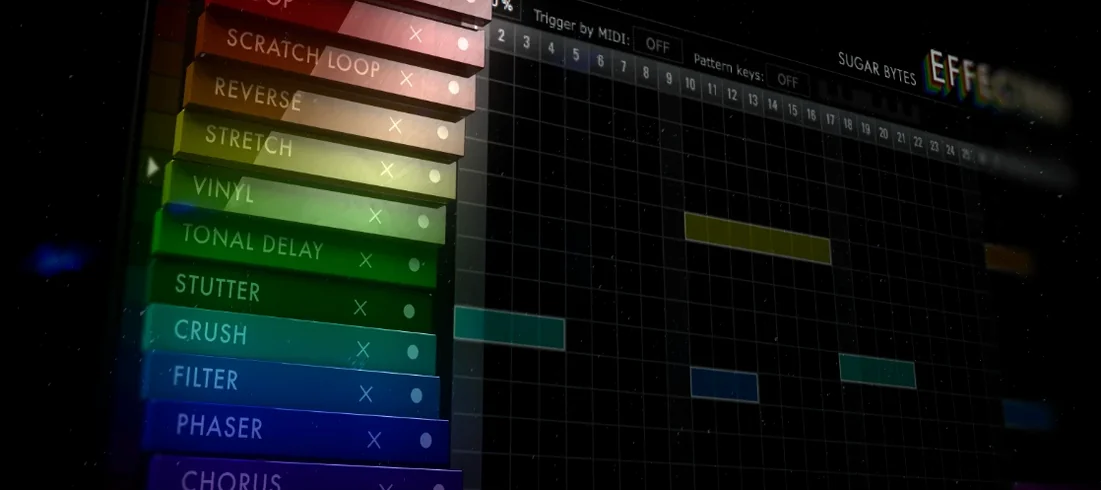 Effectrix
1.4.8
Apple Silicon
Effectrix
1.4.8
Apple Silicon
-
 elastiquePitch
2.5.0
Apple Silicon
elastiquePitch
2.5.0
Apple Silicon
-
 Cableguys Snapback
1.1
Apple Silicon
Cableguys Snapback
1.1
Apple Silicon
-
 EZbass
1.3.3
Apple Silicon
EZbass
1.3.3
Apple Silicon
-
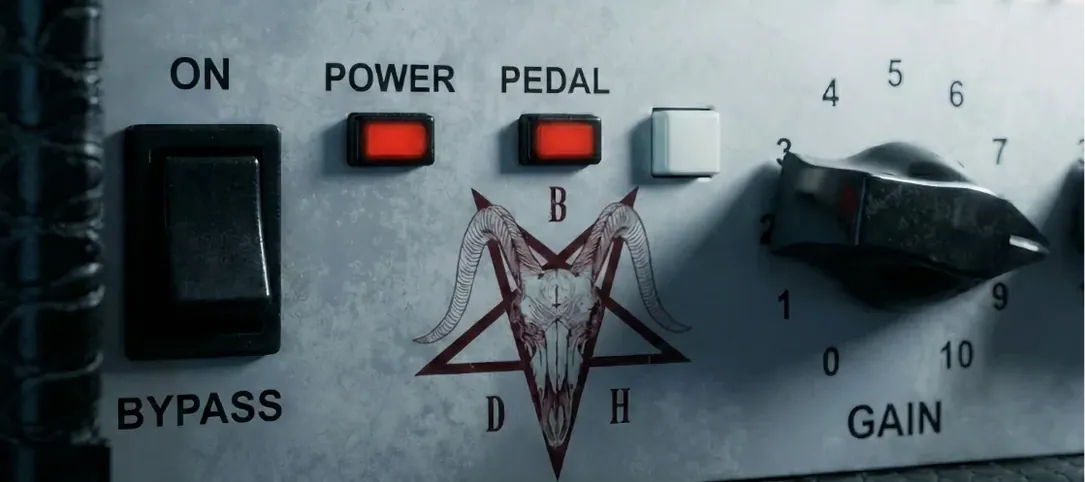 Bogren Digital Ampknob BDH 66o6 Plus
1.2.118
Apple Silicon
Bogren Digital Ampknob BDH 66o6 Plus
1.2.118
Apple Silicon