Devious Machines Infiltrator for macOS
Description
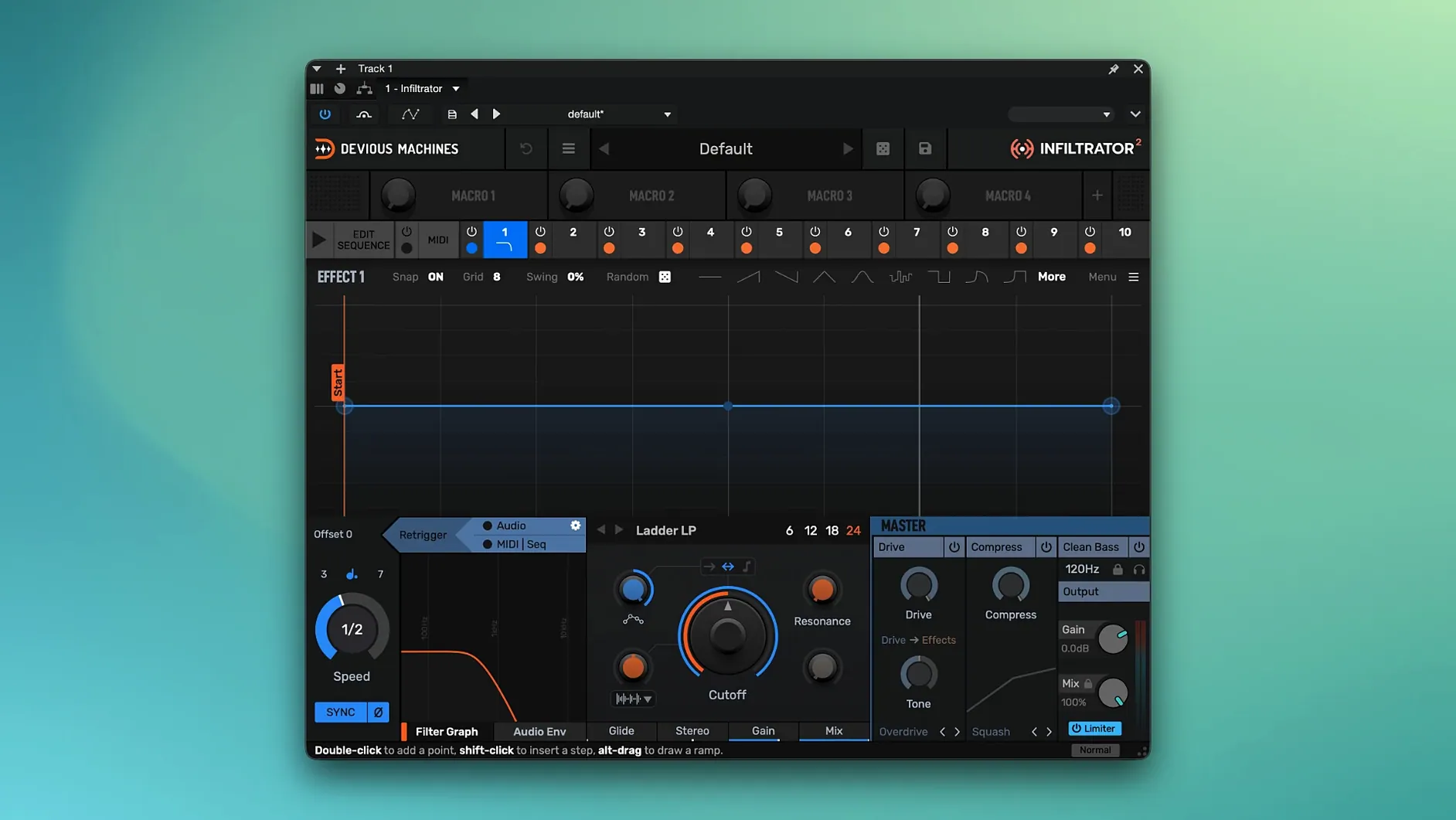
Infiltrator is an envelope-controlled multi-effect processor that lets you stack up to ten effects into a single chain and fire them in sequence. Version 2.5.26 runs on Mac OS X 10.11 or later, natively on Apple silicon and Intel.
The real character comes from the modulation section. Rather than dialling in a static setting, you shape how each effect opens and closes over time. Custom beat divisions keep tempo-based effects locked to odd, interesting lengths instead of the usual quarter notes.
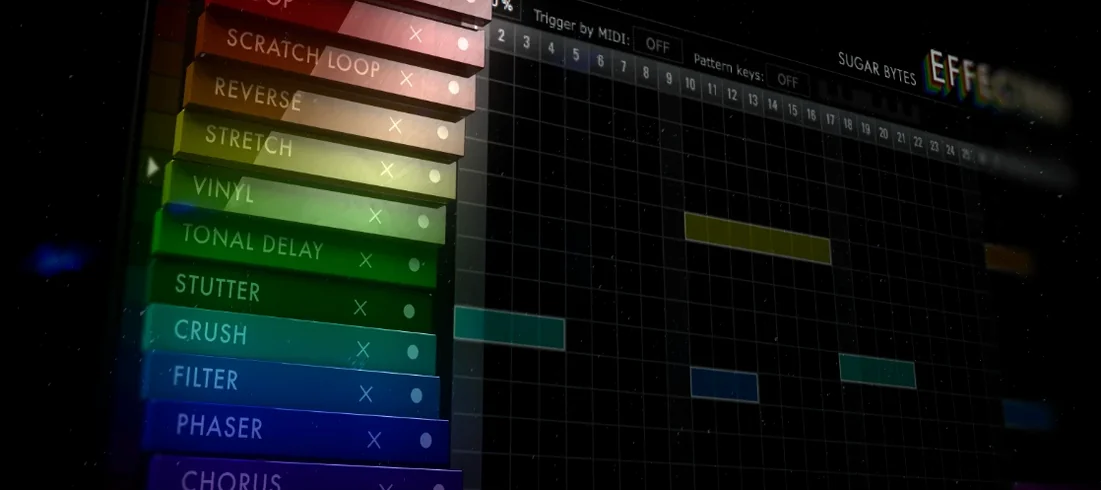
Because it works as both a filter and a general multi-effect, it pulls double duty on drums, synths and full buses. The chain view makes it easy to see which effect is active and when, so edits stay musical rather than guesswork.
Switch the default envelope ramp first
Open the global preferences — the gear icon top right — before you load a single preset. Three things make an immediate difference.
Set the default envelope shape to something you actually use. The factory default is a sawtooth ramp, which works for filter sweeps but often feels aggressive on pitch and delay chains. If you lean towards rhythmic gating, switch it to a square shape and save yourself the extra click every session.
Check the dry/wet routing. By default, Infiltrator runs in series, so your dry signal passes through the whole chain. For parallel processing — keeping the original signal clean while the effects sit underneath — flip it to mix mode in the master section. This matters most on drum buses where you want punch to survive the mangling.
Finally, assign the output limiter threshold. Version 2.5 added it for a reason: ten stacked distortions or resonant filters can spike well past 0 dB. Dial it to -1 dB with a fast release and leave it on. Your monitor cones will thank you.
Factory presets start you in the funfair hall
The factory presets lean towards the extreme end of what the plugin can do. That is by design — they show off the modulation engine. Your first afternoon will feel like stepping into a funfair hall of mirrors. Lean into it, but keep a notebook open or a blank DAW track for saving fragments you like.
A practical habit: drag one effect slot to an empty chain, pick a simple low-pass filter, and spend ten minutes drawing envelope points with the mouse. Nothing else. Once you see how the curve editor responds — how a shallow decay feels versus a sharp pluck — the rest of the module list makes far more sense.
When the demo mode white noise kicks in, it is loud and it is random. It is not a bug. Save your work often, and if you are mid-session with clients listening, bypass the plugin before opening the GUI. The noise only fires when the interface is visible in demo mode.
Projects saved with Infiltrator 2 will open in any DAW that loaded the original version without migration steps. Old chains map across directly, so existing sessions do not break.
A glitch-vocal workflow, start to finish
Say you have a dry vocal take and you want a stuttering, pitched-down shadow that ducks in and out behind the main line. Here is one route through Infiltrator, no external plugins needed.
- Insert Infiltrator on a duplicate of the vocal track. Keep the original clean and dry underneath.
- Slot one: a ring modulator, tuned low, with the mix at around 40%. This gives a metallic, robotic body.
- Slot two: a pitch shifter set to -7 semitones. Envelope shape: a slow triangle so the pitch bends down and back up over a bar.
- Slot three: a delay with a custom beat division of 3/16. Short feedback, just two repeats. It staggers the glitch off the grid.
- Slot four: a noise gate with a sharp attack envelope. Draw a pattern of short spikes — only the loudest fragments escape.
- Slot five: a band-pass filter sweeping from 300 Hz to 2 kHz across two bars. Keeps the glitch from eating the full frequency range.
- Adjust the output limiter so the combined chain does not clip. Pull the main mix fader down if the duplicate track overwhelms the dry vocal.
The result is a vocal shadow that stutters, bends pitch and stays tucked into its own pocket. Tweak the envelope timing per slot to match the tempo of your track, then automate the plugin bypass to bring the effect in only on certain phrases. On a busy mix, high-pass the duplicate track around 200 Hz to stop low-end pile-up.
Version 2.5 added an output limiter, which tames the hotter stacks that ten effects can produce. Projects from the original Infiltrator still open without trouble.
What’s new
Adds an output limiter. Adds custom beat divisions for tempo-based effects. Updates the Mac build to 2.5.26.
Requirements
- Mac OS X 10.11 or later
- Apple silicon or Intel (64-bit)
- Interface language: English
Comments 0
Sign in or create an account to leave a comment.
No comments yet…
If you’ve installed it, say how it went. Mention your Mac and macOS version — it helps the next person more than you’d think.