Vectorworks for macOS
Description
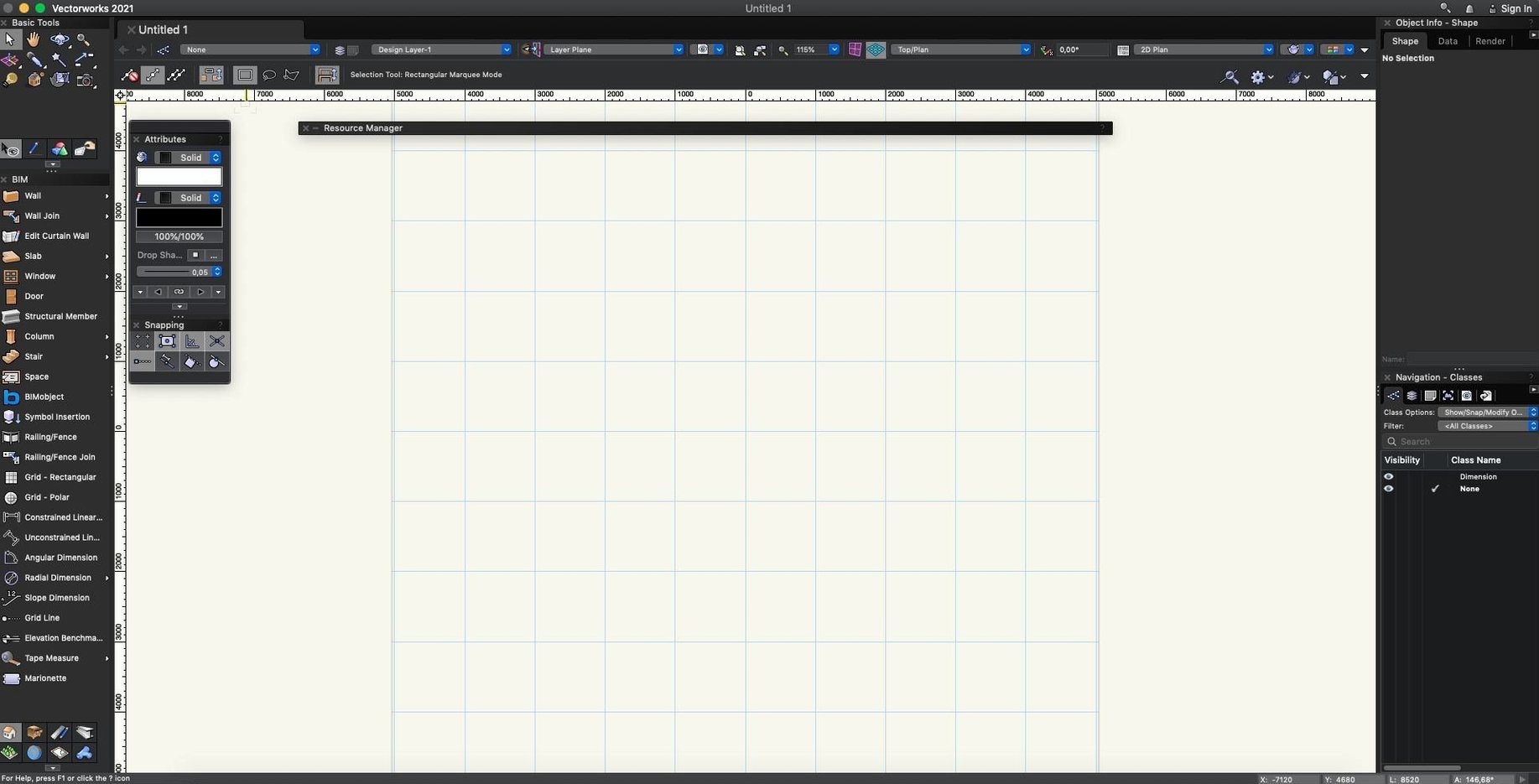
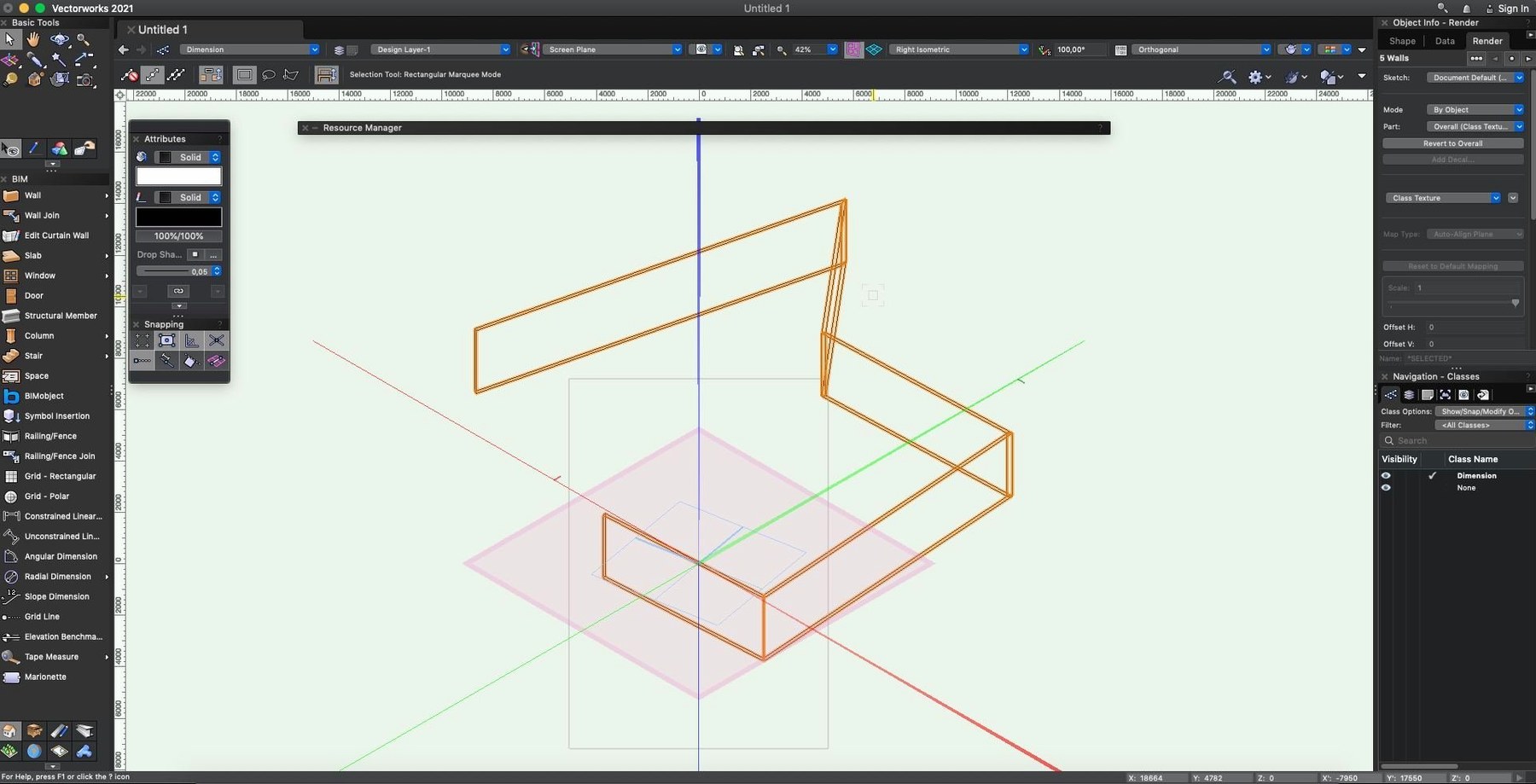
Architects, landscape designers and event planners all end up in the same place when they need a single toolset that handles 2D drafting, 3D modelling and BIM workflows. Vectorworks is that toolset. It carries a project from early sketches right through to IFC and DWG handover without hopping between three different applications.
The 2025 release runs natively on Intel and Apple Silicon Macs. Update 7 landed recently with a round of stability fixes, particularly around IFC and Revit import and export. If you exchange models with engineers or contractors, that matters.
2D drafting and decal-based visuals for signage mockups
Vectorworks packs proper 2D graphics tools alongside a full 3D modeller. You can place decal-style images onto objects in the renderer, which is handy for signage mockups or stage-set visuals. For entertainment work, the package includes tools for modelling projection and lighting equipment. For public events, there are planning aids as well.
File exchange is broad: IFC, DWG and SKP all go in and out. That keeps conversations with consultants short.
macOS 12 or later required for installation
Check your macOS version. The installer expects macOS 12 or later. The interface ships in English, German and Spanish.
Taking a lighting plan from sketch to paperwork
Here’s a workflow that shows how the pieces fit together. Say you need a lighting plot for a small theatre production, complete with fixture counts and a patch schedule.
- Rough the venue in 2D using the wall and stair tools. Don’t model every cornice yet — just get boundaries and trim height down.
- Drop lighting positions from the Spotlight toolset. Place instruments as hybrid symbols so they carry 2D labels and 3D geometry.
- Switch to a 3D view to check beam spread against the set. Tweak focus points with the built-in visualiser; no export needed for a quick sanity check.
- Run the paperwork command. It pulls fixture IDs, channel numbers and gel colours straight from the drawing and drops a schedule onto a sheet layer.
- Export the sheet as a DWG for the venue tech and an IFC for the production manager. Same file, two clicks.
The decal-style image placement comes in useful here too — stick the director’s reference photos onto scenic flats directly in the model, so the lighting designer sees what they’re actually illuminating.
Refining SketchUp massing studies before final rendering
Vectorworks doesn’t try to replace everything. It slots between SketchUp for early massing studies and Twinmotion or Enscape for final client renders. SKP import is clean enough that you can bring a SketchUp block in, refine it with Vectorworks’ modelling tools, and push it back out without rebuilding.
For landscape work, the GIS and site-modelling features talk to QGIS via shapefile export. You can rough-grade a site, drop in plant symbols, and send the planting plan to a spreadsheet via the worksheet engine — no CSV wrangling required.
On the macOS side, the program respects Mission Control and full-screen spaces properly. You can park palettes on a secondary display and leave the drawing area clear. Spotlight indexing picks up Vectorworks files, so a filename search in Finder actually surfaces the project you want, even when you’ve got a hundred .vwx files scattered across job folders.
If you’re looking for a Vectorworks torrent, you’ll find plenty of old builds floating around, but Update 7 fixes enough IFC and Revit reliability headaches that earlier versions aren’t worth the hassle for anyone taking files from an architect or structural engineer.
Worth it if you need one application that drafts, models and documents.
What’s new
Update 7 for Vectorworks 2025.
Adds general quality and stability improvements.
Improves IFC import reliability.
Improves Revit import and export reliability.
Requirements
- macOS 12 or later
- Intel or Apple Silicon Mac
FAQ
What file formats can I exchange with consultants?
Vectorworks imports and exports IFC, DWG and SKP files, so structural engineers and architects on other software can work with your model directly.
Does it handle entertainment and event design?
Yes. It includes dedicated tools for modelling projection and lighting equipment, plus planning aids for public events and temporary layouts.
Comments 0
Sign in or create an account to leave a comment.
No comments yet…
If you’ve installed it, say how it went. Mention your Mac and macOS version — it helps the next person more than you’d think.