Pixologic Zbrush for macOS
Description
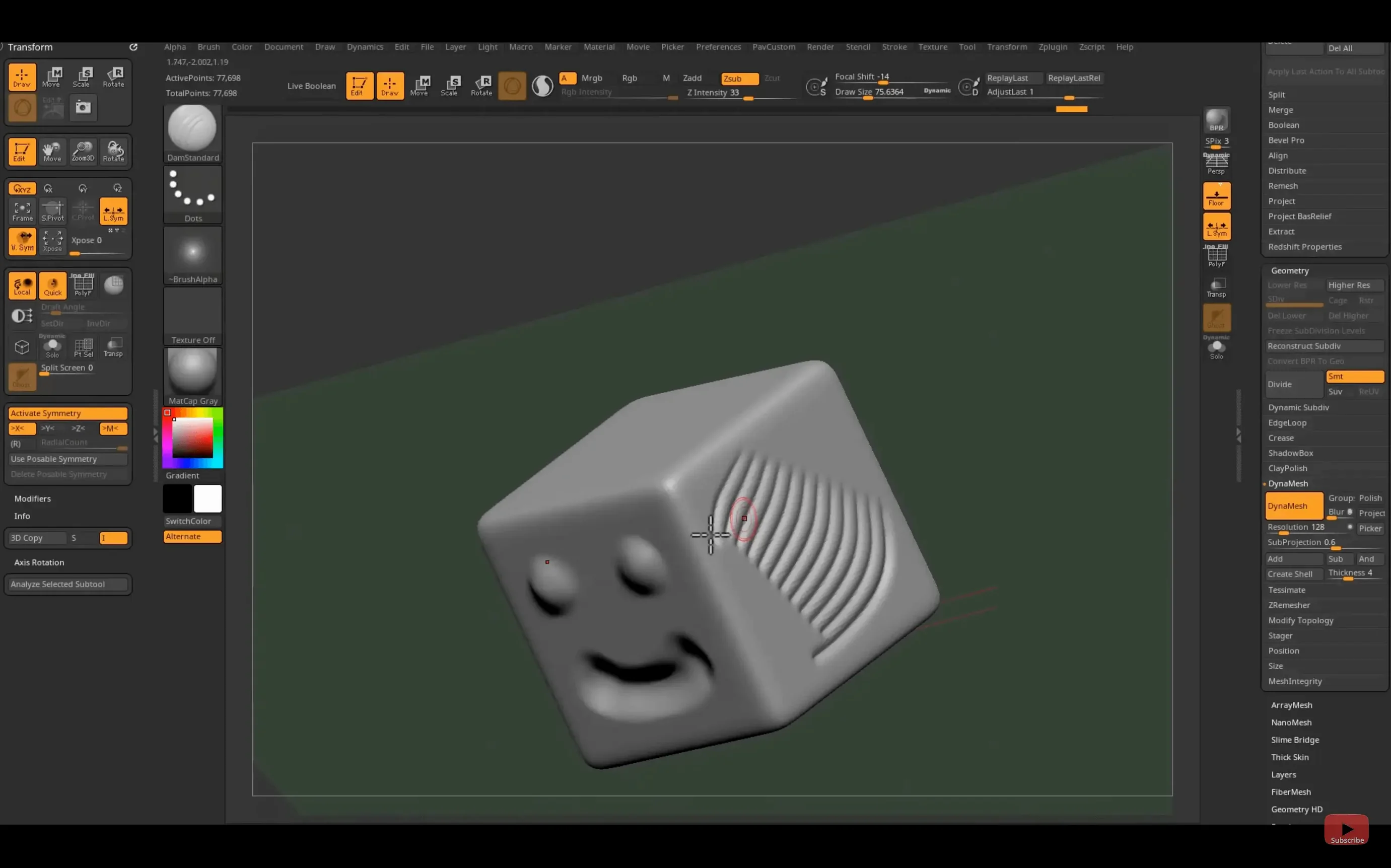
Concept artists, character modellers and toy designers reach for ZBrush when they need to shape digital clay. It simulates hand sculpting on screen, letting you push, pull and carve 3D models with a pressure-sensitive tablet. Version 2026.2.1 needs macOS 12.6 or later and runs natively on Apple silicon and Intel.
The software handles polygon counts that would choke a standard modeller, so you can work on fine pores, scales and thread detail without decimating the mesh first.
The brush system sits at the core. You modify a base mesh with tools that add volume, cut grooves or smooth surfaces — much like working with real clay, but with an undo stack. Painting goes beyond flat colour: strokes carry depth information, which lets you build up surface texture as you paint. A real-time rendering engine shows shadows and material response immediately.
The plug-in architecture fills gaps without leaving the app. You can load new brushes, generate geometry patterns, or pull in texture libraries. For pipeline work, the new Substance Bridge sends the model to Substance Painter in one click, which saves the usual export-import dance. Interface languages cover English, German, Spanish, French, Japanese, Korean and Simplified Chinese.
Starting a sculpt from a blank canvas and default tool
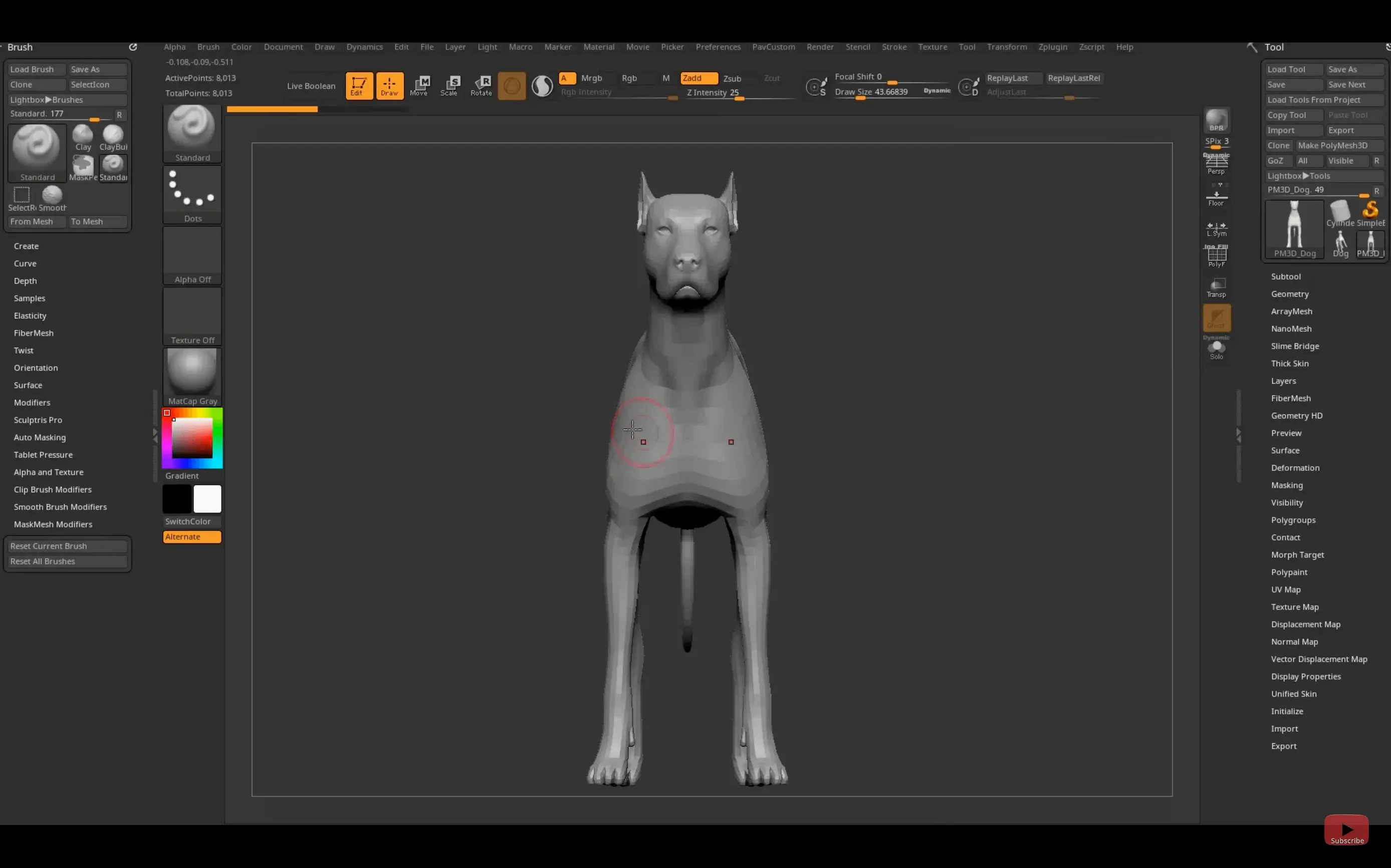
Open ZBrush. The canvas shows a blank document with a default tool — usually a simple sphere or dog. Start by picking a base mesh from the Tool palette. A polymesh sphere works for most heads; a zsphere armature suits creatures with longer limbs. Double-click the tool to drop it on the canvas, then press T to enter Edit mode. If the mesh appears non-editable, you missed that step.
Go straight to symmetry. Hit X to activate X-axis mirroring. Now every stroke on the left eye socket repeats on the right. Sculpting without symmetry on a face wastes time.
Block out the main forms with the Move brush. Grab the brow ridge and pull forward. Push the jaw corners back. Don't touch detail yet — a lumpy silhouette makes every later step harder. When the basic head shape reads well from all angles, switch to the Clay Buildup brush and start adding mass to the cheekbones and brow.
By now your mesh has probably crept up to a few hundred thousand polygons. Press Ctrl+D twice to subdivide. ZBrush stores subdivision history, so you can drop back to a lower level, make large changes, then step forward again. Sculpt pores and wrinkles only at level three or four, where polygon density actually supports them.
For painting, switch off Edit mode briefly, open the Polypaint menu and enable Colorize. Pick a skin-tone base and spray it across the model with a broad alpha. Use Spotlight or a reference loaded into the image planes while you work. Halfway through, send the mesh to Substance Painter with the new Substance Bridge for texture detailing — one click, no export dialogue. Bring the result back and keep refining.
Adapting to the nested palettes and custom shelf
The interface is not like any other Mac app. Menus wrap around the top; palettes nest inside palettes; the right-hand tray has an opinion about everything. Don't fight it.
Start by parking your most-used brushes on the custom shelf. Hold Ctrl+Alt and click any brush icon to pin it there. Within a day you'll have a row of five or six brushes you actually touch. Ignore the other 300 until you hit a problem one of them solves.
Turn on AutoSave. It lives under Preferences → QuickSave and writes a backup at a time interval you set. A crash with an unsaved hour of sculpting feels dreadful and is avoidable.
Learn three navigation shortcuts cold: rotate (drag background), pan (Alt+drag background), zoom (Alt+drag background, then release Alt). If you still reach for the on-screen buttons after day two, tape a note to the bezel of your monitor. Navigation speed is sculpting speed.
If macOS blocks the installer or flags the app after you remove the quarantine attribute, open Terminal and run:
xattr -dr com.apple.quarantine /Applications/ZBrush\ 2026/ZBrush.app
Then launch it from the Applications folder. The warning goes away.
A miniature sculptor's evening
Somebody making 32mm-scale fantasy miniatures for resin casting works differently from a film artist. They sculpt at high resolution because every fold in a cloak has to read under a brush coat of primer. They also need a flat base and keying shapes for mould-making.
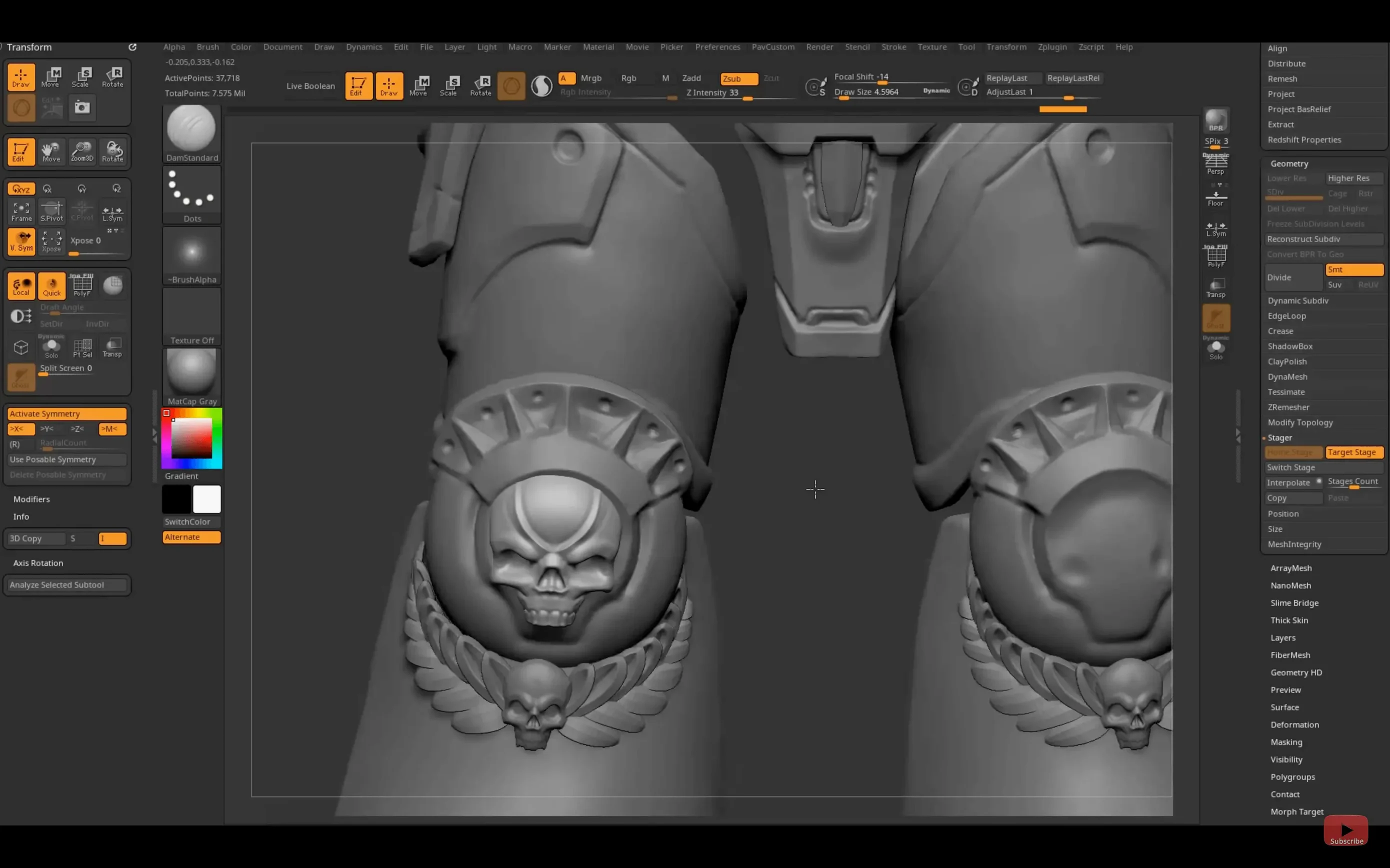
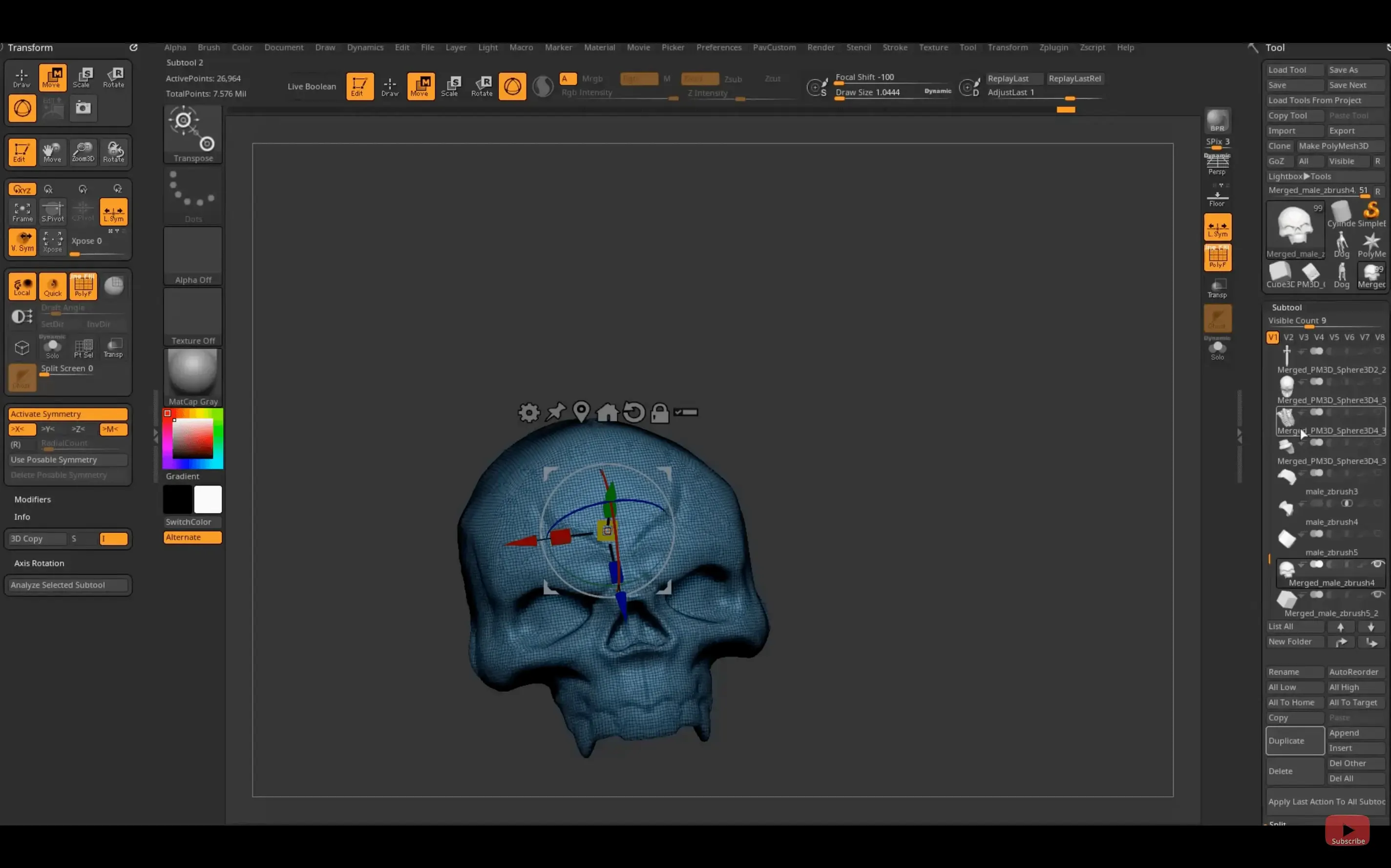
On a Friday evening, this sculptor opens ZBrush, loads a dynameshed sphere and activates symmetry. The brief is a hooded ranger for a tabletop skirmish game. They block out the hood with the Move Topological brush, dragging cloth folds forward so the face sits in shadow. The bow is a separate subtool, shaped from a cylinder primitive and bent with the Gizmo 3D manipulator. No booleans — just clean subtool layering.
By the third subdivision level they're adding belt pouches with the Orb Cracks brush and using the Dam Standard brush to cut stitching into the leather. Polycount is around eight million. The machine stays responsive.
They run a Decimation Master pass before exporting an STL for the print bureau. The hooded cloak has undercuts, so they split the model into two keys in the slicer later. ZBrush's job is done. The sculptor saves the project, closes the lid, and walks away with a model that will be on a painting desk in a fortnight. A search like zbrush download mac might have started this process months ago; now the workflow is muscle memory.
What’s new
- Adds Substance Bridge for one-click transfer to Substance Painter.
- Updates GoZ support for Maya 2026 and 3ds Max 2026.
- Adds custom hotkey saving and sharing on iPad.
Requirements
- macOS 12.6 or later
- Apple Silicon or Intel 64-bit Mac
FAQ
Can ZBrush handle very detailed models?
Yes. It is built to work with extremely high polygon counts, so you can sculpt fine surface detail like skin pores or fabric weave without the software slowing to a crawl.
Where is ZBrush used professionally?
Studios rely on it for concept design, film and TV production, computer game assets, toy prototyping, collectible model design and scientific illustration.
Comments 0
Sign in or create an account to leave a comment.
No comments yet…
If you’ve installed it, say how it went. Mention your Mac and macOS version — it helps the next person more than you’d think.