MAXON Cinema for macOS
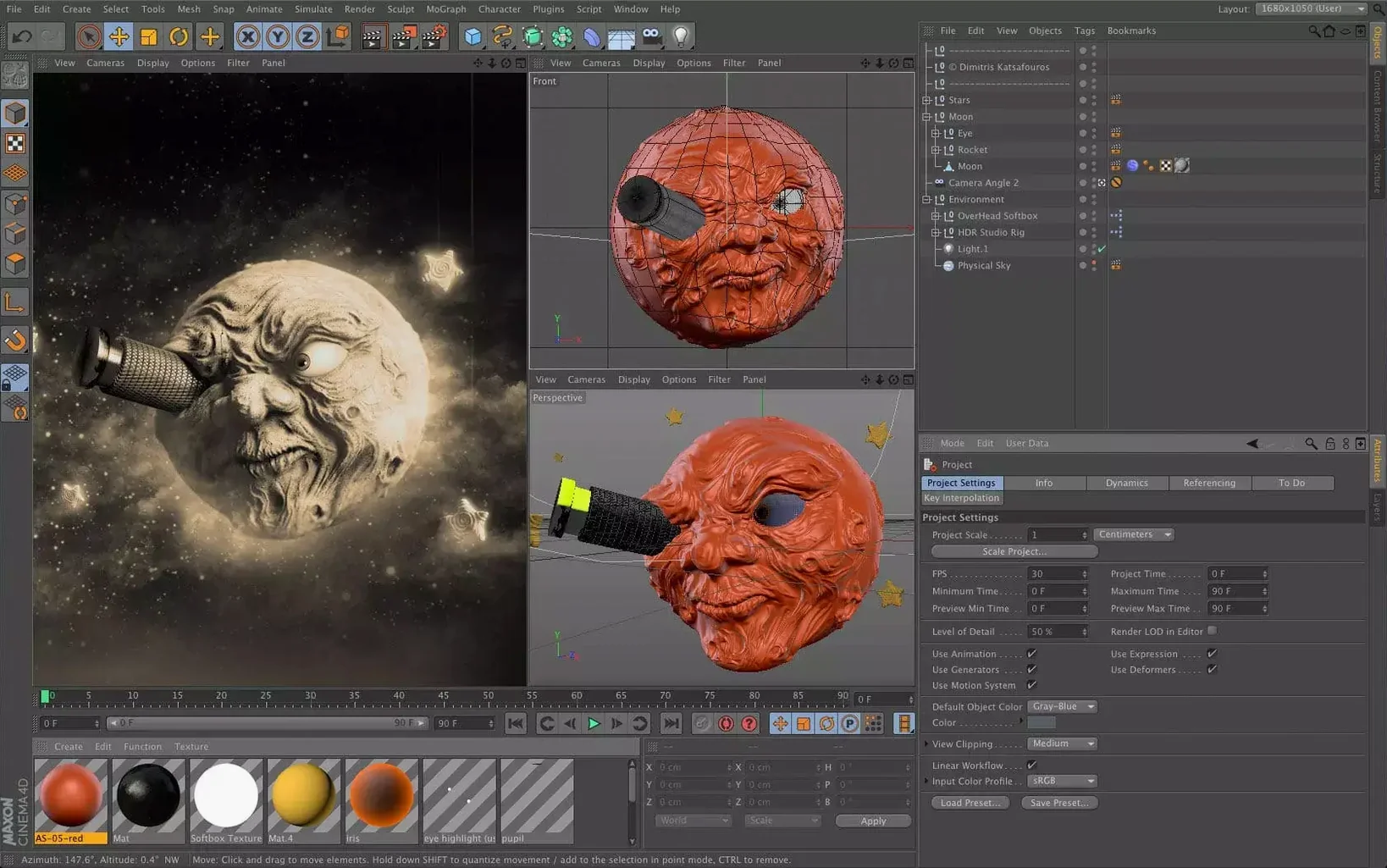
Description
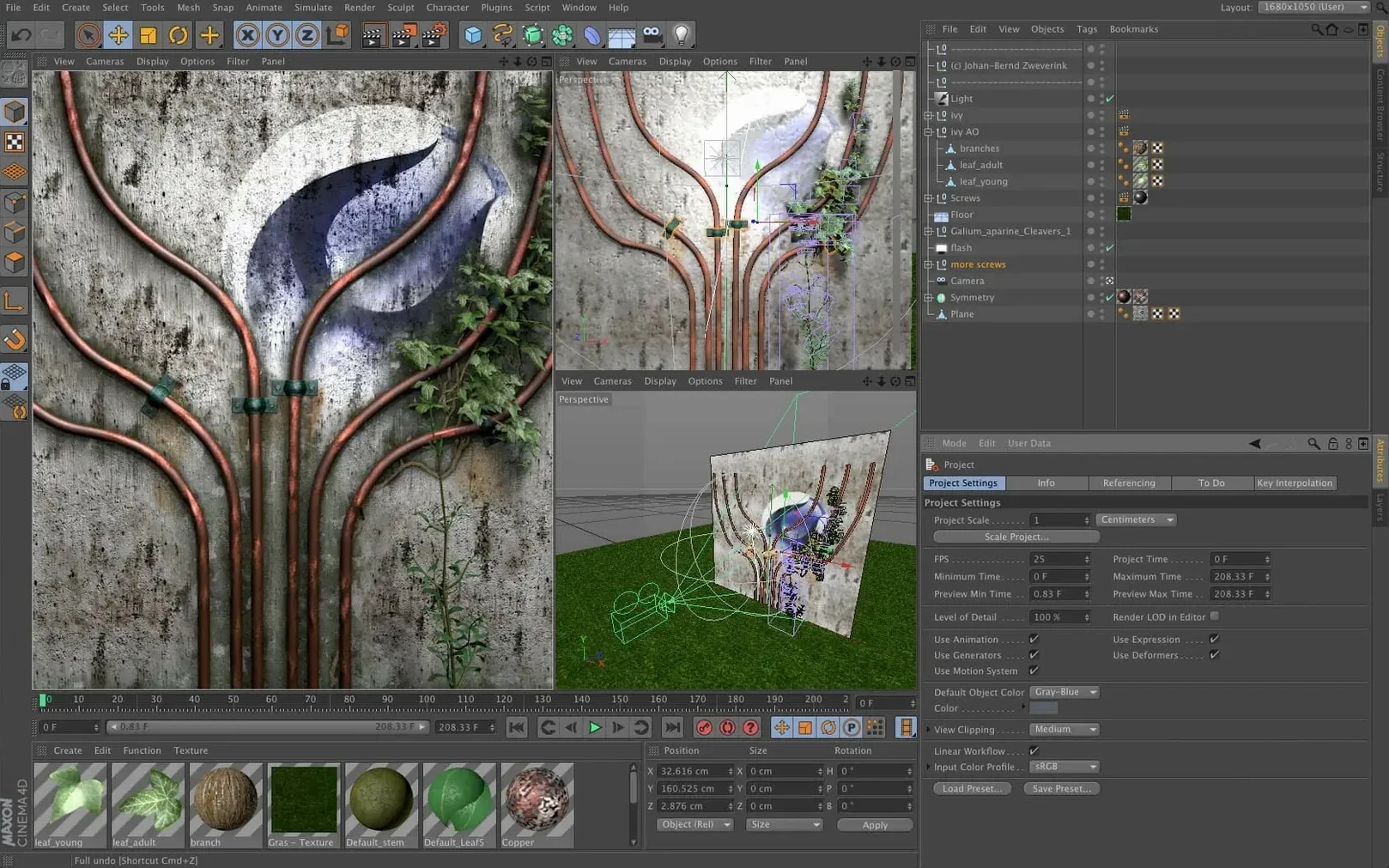
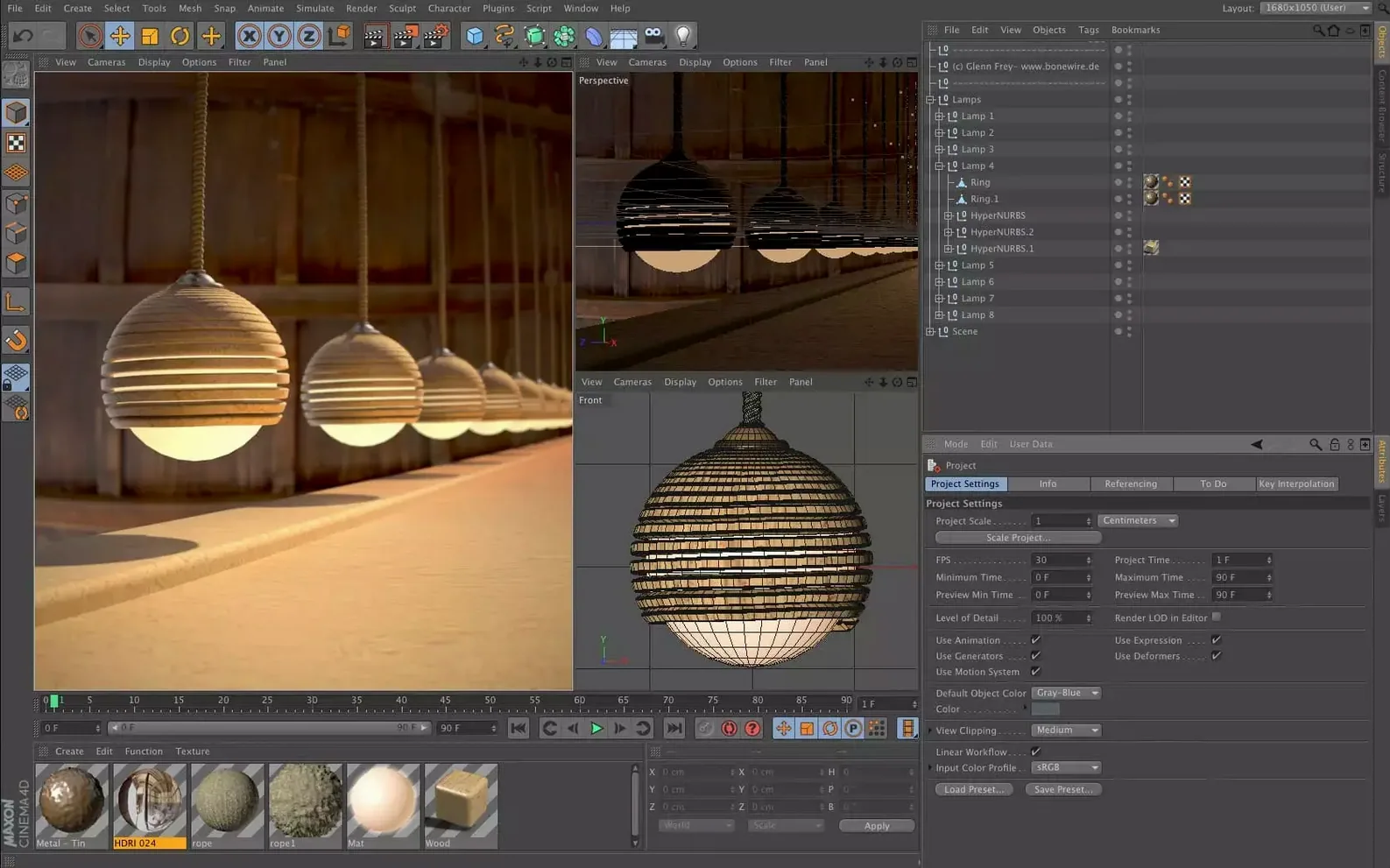
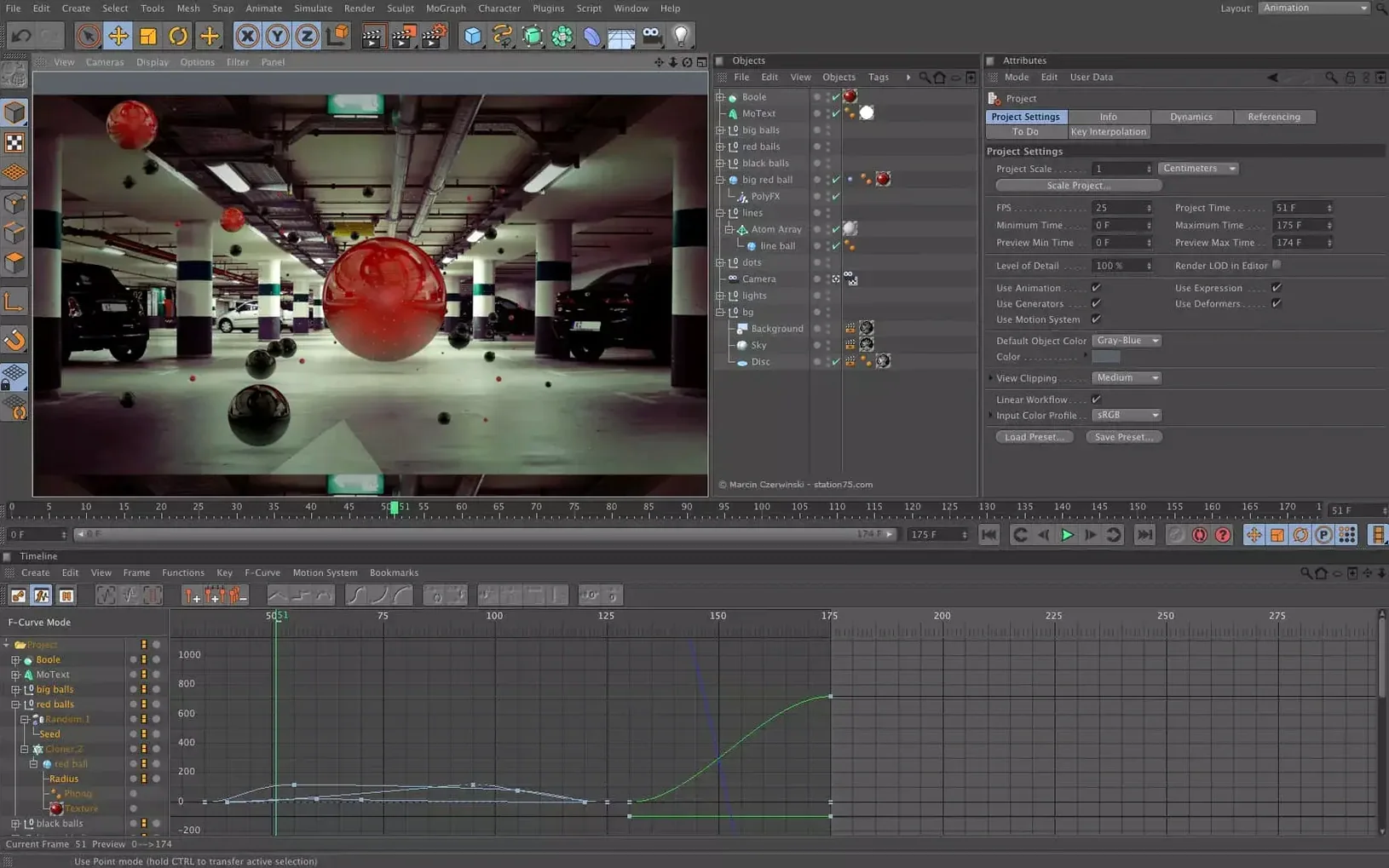
Opening a professional 3D application for the first time is mostly intimidating. A vast empty grid, hundreds of icons, and no clear ‘start here’ button. Cinema 4D is used in motion graphics, VFX, and game development, but its core toolset is approachable if you ignore most of it at first. Version 2024.2 needs macOS 11 or later and runs on Apple silicon and Intel. These items give a newcomer something tangible to do, without reading a manual.
- Drop a cube and make it squash. Click the cube icon, drop it in the viewport, then press ‘C’ to make it editable. Grab some points and pull.
- Apply a simple material. Double-click in the Material Manager, pick a colour, and drag it onto your object. Instantly less grey.
- Throw it on the floor with dynamics. Right-click the cube, add a Rigid Body tag, then add a Floor object. Press play. It falls.
- Bend a text spline. Use the MoText object, type something, then drop it under a Bend deformer. Slide the strength slider.
- Light it with a sky object. Add a Sky and give it a material with only the Luminance channel active. Quick, soft lighting for a test render.
The point is to build something, break it, and undo. Cinema 4D’s undo is generous. Stick to polygons, deformers, and the standard renderer for the first week.
Does it feel fast in daily use
On a Mac with an M-series chip, the viewport stays responsive even with moderately complex scenes. Navigating a shaded view with a few hundred thousand polygons rarely drops below 30 fps on an M1 Pro or better. The standard renderer is single-threaded for some tasks, so final-frame renders on CPU can feel slow. Redshift shifts that load to the GPU and is the obvious route for production work.
Memory use is moderate until you start scattering clones or running fluid sims. A fresh scene idles around 600 MB. A scene with MoGraph cloners, a few materials, and one area light typically sits between 1.5 and 2.5 GB. Once you add Pyro or soft-body dynamics, expect it to climb past 6 GB quickly. Keep the Activity Monitor visible if you push older Intel machines hard.
Stability is strong for a release this late in the 2024 cycle. The application occasionally beachballs when switching layout tabs while a simulation is caching, but outright crashes are rare on Apple silicon. Undo keeps working reliably even after twenty or thirty steps, which is not something every 3D package manages.
A short day with a motion graphics freelancer
Imagine a freelancer who makes title sequences and brand stingers. They open Cinema 4D at nine in the morning with a brief that needs a metallic logo flying through coloured glass shards. They model the logo from supplied vectors, extrude it with a Bevel deformer, and drop it into a MoGraph cloner setup. By ten they are tuning the random effector so the shards scatter the way the client’s mood board showed.
Lighting comes next. They add a dome light with an outdoor HDR, then a couple of area lights to pick out the edges of the metal. The Redshift IPR window updates fast enough that tweaking exposure feels almost like working in a photo editor. They render a preview sequence before lunch, spot a couple of shards clipping the camera, and fix the collision shapes in ten minutes. The afternoon is spent in After Effects, but the 3D half of the job was built, lit, and rendered inside a working day. That pace is what keeps Cinema 4D on their dock.
Where the MoGraph cloner and effectors replace scripting
Motion graphics artists who live in the MoGraph module. The cloner, effectors, and fields let one person build complex abstract animations without a scripting background. If your work ends up in After Effects or Premiere, Cinema 4D Lite has probably already introduced you to the workflow, and the full 4d cinema software removes the limitations.
VFX generalists who need a single tool for modelling, camera tracking, and rendering. The built-in camera tracker is not the best on the market, but it solves fast enough for screen replacements and set extensions. Tight integration with Redshift means one less export step before you see final pixels.
Product visualisation artists working on stills and turntables. The node-based material system gives enough control to build layered metals, glass, and plastic without leaving the app. The scene manager helps wrangle large CAD imports. If you have ever searched for a cinema 4d macos torrent to test whether the app handles your STEP files, the answer is yes—it imports them directly.
Students and self-taught 3D artists who want a shallow learning curve. The interface stays consistent across modelling, animation, and shading workspaces, so habits transfer. Someone who learned extruding and keyframing last month can usually reach the simulation tools without hunting through menus. That consistency matters more than feature checklists when you are teaching yourself from forum threads and short tutorials.
Requirements
- macOS 11 or later
- Intel or Apple Silicon Mac
Comments 0
Sign in or create an account to leave a comment.
No comments yet…
If you’ve installed it, say how it went. Mention your Mac and macOS version — it helps the next person more than you’d think.