CorelCAD for macOS
Description
Every project starts with an empty model space and a 0,0,0 coordinate. The interface doesn't hide that.
Draw a floor plan
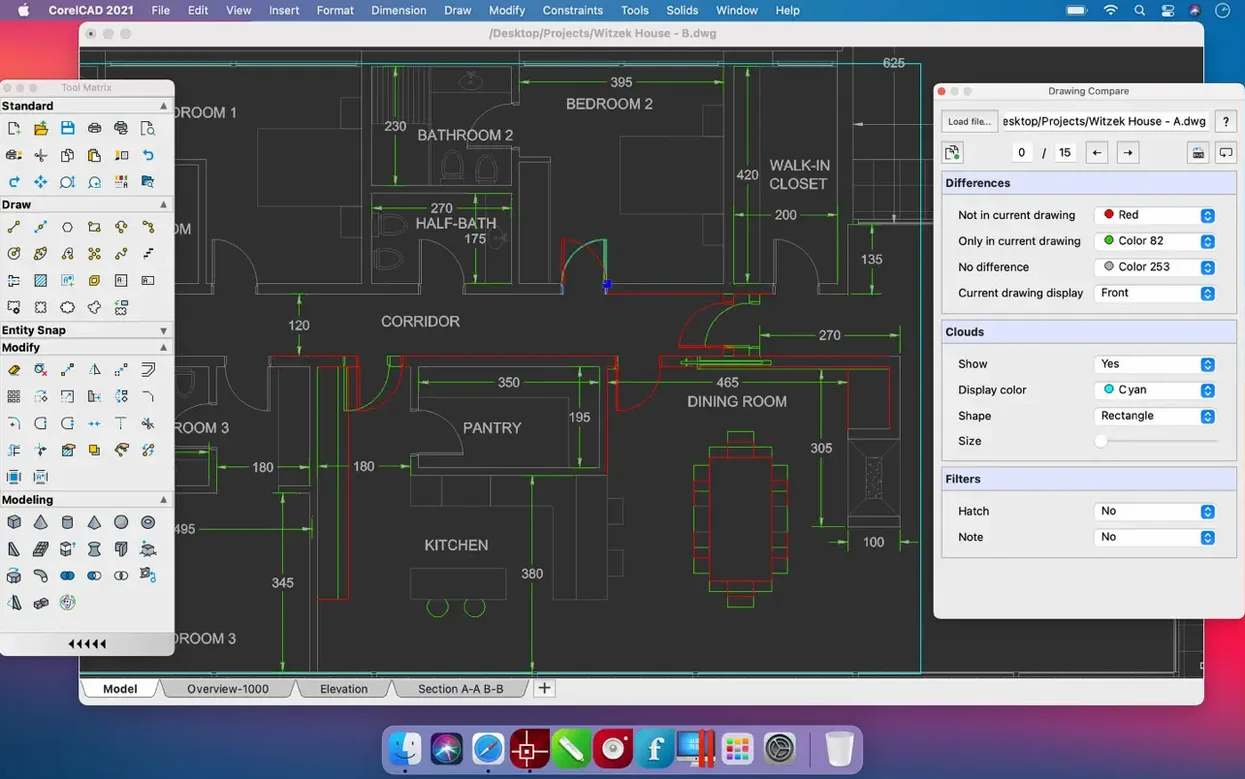
Set your units and snap to grid. Use the polyline tool for walls — it stays joined when you offset for wall thickness. Dimensioning tools snap to endpoints without fuss.
Extrude to a 3D model
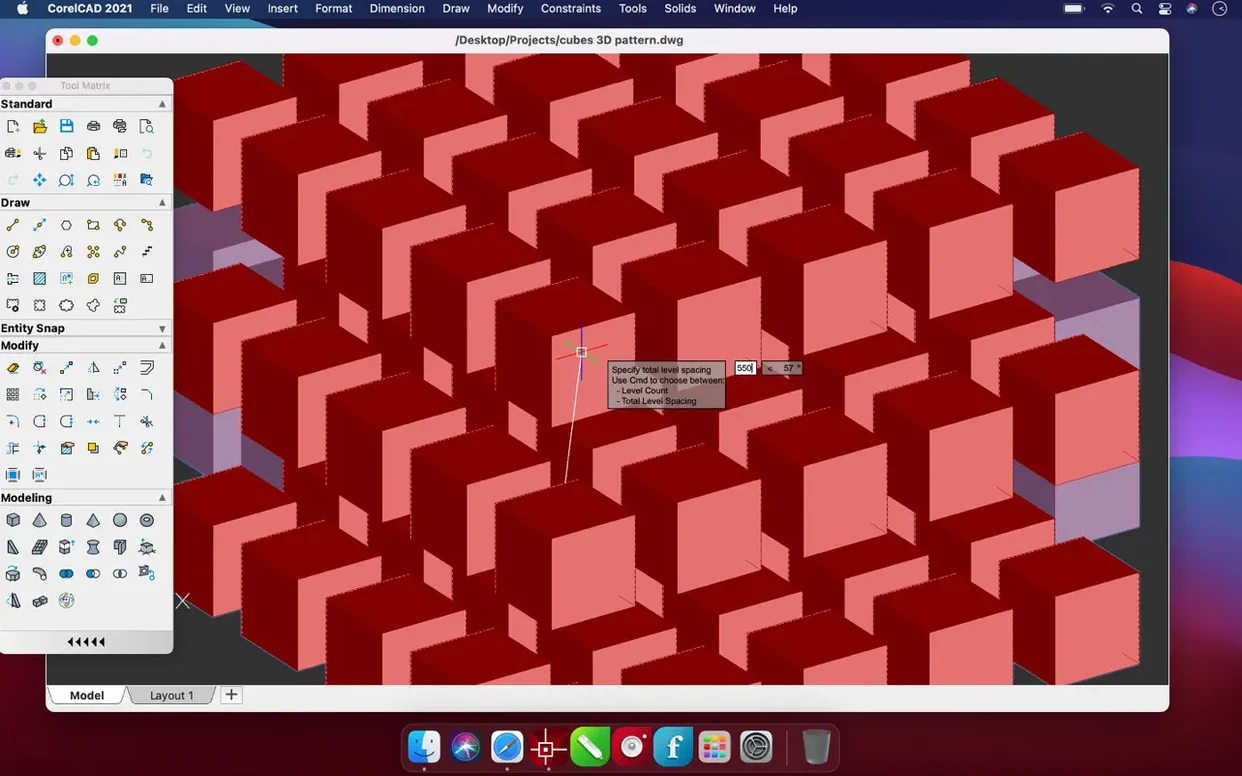
Switch to the 3D Modeling workspace. Select your closed plan outline and use the Extrude command. You get a solid in two clicks, ready to orbit and inspect.
Output an STL for printing
Export the solid as STL, check the settings, and you have a file a slicer can read. Version 2022.5 runs on macOS 10.14 or later, on Intel and Apple silicon.
Turn on Dynamic UCS before you draw anything
Turn on Dynamic UCS in the View menu straight away. It lets you draw on any face of a 3D solid without rotating the coordinate system manually. Saves you swearing at the command line on day two.
Set your default save format to AutoCAD 2018 DWG in Preferences > Open and Save. It keeps files readable by colleagues who haven't updated their software in years. You'd be surprised how often that matters.
Spend twenty minutes customizing the tool palettes. Drag the commands you actually use — Trim, Extend, Fillet, Offset — into one group. CorelCAD ships with sensible defaults, but every drafter works differently. The less you hunt through menus, the faster you get to something worth printing.
If you work across machines, keep your workspace profile on a cloud-synced folder. CorelCAD reads workspace files from anywhere, so you can pull your palette layout and keyboard shortcuts onto a second Mac in minutes. No XML editing required.
From SketchUp concept to AutoCAD-ready DWG
CorelCAD sits between raw sketching and finished presentations. You might block out a concept in SketchUp, refine the technical drawings here, then hand a DWG to an engineer who lives in AutoCAD. Nothing gets lost in translation — the DWG fidelity is the whole point.
On the Mac side, it plays nicely with Finder tags and Quick Look. Tag a folder of DWGs and preview them with the spacebar without launching the app. Small thing, but it speeds up file triage when a client sends six revisions by lunchtime.
Export a layout to PDF and open it in Preview for markups. Or drop an SVG into Affinity Designer if you need a presentation board with colour and typography. CorelCAD doesn't try to be a graphics app — it produces clean vector output and lets other tools do their job.
The STL export feeds straight into PrusaSlicer or Cura. Architects doing massing models will find themselves printing study volumes more often than they expect. One solid, one export, one print. The round-trip is short enough that you'll actually use it.
Open contractor DWGs and send back files that just work
Freelance architects and structural engineers who need DWG compatibility without a subscription. You open a survey file from a contractor, draw up the plans, and return a file their AutoCAD setup reads without warnings. That alone justifies the install.
Industrial designers doing small-run fabrication. The 3D modeling workspace isn't parametric, but for brackets, enclosures and jigs it's more than enough. Draw the profile, extrude, export STL. You're holding a physical part by the afternoon.
Mac users in mixed-platform offices get the quietest win. No Windows VM, no Remote Desktop lag, no explaining why your layers didn't come through. You sit alongside Windows colleagues, exchange DWGs, and nobody notices what operating system you're on. That's the best compliment a CAD app can earn.
Students on a budget who've been hunting for a corelcad mac setup that handles coursework from drafting to 3D output will find it covers the full pipeline. One install, one file format, no converting between three different programs to submit a single assignment.
What’s new
Adds several enhancements and stability fixes. Build 22.3.1.4090.
Requirements
- macOS 10.14 or later
- Apple Silicon and Intel Macs
FAQ
What file formats does CorelCAD support?
It works with the native AutoCAD DWG format and supports PDF, SVG, EPS, DWF, STL, SAT, SHP, and DWS files.
Can CorelCAD convert 2D designs to 3D?
Yes, you can convert 2D designs into 3D graphics in a few clicks using extrude and other solid-modelling tools.
What languages are available in the interface?
The interface includes English, German, Spanish, French, Italian, Polish, Portuguese, Russian, Czech, Turkish, Korean, Japanese, and both Traditional and Simplified Chinese.
Comments 0
Sign in or create an account to leave a comment.
No comments yet…
If you’ve installed it, say how it went. Mention your Mac and macOS version — it helps the next person more than you’d think.