Artlantis for macOS
Description
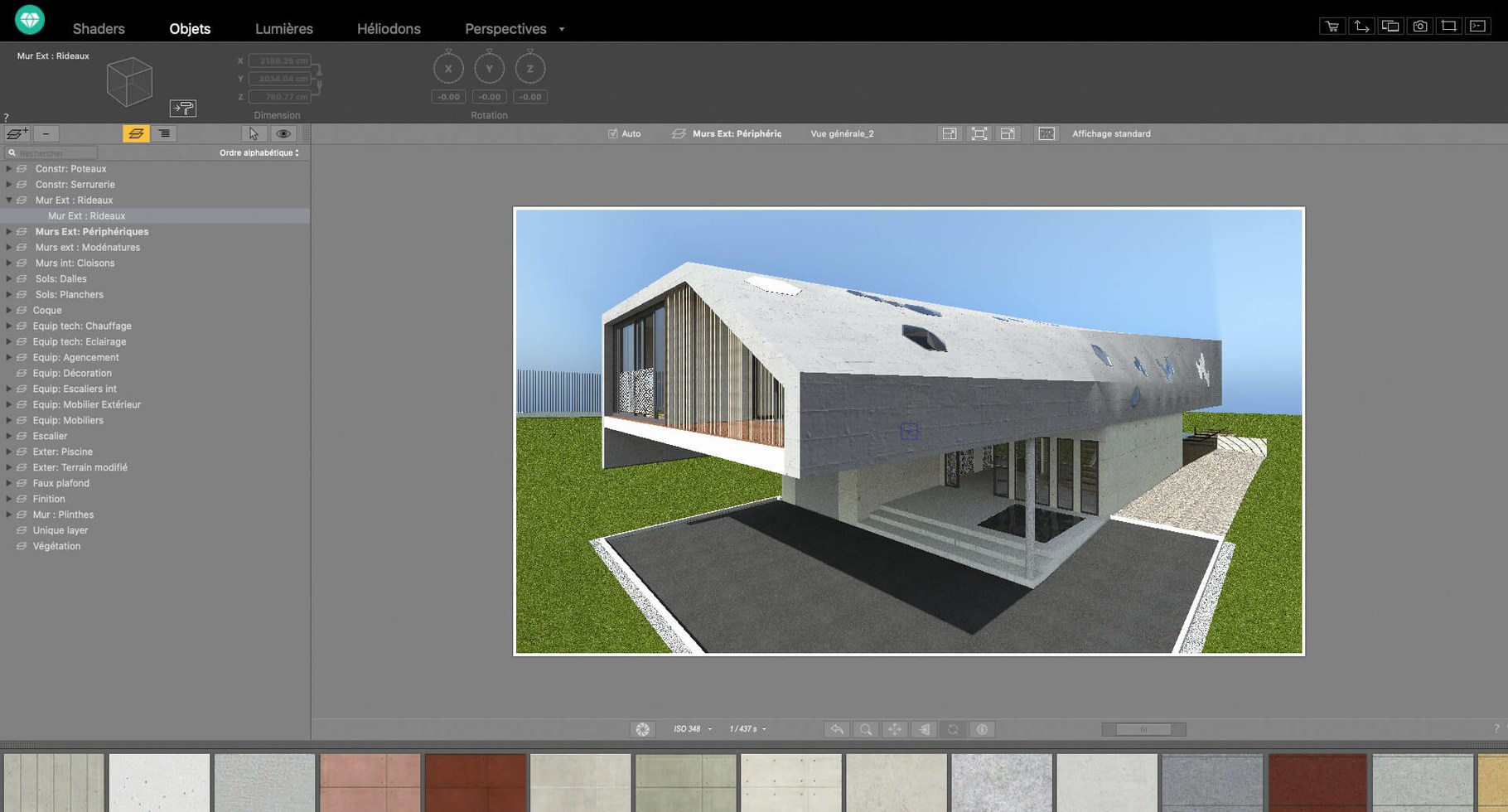
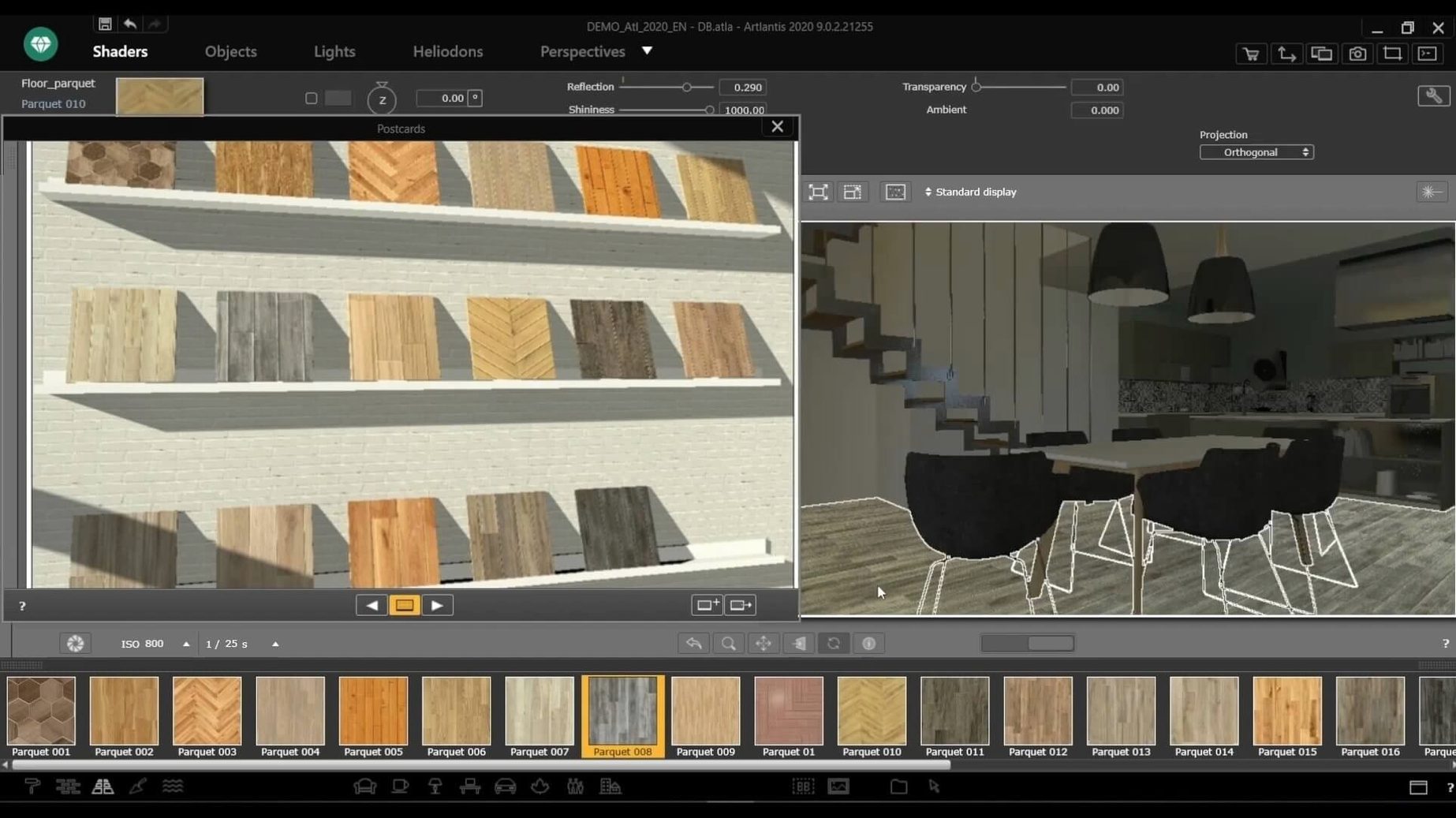
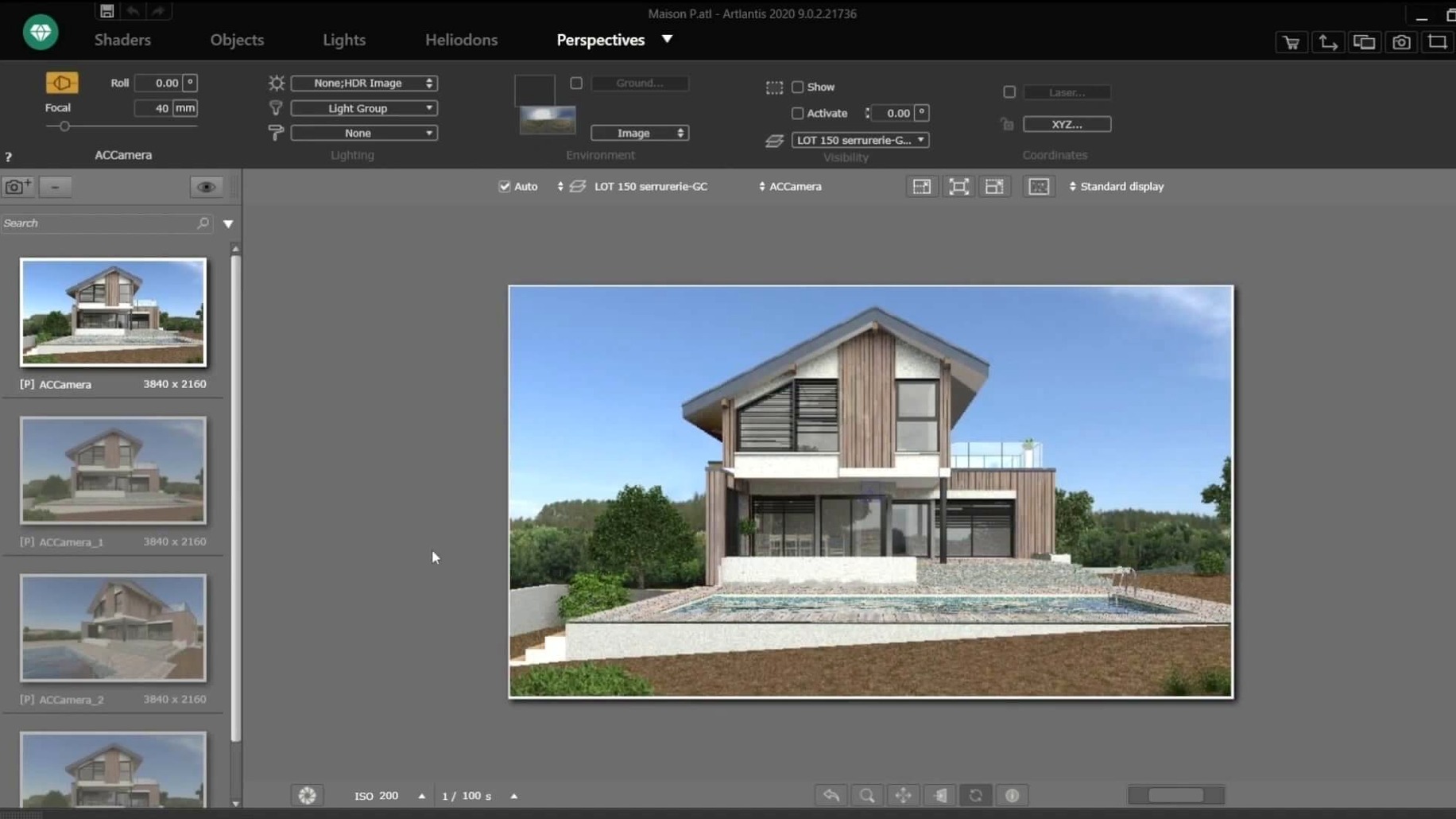
A model comes in from VectorWorks. The lighting is flat, the materials are placeholders. You open the Artlantis catalog and drag a brushed aluminium shader straight onto the window frames. Then you switch to the site insert tool, drop in a latitude and longitude, and let the physical sky engine recalculate the shadows for late afternoon. That is the basic loop. But the deeper tools are what keep a project moving when a client changes their mind on a Friday afternoon.
Tools beyond the render button
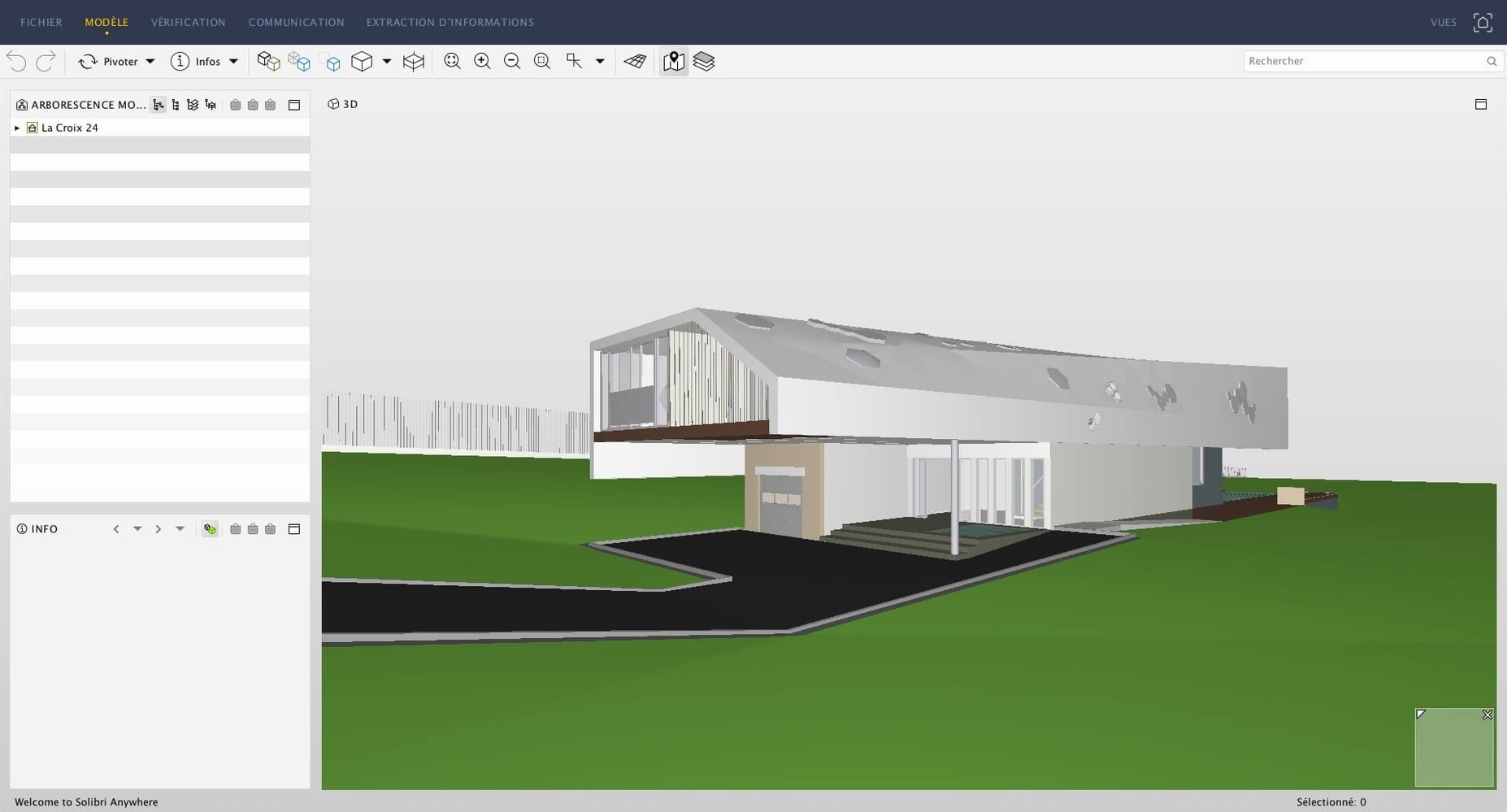
- Direct CAD exchange. Artlantis talks to ArchiCAD, SketchUp, AutoCAD, VectorWorks and Arc+ without an intermediate file format. Update the model, and the scene updates.
- Motion path editing. For animation videos, you can adjust camera paths with bezier handles instead of relying on preset fly-bys.
- Post-processing. Brightness, contrast and colour table adjustments happen inside the render window. No need to round-trip every frame through an external editor.
- QuickTime VR and VR scenes. The app can export a navigable panorama or a full virtual reality scene for a headset review.
Working with what you have
Abvent has ceased R&D and distribution. The app runs on macOS 10.13 and later on Intel hardware. You will not see feature updates. What you get is a known quantity: a renderer that handles CAD-linked scenes, material assignment by drag-and-drop, and in-app colour grading. For a practice that has relied on it for years, that stability matters more than novelty.
Switch the shader precision for faster test renders
Out of the box, Artlantis defaults to a medium-quality preset that is safe but slow. A few tweaks make the first working session less frustrating.
- Switch the default shader precision. Open Preferences > Rendering and change the default from Automatic to High (slow) only when you need final output. Keep the working preview on Low or Medium so the interactive viewport does not stutter while you move lights around.
- Set the scratch disk. Artlantis writes temporary files during rendering. Point it at a drive with plenty of free space — ideally not your boot volume. The setting is under Preferences > Folders.
- Turn off auto-exposure during scene setup. The physical camera will fight you while you place lamps. Lock the exposure to a fixed value, get your lighting balanced, then re-enable it for test renders.
- Check the unit scale. If your imported model arrives the size of a postage stamp or a city block, Artlantis is interpreting centimetres as inches. The import dialog remembers your last setting; change it once and it sticks.
Save a project template to protect your work
Artlantis rewards a methodical approach. People who treat it as a batch processor rather than a live editor tend to lose less work. Here is what that looks like in practice.
- Save a project template. Strip a scene back to the camera presets, a neutral HDRI sky and a few go-to materials. Save it as a
.atlfile and set it read-only. Every new job starts from that clean state. - Use the batch render queue overnight. Set up your views during the day, add them to the batch list, and let the machine crunch while you sleep. The render manager handles the queue reliably on Intel Macs, even on older hardware running macOS 10.13.
- Keep the material catalog lean. Artlantis ships with a large collection of shaders. Dragging in dozens of them bloats the project file and slows the viewport. Pull in only what you actually assign to surfaces.
- Test light sources one at a time. Add a single artificial light, render a quick region, then move on. Debugging five overlapping IES profiles at once is a shortcut to an afternoon of guesswork.
- Name your cameras. "View 1" through "View 14" is useless when a client asks for the north-east corner shot from last Tuesday. Rename each saved view as soon as you frame it.
Some users look for an artlantis torrent to test the software on older hardware before committing to a workflow. The 2021-era builds still circulate and match the feature set described here. On Intel Macs, an Artlantis Mac torrent of version 9.5 remains the most common way people get hold of the final release now that distribution has stopped.
What the last versions changed in daily work
The 9.5.x cycle was not about flashy new features. Abvent tightened the existing tools and fixed long-standing annoyances. Three changes affect everyday use.
Faster viewport feedback. Earlier versions of Artlantis 2021 could lag when dragging high-resolution textures into the preview. The 9.5 updates refined the OpenGL display so the viewport updates with less redraw delay. It is still a single-threaded preview, but the improvement makes material placement feel snappier.
More stable CAD round-tripping. A model updated in ArchiCAD or VectorWorks would occasionally lose material assignments upon re-import in older builds. By 9.5.2, the link held steady for geometry changes, preserving shader slots as long as surface names matched. That cut a repetitive step from revision-heavy projects.
Post-processing applied per-camera. Brightness and contrast adjustments were once global. The later updates saved them with each camera view, so a sunlit exterior and a dim interior could carry different colour-table settings without constant manual resetting. It is a small change that removes friction on projects where you deliver multiple views from a single scene file.
Requirements
- macOS 10.13 or later
- Intel processor
FAQ
Can I still use Artlantis after Abvent R&D closed?
Yes. The software continues to function on supported systems, though no further updates will be released.
Comments 0
Sign in or create an account to leave a comment.
No comments yet…
If you’ve installed it, say how it went. Mention your Mac and macOS version — it helps the next person more than you’d think.