AutoCAD for macOS
Description
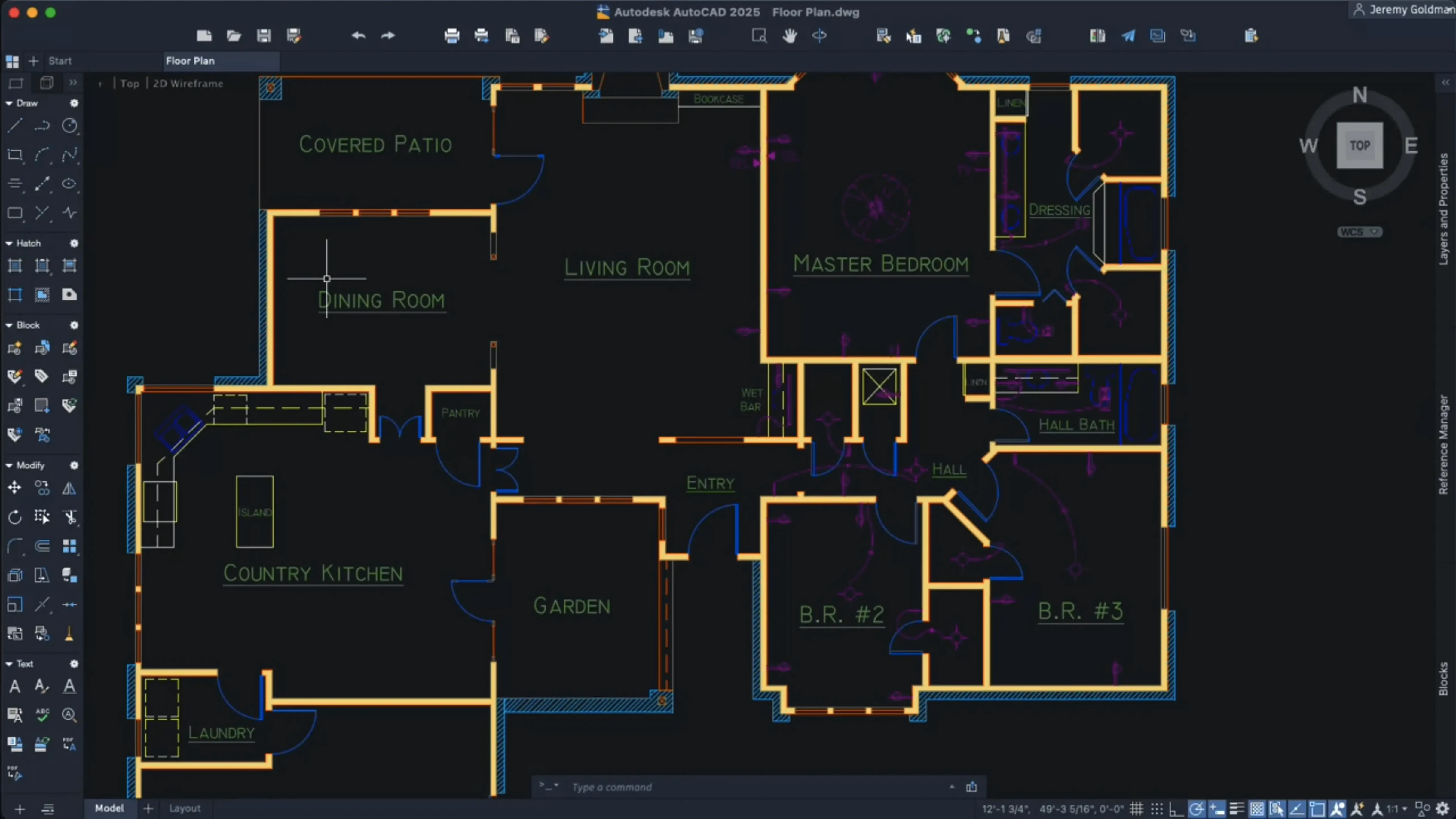
AutoCAD for Mac uses the same DWG format as the Windows version, so office files open as they are. It needs macOS 12 or later and runs on Apple silicon and Intel. If you are staring at a blank model space, a few specific tasks in the 2027 release will get you working faster than digging through menus.
Convert rough geometry into blocks
Select any repeated geometry and right-click. The option to convert it into a block is there. For a whole drawing, run the new Autodesk AI scan. It finds objects that can become blocks and does the repetitive work for you. Cleaner files, smaller sizes.
Set the graphics engine once
OpenGL is gone. The 2027 release uses Metal only. On first launch, check that large coordinate scene optimization is active. It reduces CPU and GPU load when you zoom and pan through complex models, which you will do immediately.
Switch layouts without the wait
Tab-switching performance was tuned in this release. Create a second layout early—even a blank one—and flick between it and Model. It is a small thing you notice every day.
DWG files that open identically on Mac and Windows
Architects who move between a Mac in the studio and a Windows machine on site. The DWG files come back identical. No export dance, no missing xrefs.
Structural engineers who work with large coordinate scenes. The Metal-only graphics engine and the scene optimisation in the 2027 release keep navigation smooth even when a model spans a city block. If your day involves zooming into a single beam and then pulling back to the full grid, you will notice the difference immediately.
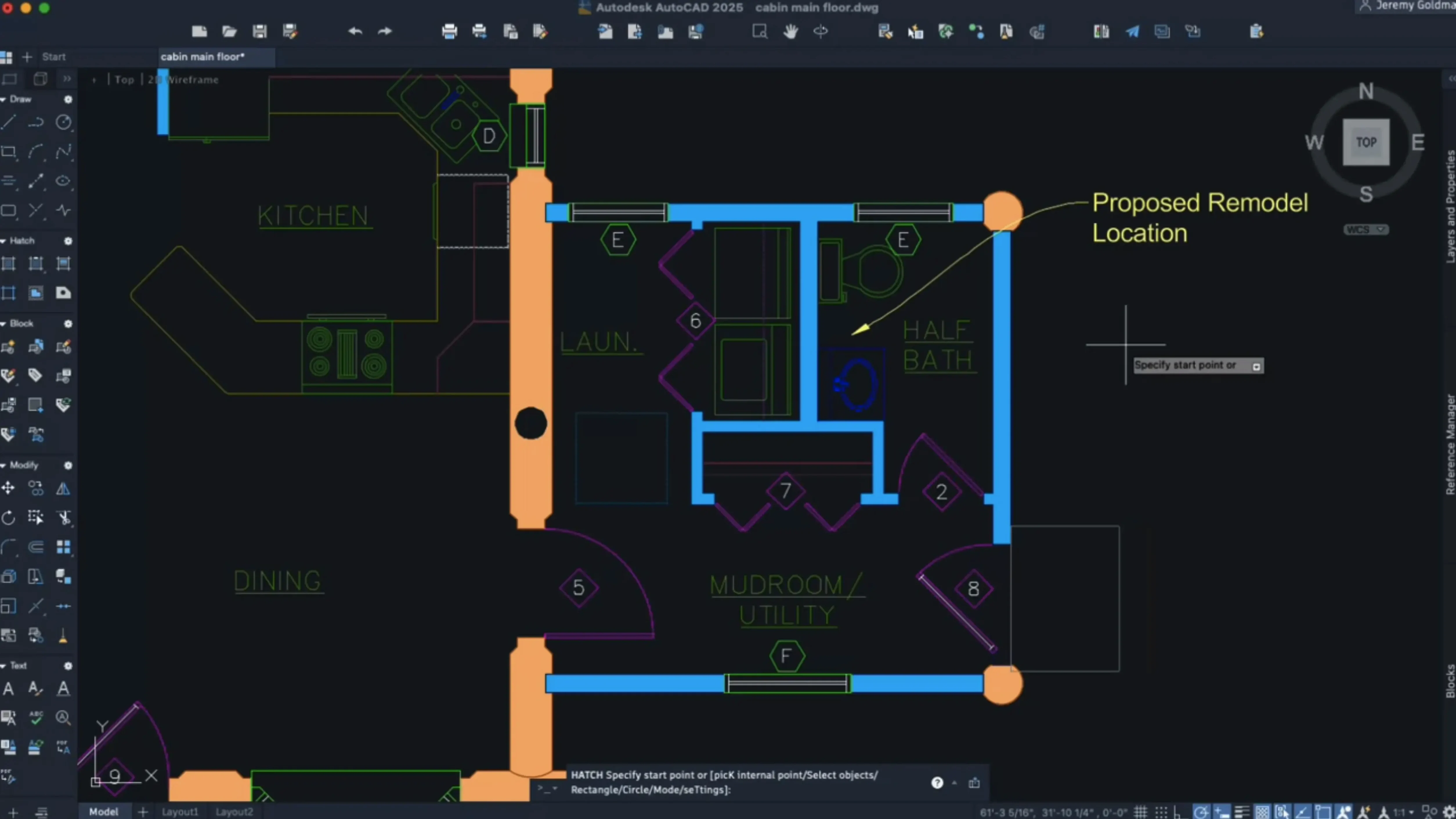
Construction detailers who spend half the morning hatching. The expanded hatching options let you shade along a contour without first drawing a closed boundary. One less step, repeated forty times a day, adds up.
CAD managers and BIM coordinators who need to clean up drawings from multiple sources. Geometry Cleanup scans a file and fixes common errors before you send it to a contractor. That alone can save a morning of phone calls.
Classic command line versus BricsCAD’s direct modelling
Versus BricsCAD. BricsCAD on Mac runs well and handles DWG natively. Its strength is 3D direct modelling, and it has a loyal following among mechanical designers. AutoCAD for Mac sticks closer to the classic command line and ribbon workflow. If your office runs AutoCAD on Windows and you need tool palettes, dynamic blocks and custom menus to transfer without rework, AutoCAD for Mac is the path of least resistance.
Versus SketchUp Pro. SketchUp is fast for early-stage massing and client presentations. Pull a rectangle, push it into a volume, done. But it is not a drafting tool. Dimensions, sheet sets, annotative scaling and plot styles live in AutoCAD. Plenty of practices use both: SketchUp for concept, AutoCAD for the drawing set that goes to tender.
Versus AutoCAD LT for Mac. LT handles 2D drafting cleanly. If you never touch 3D solids, point clouds or LISP routines, LT does the job. The full AutoCAD for Mac adds the third dimension and customisation that LT strips out. The 2027 release also gives full AutoCAD the block-scanning AI and Geometry Cleanup, neither of which appear in the LT notes.
What you need before you install
Do I really need to disable SIP?
The installation instructions say yes. System Integrity Protection blocks parts of the activation process. Disable it, install, then turn it back on. It is a few minutes of Terminal work. If your IT policy forbids touching SIP at all, you will need to talk to them before proceeding.
Will my Windows custom menus and tool palettes work?
Most of them will. Shortcut menus can be customised in the 2027 release, and palettes migrate by default when you switch workspaces. The CUI format is shared. Some Windows-specific DLL-based add-ons will not load, but the core customisation files transfer fine.
Is it really the same DWG as Windows?
Yes. Same file format, same version. A drawing saved on a Mac opens on a Windows machine with layers, layouts and xrefs intact. The only thing to watch is font substitution if you use SHX fonts not installed on one side, but that is a cross-platform issue, not a file format one.
Native ARM code on Apple silicon
It runs natively. The 2027 build is a universal binary. On an M-series chip you stay in native ARM code, which matters when you regenerate a complex 3D view.
Fixing a messy architect’s DWG before structural work
A consulting engineer opens a DWG from the architect. The file is messy—blocks exploded by someone in a hurry, hatch boundaries that do not close, a few orphaned lines floating off to the side. Before touching a single beam, she runs Geometry Cleanup. It finds three broken hatch boundaries and four zero-length lines. Fixed in under a minute.
She runs the AI block scan next. The drawing has twenty identical column bases, all drawn manually. The scan picks them up and suggests a block. She accepts, names it, and now one edit updates all twenty.
With the file cleaned, she switches to a layout tab. The crosshair colour is set to a pale blue against the dark paper space background—customised once, now automatic. She pans across the foundation plan. Large coordinate scene optimisation keeps the panning smooth instead of jittering as it re-renders.
She hatches a thickened slab edge. Instead of tracing the boundary first, she uses the new contour hatch option. Pick the inside point, set the depth, done. A task that used to take four clicks and a boundary polyline now takes two.
By mid-morning the drawing is out to the contractor, clean and fully annotated. The whole session happened on a MacBook Pro, no Windows VM needed.
What’s new
Adds an Autodesk AI scan that finds objects to convert into blocks. Adds Geometry Cleanup. Removes OpenGL support; Metal is now the only graphics engine.
Requirements
- macOS 12 or later
- 64-bit Intel or Apple Silicon processor
- English interface
Comments 0
Sign in or create an account to leave a comment.
No comments yet…
If you’ve installed it, say how it went. Mention your Mac and macOS version — it helps the next person more than you’d think.