Garden Planner for macOS
Description
Garden Planner is a Mac app for laying out gardens and landscapes, from a patio plan to a full plot redesign.
What drawing tools does it give you?
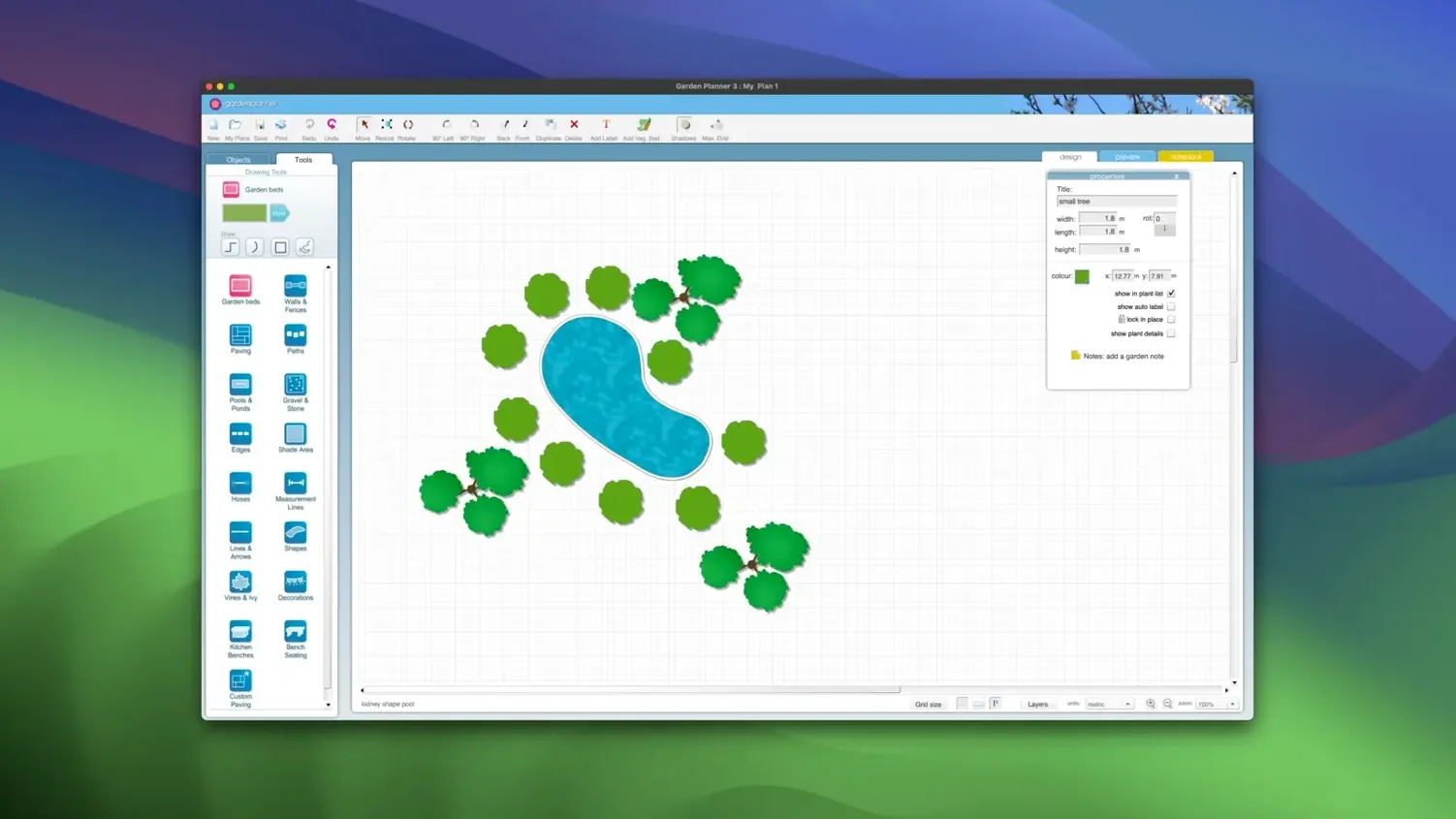
You get dedicated tools for paths, paving, walls, fences, pools and ponds. Every shape you place can be rotated, duplicated, scaled or reshaped on the canvas so you are not stuck with a fixed template.
How does the plant library work?
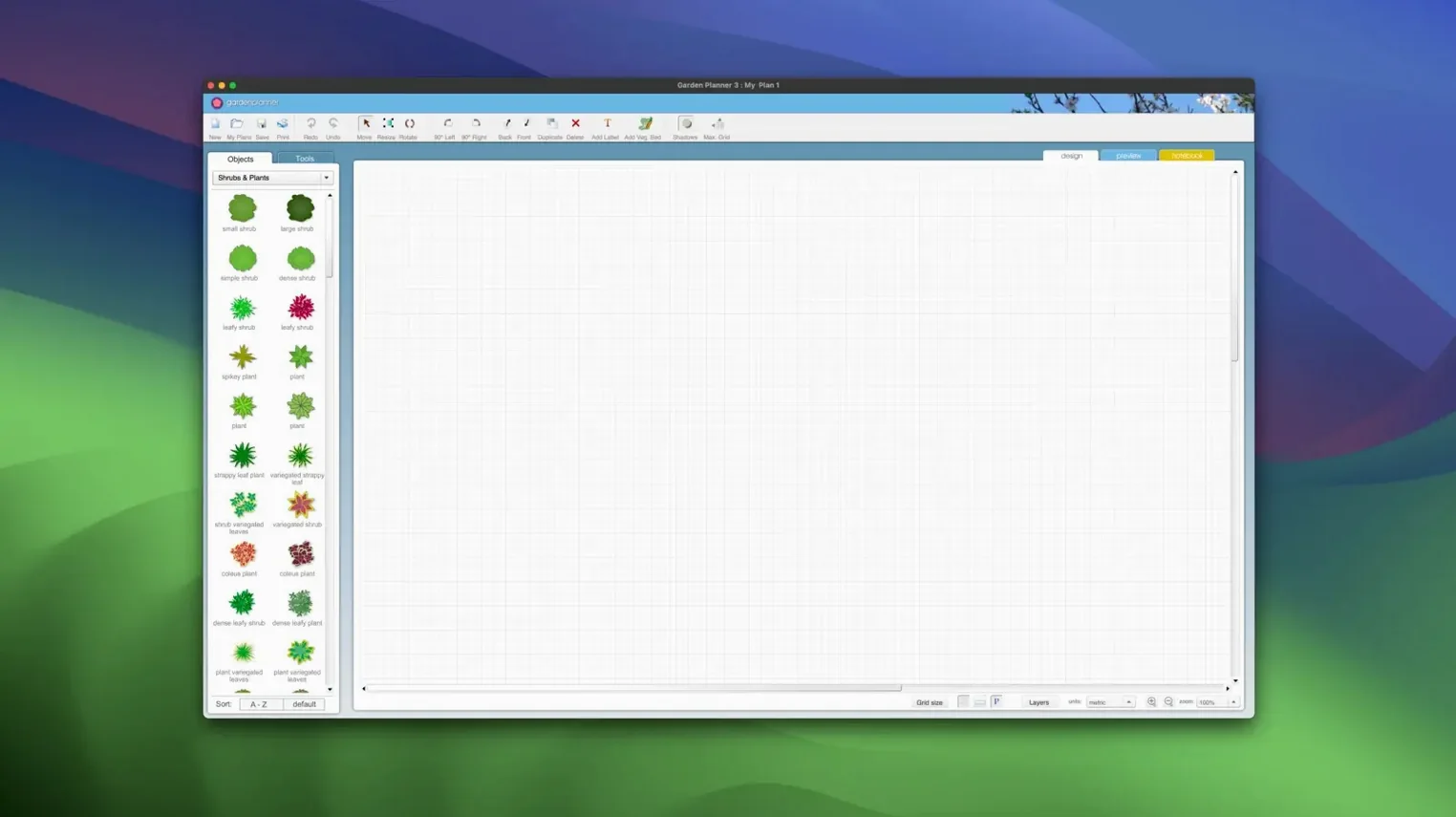
Over 1,200 plants and objects are built in, ready to drop into a plan. You can arrange them, resize them and build planting beds without hunting for extra asset packs.
Can I see the garden in 3D?
Yes. A 3D view lets you do a walkthrough of the finished design. It is a quick way to check sightlines and proportions before anything goes in the ground.
What output do I get?
Export your plan as a JPEG or PNG image file. There is also a high-quality print preview, so what you see on screen matches what comes out on paper.
When the snap grid fights your plant placement
After dragging plants about for an hour, a few things tend to trip people up. Here are the ones I see most often.
Objects refuse to snap where you want them. The snap grid is on by default and its spacing might not suit your current plan. Head to the View menu, drop the grid spacing down to something finer, or toggle it off entirely for free placement. Same goes for the ‘snap to object’ behaviour — useful until you are trying to nudge a shrub six pixels left and it keeps jumping back.
The 3D walkthrough chugs on an older Mac. That is usually the shadow detail fighting with integrated graphics. In Preferences, knock the 3D quality down a notch and disable real-time shadows. The preview still reads well enough to judge heights and blocking.
Exported JPEGs look soft. The default export resolution is set fairly low to keep files small. Before you export, bump the resolution to 200 or 300 dpi in the print/export dialogue. Your image will sharpen right up.
Activation hiccups after moving the app. If you drag the application bundle out of Applications and run it from a different folder, the licence file sometimes loses its bearings. Drop it back in Applications, relaunch, and the code should stick.
Switch to metric and turn on plant names
Out of the box, a few defaults lean conservative. Two quick changes make the app feel less like a generic drawing tool and more like a garden planner.
- Measurement units. Garden Planner defaults to feet and inches, which is fine until you work in metric. Switch to metres and centimetres under Preferences > Units. While you are there, set your default page size to A3 or A4 — the US Letter default wastes space on printouts of wider plots.
- Plant label size and font. The stock label text is tiny on a high-DPI display. In the object settings panel, bump the label font size by two points and pick a clean sans-serif. It makes scanning a packed planting plan much easier at a glance.
If you regularly design similar gardens (a run of townhouse courtyards, say), save your tweaked settings as a template. You skip the unit shuffle and label fuss every time you start fresh.
Hold Option to clone plants instantly
A few shortcuts sit tucked away in menus and right-click options. They are not advertised loudly, but they cut the click count on repetitive tasks.
- Hold Option while dragging a plant to create a copy instantly. Faster than copy-paste when you are laying out a hedge or a row of identical perennials.
- Double-click any object to open its properties panel. No need to hunt through toolbar icons when you want to change the colour of a fence or adjust the spread of a shrub.
- The object report. Under the File menu you can generate a full list of every plant and hardscape item in your plan, with quantities. Print it, or save it as CSV or TXT — handy if you need a shopping list for a nursery run.
- Right-click > Lock keeps paths, walls or large trees fixed while you shift smaller elements around them. Stops you accidentally dragging the patio out of alignment when you are just trying to move a birdbath.
Some folks hunting for a garden planner torrent or a planner 5d mac download end up here instead. The download from this site gives you the full 3.8.86 build, ready to go on Intel and Apple Silicon Macs from OS X 10.7 upwards. No cracked versions needed — activation is included, so there is no fussing with a planner 5d mac crack or scouring dead links for a room planner torrent that happens to have garden tools bundled in.
What’s new
Adds new path styles. Includes improvements and bug fixes.
Requirements
- OS X 10.7 or later
- Intel or Apple Silicon Mac
FAQ
Which macOS versions does Garden Planner run on?
It works on OS X 10.7 and later, and supports both Intel and Apple Silicon Macs.
Can I print my garden design?
Yes, the app includes a high-quality printing feature and a preview screen so you can check the layout before you print.
Is Garden Planner only for Mac?
No, it is available for both Mac and Windows.
Comments 0
Sign in or create an account to leave a comment.
No comments yet…
If you’ve installed it, say how it went. Mention your Mac and macOS version — it helps the next person more than you’d think.