
ArchiCAD for macOS
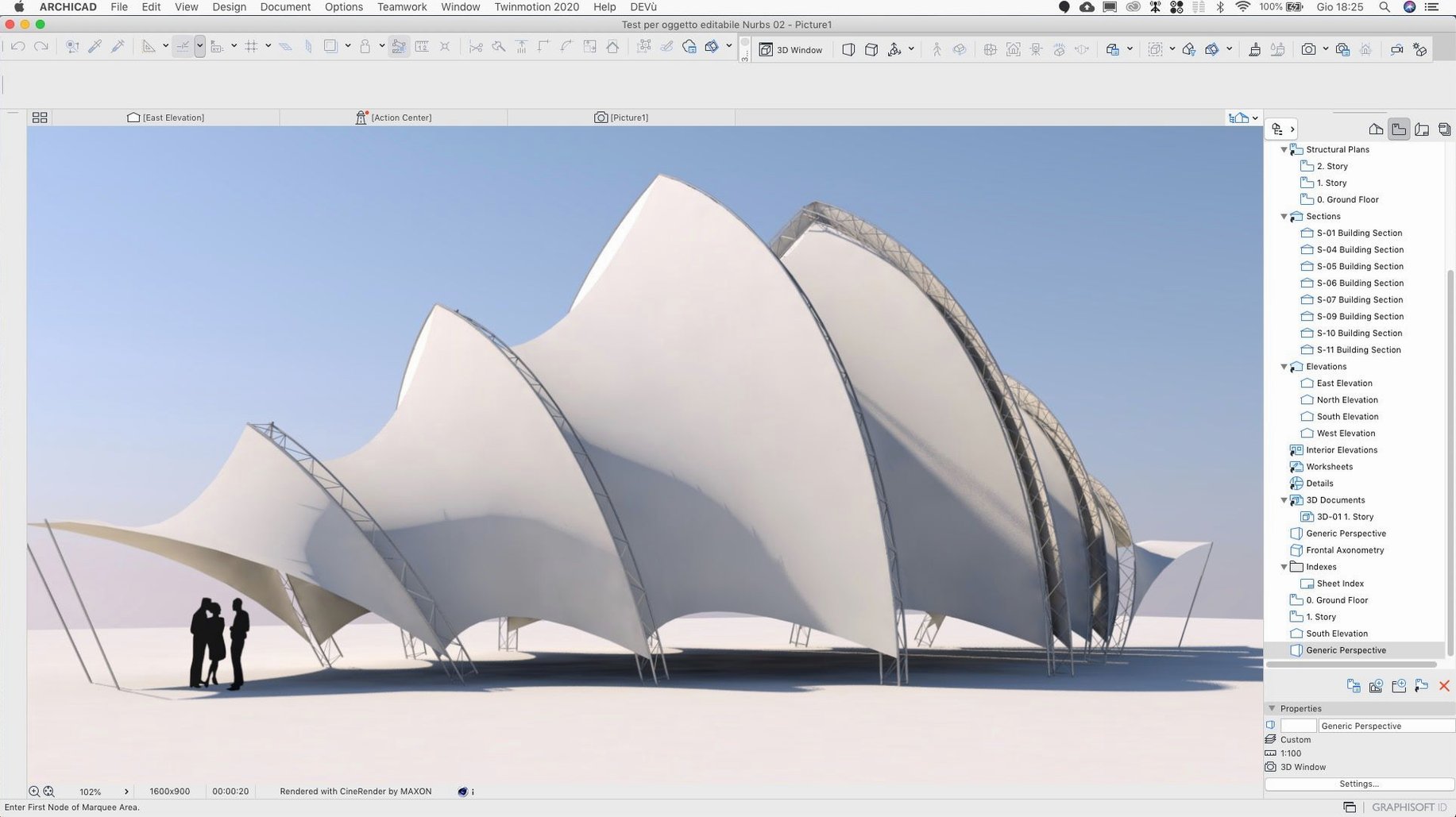
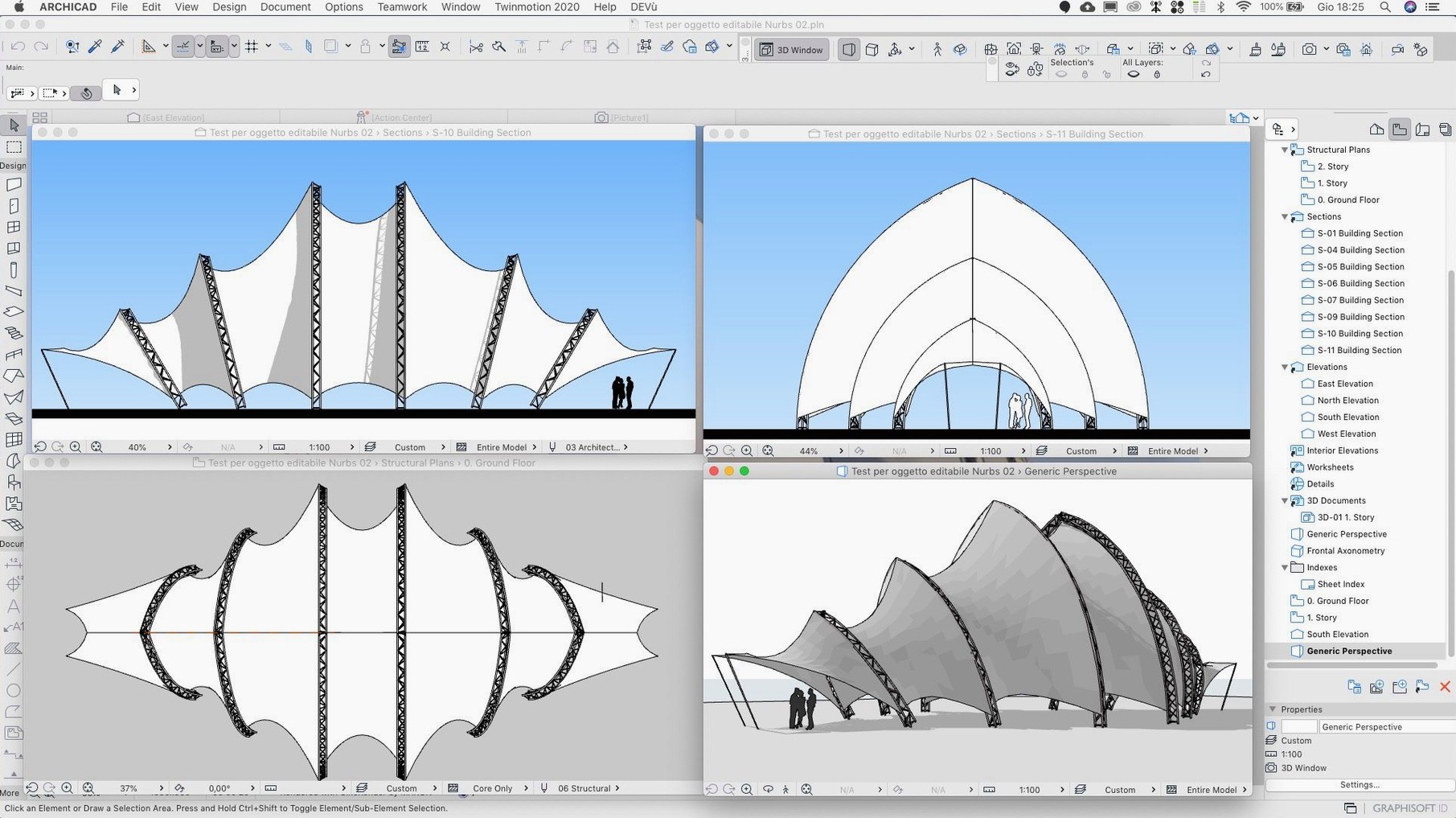
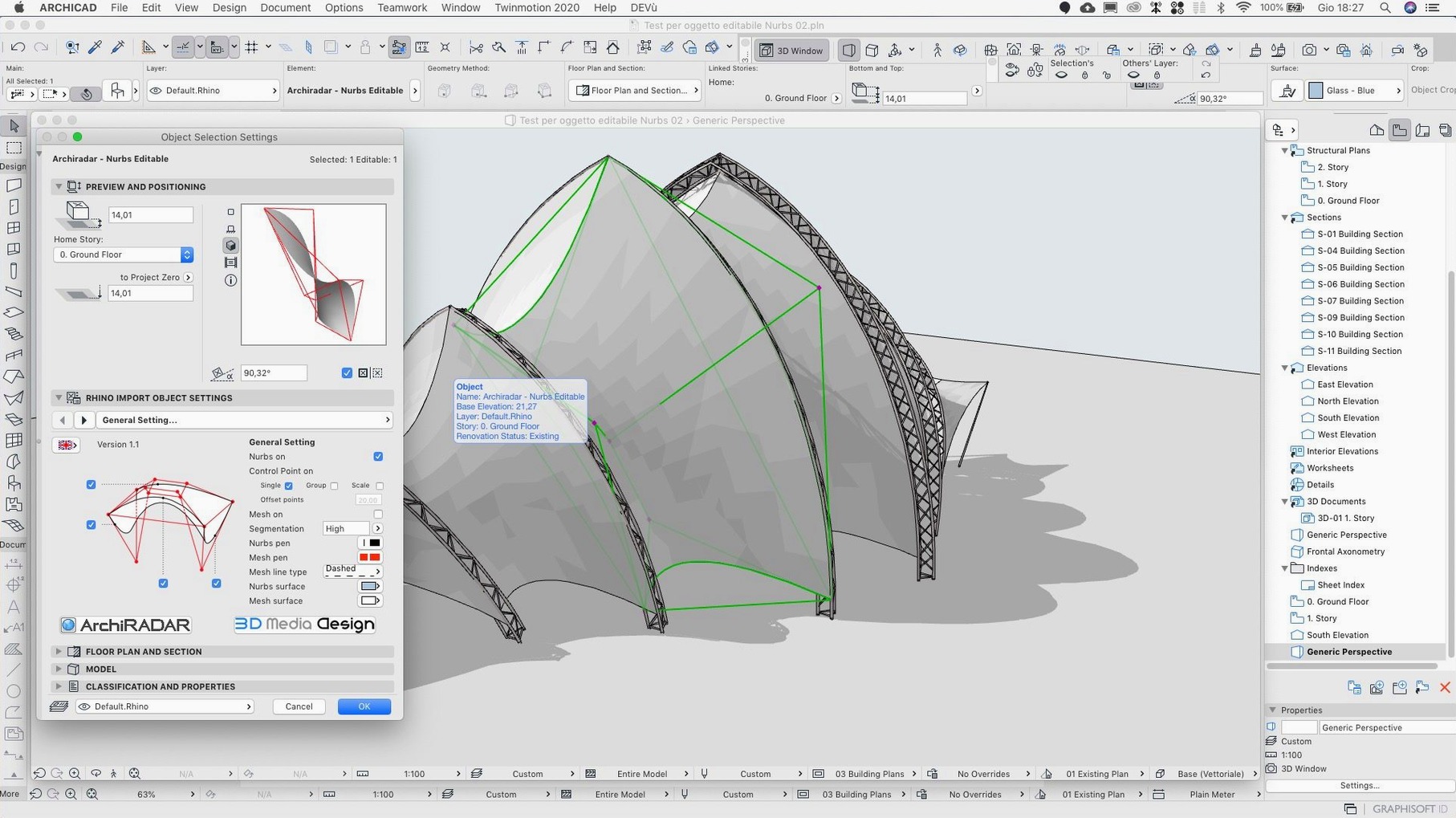
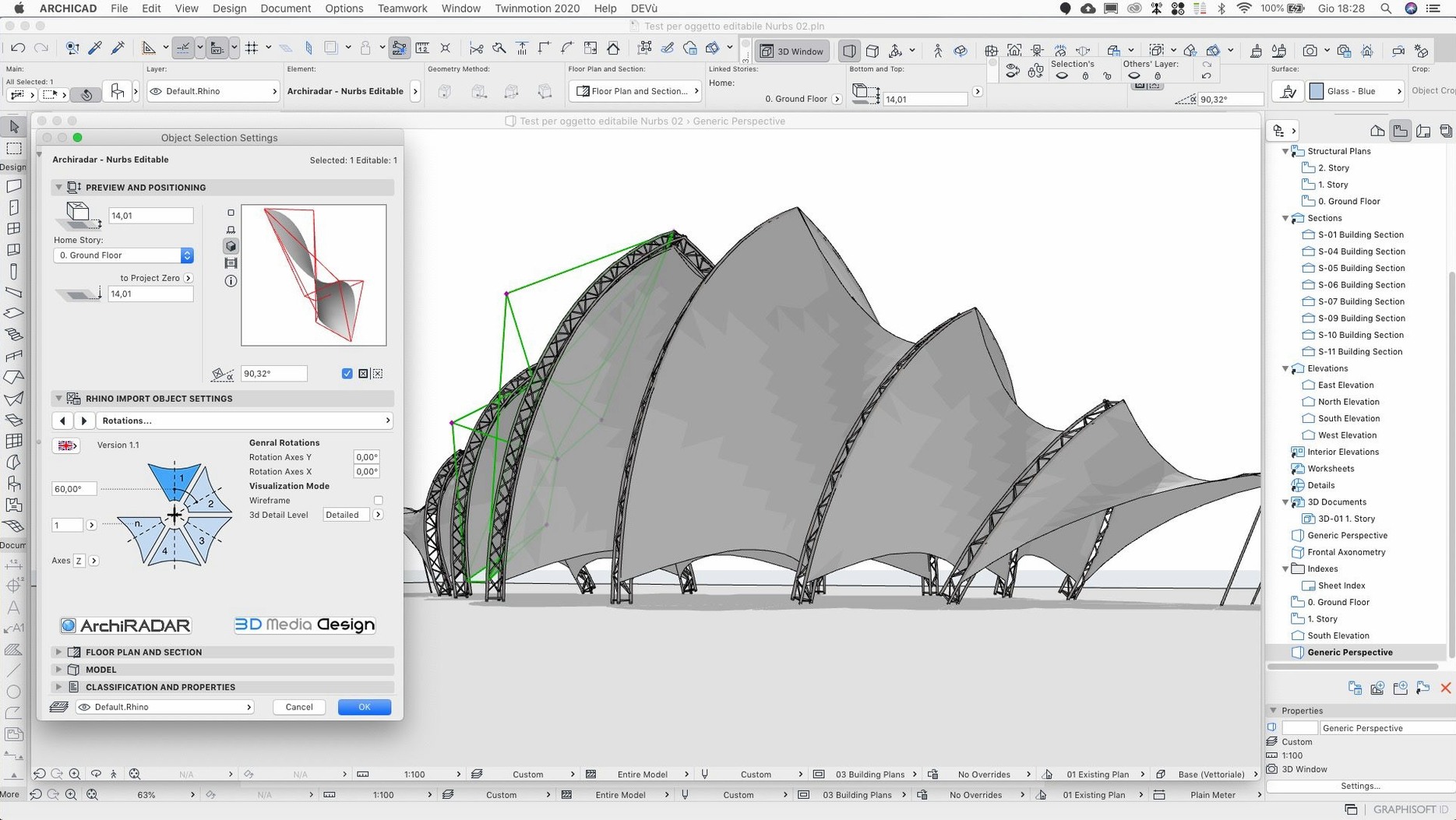
Description
A structural engineer sends over an updated IFC file late on a Friday. You pull it into your model, check the clash detection against the MEP consultant's last export, and send a marked-up screenshot back to the team before you close the MacBook. ArchiCAD handles that loop without leaving the project file.
- Virtual Building keeps the whole model live — plans, sections and schedules update from one central dataset.
- GDL parametric elements let you script custom objects that snap to real-world rules, not just a fixed library.
- Teamwork shares the model across a studio so several people can work on the same file without stepping on each other's toes.
- Data exchange with consultants works through IFC, DWG and other formats that structural and services engineers actually use.
- API access means in-house tools and add-ons can talk directly to the model geometry and data.
Version 29.2.1 is a hotfix that sorts out a crash in the Attributes palette and a rotated-input bug. It sits alongside the usual CAD viewers and renderers on a Mac, trading files with them when you need to send a concept out or bring survey data in. Worth it if your day pivots on one live building model rather than a stack of disconnected drawings.
Tender packages from a single model
ArchiCAD isn't the tool you reach for when you need a single planning sketch. It earns its keep on projects where one model feeds multiple outputs. If you're producing a full tender package — plans, sections, elevations, door schedules, zone reports — and those documents need to stay consistent through six rounds of client changes, the BIM approach saves real time.
Small to mid-size practices tend to pick it up fastest. A team of three to ten architects can share a model over BIMcloud, each taking a wing or a floor, without the heavyweight server setup some rivals demand. Sole practitioners working on house extensions or small apartment blocks get the benefit of coordinated drawings from a single file, even if they never touch the Teamwork features.
BIM coordinators lean on the IFC round-tripping. When the structural engineer and the MEP consultant both work in different software, the model acts as a common reference. Clash detection between disciplines catches ductwork running through a beam before it becomes a site problem. That's not glamorous, but it keeps the phone quiet during construction.
Parametric component builders who know some GDL can push the library well beyond what ships in the box. A custom window object that calculates U-values from frame materials, or a stair that auto-adjusts riser counts when floor-to-floor height changes — those pay off across multiple projects.
A real workflow: modelling a small extension
Start with the survey data. Drop a DWG site plan into the worksheet tool as a trace reference. Scale it, rotate it, lock the layer. Now trace the existing building footprint with the Wall tool — set the construction type to match what's on site: cavity wall, brick outer leaf, block inner leaf, insulation.
- Sketch the new extension walls on a dedicated storey. Use the pet palette to offset from the existing wall by the correct gap.
- Set the floor slab with the Slab tool, picking up the wall boundaries automatically. Check the edge condition in 3D — make sure the insulation wraps the perimeter.
- Drop in the roof. A single-plane roof pitched away from the existing structure, with the fascia height matching the eaves of the original house. Use the Trim to Roof command to cut the new walls to the underside.
- Place windows and a set of bi-fold doors from the standard library. Adjust sill heights in the settings dialogue so they match the internal floor finish level.
- Switch to the section tool and draw a cut line through the new opening. Open the section viewport. Check the structural opening, lintel, and cavity closer — add a custom GDL lintel if the library one doesn't span the required width.
- Tag the new windows and doors with automatic numbering. Generate a schedule from the View Map. Drop it onto a layout sheet alongside the plan and section.
The whole thing updates if the client decides the bi-fold should be 300mm wider. Change the door width in the settings, and the plan, section, elevation and schedule all refresh. No chasing annotations across separate DWG files.
Tab through dimensions without the mouse
Some of the best features aren't in the big tool palettes. They're the things that save four clicks fifty times a day.
- Tab through input fields in any settings dialogue to move between width, height and offset without touching the mouse. Trivial, but it adds up when you're placing twenty windows.
- The pet palette changes its options depending on what you're doing. Hover over an edge node of a slab, and it offers offset, chamfer and fillet without a separate command. Right-click an element to bring up context-sensitive editing — faster than hunting through menus.
- Favourites palette saves tool settings you use repeatedly. Set up your typical external wall type, store it, and recall it with one click instead of rebuilding the composite every time.
- Quick Layers (Option-L) lets you hide, lock or unlock layers without opening the full layer dialogue. Essential when you're working in a heavy MEP model and need to isolate the architectural shell.
- 3D cutting planes accessed from the context menu in the 3D window. Drag a plane through the model to see inside without sectioning permanently. Good for checking stair clearances in a tight riser.
- The Eyedropper and Syringe — pick up parameters from any element and inject them into another. Faster than opening settings when you need to match a wall type across the model.
Rotate command now reads angles correctly
Version 29.2.1 is a quiet release — no new features, just fixes that matter in everyday work. The Rotate command was reading input values oddly. Type 15 degrees, and occasionally it would interpret it as something else. That's corrected, so precise angular input works as expected again.
Teamwork Send and Receive on BIMcloud SaaS had been dragging. Projects that should sync in a few seconds could sit there for much longer. The hotfix brings those times back down to what you'd expect from a cloud-hosted model. If your office has been grumbling about BIMcloud lag on a torrent archicad workflow where multiple users push changes on a deadline, this is the fix that addresses it.
The crash when scrolling through the Attributes palette was a small but persistent annoyance. Scroll too quickly through a long list of composites or surfaces, and the application could vanish. Fixed. Zone wall surface area values in stamps and schedules now stay correct after you edit the zone geometry — no more reconciling numbers by hand because the schedule disagrees with the model.
One migration bug got squashed too. Projects brought forward from older versions could end up with dimensions shifted off their reference points, showing values that didn't match the actual geometry. If you've opened an older project and found random dimension strings reading wrong, the fix prevents that on new migrations.
What’s new
Fixes a remaining input issue in the Rotate command. Improves Teamwork Send and Receive on BIMcloud SaaS. Fixes a crash when scrolling through Attributes.Requirements
- macOS 14 or later
- Apple Silicon or Intel Mac
FAQ
Does ArchiCAD 29.2.1 fix the crash when scrolling Attributes?
Yes. The 29.2.1 hotfix specifically addresses a crash that could occur while scrolling through the Attributes palette.
Can I install the 29.2.1 update without the main ArchiCAD version?
No. The update is a patch. You must install the main version of ArchiCAD first, then apply the update on top.
Comments 0
Sign in or create an account to leave a comment.
No comments yet…
If you’ve installed it, say how it went. Mention your Mac and macOS version — it helps the next person more than you’d think.