
BricsCAD for macOS
Description
You've got a set of AutoCAD DWGs from a client, but your office has moved away from subscription-only software. The files need editing, not just viewing, and they need to look right with every line weight and sheet layout intact. That's the kind of job BricsCAD was built for.
From DWG import to plotted sheet
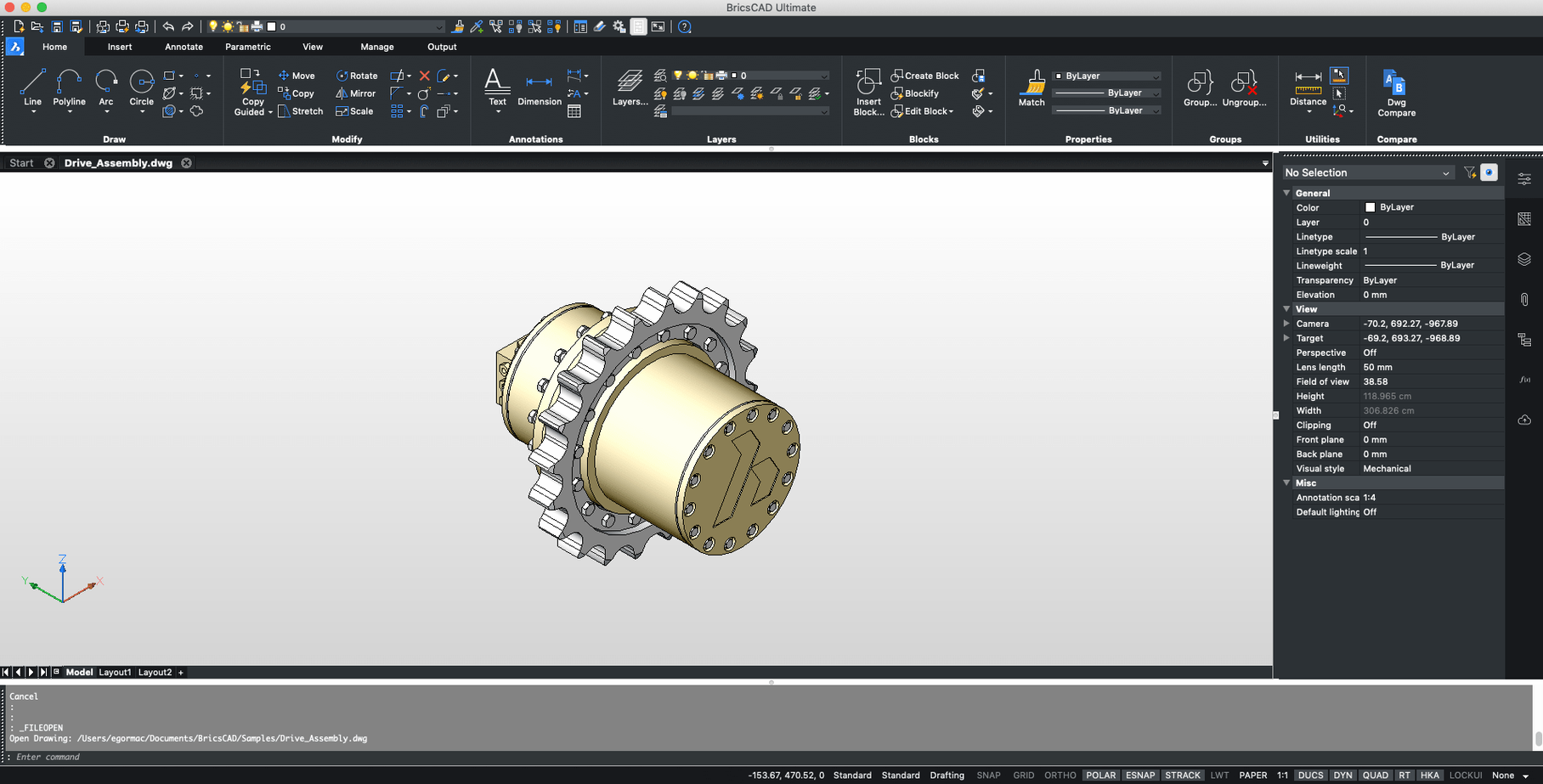
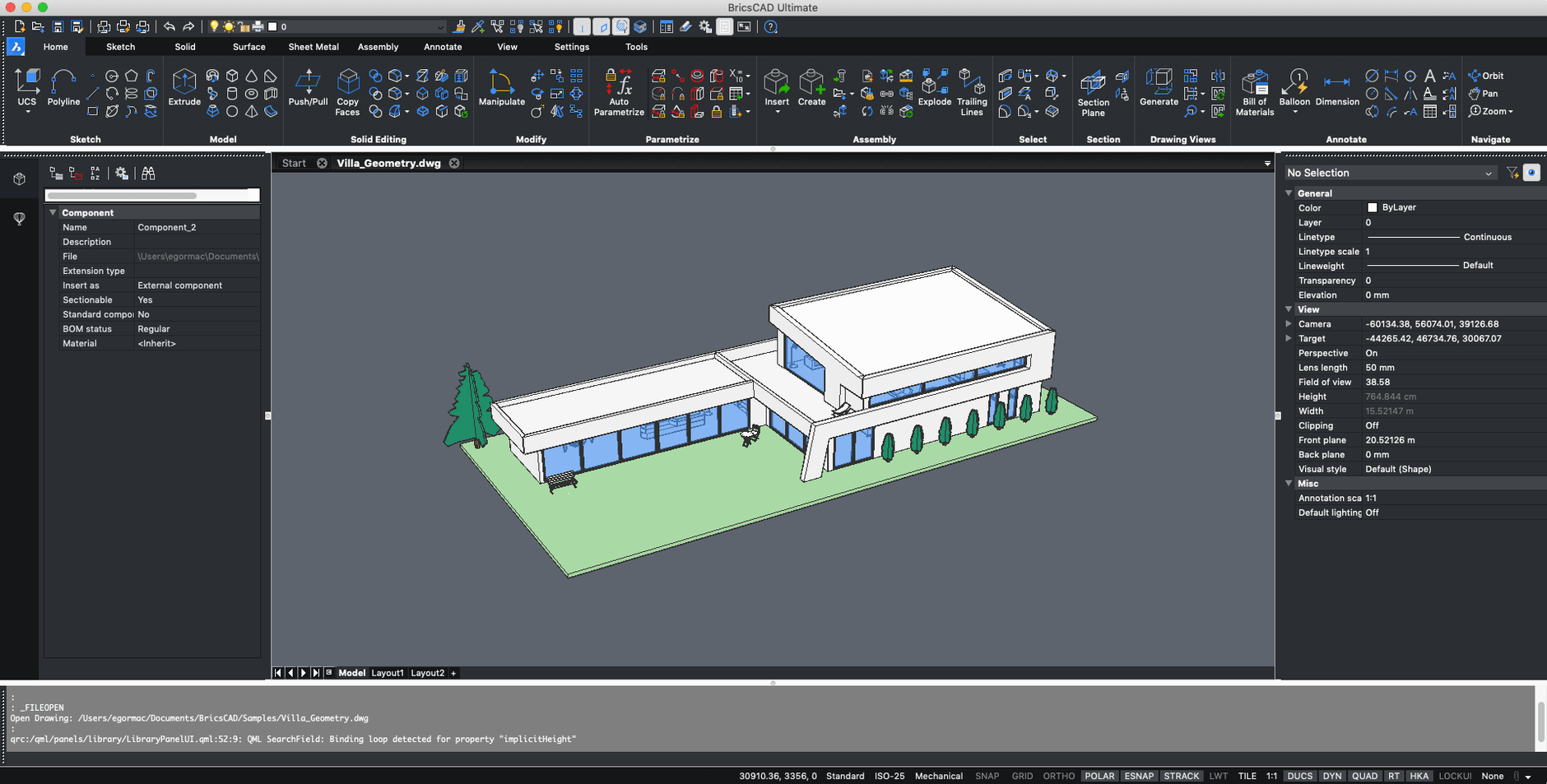
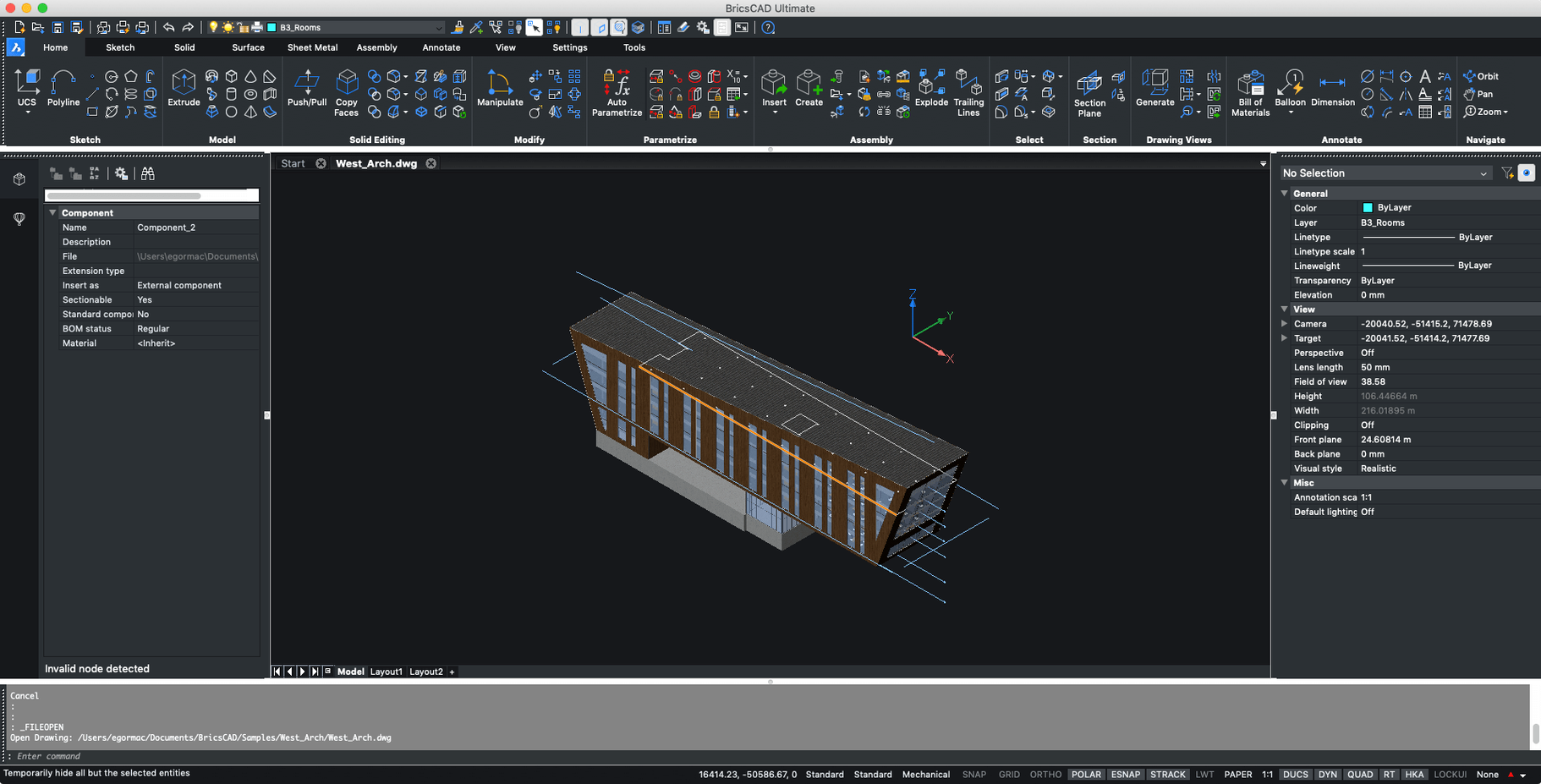
A typical task – say, amending a mechanical bracket detail – follows a clear path. BricsCAD opens the DWG without fuss. Menus and toolbars will feel familiar if you've used other CAD packages, and custom AutoCAD scripts and snaps work here too. You adjust the geometry, update a few dimensions, and switch to a paper space layout to check the title block. The plot dialogue gives you control over pen assignments and plot styles, so what comes out of the printer matches what the client expects.
A quiet workhorse for Intel Macs
V24 runs on older macOS releases back to Catalina, which is useful if you're keeping a machine in service for the workshop floor. It's not a flashy app, and the interface hasn't been reinvented for the sake of it. But for drafting work that has to be accurate and compatible, that's an asset, not a drawback.
Requirements
- macOS 10.15 (Catalina) or later
- Intel processor
- Interface: Russian, English
Comments 0
Sign in or create an account to leave a comment.
No comments yet…
If you’ve installed it, say how it went. Mention your Mac and macOS version — it helps the next person more than you’d think.