Remove-It for macOS
Description
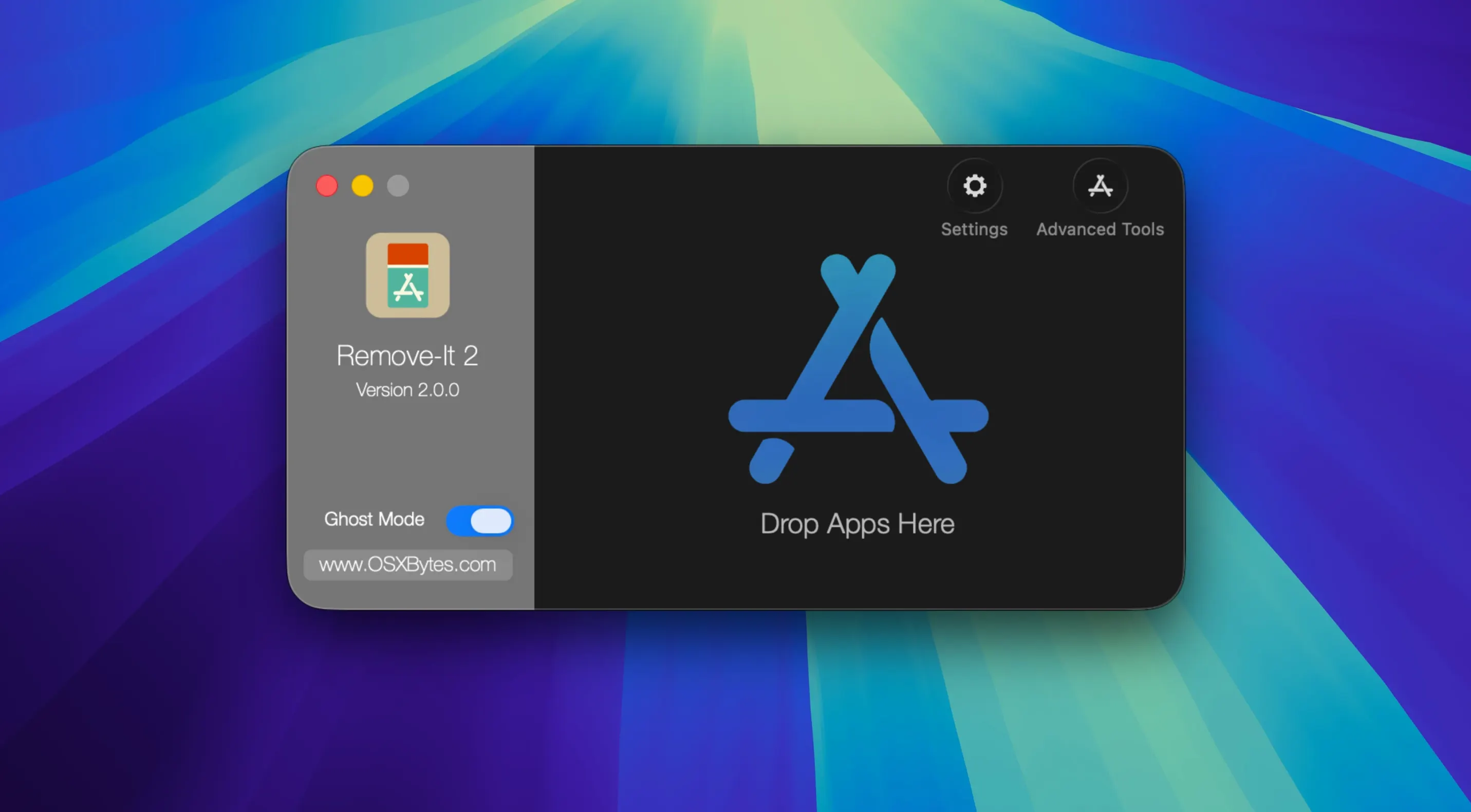
Remove-It is an uninstaller that finds the support files most applications scatter across your drive and lets you delete them together.
- Finds visible and hidden files linked to an app.
- Works without Spotlight — uses its own scan.
- Expert mode digs deeper for less obvious leftovers.
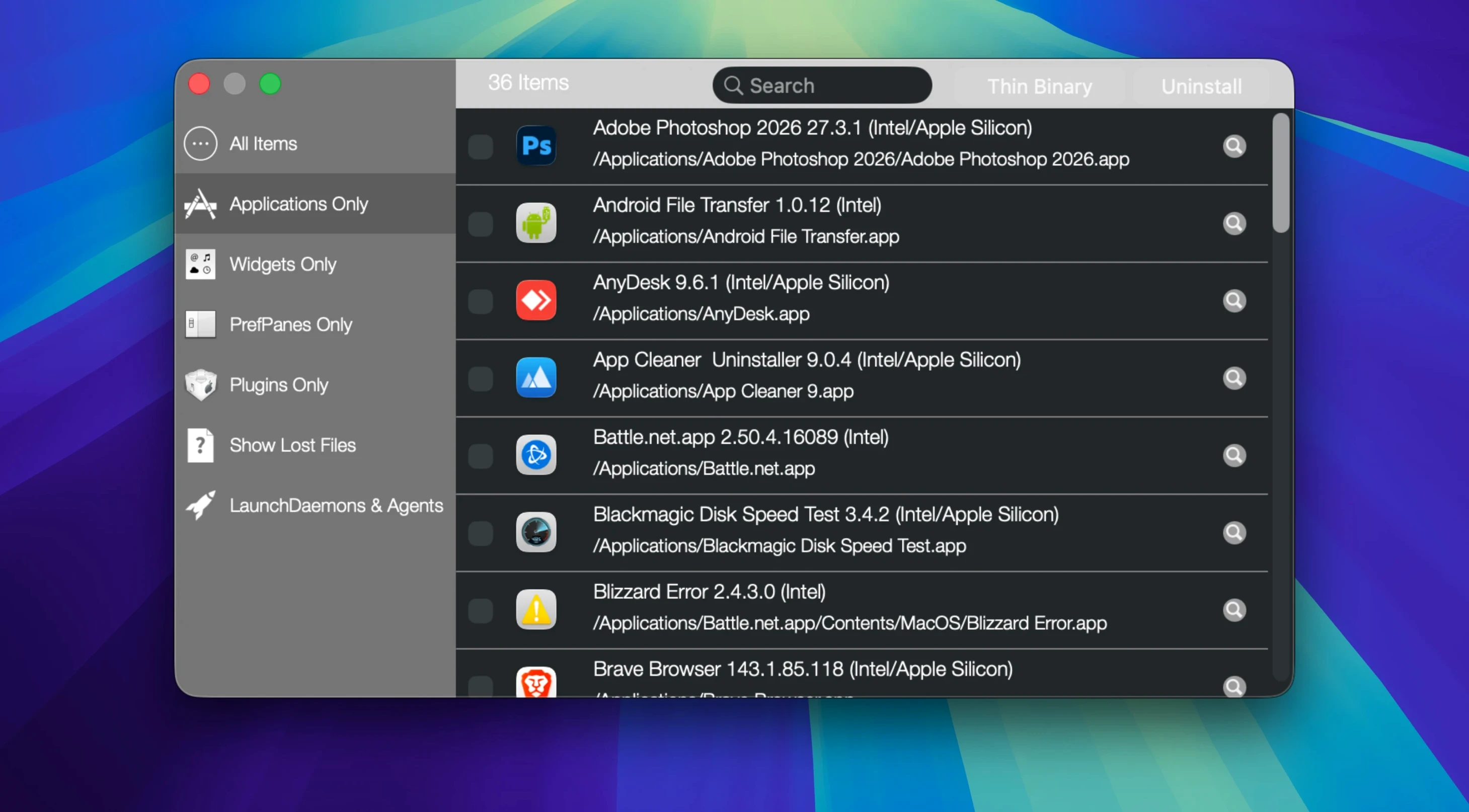
- Scans inside folders, not just the Applications directory.
- Can protect specific apps, folders and .plist files from removal.
Dropping an app into the Trash gets rid of the main bundle but ignores the preference files, caches and support folders it created. Remove-It collects those extras and shows you what it found. Nothing gets deleted without your say-so. It runs on macOS 10.15 or later and handles both Apple Silicon and Intel Macs without fuss. If you regularly install and test software, it saves you the manual hunt through Library folders.
Switch on system app protection immediately
Open Preferences and switch on Protect default applications straight away. It stops macOS system apps appearing in the list — you don't want to risk removing Safari or Mail support files by accident. While you are there, tick Protect user applications too. It flags anything in your home folder so you get an extra warning before deletion.
If you drop apps into the Trash often, enable Background mode. Remove-It then monitors what you bin and pops up offering to find the leftovers. You can ignore it when you are in a hurry, but it is a decent safety net.
Cleans up leftovers after you trash an app
Remove-It does not replace the Trash — it cleans up after it. Drag an app to the bin as normal, then let the utility sweep up the preferences and caches. If you use a maintenance tool like Onyx or CleanMyMac, this slots in as a more surgical option. Those scrub broadly. Remove-It targets one application at a time.
Because it does not need Spotlight, it works fine on machines where indexing is disabled or patchy. The Levenshtein distance algorithm catches support folders with slightly different names to the app bundle — something a manual search can miss. That matters with older software or apps that rename their directories between versions.
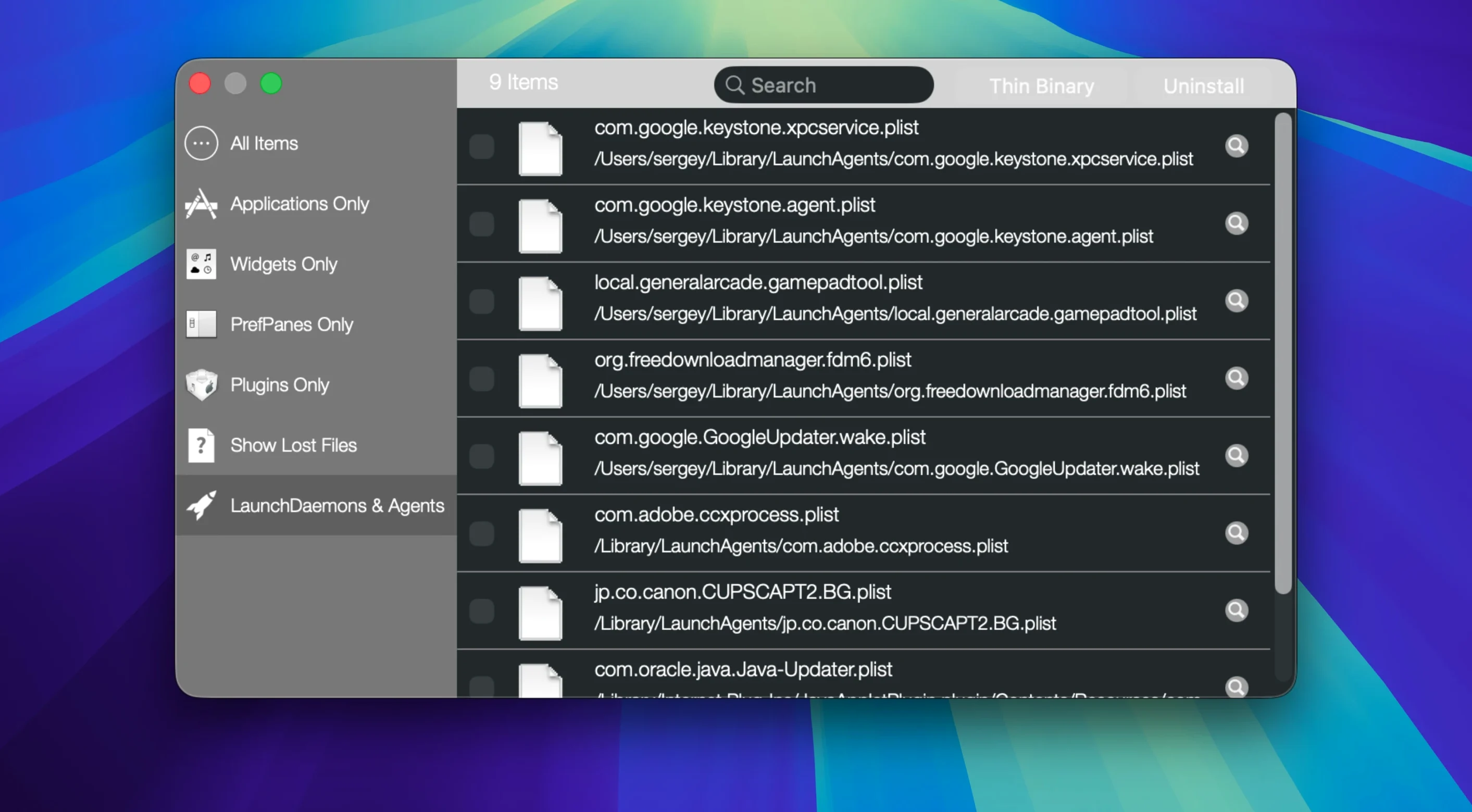
One less obvious use: running a Remove-It Mac torrent downloaded app through it before you decide whether to keep the software. If you grabbed something to try and it came bundled with odd helper processes or launch agents, Remove-It shows them before they settle in.
Use Expert mode to find months-old strays
The Expert mode button in the toolbar is easy to ignore. Click it and the scan widens — it looks for files with looser name matches, which is useful after uninstalling something months ago and hunting down strays you missed the first time.
Drag and drop works from anywhere, not just the Applications folder. Grab an app bundle from a disk image or a network share and drop it onto the Remove-It window. It scans the source location and finds related files on your boot drive. That saves dragging software to /Applications just to uninstall it.
The Universal Binary thinning feature strips Intel code from Apple Silicon apps, or vice versa. Right-click an app in the list and choose the option. It is a quick way to claw back space if you are certain you will never run the app under Rosetta.
Requirements
- macOS 10.15 or later
- Apple Silicon and Intel Macs
- Interface language: English
FAQ
Does Remove-It need Spotlight enabled to find files?
No. It scans locations itself, so you don't need Spotlight turned on for it to track down related files.
Comments 0
Sign in or create an account to leave a comment.
No comments yet…
If you’ve installed it, say how it went. Mention your Mac and macOS version — it helps the next person more than you’d think.