
QuarkXPress for macOS
Description
The Equation Editor arrived in version 22.0 and it's a proper native tool, not a bolt-on. If your layouts need displayed maths, you now set it directly inside QuarkXPress without round-tripping through another program.
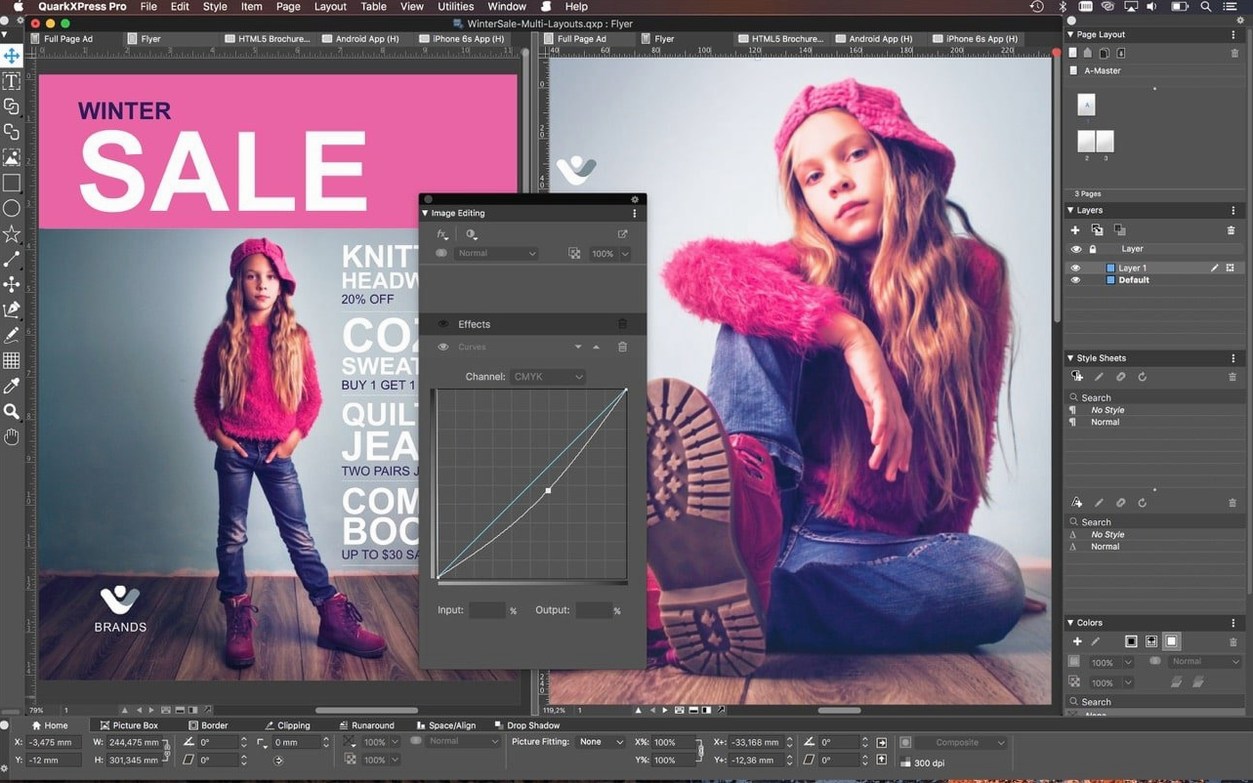
Layout tools that earn their place
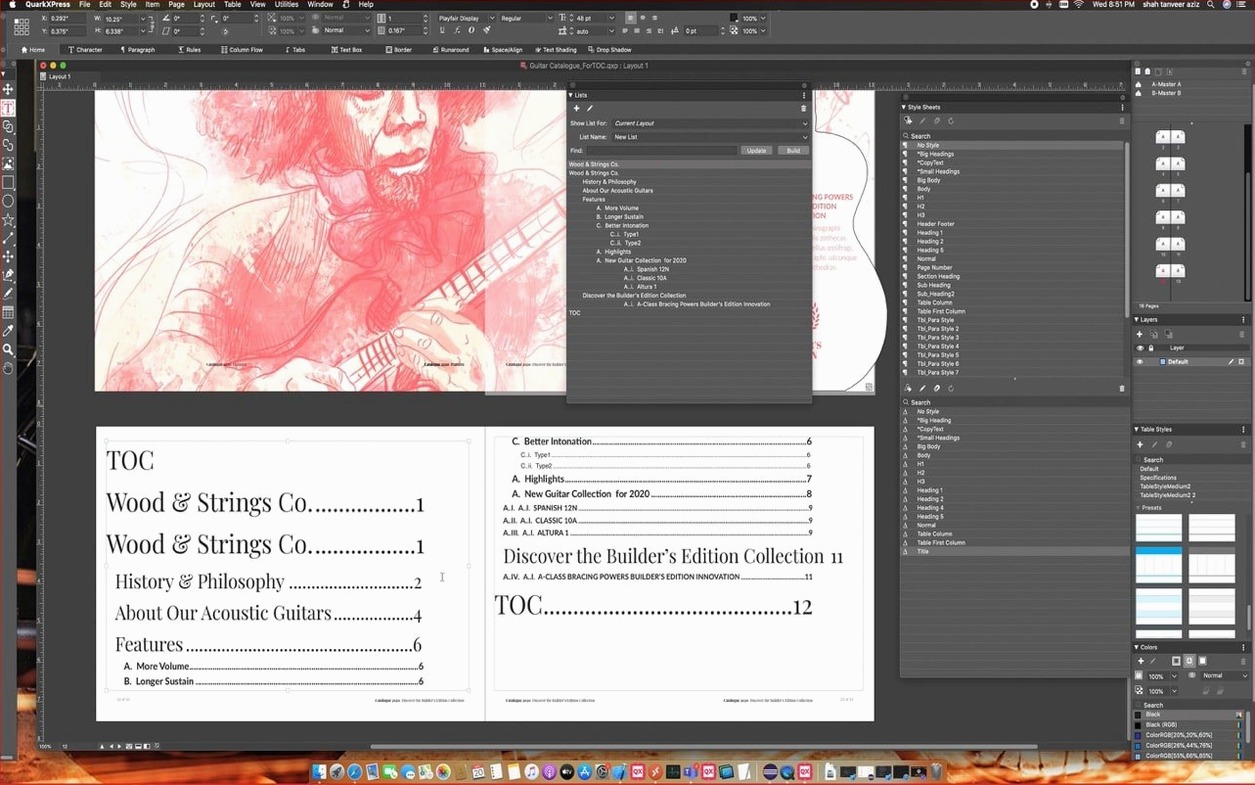
- Conditional Styles. Set rules once and let the software apply fonts, sizes and spacing automatically as text flows. Genuinely useful for long documents where manual formatting becomes a chore.
- Callouts. Anchor a frame or group to a span of text. When the text reflows, the callout moves with it. No more hunting down drifted sidebars at the eleventh hour.
- Story Editor. Opens article text in a distraction-free editor. Handy when the layout is busy and you just want to write or polish copy without zooming around the page.
- ImageGrid. The latest update fixed master page consistency across auto-generated pages, so grids behave predictably now.
Digital output, no format gymnastics
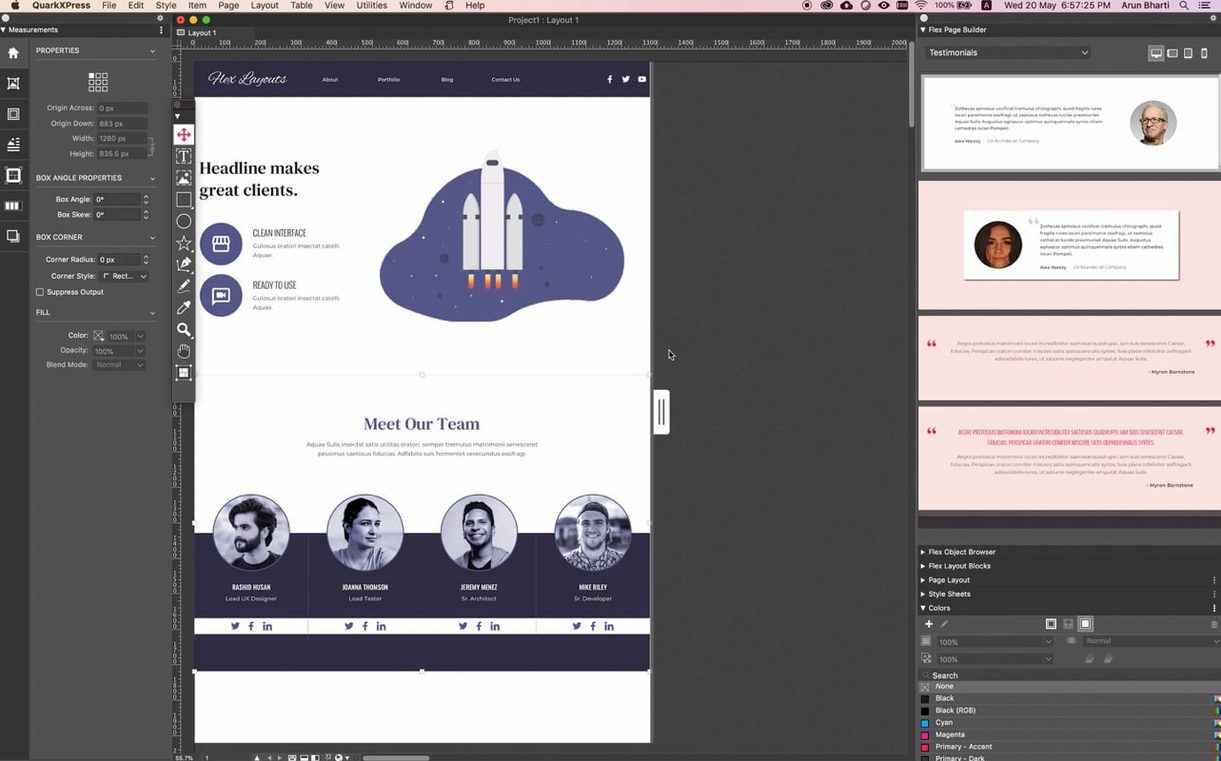
The welcome screen puts project presets, workspace choices and built-in tutorials right where you need them. The single-file format opens and prints projects created in different regions without conversion headaches. For ebooks, QuarkXPress exports to iBooks, Kindle, Nook and the Blio eReader. It runs on Apple Silicon and Intel Macs from macOS 12 up to the current Tahoe release.
Open the Preferences panel straight away, even before your first real project. It saves you from fighting defaults that don't match how you work. Three things to check immediately:
- Display performance. On Apple Silicon Macs the default is usually fine, but on older Intel machines you may want to set full-resolution preview to "Off" for placed images. Pages redraw faster and the CPU stays cooler. You can always switch it back for a final check.
- Auto-save interval. The factory setting is generous. Knock it down to every 5 minutes. QuarkXPress has been stable for years, but a tight auto-save means you lose at most a few tweaks if something goes sideways.
- Measurement units. This is a small thing, but if you jump between print (millimetres) and web (pixels) constantly, set your default unit now. The rulers will stop surprising you.
First-day habits worth building
When you start a layout, use the project presets on the welcome screen. They are not just lazy defaults. A preset sets up bleed, slug, colour management and output intent in one go. Fixing those after you have built half the document is a recipe for a bad afternoon.
Name your layers on page one. "Layer 1" and "Layer 2" are useless when you hand the file to a colleague. Call them what they are: "Text", "Images", "Bleed marks". The person who inherits your file will not have to guess. That person might be you in six months.
For multi-page jobs, build your master pages before dropping a single frame onto the pasteboard. A master with a proper grid, running headers and automatic page numbers makes the next hundred pages fill themselves. The updated ImageGrid respects master page elements now, so auto-generated pages stay consistent without you policing them.
Shortcuts that hide in plain sight
A few keyboard moves that the interface never pushes in your face:
- Ctrl-click a text box and choose Story Editor. Faster than double-clicking into a cramped column. The editor strips everything but the text itself — no frames, no distractions. Press Cmd-E to toggle between story and layout view.
- Hold Option while dragging a frame. You get a clone, not a move. Pair this with Callouts and you can build repeated sidebar elements in seconds without touching the library palette.
- Cmd-Shift-L to link text boxes. Linkster gives you a visual panel for it, but the keyboard shortcut is quicker when you are just chaining three columns on a page.
If you work with equations, type your LaTeX-style input and let the native renderer do the rest. The equation sits as a live object you can resize and recolour like any other frame — no export, no separate file to keep track of.
What’s new
- Adds native support for mathematical equations, introduced in version 22.0.
- Improves the ImageGrid feature so master page elements stay consistent across auto-generated pages.
- Redesigns the welcome screen in QuarkXPress 2026 v22.0.1.
Requirements
- macOS 12 or later (including macOS 26 Tahoe)
- Apple Silicon and Intel Macs
FAQ
Can QuarkXPress handle mathematical equations?
Yes. Native equation support was added in version 22.0, so you can build and edit maths directly on the page.
What ebook formats does it export to?
It supports iBooks, Kindle, Nook and the Blio eReader for electronic publication distribution.
Comments 0
Sign in or create an account to leave a comment.
No comments yet…
If you’ve installed it, say how it went. Mention your Mac and macOS version — it helps the next person more than you’d think.