
RAR Extractor for macOS
Description
Most unarchivers throw a wall of options at you before you've even dragged a file in. RAR Extractor gets out of the way until you need the serious bits—the ones that save time when you're dealing with something more stubborn than a holiday-photo zip.
Batch-unpack multiple archives without checking on each one
Yes. Batch unpacking queues up multiple archives and gets on with it. The file list shows you what's inside each one before you commit, so there's no guessing.
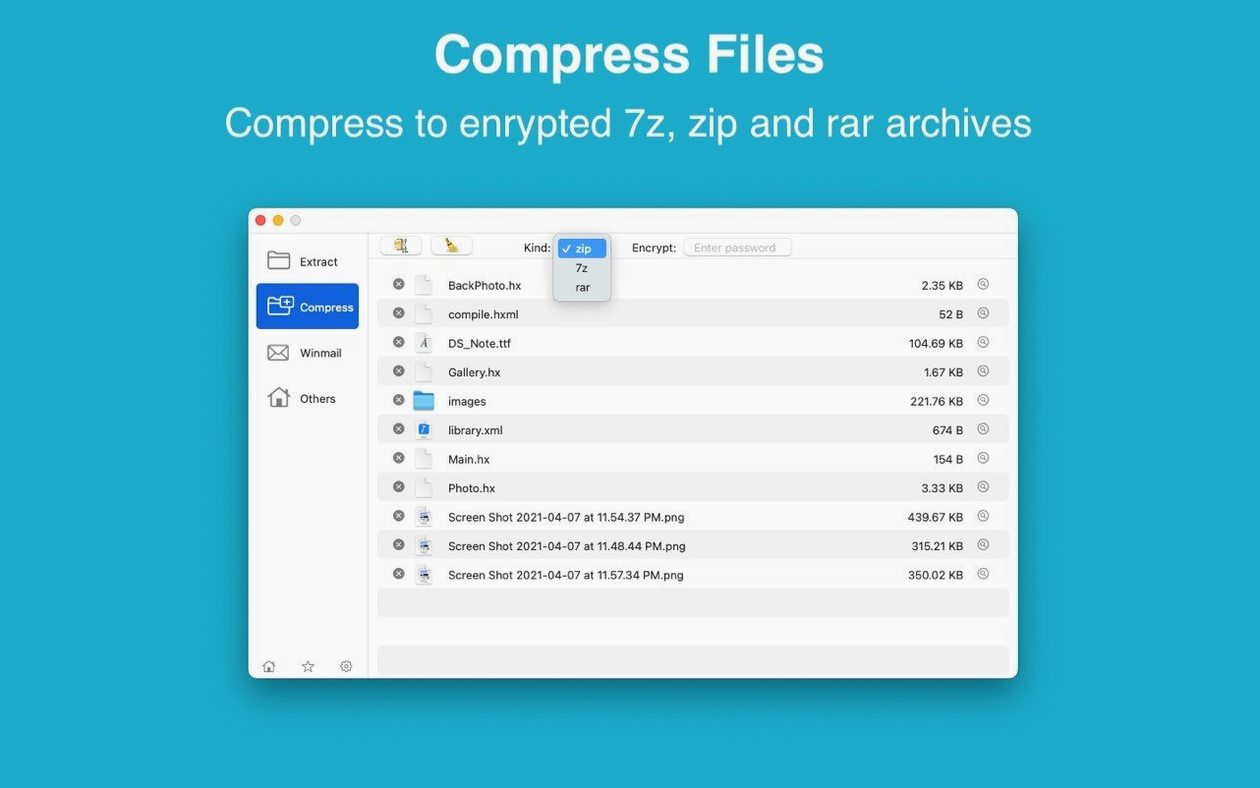
AES-256 encryption for the ZIP and 7Z files you create
It prompts you for the password and gets on with the job. For ZIP and 7Z archives you create yourself, you get proper AES-256 encryption—not the weak ZipCrypto that some tools still default to.
Does it solve the winmail.dat headache?
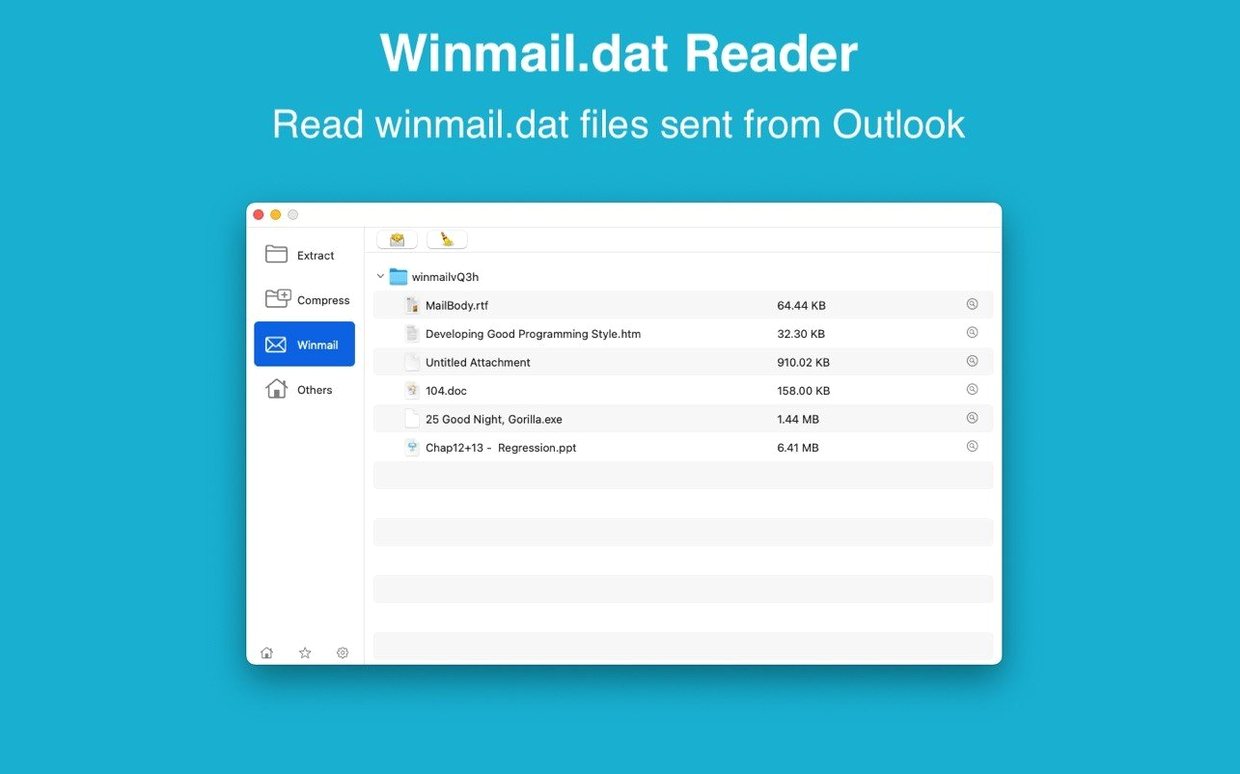
It does. Outlook users love sending winmail.dat attachments, and RAR Extractor includes a specific preview for them. You can see what's trapped inside without forwarding the message to yourself.
Can I pull out just one file from a 20 GB archive?
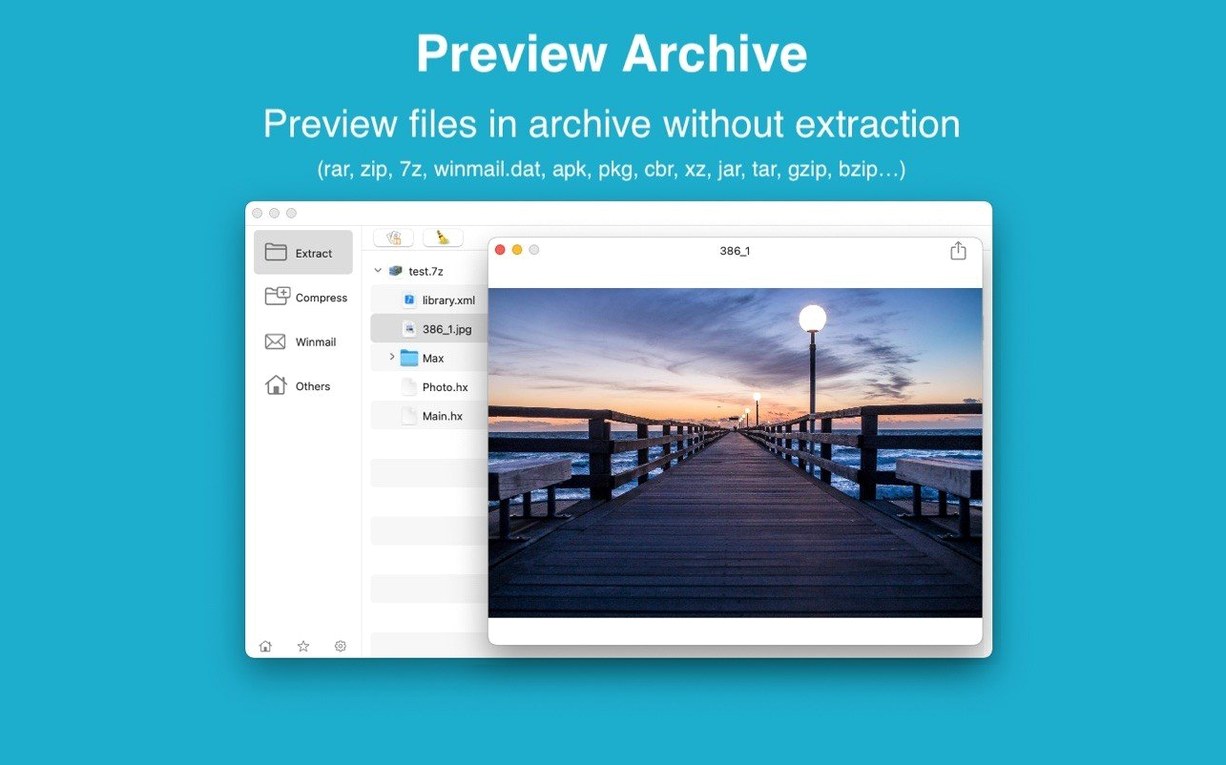
You can. Select the file or folder you need in the list, extract only that, and leave the rest untouched. It's quicker than expanding everything just to grab a single document.
Drag an archive to the desktop to extract it instantly
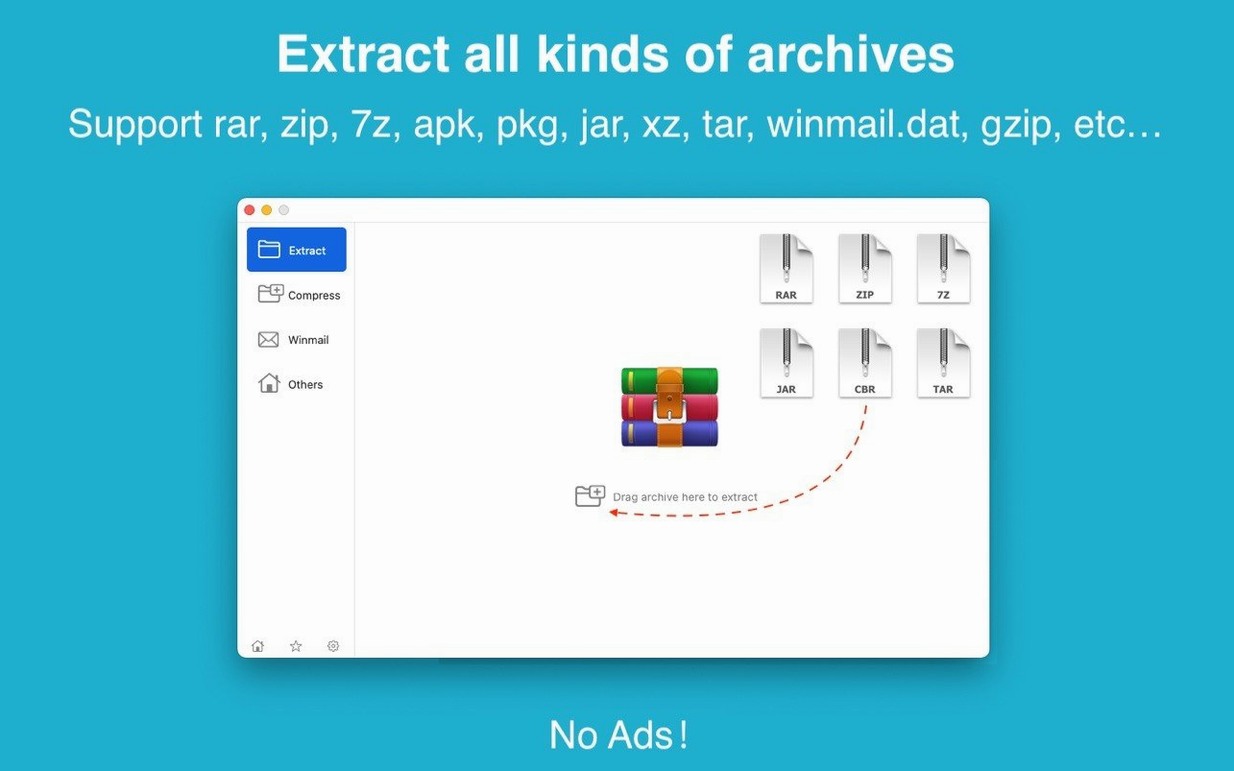
You can drag an archive straight to the desktop and it extracts there without opening the main window. It sounds trivial until you're doing it ten times a day—then it saves a surprising number of clicks.
Dragging an archive onto the Dock icon does the same thing. No right-click, no "Open With" menu. Just drop it and the app works out whether you want a peek or a full extraction.
Right-clicking any file inside the archive list gives you a direct "Extract selected" option. You don't need to highlight something, then hunt for a button in the toolbar. It's right there.
What catches beginners out
Setting it as the default archive app and forgetting. It works fine as your daily unarchiver, but macOS sometimes resets the association after an update. If your archives suddenly start opening in the stock Archive Utility again, check System Settings. It's not the app misbehaving—it's macOS being territorial.
Dragging the disk image instead of the app. The DMG mounts, you see the icon, you drag it to Applications—but you've dragged the volume, not the app inside it. The fix is simple: open the mounted image first, then drag the RAR Extractor icon. The disk image is just the delivery van, not the package.
Expecting every format to behave like ZIP. Some formats, particularly older ones like LZH or ARJ, don't support partial extraction cleanly. If you extract a single file and get odd results, try extracting the whole archive. It's a format limitation, not a bug.
Set your own default folder so files land where you work
Default extraction destination. The app picks a sensible folder, but if you always want things landing on your desktop or in a specific work drive, set it once. Dig into Preferences and point it where you actually keep things. You'll stop losing extracted folders among your Downloads.
Archive creation format. If you share files with people on Windows, 7Z is safer than ZIP for filenames with accents or non-English characters. Switch the default under Preferences so you're not thinking about it every time. The password protection defaults to AES-256 for both formats, which is already the right call.
Show archive contents on open. The file list appears when you open an archive, but you can set it to always display rather than relying on a double-click. It costs you nothing in performance and saves the extra step every time you want to check what's inside before extracting. Turn it on once and forget it.
Requirements
- macOS 11.5 or later
- Apple Silicon and Intel 64-bit
FAQ
Does it run on Apple Silicon Macs?
Yes. RAR Extractor runs natively on both Intel and Apple Silicon Macs, provided you're on macOS 11.5 or later.
What interface languages are available?
The app speaks English and Simplified Chinese. You can switch between them in the settings.
Is this the same as RAR Extractor Max?
RAR Extractor Max is a separate app from the same developer, built on this one but with a redesigned interface and extra features. This is the original, leaner tool.
Comments 0
Sign in or create an account to leave a comment.
No comments yet…
If you’ve installed it, say how it went. Mention your Mac and macOS version — it helps the next person more than you’d think.