ProPresenter for macOS
Description
Version 7.16.3 still supports 8 layers of content inside a single slide.
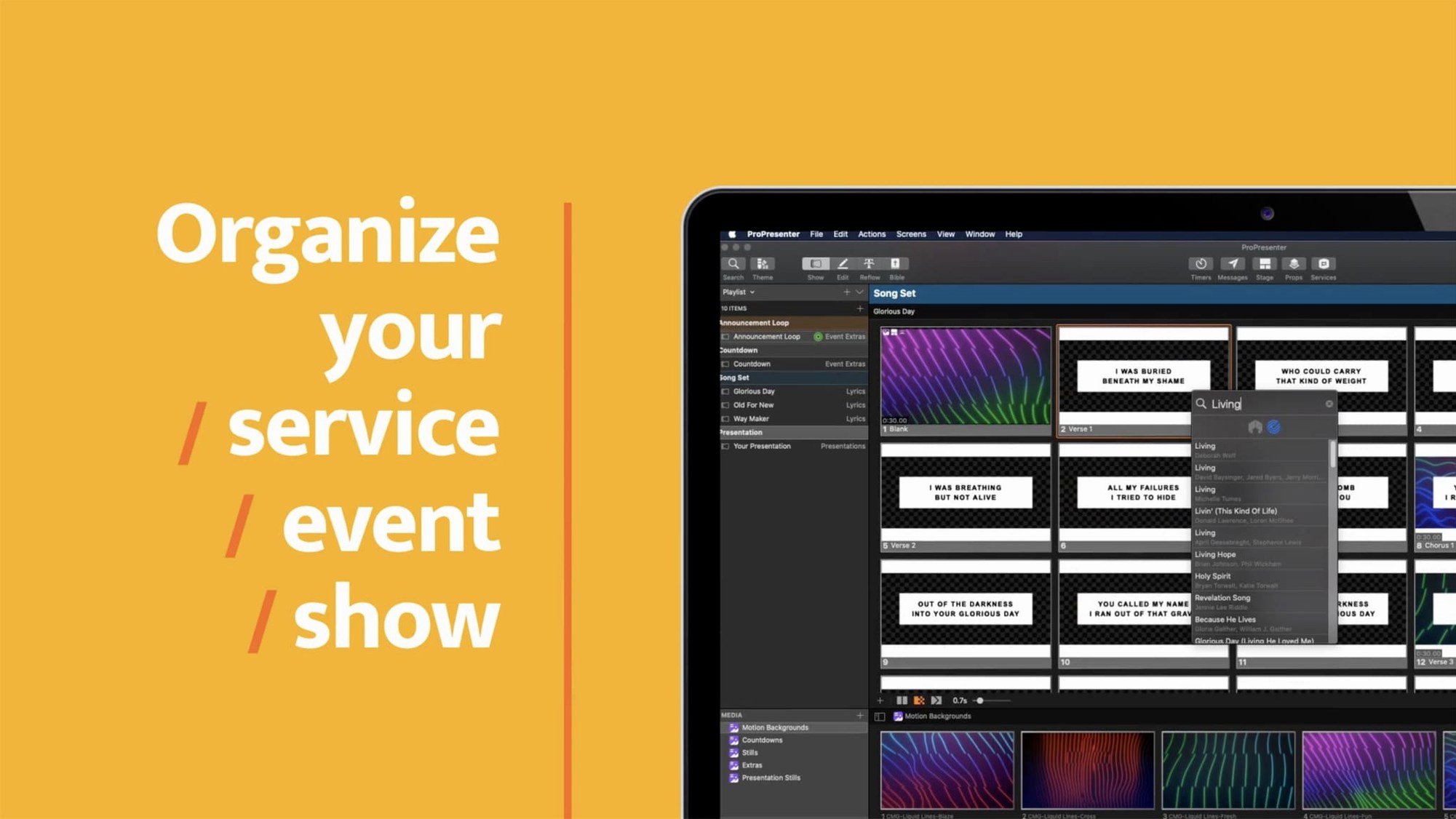
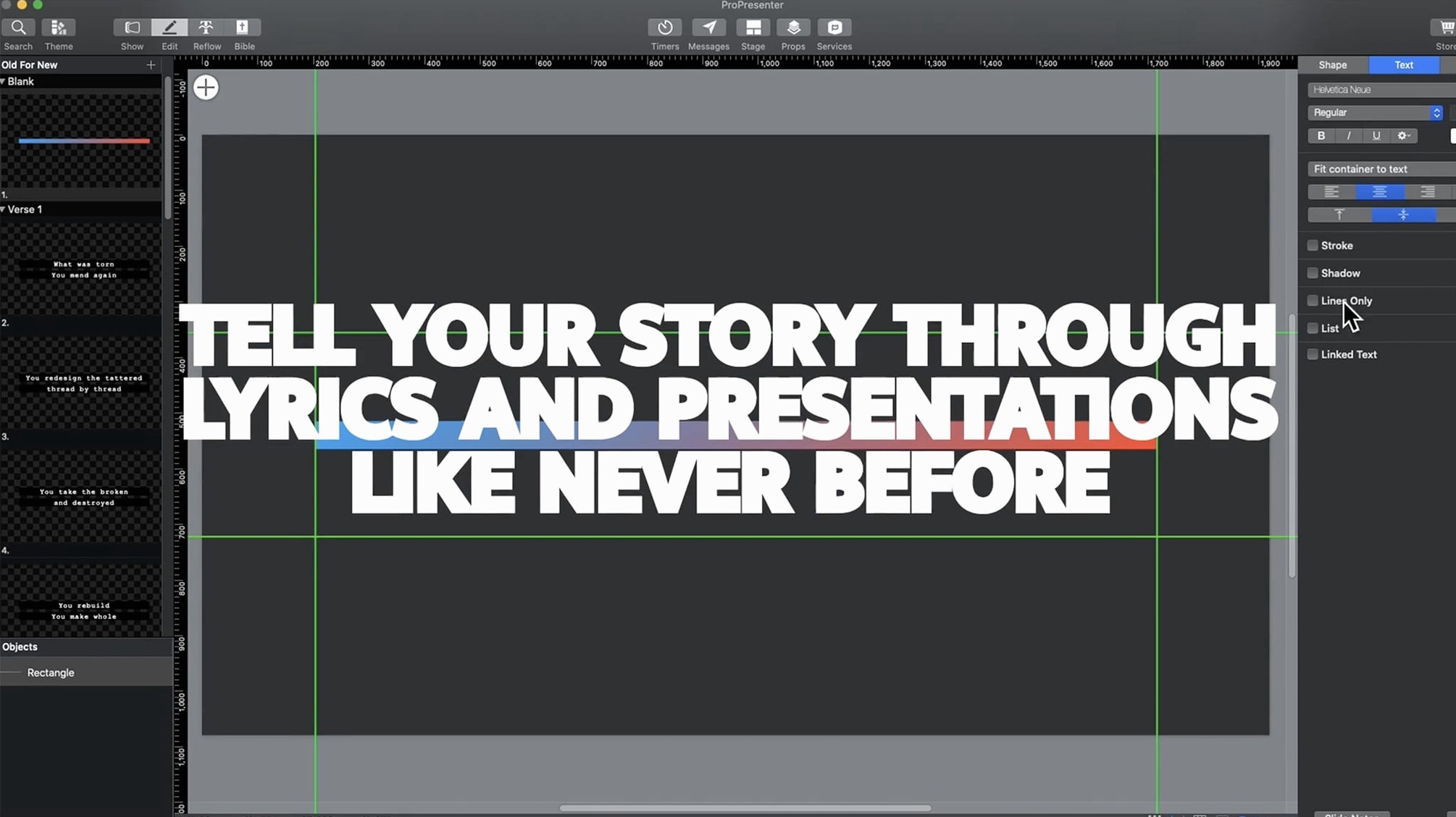
8 content layers — independent objects (video, text, images, web views) stacked inside one slide, each with its own opacity, blend mode and timing.
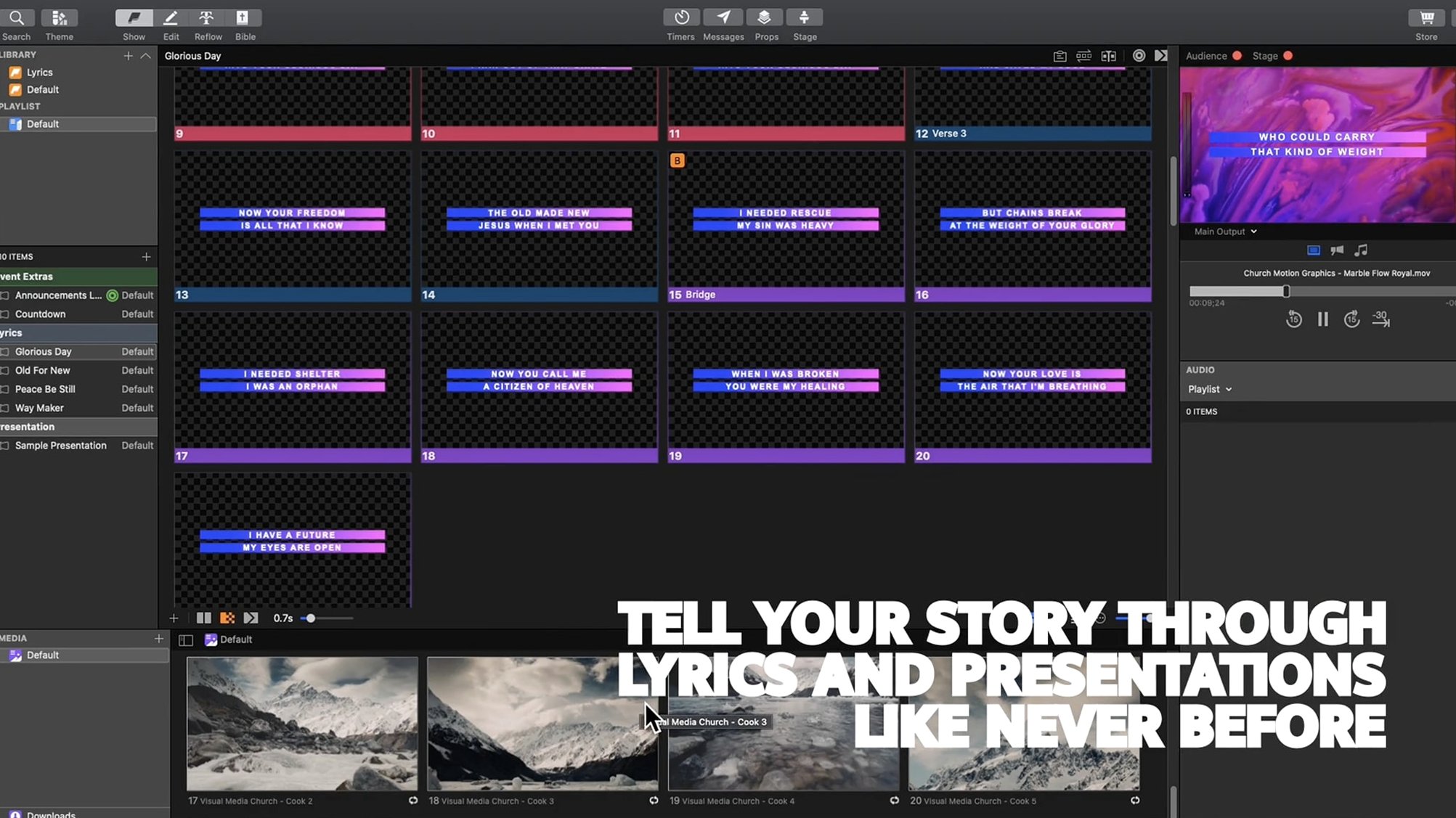
Multi-screen output — send different feeds to stage displays, confidence monitors and projector screens simultaneously. Confidence monitors include built-in timers.
Multi-camera recording — record and stream from several camera inputs at once. Audio playback tools are baked in, not bolted on.
Broadcast tie-in — direct support for additional SDI and NDI broadcast hardware alongside HD video playback.
Remote control — the ProPresenter Remote app lets someone run slides from an iPad while the operator handles production elsewhere.
Moderated Twitter feeds — pull tweets onto a lower third or full-screen graphic, with a moderation queue so nothing unvetted reaches the screen.
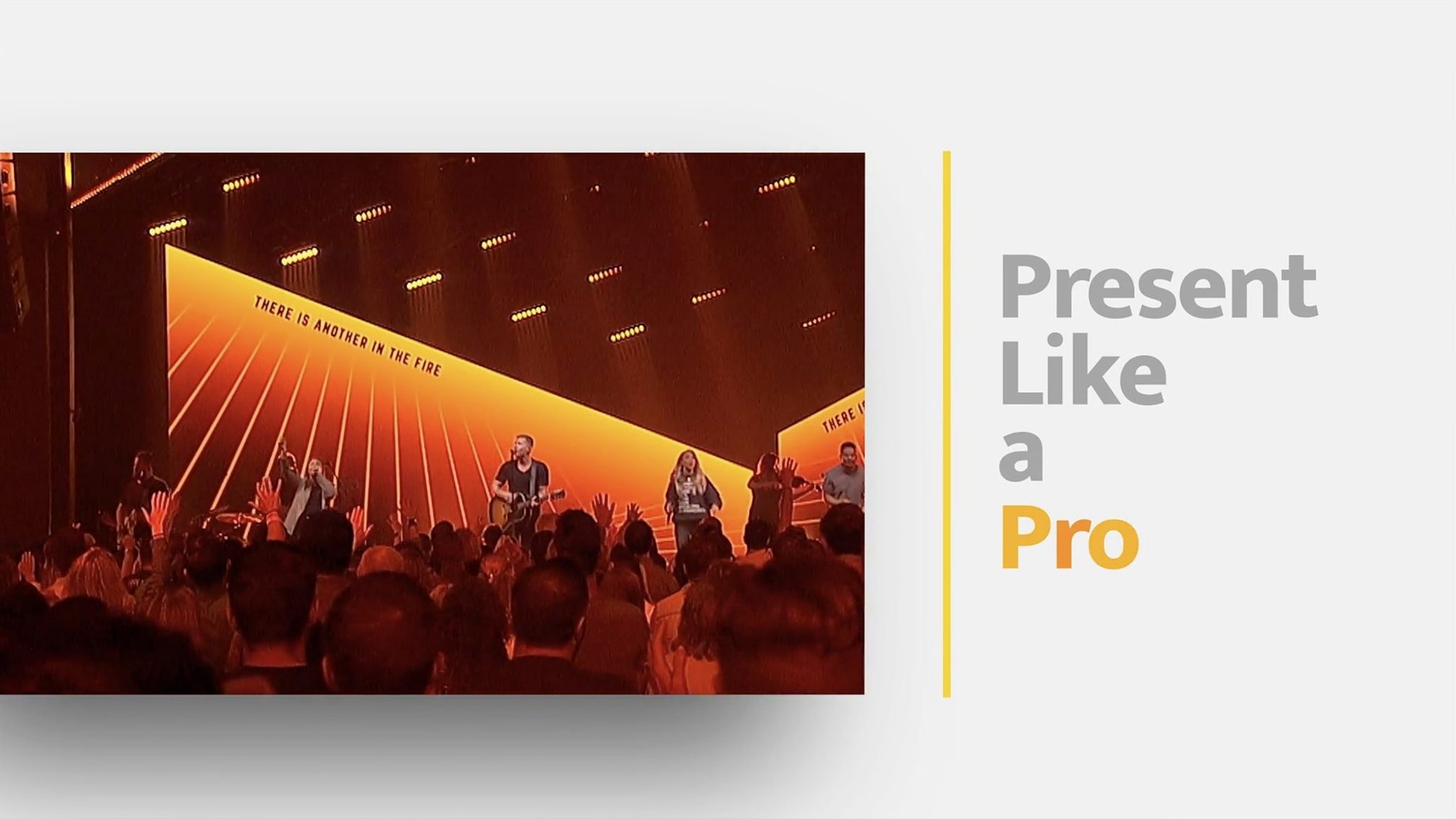
The interface still loads in Russian, English, German, Spanish, Korean, Norwegian, Portuguese and French. Religious organizations use it heavily, but corporate events and broadcast companies do too. Underneath, it remains a general-purpose live presentation engine — not a church-only tool, though that is where it made its name.
Too many video layers stall older Macs
New users tend to throw too many elements onto a single slide. Eight layers are available, yes, but four videos with alpha channels plus three text boxes and a web view will stutter on older Macs. Start with two or three layers and add more once you understand how your machine handles the load.
Another common slip: ignoring the confidence monitor setup. You spend an hour building slides that look perfect on your main display, then the speaker sees nothing but a black rectangle on stage. Set up the stage display before you build, not after. The confidence monitor timer is also easy to miss — turn it on in the screen configuration panel or your presenter will have no idea how long they have been talking.
Beginners also forget that ProPresenter treats audio as a separate, timeline-aware layer. Dragging an MP3 into a slide and expecting it to play across multiple slides without linking it to a playlist is a reliable way to get silence. Build audio playlists in the audio bin and tie them to slide triggers instead.
Lastly, the moderated Twitter feed catches people out. They connect an account, flip to the social layer and wonder why nothing appears. You need to approve tweets in the moderation queue first — that is the whole point of the feature. If you want unfiltered tweets, the setting lives under the social integration preferences, but for live events, moderation has saved more than a few productions.
QLab wins on scripted cues, ProPresenter on multi-screen lyrics
ProPresenter vs. QLab — QLab excels at tightly cued audio and video sequences for theatre and dance. Its timeline-based triggering logic is more precise for scripted shows. ProPresenter pulls ahead when you need multi-screen output, lyrics, confidence monitors and live social media integration in the same session. QLab does not do moderated Twitter feeds or stage displays with timers; ProPresenter does not do OSC-triggered lighting cues with the same depth. Different tools for different pits.
ProPresenter vs. PowerPoint or Keynote — PowerPoint and Keynote are slide designers first. They handle text and static graphics well, wobble on video, and have no concept of multi-screen routing or broadcast tie-in. ProPresenter is a live production engine that happens to build slides. If your event involves camera feeds, NDI outputs or overflow rooms, PowerPoint will not help you. If all you need is a deck of bullet points for a boardroom, ProPresenter is overkill.
ProPresenter vs. Resolume Arena — Resolume is a VJ and mapping tool, built for real-time visual performance and projection mapping. It can handle multi-screen output but its text and slide management tools are basic. ProPresenter cannot map video onto irregular surfaces the way Resolume can, but Resolume cannot manage a multi-slide sermon with scripture references and a confidence monitor feed. They overlap only at the edges.
A 2017 Intel Mac can run it with realistic limits
Will it run on an Intel Mac from 2017? Yes, as long as the machine runs macOS 10.15 or later. Older Intel hardware with limited graphics memory will struggle with multiple 4K video layers, so keep your expectations realistic. Apple Silicon Macs handle the same workload with noticeably less fan noise.
Does the Remote app need a separate licence or connection setup? The Remote app connects over the local network — same Wi-Fi or wired subnet. No separate download on the Mac side for 7.16.3; the built-in network listener handles it. Most connection problems come from firewalls blocking the port, not the software itself.
Can I use this for a live stream without extra hardware? ProPresenter handles the presentation output and multi-camera recording. Getting that feed into OBS or a streaming encoder requires NDI or Syphon output, both of which are built into 7.16.3. You may still want a capture card for external cameras, but the software side is ready.
What if I have a presentation built in an older ProPresenter version? Version 7 reads files from ProPresenter 6, though some complex layer effects may need re-tweaking. If you are coming from version 5 or earlier, rebuild the slides — the engine changed too much for a clean migration.
Requirements
- macOS 10.15 or later
- Intel and Apple Silicon Macs supported
FAQ
Can I control ProPresenter from an iPad?
Yes. The ProPresenter Remote app lets you advance slides, trigger cues and manage a presentation from a separate device.
How many camera feeds can it record at once?
ProPresenter supports multi-camera streaming and recording, though the exact number depends on your hardware and available inputs.
Comments 0
Sign in or create an account to leave a comment.
No comments yet…
If you’ve installed it, say how it went. Mention your Mac and macOS version — it helps the next person more than you’d think.