
PullTube for macOS
Description
You have a link to a talk on Vimeo and you want the audio for a long train journey. Paste it into PullTube and the app lists what it can fetch. Pick MP3, choose a bitrate, and let it run. That is the whole job in about a minute.
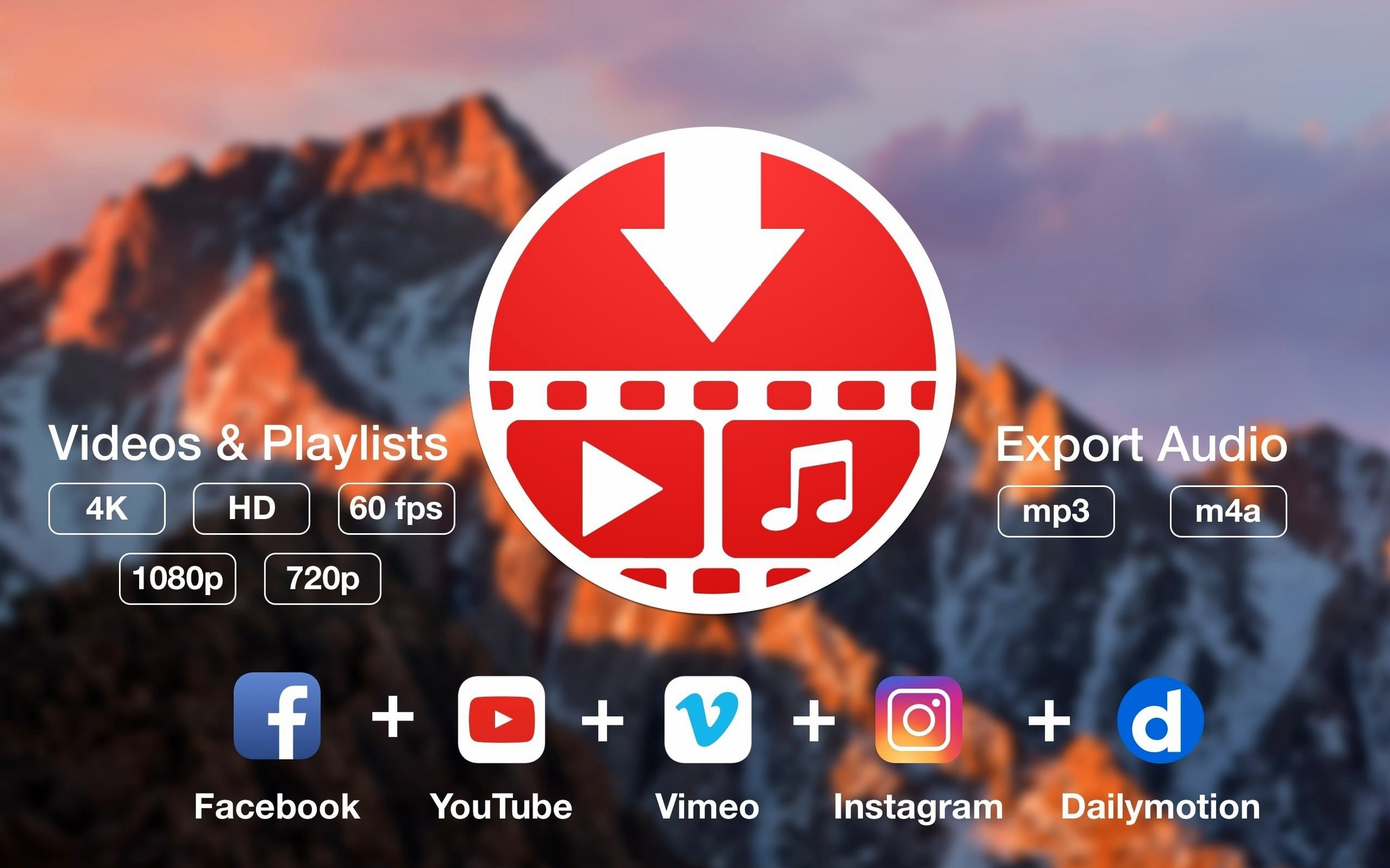
The app handles more than a thousand sites, with YouTube, TikTok, Twitch, and SoundCloud among the ones the developer names. Drag a link in, or paste several. Playlists work too, which saves time when a channel uploads a whole series.
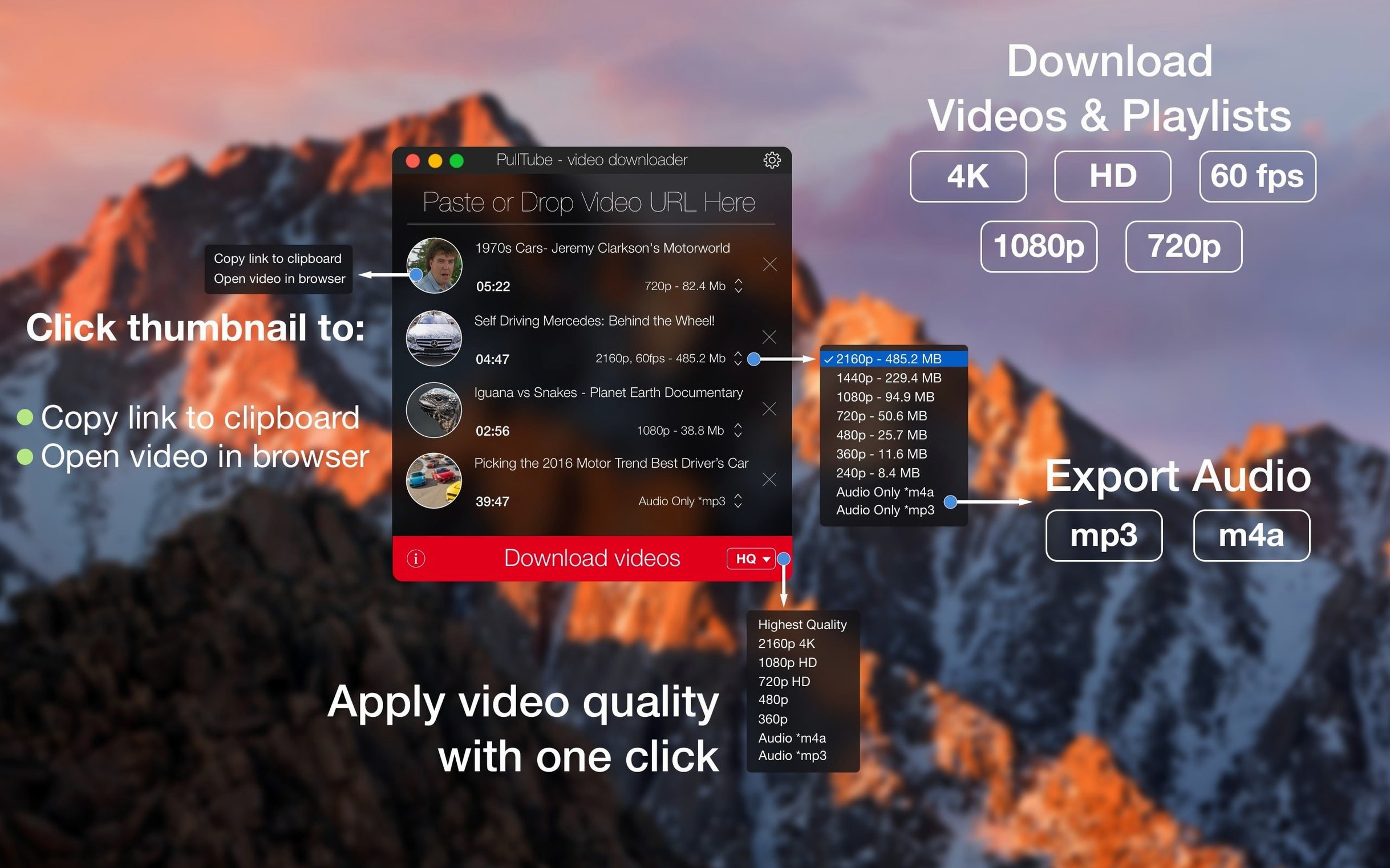
Quality options appear before download, and you can tell PullTube to add the resolution to the file name. A setting to quit after the queue finishes is useful for overnight jobs. Output lands as MP3 or M4A for audio, or as a video file in your chosen resolution.
It is not a converter and it is not a player. It does one thing: fetch media from the web and put it in your Downloads folder. Worth it if you save clips regularly and want a simple queue.
Paste a link, pick MP3, and it's ready in seconds
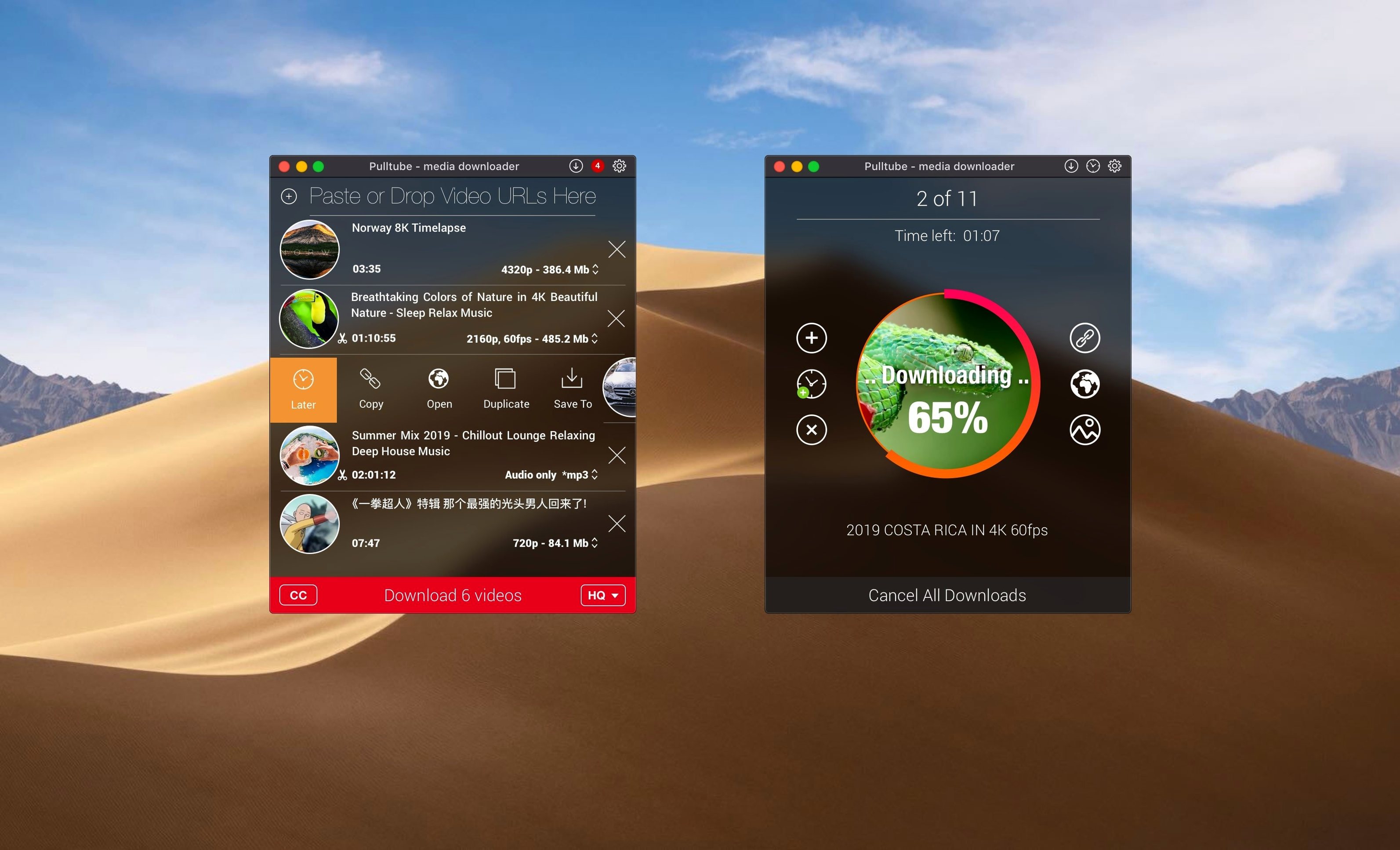
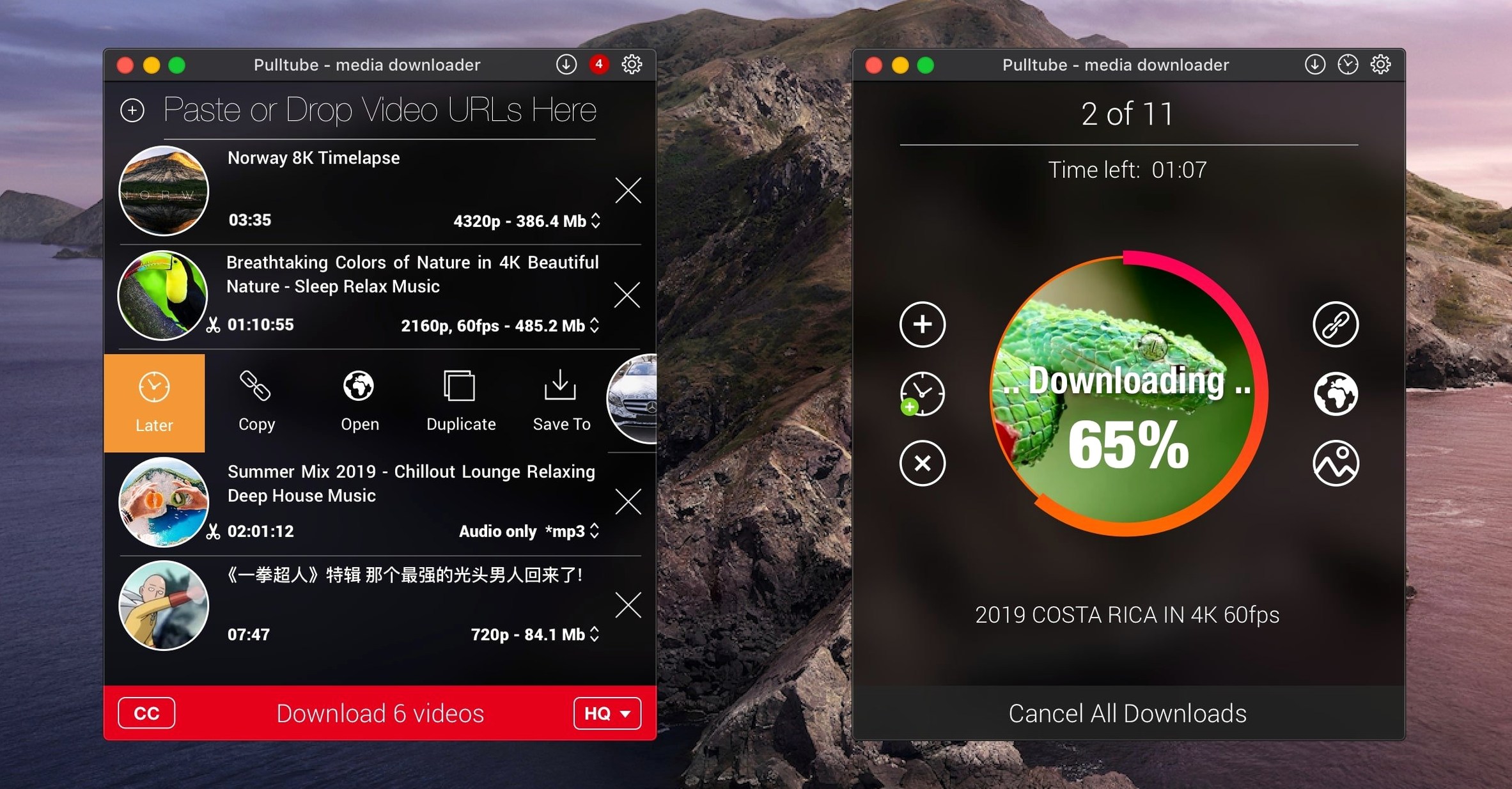
You spot a long DJ set on YouTube that you want on the phone for tomorrow. Copy the link, switch to PullTube, and paste. Within a second the thumbnail pops up, the title appears, and the duration settles — 2 hours 14 minutes. No guessing whether you grabbed the right tab.
The quality dropdown defaults to the highest available. For a set you will listen to on Bluetooth earphones, 256 kbps MP3 is plenty. Pick it from the audio-only section. Then paste two more links — a short tutorial and a Vimeo talk — before clicking the download button. All three queue up and run one after another. By the time you fill a water bottle, the files sit in Downloads.
If a playlist link lands on the clipboard, PullTube asks whether you want the full list or just the first video. Tick the ones you need. The app fetches each in the quality you set, no babysitting required. Tick "Quit when finished" in preferences and it shuts the Mac down once the queue drains.
No thumbnail after pasting? Strip the tracking junk from the URL
Pasted link shows nothing. PullTube reads the clipboard on launch, but some sites wrap links in tracking cruft. Strip everything after the video ID and paste again. If the URL comes from a mobile share sheet (you see m. or short.link), replace it with a full desktop URL.
Playlist detection fails. A few sites serve playlists as ordinary pages. Drag the playlist link to the app window instead of pasting. If that still does not work, paste the individual video links one per line in a text file, select all, and drag the selection in. It is slower but reliable.
Download stuck on "processing". Some high-bitrate streams take a long minute to analyse. Wait it out. If the spinner runs past two minutes, the source may have changed its delivery format. Cancel, restart PullTube, and try a lower quality tier. That usually skirts the issue.
Audio-only option greyed out. A tiny number of sites deliver video and audio as a single fused stream. PullTube cannot split them. Download the video at the lowest resolution and extract the audio afterwards with any tool that reads the container — or just play it as-is.
macOS blocks the app on first launch. The disk image is Gatekeeper-friendly, but if you see a warning, open Terminal and run the command shown in the installer notes. Press Enter, drag the app to Applications, and launch it from there. The block is a one-time thing.
Single window and a short settings list, instead of per-site tweaks
Next to Downie, PullTube feels leaner. Downie offers per-site extraction tweaks and a deeper preferences panel. PullTube strips that back to a single window and a short settings list. For someone who just wants MP3 or MP4 from a handful of sites, the simplicity is an advantage. Downie suits people who download from niche sources daily and need fine control over metadata.
Beside JDownloader, PullTube is a featherweight. JDownloader handles file hosters, CAPTCHA solving, and link crawling far beyond video. It also carries a Java runtime and a busier interface. PullTube stays native, lightweight, and focused solely on media. If your world is YouTube, Vimeo, and SoundCloud, PullTube does the job without the bulk. JDownloader is the tool for someone who also grabs ZIP archives from file lockers.
Compared to ClipGrab, PullTube feels more at home on modern macOS. ClipGrab does the core job — paste link, pick format, download — but its interface has not kept pace and it occasionally stumbles on newer stream formats. PullTube updates more often and handles 4K and 60 fps streams without extra configuration. ClipGrab remains a capable free alternative, but PullTube is the one you set up for a relative and then forget about.
A quick note for anyone searching pulltube mac crack or download pulltube: the build we describe works straight after install, with no extra steps beyond the Gatekeeper bypass. The pulltube para mac crowd will find the Spanish localisation covers the interface cleanly. And if you type pulltube download mac looking for a straightforward video grabber, this one fits.
What’s new
PullTube 1.8.6.41 brings the developer’s latest round of stability tweaks and quiet improvements.
Requirements
- macOS 11 or later
- Apple Silicon or Intel 64-bit
Comments 0
Sign in or create an account to leave a comment.
No comments yet…
If you’ve installed it, say how it went. Mention your Mac and macOS version — it helps the next person more than you’d think.