Pixea Plus for macOS
Description
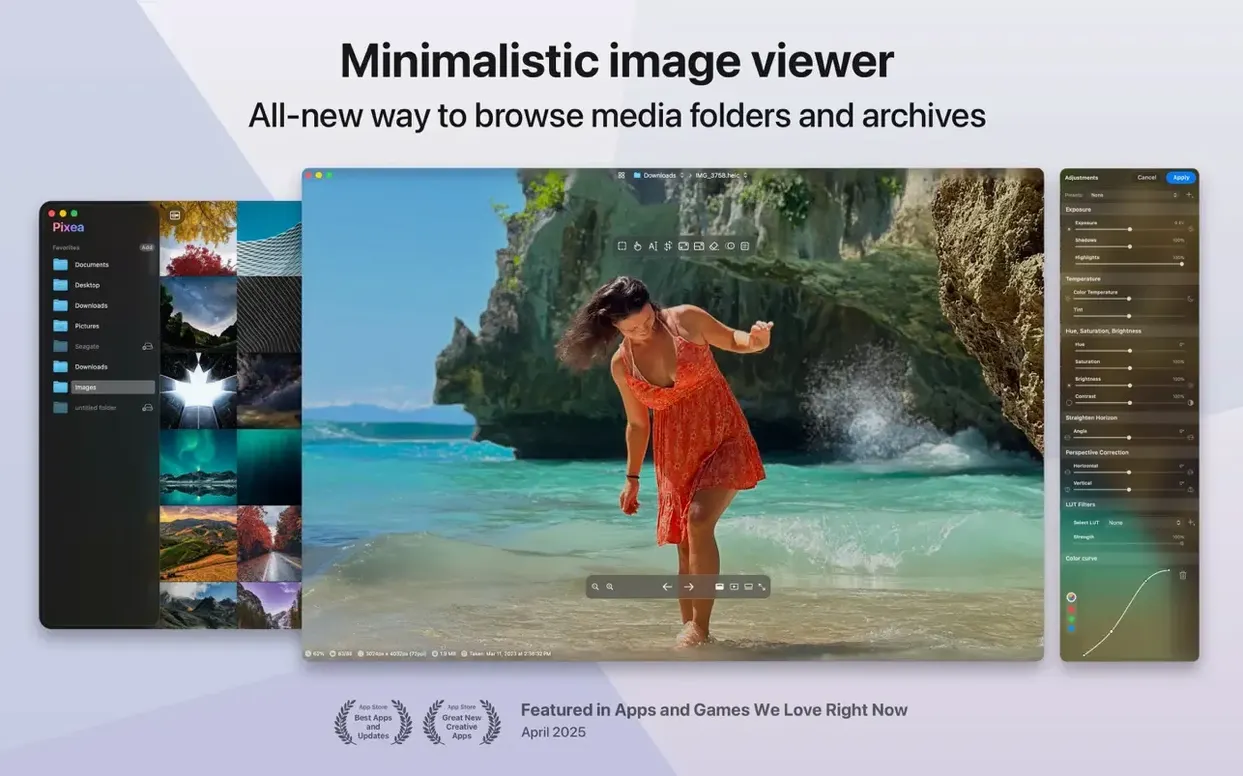
Think of it as a leaner, less library-obsessed cousin of Preview. Pixea Plus opens an image fast and gets out of your way. There is no catalogue to maintain and no database to import into. You open a file, look at it, maybe tweak it, and move on. That directness is the whole point.
It handles the formats you actually encounter. JPEG, HEIC, PNG, WEBP, GIF and PSD all open without fuss. Photographers can load RAW files from Canon, Nikon, Sony, Fuji, Leica and Hasselblad cameras too. A colour histogram and EXIF panel sit ready for when you need them, not as screen clutter.
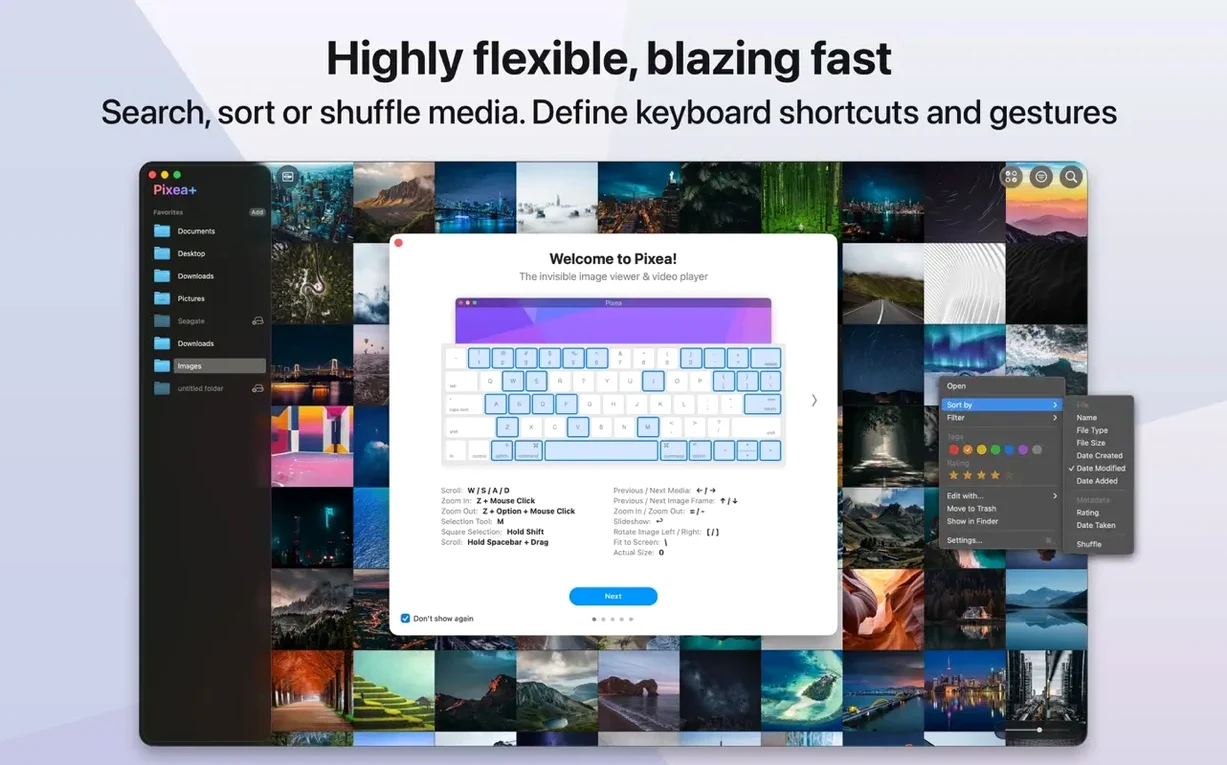
Basic editing tools are built in. You can crop, rotate and make quick adjustments without launching a full-blown editor. Version 8.3 added masks, undo and redo, and introduced its own Pixea Image format. Keyboard shortcuts and trackpad gestures keep things moving once you learn the rhythm.
It runs on Apple Silicon and Intel Macs from macOS 11 onward. Worth a look if Preview feels slow with large batches or you want a viewer that respects a clean desktop.
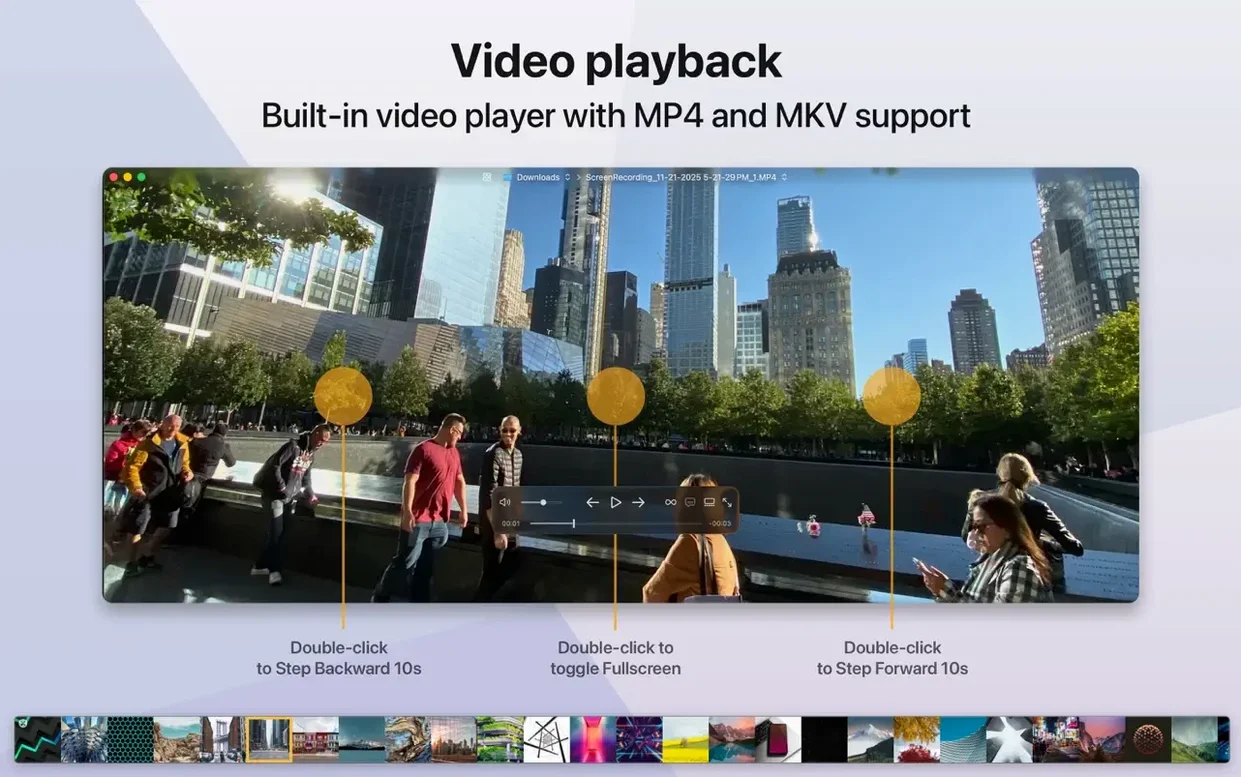
Browse ZIP archives without unpacking them
Designers who collect reference material in ZIP archives without wanting to unpack everything first. Pixea Plus lets you browse inside an archive directly — quick spot-checks without a desktop full of extracted folders.
Photographers who come back from a shoot with a card full of RAW files. The format support covers most major camera brands, and the histogram gives you a fast exposure read without waiting for Lightroom to launch. It is a culling tool more than a catalogue.
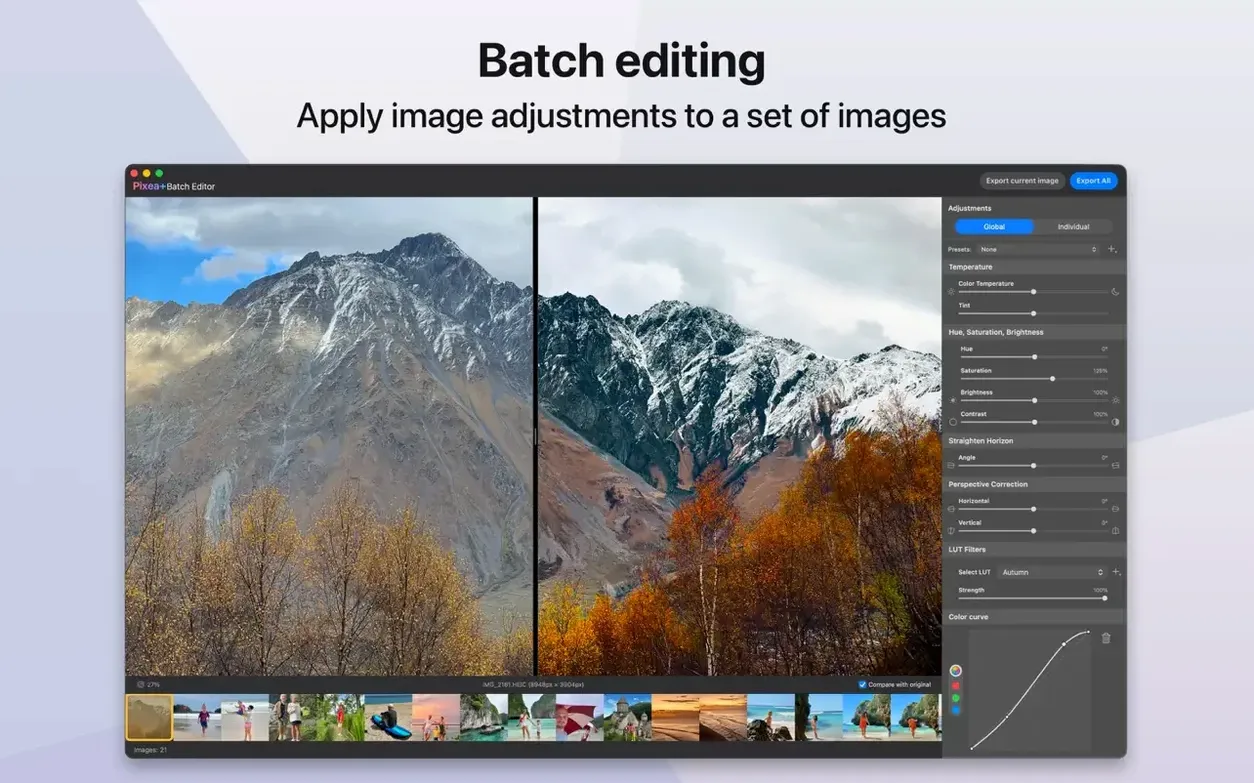
Anyone who reviews images in batches. If your job involves opening twenty screenshots, UI mockups or product photos and picking the usable ones, the lack of a library overlay matters. You see the file, you decide, you close it. No import dialog ever appears.
People who keep a tidy machine. Pixea Plus does not create sidecar files, hidden databases or cache folders you have to hunt down later. It reads the file, you make changes if you want, you save or discard. That is the transaction.
Step back through crops and rotations
The undo and redo stack is the practical highlight. Earlier versions left you one step away from reloading the original if a crop or rotation went wrong. Now you can step back through adjustments without losing your place.
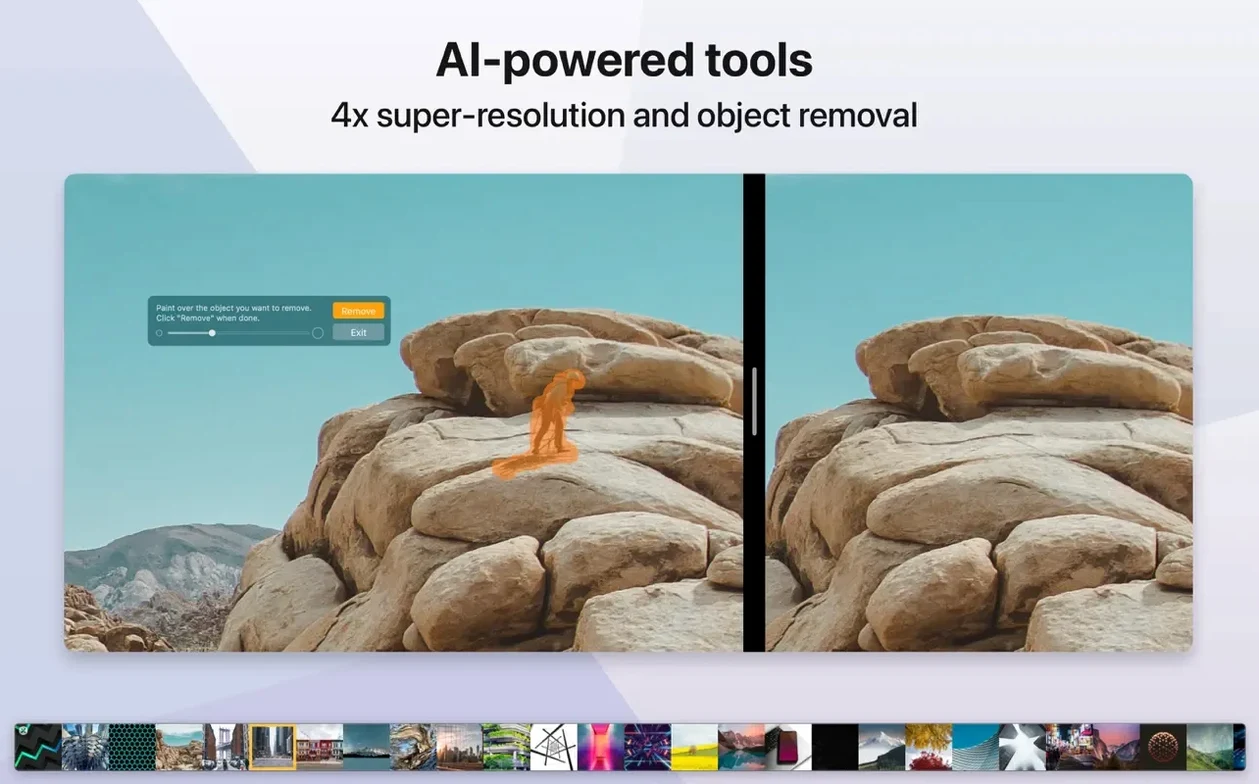
Masks are a bigger shift than they sound. You can paint a rough selection on part of an image and shift exposure, hue or saturation just inside that region. It is not Photoshop-grade feathering, but it means you can brighten a face in a backlit shot or tone down a distracting background without leaving the viewer.
The Pixea Image format ties those two additions together. Save your work as a .pixea file and the masks, adjustment layers and edit history stay intact for next time. Export a clean JPEG or TIFF when you are done. It makes the app less disposable — you can treat a file as a work in progress rather than a one-off view.
Loading speed improved as well. Thumbnails generate faster on large folders, especially on Apple Silicon machines. Scrolling through a folder of RAW files feels closer to browsing JPEGs now.
Open every image at actual size
- Open at actual size. By default the viewer fits images to the window. Switch to actual-size opening in preferences if you check sharpness or noise before anything else. Saves a zoom step every time.
- Background colour. Swap the default dark grey for pure black or a neutral mid-grey depending on whether you judge contrast or colour balance more often. It lives under the View menu, not buried in a plist.
- Gesture assignments. The trackpad defaults are sensible, but the three-finger swipe between images clashes with Mission Control on some Macs. Reassign it to a two-finger swipe or a keyboard shortcut before it annoys you.
- EXIF panel placement. The info panel defaults to the right side. Drag it to a second monitor if you run one — histogram and metadata stay visible while the image fills the main screen.
The preferences window is small and finishes in under a minute. That fits the rest of the app. Set it once and forget it exists.
What’s new
Adds masks. Adds Pixea Image format. Adds undo and redo actions.Requirements
- macOS 11 or later
- Apple Silicon or Intel 64-bit
FAQ
Which RAW camera formats does Pixea Plus support?
It supports RAW files from Leica, Sony, Olympus, Minolta, Nikon, Fuji, Canon and Hasselblad cameras.
Can I see EXIF data and a histogram in Pixea Plus?
Yes. It shows a colour histogram, EXIF data and other image information directly in the viewer.
Does Pixea Plus run on Apple Silicon Macs?
Yes. It supports both ARM (Apple Silicon) and 64-bit x86 architectures.
Comments 0
Sign in or create an account to leave a comment.
No comments yet…
If you’ve installed it, say how it went. Mention your Mac and macOS version — it helps the next person more than you’d think.