PhpStorm for macOS
Description
PhpStorm is a PHP integrated development environment that wraps the full frontend toolkit of WebStorm around a deeply database-aware PHP core.
What it does
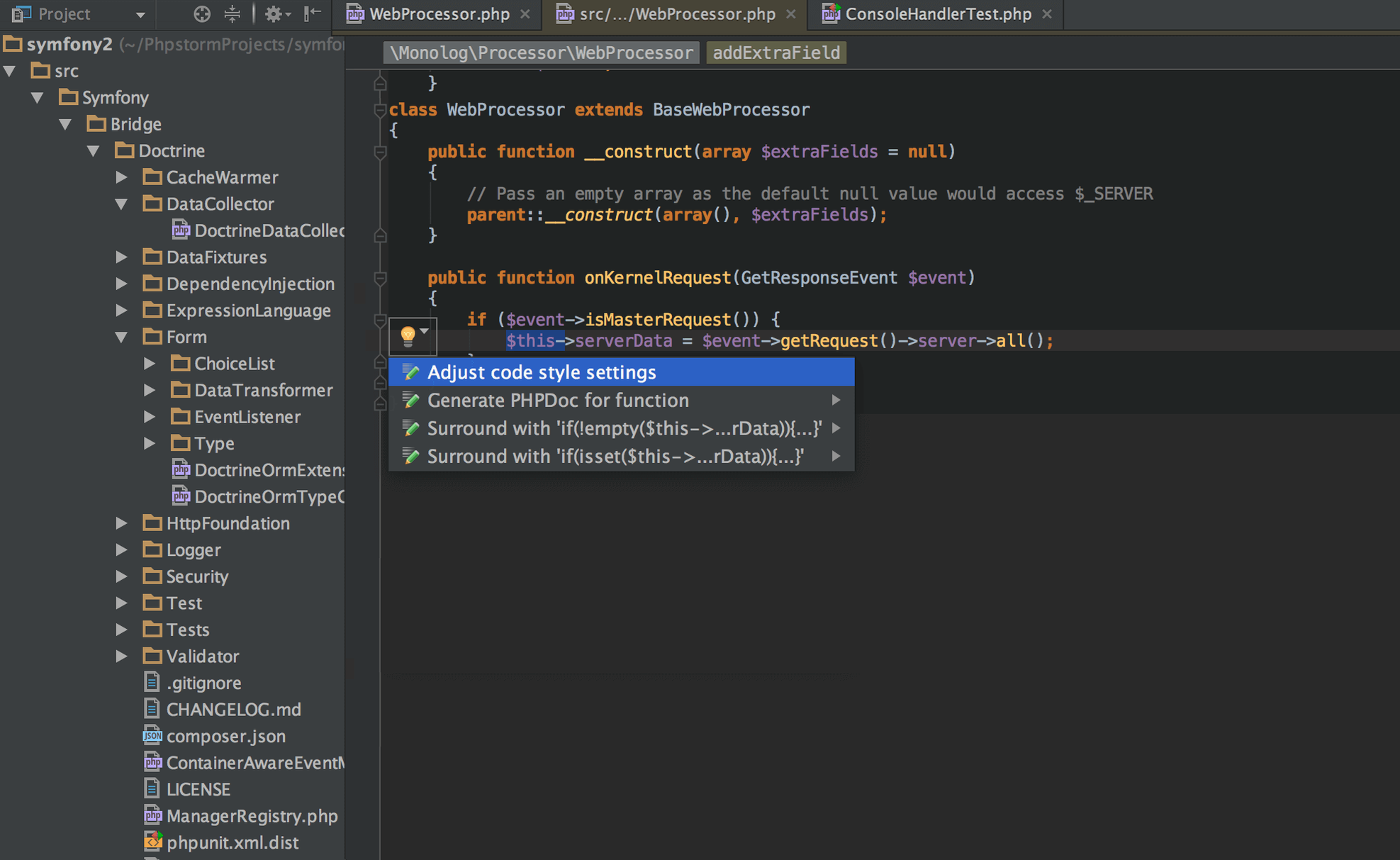
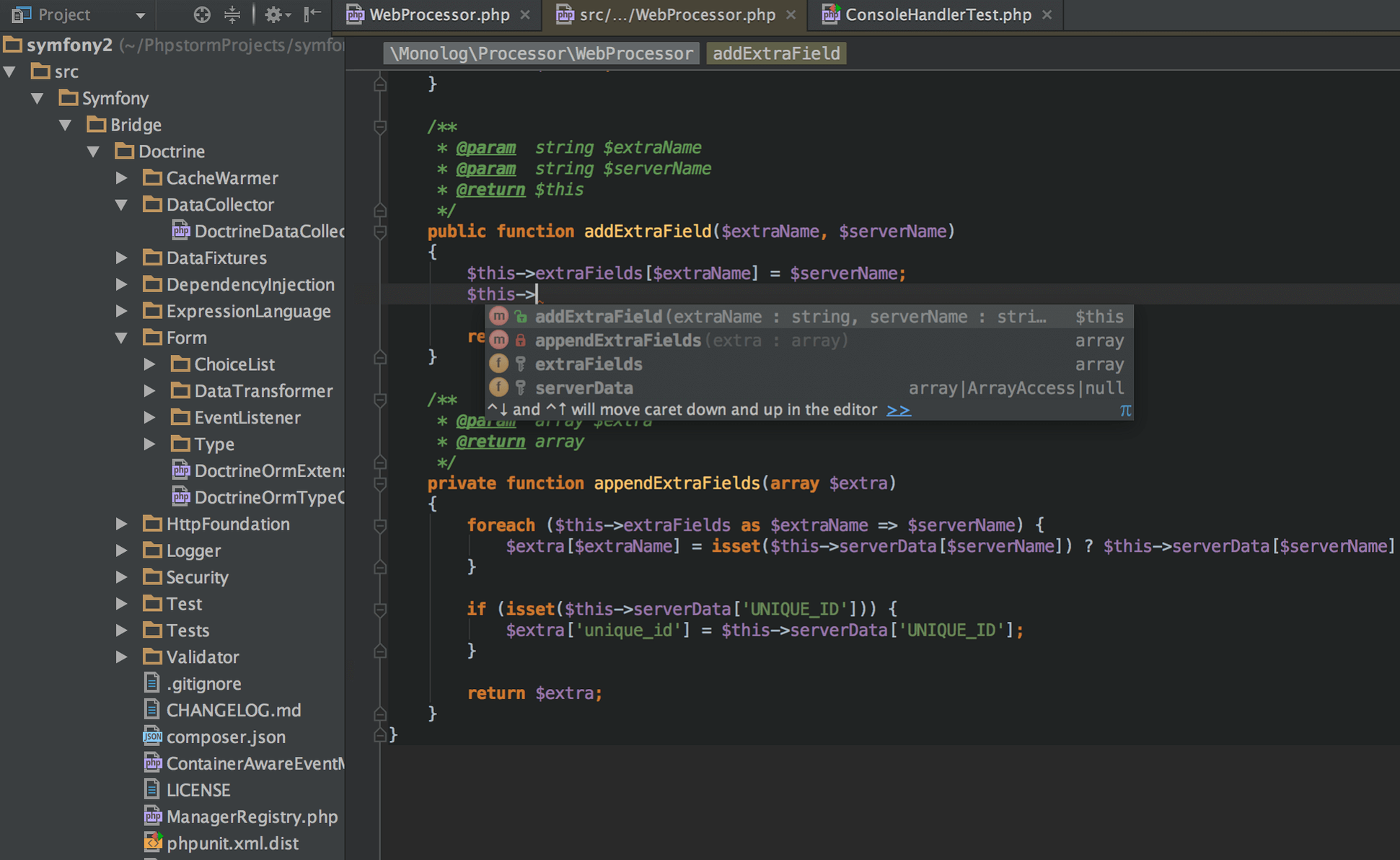
The editor handles PHP refactorings, the Composer dependency manager, and command-line tools without leaving the workspace. Framework support is built in for Symfony, Drupal, Laravel, Magento, WordPress, Joomla!, CakePHP, Yii, and Zend Framework. Behat and Docker are first-class citizens too. On the frontend side, it speaks HTML5, CSS, Sass, Less, Stylus, CoffeeScript, TypeScript, Emmet, and JavaScript.
Who it is for
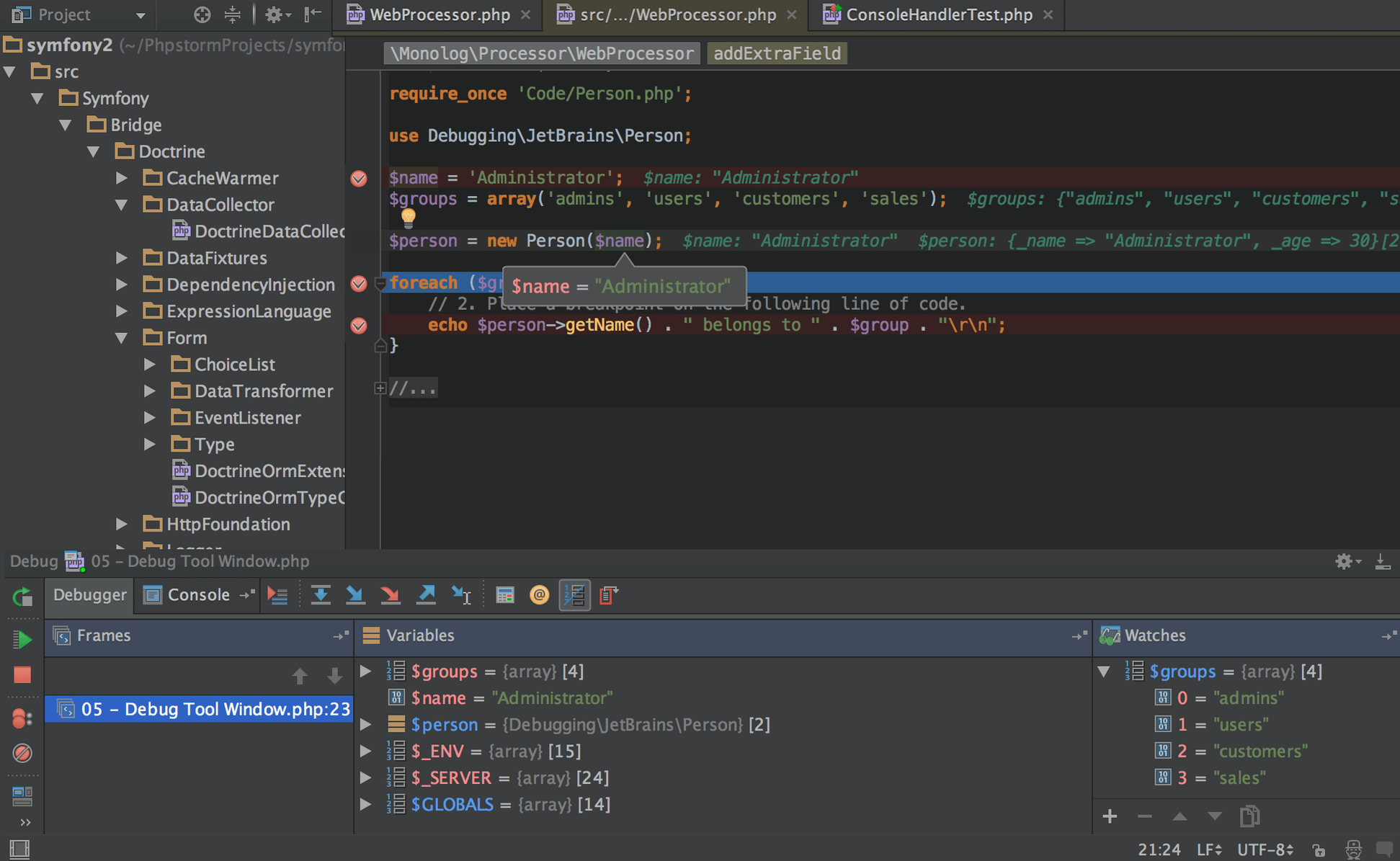
Developers who spend their day inside a framework and need the database right there in the same window. If you already reach for WebStorm on frontend work, PhpStorm feels familiar — it's that plus a database browser, SQL tooling, and PHP debugging wired into a single project view. It runs on Apple Silicon and Intel Macs, needing macOS 11 or later. A non-nonsense pick when your site has more tables than pages and you'd rather not keep switching tools just to check a query.
Small conveniences worth knowing
Double-tap the Shift key and a search box appears that covers everything — files, actions, settings, git branches, even database table names. No need to remember which menu something lives in. Most developers discover this within a week, then forget how they ever worked without it.
The Local History feature is equally invisible until you need it. Right-click any file or directory, choose Local History, and you'll see a timeline of every save point the IDE logged automatically. If you've ever wanted to undo a refactor that went too far but you hadn't committed yet, this is the safety net.
A few other quiet helpers:
- Column selection mode — hold Opt and drag vertically. Works on HTML tables, CSV snippets, or aligned PHP arrays.
- Quick definition — Opt+Space on any method name shows its body in a popup without navigating away.
- RegExp checker — inside any regex string in PHP, press Opt+Enter and pick "Check RegExp" to test it against sample text inline.
- Database console history — every query you run gets logged per data source. Right-click the console panel to retrieve something you ran three days ago.
What the latest versions changed in daily use
With version 2026.2.3, the bundled JetBrains Runtime received a refresh that reduces UI stalls when switching between editor tabs, especially on Apple Silicon machines with scaled external displays. The difference is subtle but cumulative — fewer beachballs during long sessions.
Earlier in the 2026.2 cycle, the database tooling gained multi-caret editing inside query consoles. If you've ever needed to wrap five column names in backticks at once, that alone saves a round of find-and-replace. The commit tool window also got tighter: partial stage-and-commit flows now handle file-level changelists with less clutter in the diff view.
For anyone hunting a phpstorm torrent mac because they want to test the IDE before committing, the current build's performance on ARM hardware is noticeably smoother than releases from two years ago — larger projects with thousands of PHP files index faster and code completion stays responsive under Composer-heavy vendor directories.
What’s new
Build 262.10968.76, released 2026-09-17.Requirements
- macOS 11 or later
- Apple Silicon or Intel 64-bit Mac
FAQ
Does PhpStorm include frontend editor support?
Yes, it includes all the editor features of WebStorm — HTML5, CSS, Sass, JavaScript, TypeScript, and Emmet — alongside the PHP and database tools.
Which PHP frameworks does PhpStorm support?
It has deep support for Symfony, Drupal, WordPress, Zend Framework, Laravel, Magento, Joomla!, CakePHP, and Yii right out of the box.
Comments 0
Sign in or create an account to leave a comment.
No comments yet…
If you’ve installed it, say how it went. Mention your Mac and macOS version — it helps the next person more than you’d think.