OmniGraffle Pro for macOS
Description
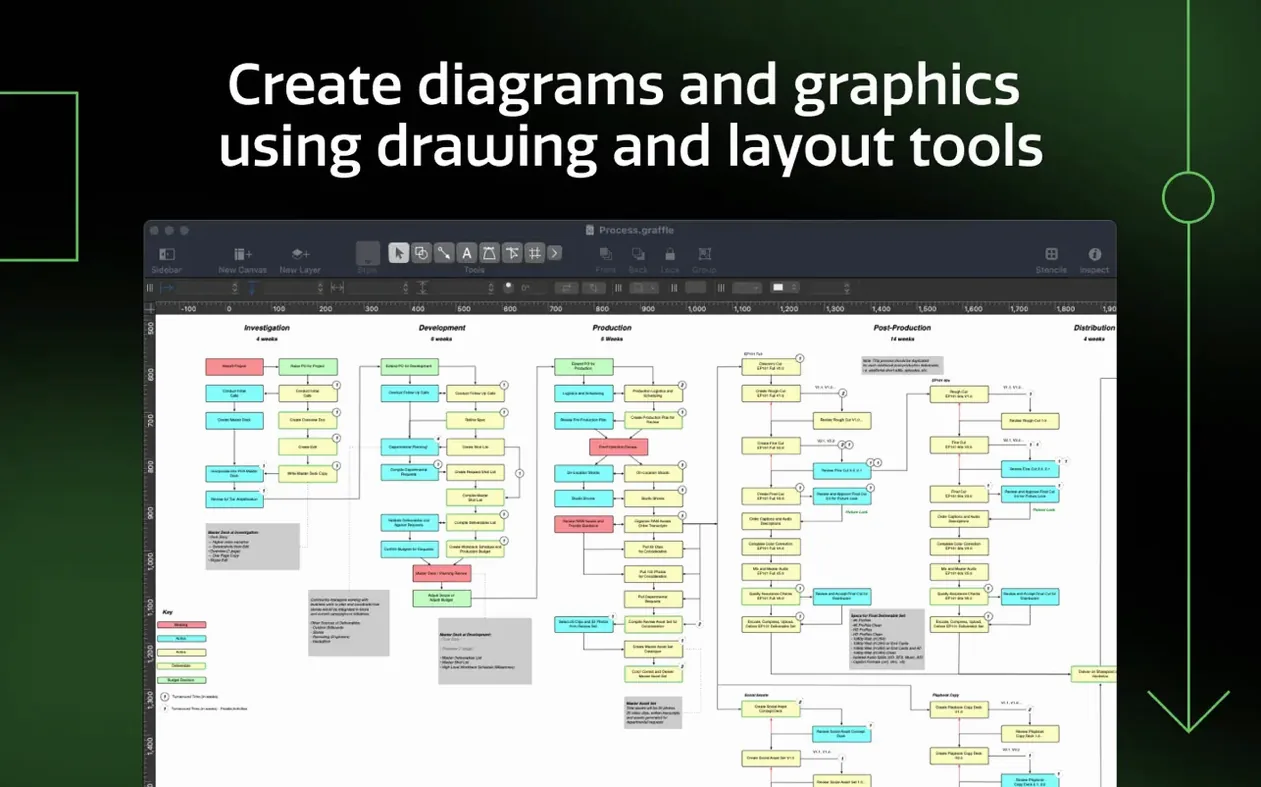
OmniGraffle Pro runs on any Mac with macOS 14 or newer — both Intel and Apple Silicon machines. It's a diagramming tool built for people who need their wireframes, network maps, and layout plans to be pixel-perfect without the app getting in the way. Pro adds the features that technical teams actually rely on.
- Start with the right stencil. You can import Microsoft Visio VSS stencils and VST templates, so old office assets don't go to waste. Grabbing a Visio VSD or VDX document works the same way — open it, and the shapes land where they should.
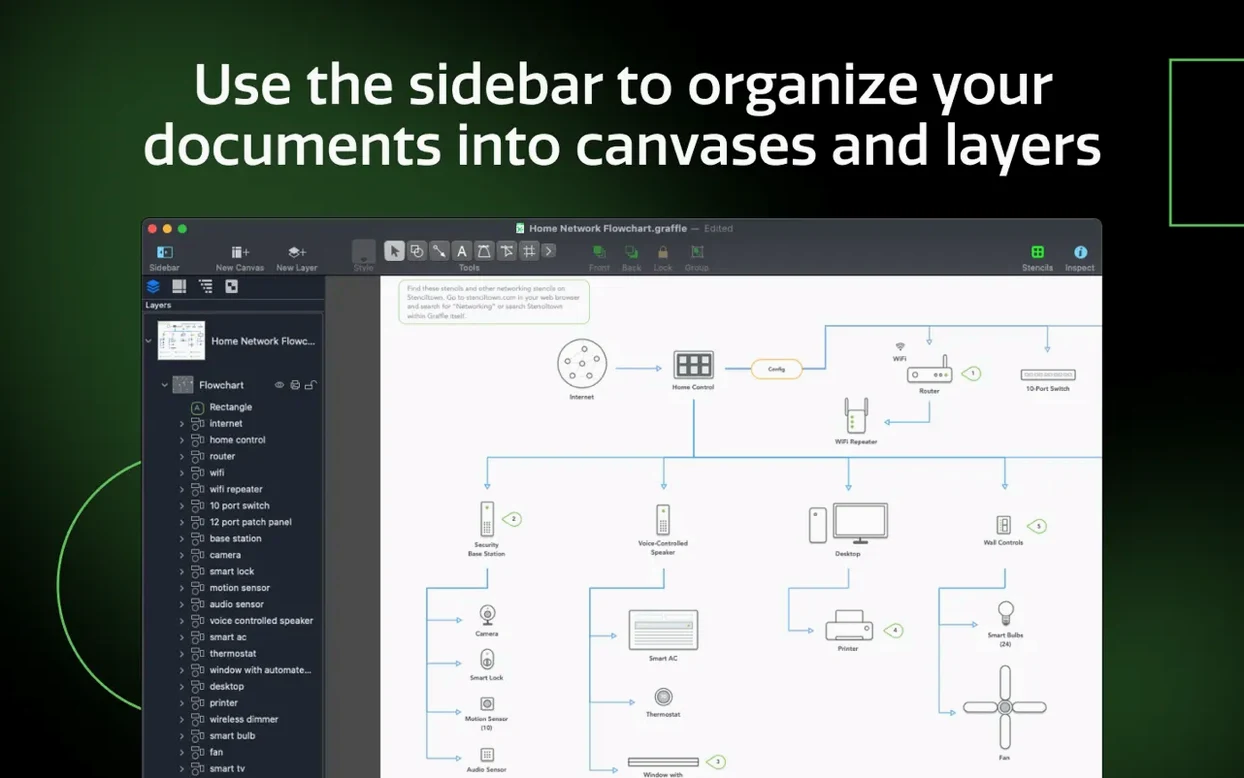
- Organise with shared layers and artboards. Put common elements — grid lines, logos, legends — on a shared layer and they appear across every artboard at once. Goodbye to copy-paste drift.
- Wrangle complex groups with tables. You can wrap a bunch of shapes into a table, then add rows and columns to keep everything aligned. It's a fast way to tidy up a messy object list.
- Tweak text as a shape. Convert any text block into editable Bézier paths. Useful when a label needs a custom curve that the font's outlines won't give you.
- Send it out properly. Export OmniGraffle layers directly to Photoshop layers. Design handoffs get a lot simpler when the structure survives the trip.
Everything here works on top of the standard engine that handles everything from a quick napkin sketch to a thousand-object technical drawing. The tool's job is to stay out of your way, and it mostly does.
When old Visio connectors lose their stroke style
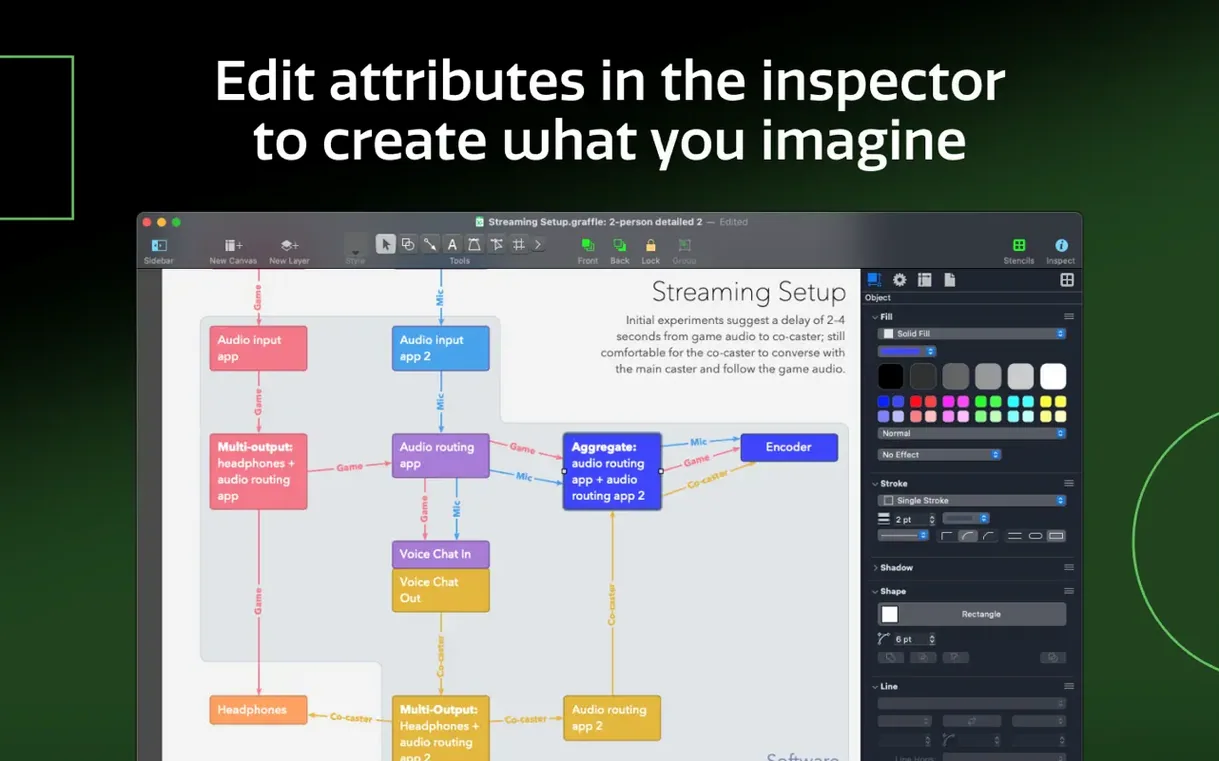
Visio imports work well most of the time, but VSD files from older Visio versions occasionally drop custom line patterns. If a connector arrives looking like a plain solid stroke, select it and reapply the stroke style from the Stroke inspector — the endpoints and routing usually survive intact.
Shared layers catch people out when they edit an object and wonder why it changed across every artboard. It's working as designed. If you need a one-off variation, right-click the layer in the sidebar and duplicate it, then unlink the copy. Same fix applies when a client wants the logo in a different spot on just one page.
Large documents with hundreds of objects can slow canvas zooming on older Intel machines. The usual culprit is heavy use of shadows and Gaussian blurs on many shapes at once. Turning off shadows in the View menu while you work, then switching them back for export, keeps things snappy.
Sometimes the app will refuse to open after an update, complaining about an unidentified developer. This isn't specific to an omnigraffle download — it's standard macOS behaviour. If you grabbed an omnigraffle crack mac build from a source that doesn't sign its disk images, you'll see the same prompt. Right-click the app, pick Open, and confirm. Once it's in the Applications folder, Gatekeeper usually stops asking.
Memory use with embedded bitmaps from Visio
OmniGraffle Pro 7.26 launches in about three seconds on an Apple Silicon Mac and sits at around 180 MB of RAM with a moderate document open. That figure climbs when you load a Visio file with embedded bitmaps, but the app releases memory cleanly when you close the window. I haven't seen a memory leak across a full working day.
Autosave is quiet and fast. The app saves in the background without the beachball pause that some creative tools inflict. Crash recovery has pulled back every unsaved change the two times I've needed it — once during a power cut, once when a badly-formed VSDX file (not a format OmniGraffle natively reads) caused a confused third-party converter to lock up.
Battery drain is negligible for a canvas app. On a MacBook Air, an hour of active diagramming with lots of object drag-and-drop used about nine per cent charge. The fans stayed off. That's better than some competing tools that keep the GPU awake for no good reason.
Offline-native precision versus browser collaboration
Next to Lucidchart, OmniGraffle Pro is the offline-native alternative. Lucidchart runs in a browser and needs a connection for full functionality. It's quicker to collaborate in, but slower to make fine-grained layout adjustments. OmniGraffle's grid snapping and smart guides feel immediate in a way browser-based rendering never quite matches. If you work alone or share files rather than live-edit, the Mac app wins on precision.
Sketch overlaps when you're doing wireframes and UI mockups. Sketch has a bigger community for screen design, but OmniGraffle's Visio import gives it an edge when the project starts with an old enterprise diagram. Sketch doesn't touch VSD files. OmniGraffle's table tool and automatic Xcode project diagrams also point it more toward technical documentation than pure interface design.
draw.io (now diagrams.net) is free and handles basic flowcharts well. The gap appears once you need shared layers across artboards, Photoshop export, or proper stencil management. OmniGraffle Pro's object inspectors go deeper, and converting text to Bézier shapes isn't something draw.io attempts. For a quick swimlane diagram, draw.io does fine. For a 60-page spec document that needs to print exactly right, the Pro toolset pulls ahead.
One note for anyone hunting an omnigraffle torrent: the cracked builds floating around often strip out localisations and Visio import libraries. You get the canvas but not the parts that make Pro worth using. A complete omnigraffle crack mac install weighs more than twice what the gutted copies do, and the difference shows the moment you try to open a VDX file.
What’s new
Improves compatibility with macOS Golden Gate 27. Requires macOS 14 or newer.
Requirements
- macOS 14 or newer
- Apple Silicon or Intel Mac
FAQ
Can OmniGraffle Pro open Microsoft Visio files?
Yes, it imports Visio VSD and VDX documents, plus VSS stencils and VST templates.
Comments 0
Sign in or create an account to leave a comment.
No comments yet…
If you’ve installed it, say how it went. Mention your Mac and macOS version — it helps the next person more than you’d think.