iStat Menus for macOS
Description
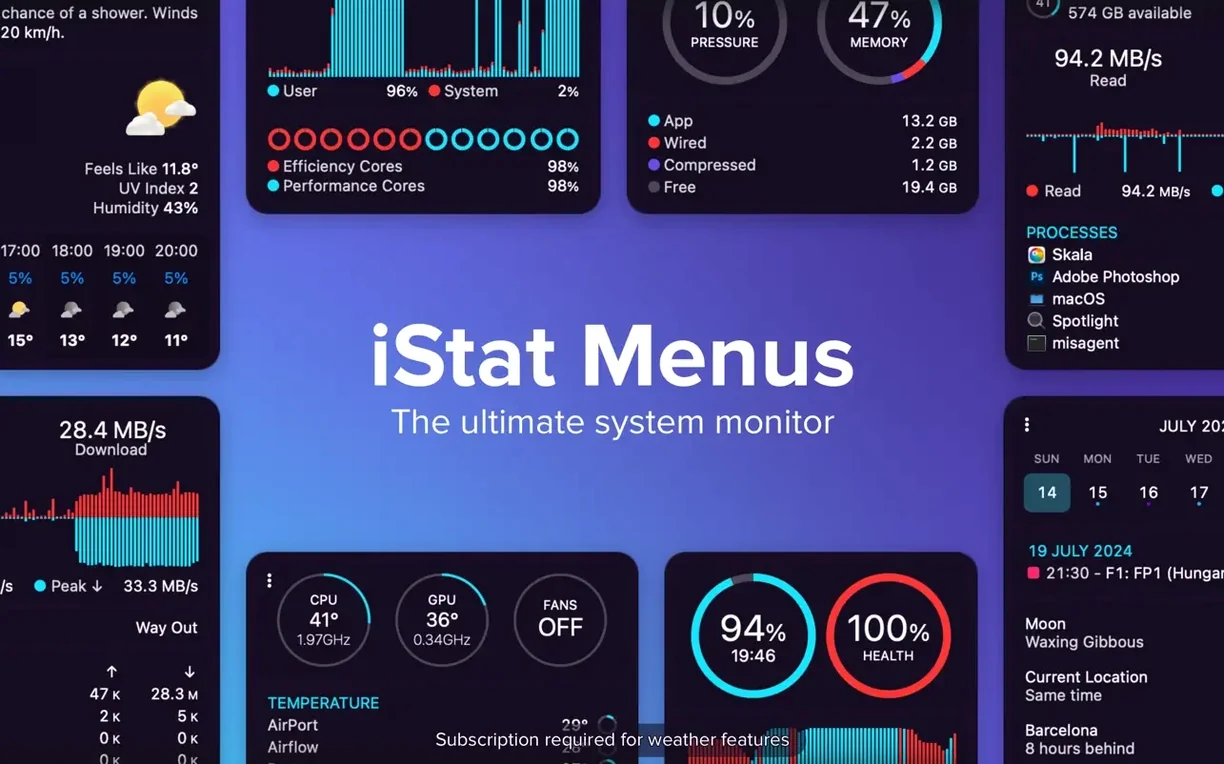
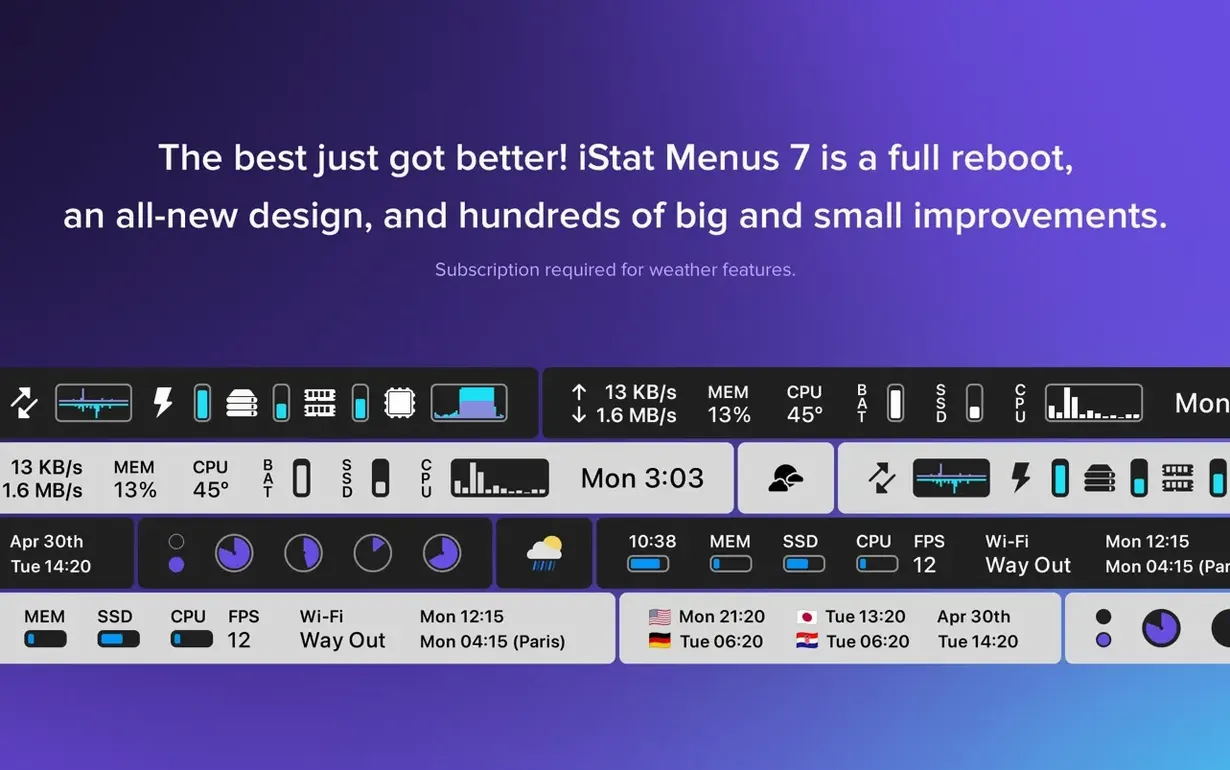
If you've ever kept Activity Monitor pinned to the Dock just to glance at CPU load, iStat Menus puts that same data somewhere more convenient: the menu bar. It's a system monitor that lives up top, out of the way, and shows a lot more than Apple's built-in tools.
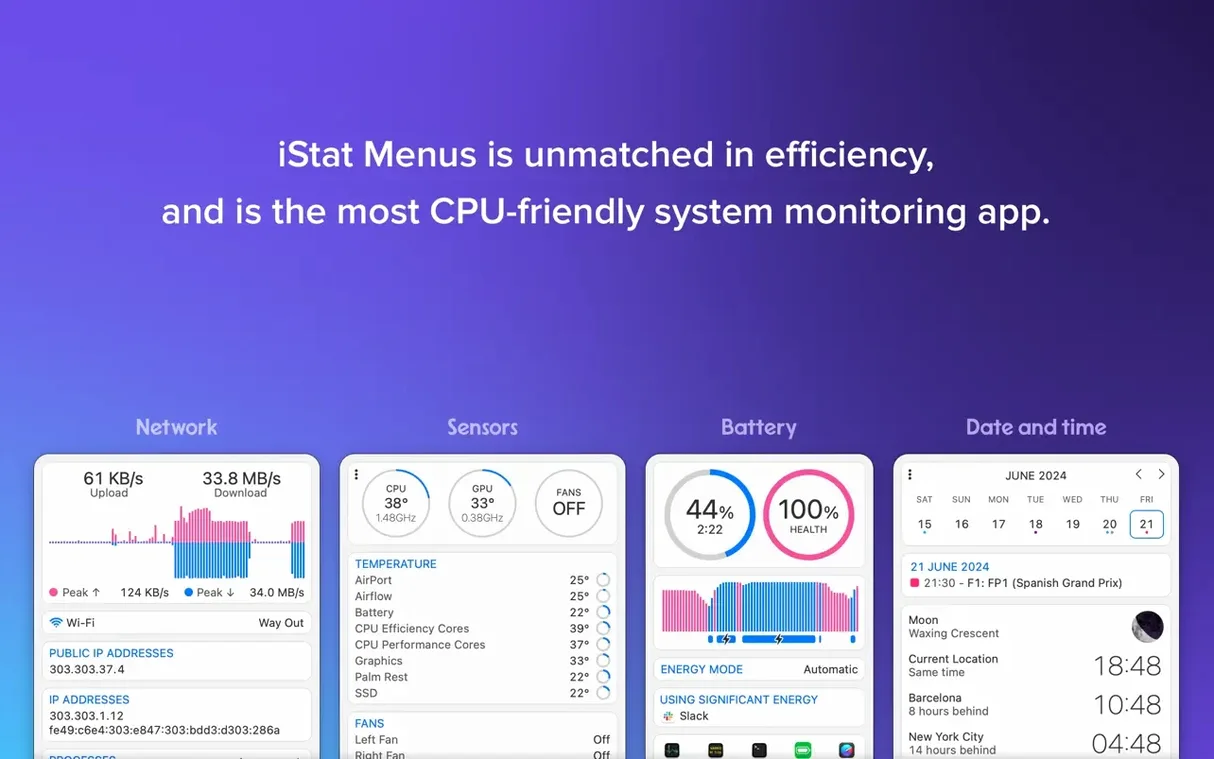
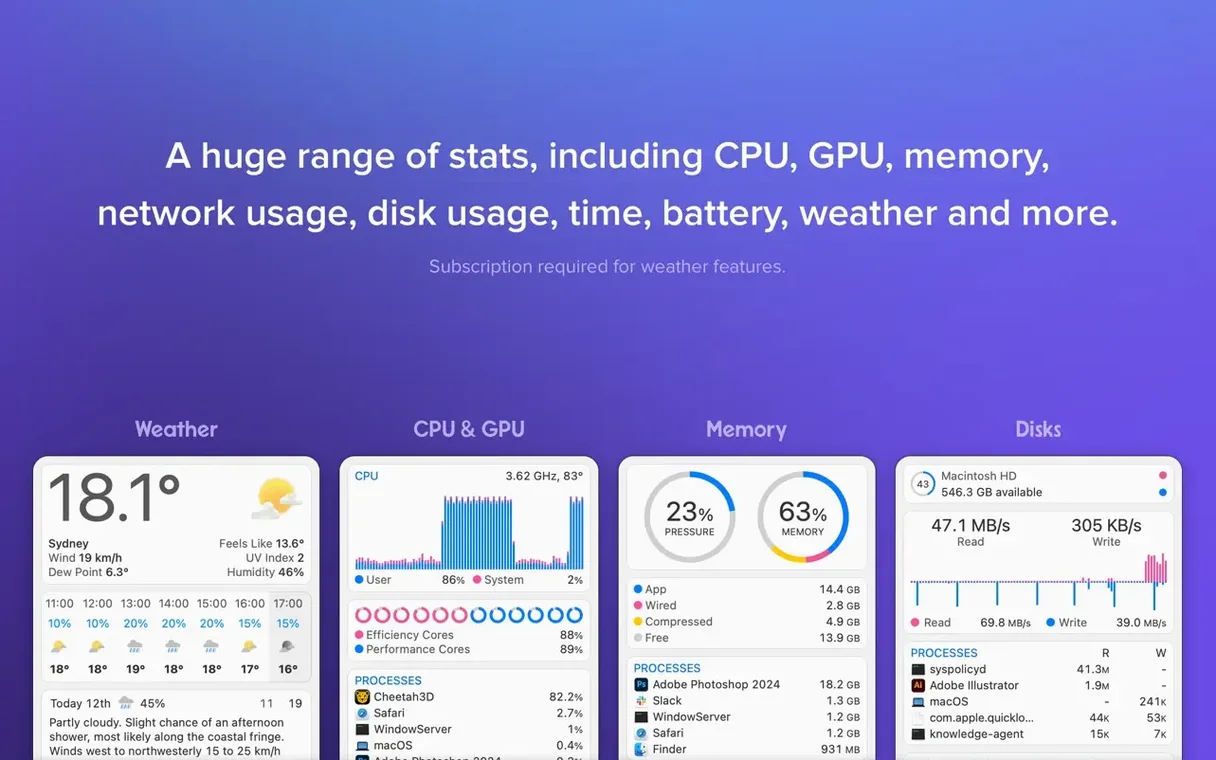
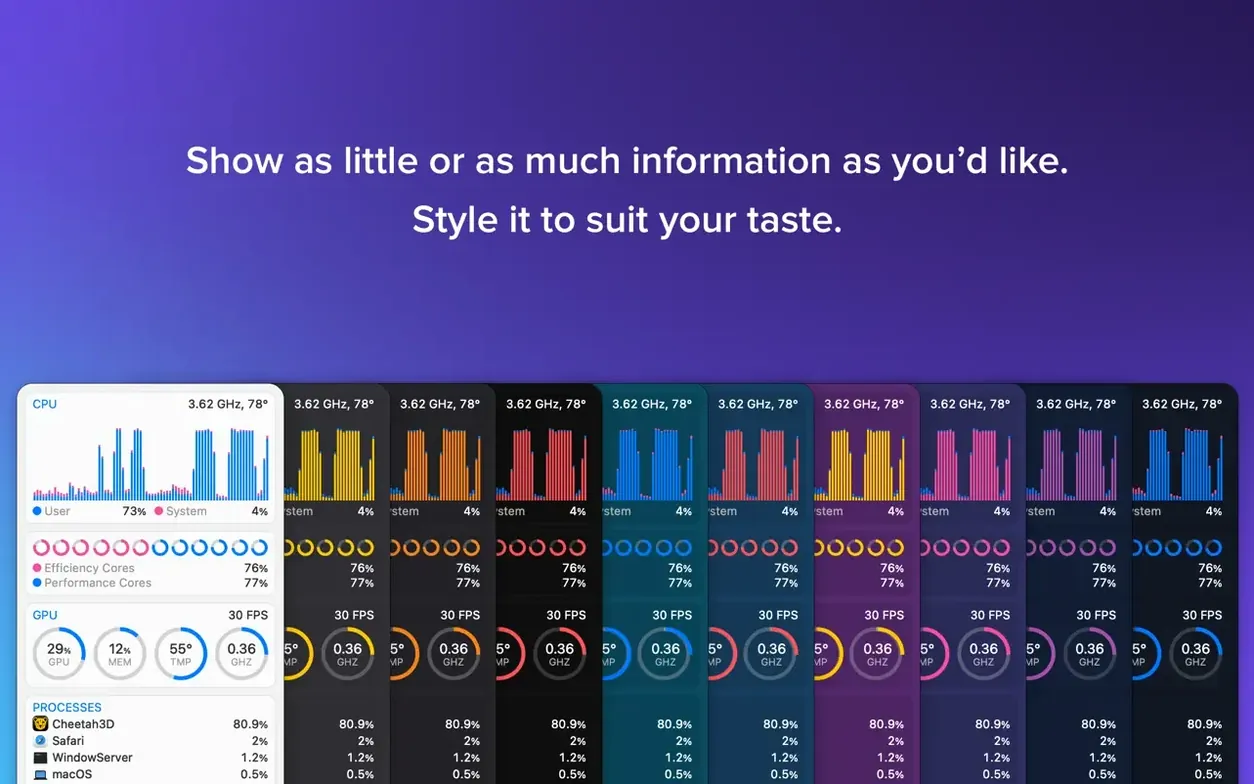
You choose what appears — CPU cores, GPU activity, network throughput, disk I/O, temperatures, fan speeds, battery health, or the date and time. The current version 7.50 even adds an Astronomy item with observing conditions. It's all configurable down to the graph colour and notification threshold.
Catch runaway processes before the fans kick in
- Spotting runaway processes before the fans spin up.
- Checking memory pressure as a single bar in the menu bar.
- Watching network traffic when a download feels slow.
- Keeping an eye on SSD temperatures during long writes.
- Setting fan speed rules that kick in on battery power.
Sensor readings need the Helper tool
- Needs the iStat Menus Helper for temperature and fan speed readings.
- Shows real-time data from many sensors; takes a few minutes to set up what you actually want to see.
- Requires macOS 11 or later.
Start with just three or four menu bar items
Resist the urge to enable everything on day one. A menu bar full of graphs looks impressive for about ten minutes, then it becomes noise. Start with three or four items you actually check during a normal day — CPU, memory, network, and maybe battery if you work unplugged.
Then sort out the helper. Without it, temperature and fan speed readings stay empty. The app will prompt you to install it the first time you click the Sensors item; do it then, while you're already in setup mode.
One habit worth forming early: set a couple of notification thresholds. A memory pressure alert at 80% or a CPU temperature warning at 90°C is more useful than staring at a graph. The menu bar tells you when something is wrong, not just what the number is.
If the weather item interests you, add it once the system stats feel settled. It's detailed — wind, dew point, Moon phases, forecasts for seeing and transparency if you're into astronomy — and it's easy to let it crowd out the system data you installed the app for.
Menu bar graphs barely touch your CPU
People often wonder whether a menu bar monitor itself eats noticeable CPU. In practice, iStat Menus is light. The graphs update once or twice a second, which is trivial on any Mac that meets the macOS 11 requirement. If you're checking whether it's the cause of a slowdown, look at its own CPU entry — it's usually near the bottom.
Another common question is how this differs from the free Activity Monitor. Activity Monitor is a window you open when something is wrong. iStat Menus is a glance. It doesn't replace Apple's tool for killing processes or inspecting open files; it just means you open Activity Monitor far less often.
Some people ask about third-party variants floating around — a search for iStat Menus crack or iStat Menus Mac torrent will turn up results, and while they're not the real app, you can often get them working fine. With cracked builds you just need to manually approve the helper component in System Settings so it can read sensor data properly.
And yes, there are two versions of the product: the one from Bjango's site and a Mac App Store variant. The App Store build lacks weather information, fan speed control, and CPU frequency readouts — Apple's sandboxing rules get in the way. If those three features matter to you, get the direct version.
Astronomy gains cloud and seeing forecasts
Version 7.50 is a quieter update than the jump to 7.5, which introduced the Astronomy item. The newer release adds forecasts for seeing, transparency, cloud cover, and other observing conditions. If you don't point a telescope at the sky, you'll never notice. If you do, it means the menu bar can tell you whether tonight is worth setting up.
Everyday use hasn't changed much. Menus are still laid out the same way, the helper still handles temperatures and fan speeds, and setup still happens through the same per-item dropdowns. Most of the recent work has gone into putting more sky data behind that one item rather than reworking the system monitors.
For a help-desk view, that's a good sign. The core stats — CPU, memory, disk, network, battery — have been stable for a long time, and updates like this one add depth without shuffling the interface you already know.
What’s new
- Adds a new Astronomy item.
- Adds forecasts for seeing, transparency, cloud cover, and other observing conditions.
Requirements
- macOS 11 or later
- Apple Silicon or Intel Mac
FAQ
Does iStat Menus show weather information?
Yes. Version 7.5 includes a detailed weather forecast, Moon phases, wind speed, dew point, world time, sunrise, and sunset.
Comments 0
Sign in or create an account to leave a comment.
No comments yet…
If you’ve installed it, say how it went. Mention your Mac and macOS version — it helps the next person more than you’d think.