FontLab for macOS
Description
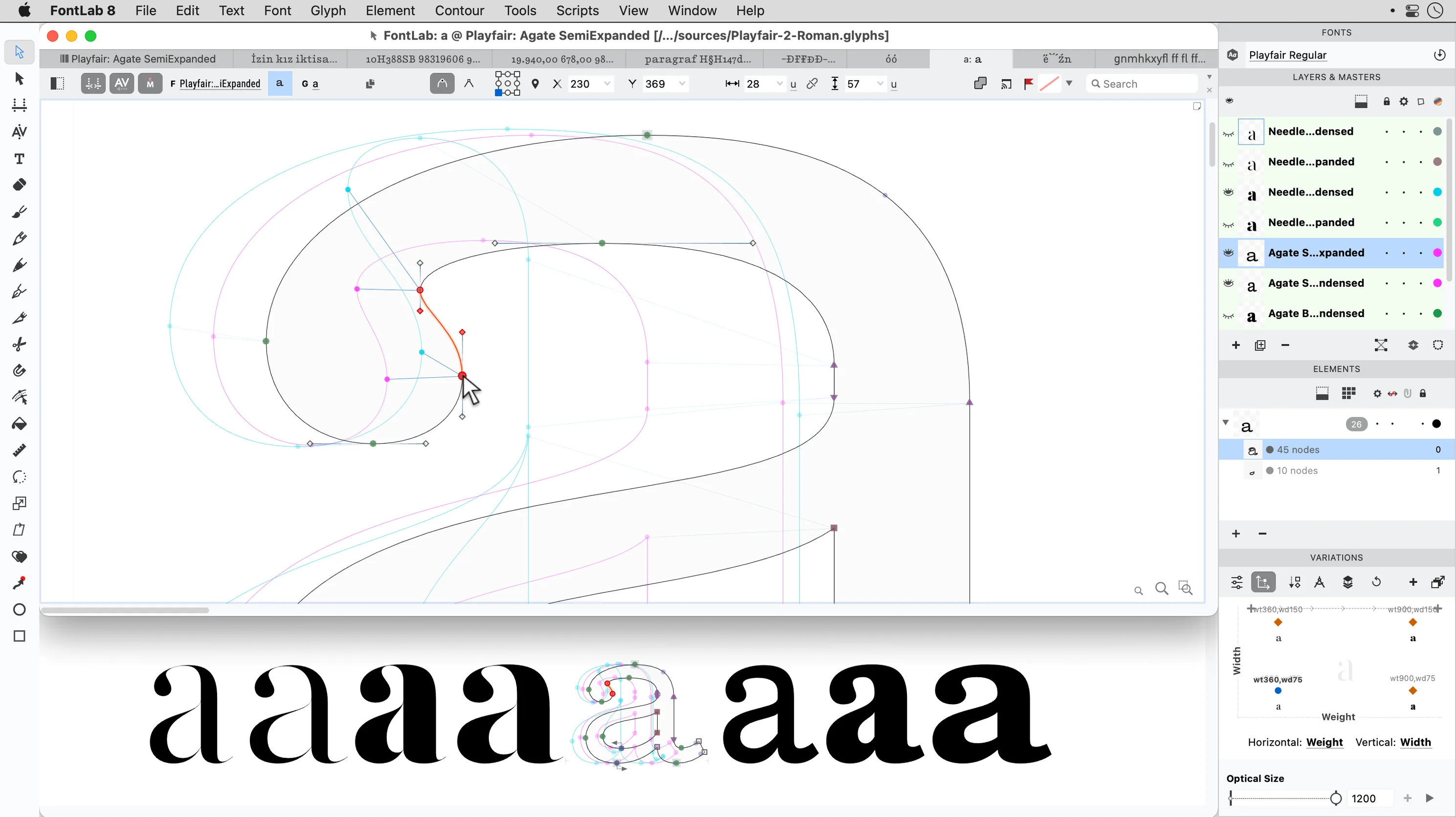
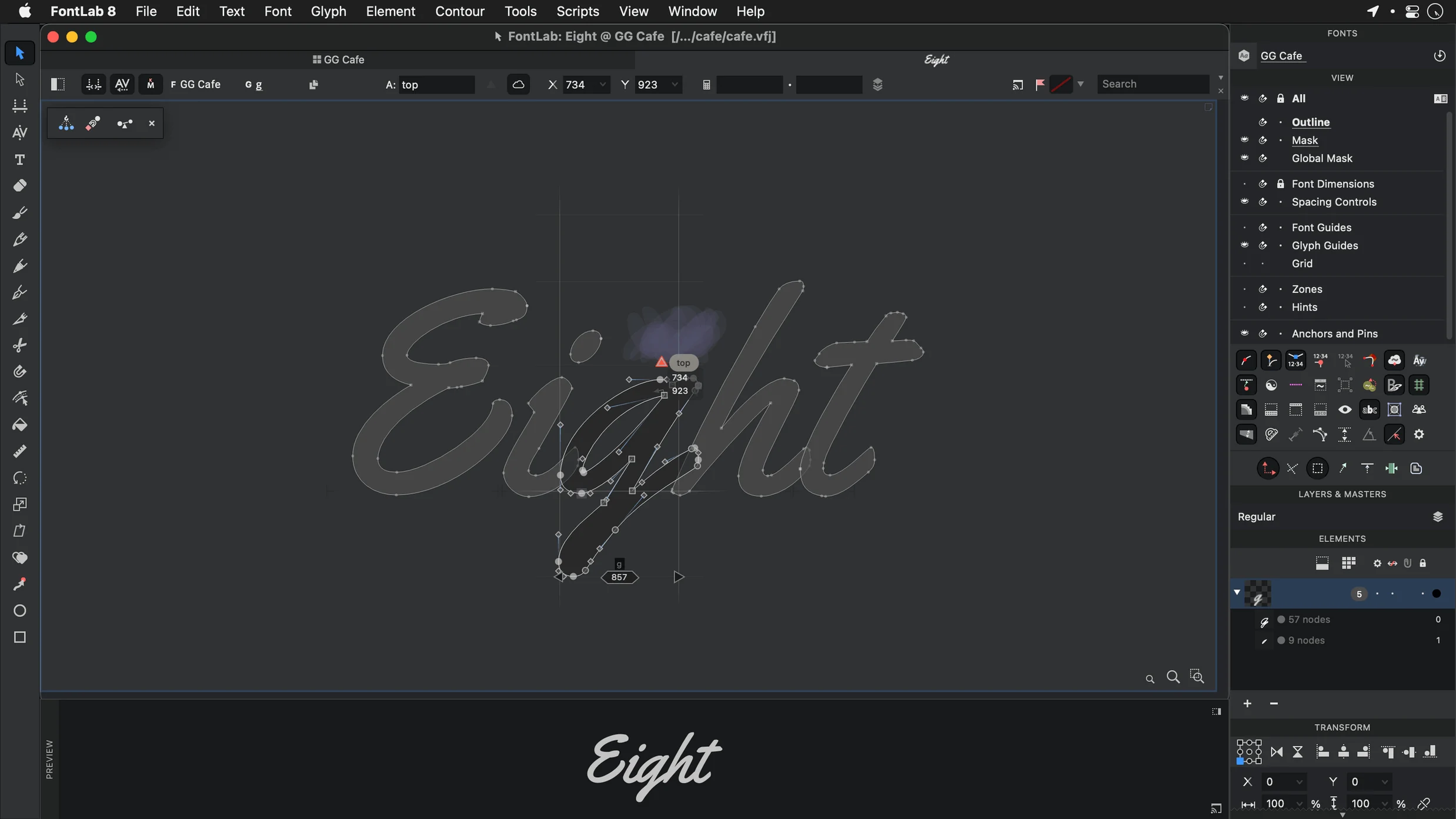
You have just launched FontLab 8 and stared at its glyph window long enough. The smartest thing you can do now is draw a single lowercase 'o' — properly. Select the Rectangle tool, pull out a rough shape in the editing area, then switch to the Contour tool and drag nodes until the curves feel balanced. Do not worry about perfection yet. Just get something on the canvas that looks like a letter.
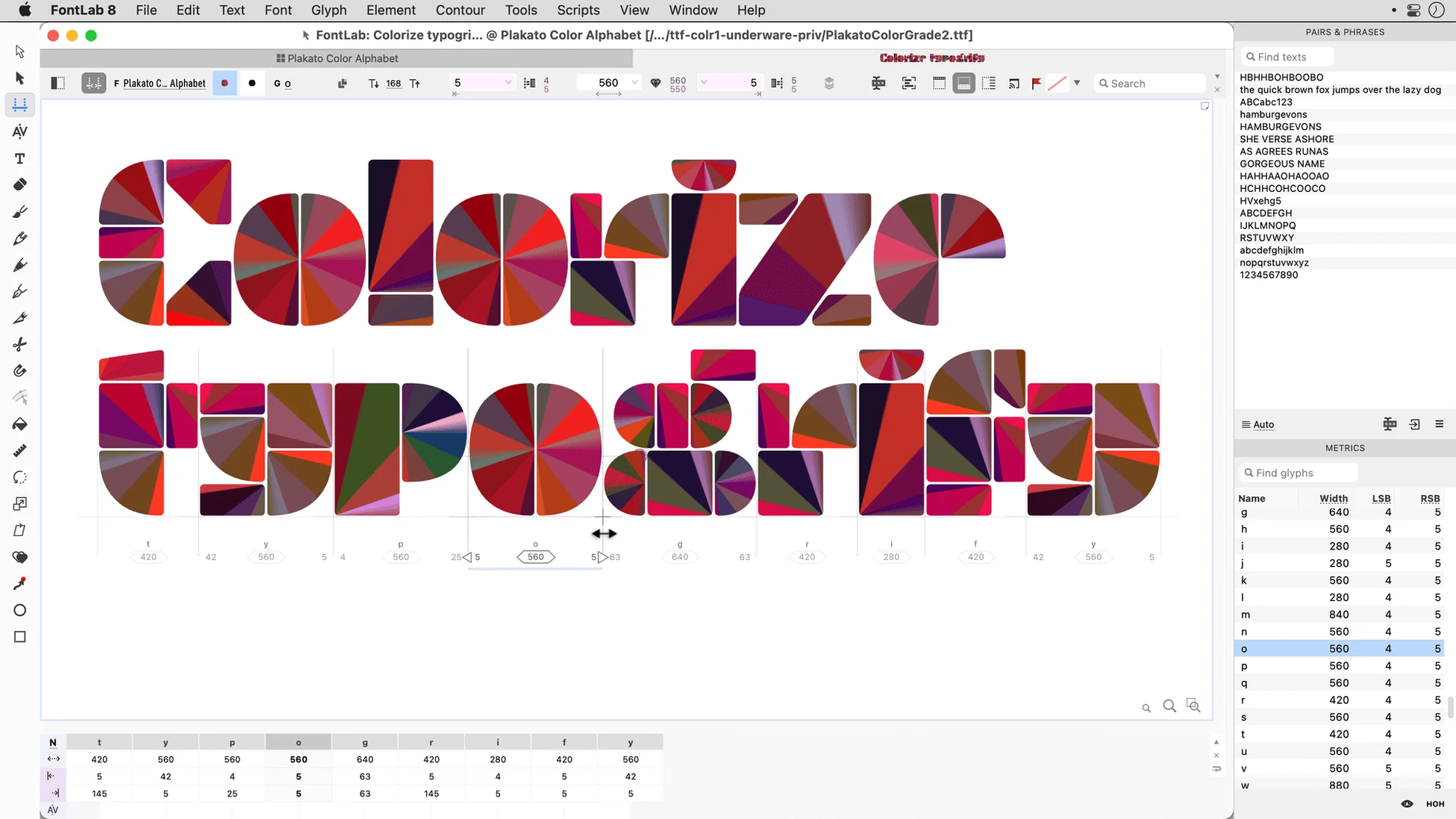
Once the shape exists, set the sidebearings. Grab the right bearing line in the metrics preview and pull it inward until the white space on each side looks roughly equal. Hit the Spacebar to see your glyph in the preview panel. If the rhythm feels off, nudge the bearings again. This one exercise teaches you more about font editing than a week of reading menus.
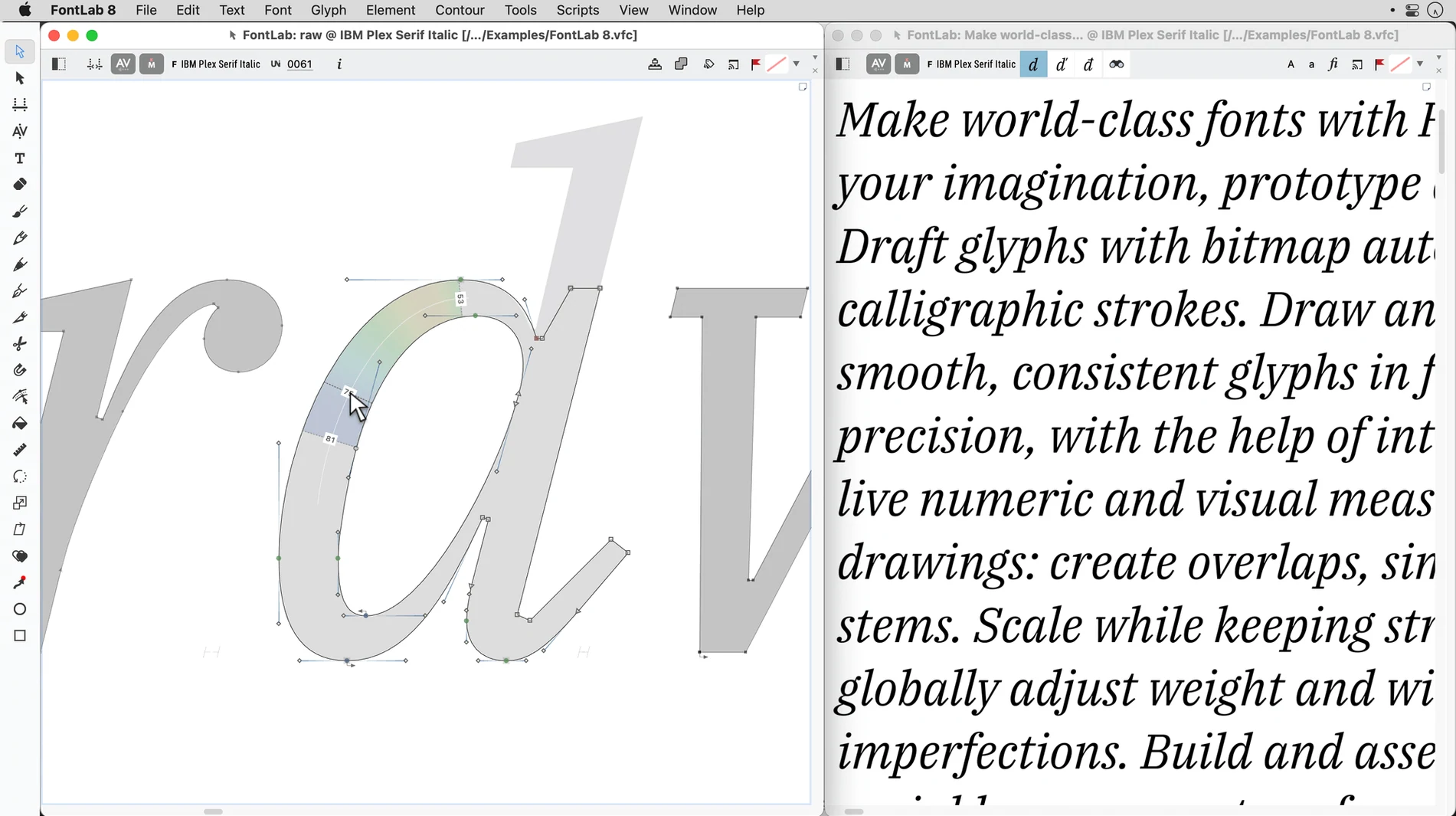
Now turn the 'o' into an 'n'. Duplicate the glyph, delete the inner counter, and draw a stem on the left. Use the vertical metrics guides to keep heights consistent. With just two glyphs, you can type 'noon' in the Preview panel and watch spacing problems reveal themselves. Adjust bearings until the string sits quietly on the line.
Those thirty minutes — draw, space, chain, preview — are the core loop of FontLab. Everything else the app does, from programmable transformations to Arabic shaping, builds on that loop. Master it first.
Double-click the ruler to drop a guide
Some of the best features in FontLab sit just off the main roads. You can miss them for months if nobody points them out.
- Double-click the ruler to add a guide exactly where you click. No menu diving, no dialog box.
- Hold Option while dragging a node to copy the adjacent curve tension. Useful when you have tuned one side of a bowl and want the other side to match without redoing the work.
- Right-click any glyph cell and choose Copy glyph name. Small thing, but if you write OpenType features by hand it saves tedious retyping of uniXXXX names.
- Press F6 to toggle the Preview panel between string mode and waterfall mode. Waterfall shows your glyph at stepped sizes — spotting a thinning hairline at 9 pt is easier when you see it against 8 pt and 10 pt.
- In the Metrics panel, type math directly into the field. Need the right bearing to be half the left bearing? Type
=lsb/2and press Enter. The expression sticks as a formula until you overwrite it.
One more. The Sketchboard — that grey space around the glyph cell — accepts pasted bitmap images. Drop a scan of a printed proof there, set opacity to 40%, and trace directly over it. It is faster than importing through the background layer every time.
Glyphs keeps drawing simpler, FontLab gives more control
FontLab shares shelf space with a few serious font editors. Each has its own centre of gravity.
Glyphs is the Mac-native darling of the type design world. Its UI feels lighter and its drawing tools are simpler, which makes it the smoother on-ramp for someone designing their first retail family. But Glyphs delegates complex TrueType hinting and some OpenType layout work to external tools or manual coding. FontLab keeps that engineering directly inside the app. If you want to build a variable font with hand-tuned delta hints in one place, FontLab is the roomier workshop.
RoboFont is the scriptable workbench. Nearly everything is a Python extension, so a studio with its own pipeline can build exactly the editor it needs. That flexibility costs you a lot of setup time. FontLab ships with hundreds of built-in actions that would require scripts in RoboFont — batch transformation, metrics linking, automatic accent building. It lets you write Python too, but you do not have to write it just to kern a few hundred pairs.
If you came from the older fontlab 7 download or even from FontLab Studio 5, version 8 puts distance between them. The drawing engine is faster, the variable font workflow is properly integrated rather than bolted on, and the UI no longer feels like a Windows app wearing a Mac coat.
Rescuing a text face for motorway gantry signs
A wayfinding designer opens FontLab 8 with a specific problem. She has a client typeface — a humanist sans — that works beautifully at text sizes but collapses at the 200 pt weights used on motorway gantry signs. The inner counters close up under the stroke weight, and the lowercase 'e' turns into a blob.
She opens the Font window, duplicates the master, and pushes the weight axis to the sign-painting extreme. In the glyph window she uses the Knife tool to slice the 'e' counter into two shapes, then pulls the crossbar slightly downward. The Preview panel updates live. She toggles between the text master and the display master with one keystroke.
Thirty glyphs later — the troublesome set: a, e, s, g, and the numerals — she exports a testing .otf and drops it into a mock-up of a junction sign. The counters stay open. She did not touch Illustrator once.
What’s new
Adds roughly 500 improvements over FontLab 8, and about 900 over FontLab 7.
Requirements
- macOS 10.15 through macOS 26 Tahoe
- Intel or Apple Silicon Mac
FAQ
What file formats can I bring into FontLab?
It imports AI, EPS, TIFF, and BMP files, so you can start from scans or vector artwork.
Which writing systems does FontLab 8 handle?
It supports Arabic, Hebrew, and other scripts through editable code pages and full Unicode coverage.
Does FontLab work on Apple Silicon Macs?
Yes, FontLab 8.4 runs natively on both Intel and Apple Silicon Macs from macOS 10.15 onward.
Comments 0
Sign in or create an account to leave a comment.
No comments yet…
If you’ve installed it, say how it went. Mention your Mac and macOS version — it helps the next person more than you’d think.